

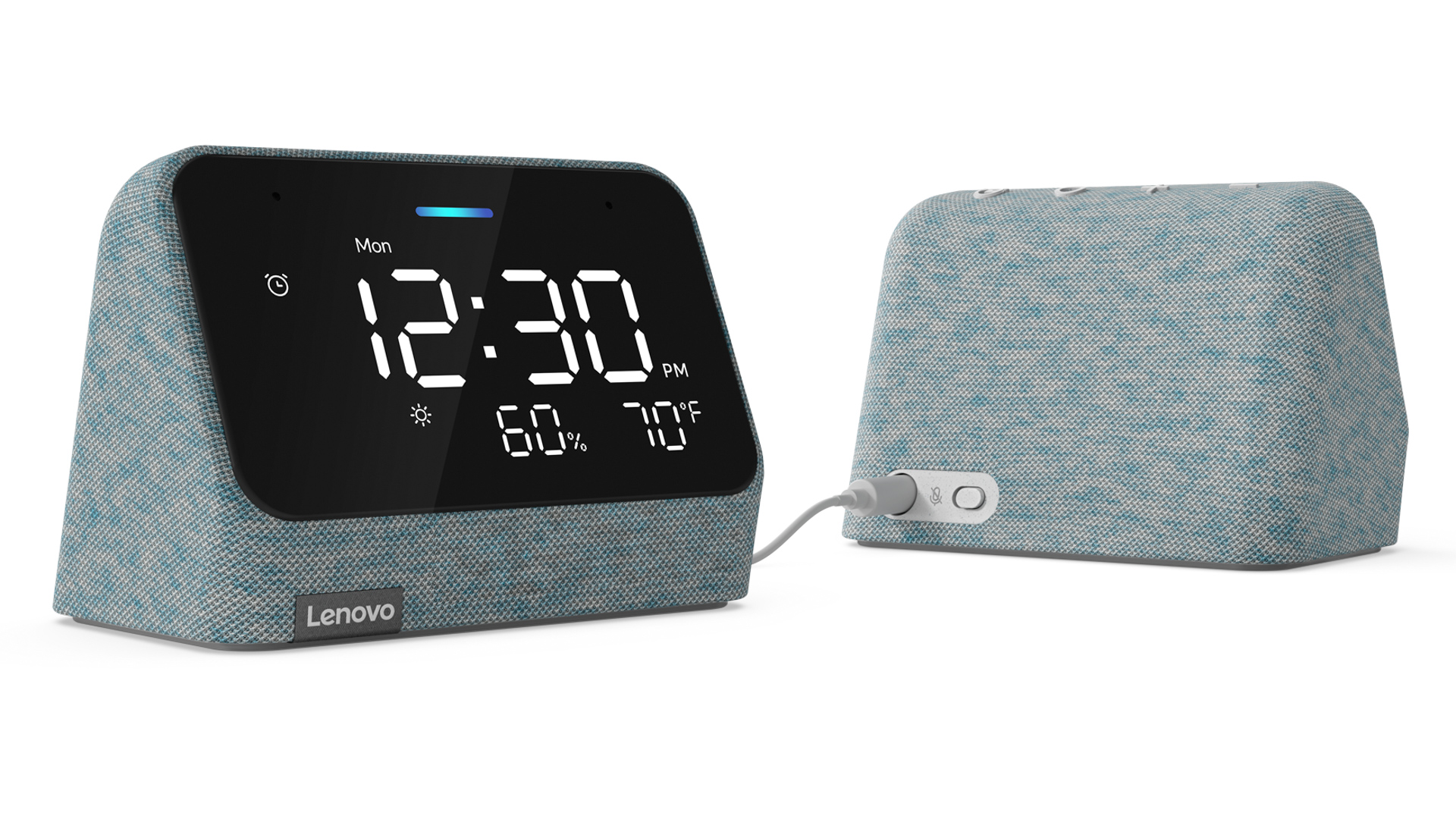
- Lenovo Smart Clock Essential owners report that the weather icon and outdoor temperatures are disappearing from their displays.
- Voice forecasts still work, but factory resets, reboots, and other attempted fixes have produced inconsistent results.
- Reports continue to surface across several countries, but the cause remains unknown.
Lenovo’s little bedside clocks have spent years quietly doing the basics well: waking people up, answering questions, controlling smart-home devices, and showing the weather at a glance. That usefulness has survived Google’s messy transition from Assistant to Gemini, but earlier this year, owners of the standard Smart Clock lost convenient touchscreen controls for their smart lights. And now, some Lenovo Smart Clock Essential users are missing another deceptively useful feature: the weather display.
Affected clocks no longer show the weather icon or outdoor temperature, leaving only the time. Before-and-after photos show the complete time, weather, and temperature readout reduced to just the clock.
