

SammyGuru is reader-supported. We have affiliate and sponsored partnerships, so we may earn a commission when you buy through links on our site, at no extra cost to you. Posts may contain sponsored or affiliate link placements. Learn more.
October 29, 2026 • 2 min read
Add as preferred sourceAdd SammyGuru as a preferred have fresh coverage of what you search for. You still see other sites, and you can change your picks at any time.Follow on Google Discover
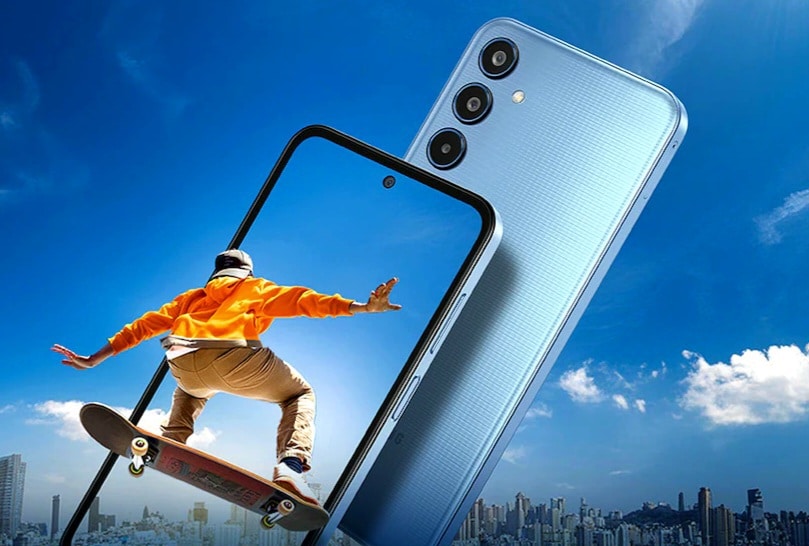
Samsung has been on a roll with One UI 9 updates over the past few days, and more Galaxy devices are now joining the party. The company has started rolling out <a href="https://myappsplus.com/new-galaxy-f54-update-brings-one-ui-9-0-android-17/” title=”New Galaxy F54 update brings One UI 9.0 (Android 17)”>Android 17 to the Galaxy M35 and Galaxy F54, showing that it’s making good progress toward completing the One UI 9 rollout across eligible devices.
Galaxy M35 and F54 grab One UI 9 stable update
Starting with the Galaxy M35, the mid-range phone is now receiving Samsung’s Android 17-based One UI 9 update in India, Nepal, Bangladesh, and Sri Lanka. This follows the rollout to its A-series sibling, the Galaxy A35. The new firmware carries build number M356BXXU9EZJ2.
The Galaxy F54 is also getting Samsung’s latest One UI version. The company has started rolling out the stable update in markets including India, Nepal, and Sri Lanka. The firmware carries build number E546BXXUFGZJ4.
SammyGuru October 2026 Giveaway
Smartwatch of your choice, up to $499
6,989 entries so far.
As for what’s new, One UI 9 is based on Google’s Android 17 and brings several improvements to the Galaxy experience. These include more customization options, enhanced privacy controls, accessibility improvements, and a redesigned Samsung Health experience.
One of the more noticeable changes is the revamped Quick panel, which offers greater flexibility than before. Samsung has also made the brightness and volume sliders thicker and added more customization options.
If you own a Galaxy M35 or Galaxy F54, head to Settings > Software update > Download and install to check for the new update. If it’s available, download and install it, and your phone will restart to apply the changes. Simple!
Everything we know, in one place: we keep Will Your Galaxy Phone or Tablet Get the One UI 9 Update? current as new details are confirmed.
← Previous in Galaxy FSamsung Rolls Out One UI 9 Update to Galaxy M07 and F07Next →Galaxy Z Flip 8 Will Be the Official Phone for Youth Olympic Athletes
