Close Menu
MyAppsPlus

    Subscribe to Updates

    Get the latest creative news from FooBar about art, design and business.

    What's Hot

    The maths bust-up fuelling fears that AI is undermining science

    October 28, 2026

    Microsoft offers voluntary buyout to 60,000 employees

    October 28, 2026

    Windows finally gets a built-in internet speed test tool – how to try it

    October 28, 2026
    Facebook X (Twitter) Instagram
    Facebook X (Twitter) Instagram
    MyAppsPlusMyAppsPlus
    Wednesday, October 28
    • Home
    • Breaking Tech
    • Apps & Software
    • AI & Automation
    • Android
    • iPhone & iOS
    • More
      • Reviews
      • How-To Guides
      • Deals & Discounts
      • Shop
    MyAppsPlus
    Home»Breaking Tech»How To Send High-Quality Images And Videos From Android To iPhone
    Breaking Tech

    How To Send High-Quality Images And Videos From Android To iPhone

    myappsplusBy myappsplusSeptember 6, 2026023 Mins Read
    Share Facebook Twitter Pinterest Copy Link LinkedIn Tumblr Email Telegram WhatsApp
    Follow Us
    Google News Flipboard
    How To Send High-Quality Images And Videos From Android To iPhone
    Share
    Facebook Twitter LinkedIn Pinterest Email Copy Link

    The age of sharing grainy, low-res photos is long behind us.

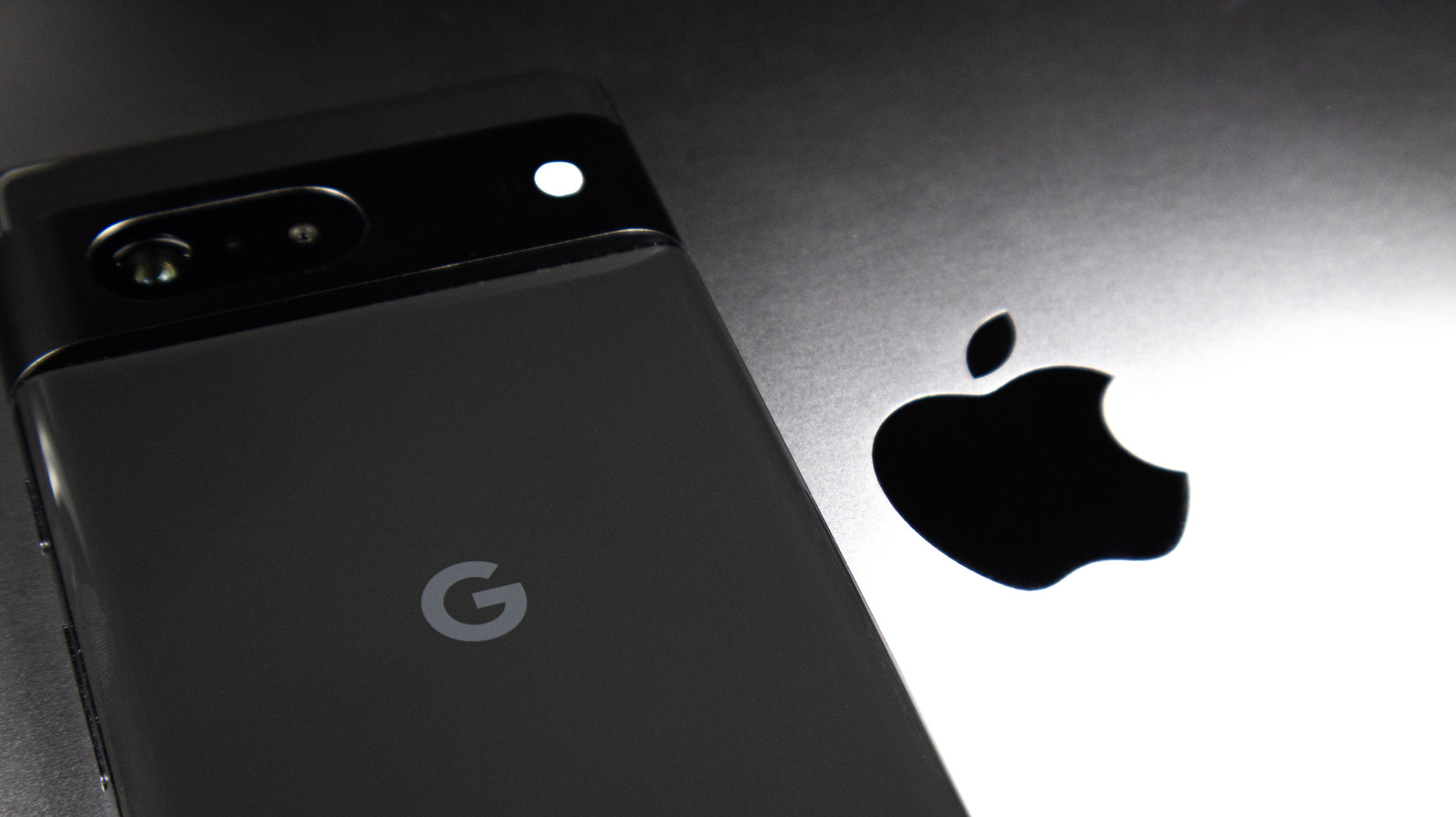
    Having friends or family with different phone brands than your own can lead to all manner of everyday nuisances, from attempts to help navigate unfamiliar settings to coming up short when you need a compatible charger. One such problem can arise when sharing photos and videos across these devices, especially between Android and Apple phones. While sharing media across brands has always been relatively intuitive, preserving quality hasn’t always been so clear-cut.

    For the longest time, sending a photo from an Android device to an iPhone typically took the quality down a few notches. This came down to the different messaging systems — with Apple using Short Message Service (SMS) texting and Android using Rich Communication Services (RCS). Fortunately, alongside embracing Apple Intelligence and deeper customization, iOS 18 ushered in RCS support on iPhone, which not only solved the discrepancy but also allowed iPhone users to access the higher image quality available via RCS.

    How to use RCS to send images from Android to iPhone

    Image of person texting.

    Naturally, if you’re an iPhone user and you want to preserve image quality across the board, you’ll want to make sure RCS is enabled. Fortunately, iOS 18 has RCS turned on by default, and you can easily check if it’s enabled if you want to be sure. Simply go to Settings > Apps > Messages on your iPhone, scroll down to RCS Messaging, and check that it’s toggled green.

    Of course, there’s more that can be done to guarantee quality. If you’re on the Android side of things, Google Messages will still send photos in a compressed form by default; to maintain quality, you’ll want to press the HD or HD+ button before sending. Here, simply make sure your media is set to “HD+ Original Quality” rather than “HD Optimized for Chat” to avoid compression and maintain the original file’s quality.

    Sending videos and larger images between Android and iPhone devices

    Image of AirDrop in use.

    There’s still the question of higher file sizes and videos, both of which can still fall victim to compression, not to mention the RCS attachment size limit of 100MB. There are a couple of options to make use of here, such as email or alternative messaging services, but Google Photos stands out as a simple option if sharing to an iPhone with Google Photos. Users with the Google Photos app, when sharing an image, can select “Send in Google Photos” and share with another user of the app. In that same respect, Google Drive is also a solid option for sharing large files between different brands.

    It’s also worth noting that Android Quick Share now supports AirDrop. This feature is available on Pixel phones from 8a and beyond, as well as a number of Samsung phones (including much of the Galaxy S family). If your Android phone isn’t compatible with AirDrop, though, you can instead tap the “Use QR Code” option in Quick Share (accessible through the same “Share” option when you select the content you wish to share) and have an iPhone user scan that code. While this is more range-limited, it does at least serve as a solid last resort.

    Apple Highquality images Samsung send
    Follow on Google News Follow on Flipboard
    Share. Facebook Twitter Pinterest LinkedIn Tumblr Email Copy Link
    myappsplus
    • Website

    Related Posts

    Windows finally gets a built-in internet speed test tool – how to try it

    October 28, 2026

    Apple Shares tvOS 27.2 Release Notes With List of New Features

    October 28, 2026

    iOS 27.2 brings two new features to Apple’s CarPlay

    October 28, 2026
    Add A Comment
    Leave A Reply Cancel Reply

    Top Posts

    Cathay Pacific tests Google AI that dramatically cuts airplane contrails — tiny altitude shifts slash environmental impact by 40% in early trials

    September 8, 2026137 Views

    Keep running out of mobile data? This new unlimited plan gets you up to 80Mbps 5G speeds for just AU$50/m

    October 8, 202615 Views

    Drone swarm tech valued by both defense and civilian sectors, industry platform says

    September 8, 202615 Views
    Latest Reviews

    OpenAI’s new reasoning technique alarms AI safety experts

    myappsplusSeptember 2, 2026

    Ryan Reynolds’ new Apple TV spy movie is a winner, reviews here

    myappsplusSeptember 2, 2026

    AI is getting closer to being able to exploit OT, and that’s very bad news for critical infrastructure

    myappsplusSeptember 2, 2026
    Stay In Touch
    • Facebook
    • YouTube
    • TikTok
    • WhatsApp
    • Twitter
    • Instagram

    Subscribe to Updates

    Get the latest tech news from FooBar about tech, design and biz.

    Most Popular

    Google will not have to sell AdX business, but it will have to make changes

    September 2, 20260 Views

    Google spared from ad-business breakup, but judge orders changes to how it operates

    September 2, 20260 Views

    These Labor Day Tech Deals Could Make Your Life Easier

    September 2, 20260 Views
    Our Picks

    The maths bust-up fuelling fears that AI is undermining science

    October 28, 2026

    Microsoft offers voluntary buyout to 60,000 employees

    October 28, 2026

    Windows finally gets a built-in internet speed test tool – how to try it

    October 28, 2026

    Subscribe to Updates

    Subscribe to our newsletter and get the latest tech news, app updates, AI trends, smartphone reviews, and exclusive deals delivered straight to your inbox.

    Facebook X (Twitter) Instagram Pinterest
    • About Us
    • Get In Touch
    • Disclaimer
    • Privacy Policy
    • Terms & Conditions
    © 2026 MyAppsPlus. All Rights Reserved.

    Type above and press Enter to search. Press Esc to cancel.