

Switching from Microsoft to Google comes with trade-offs that are easy to miss until the move is underway.
Microsoft’s recent outage has a lot of people wondering about leaving. Outlook, Teams and Microsoft 365 Copilot were disrupted for almost a full day, and Microsoft later traced the problem to a bug that had gone unnoticed in its systems since July. Google Workspace is the obvious place to look next, and Google even publishes guides for people switching over.
But Google’s apps don’t work exactly like Microsoft’s. They mostly live in a browser, they sort email differently and a few tools you may use every day work another way or have no direct equivalent. We went through Google’s own switching guides and help pages to see what changes. Before you move your whole team, it helps to know where the friction is. Here are six downsides worth weighing.
1. Email moves to a browser and folders become labels
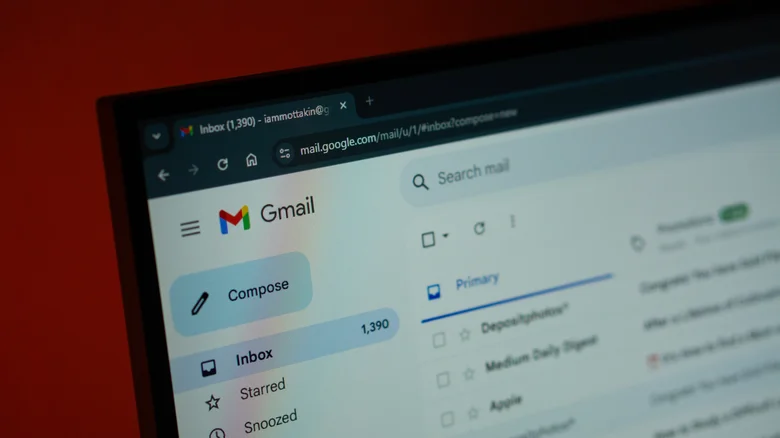
The first thing you’ll notice is where your email lives. Outlook is usually an installed app, while Gmail runs in a web browser, so your inbox becomes a tab. The second thing is how mail is organized. Gmail has no folders. It uses labels and search filters instead, and you can drag a message onto a label much as you’d drag it into a folder. A single message can carry several labels at once, which works well once you get used to it, but it also means a folder tree you spent years building won’t carry over one-to-one.
If you migrate with Google’s tools, your folders and subfolders become labels, and a message that sat in several Outlook folders turns into one message with several labels. A few other habits change too. Outlook rules become Gmail filters, attachments can be saved to Google Drive instead of your computer, and a shared mailbox is replaced by delegation or a collaborative inbox.
2. Excel macros don’t carry over to Sheets
If your team lives in Excel, check for macros before you switch. Google’s help page lists macros as unsupported in Docs, Sheets and Slides, and says you can rebuild them in Google Apps Script instead of VBA. Google also offers a Macro Converter add-on for Excel files with VBA code. It requires a Google Workspace Enterprise Plus or Education Plus account, and Google says some VBA calls won’t convert and items like UserForms may need to be recreated by hand.
Size limits are different too. An Excel worksheet holds up to 1,048,576 rows by 16,384 columns. Google Sheets counts every cell in the file instead, with a cap of 20 million cells or 100MB. A tab with 50 columns of data would reach that cap at 400,000 rows, so very large datasets reach the limit sooner in Sheets.
3. Office files can lose content in Google’s apps
You’ll still receive Office files from clients and coworkers, even if you only use Google’s apps. Google can open Word, Excel and PowerPoint files and save them back as .docx, .xlsx and .pptx, but some content changes along the way. Embedded charts and videos in Word and PowerPoint files turn into images, SmartArt becomes a Google Drawing, and Excel files with linked spreadsheets aren’t supported. You can open password-protected .docx, .pptx and .xlsx files after entering the password, but older binary formats such as .doc don’t get that option.
Protected content is affected too. Cells you locked or hid in an Excel file become viewable and editable in Google Sheets, which is worth knowing if you send out protected workbooks. If your work depends on keeping Office files intact, a free Office alternative may be a better fit than a full move to Google.
4. Offline access takes some setup

Word and Excel run from your computer, so they keep working without a connection. Microsoft says Microsoft 365 apps need to reach the internet at least every 30 days, or they drop into a reduced mode where you can view and print documents but can’t edit them.
Google’s apps run in the browser, so working offline takes some setup. You need Chrome or Edge, you can’t be in private browsing and you have to install and turn on the Google Docs Offline extension while you’re online. Google says some of your most recent files save offline automatically, and you can mark others yourself. Only one account per browser profile can use offline access, and an administrator can switch offline sync off entirely.
5. Teams turns into several Google apps
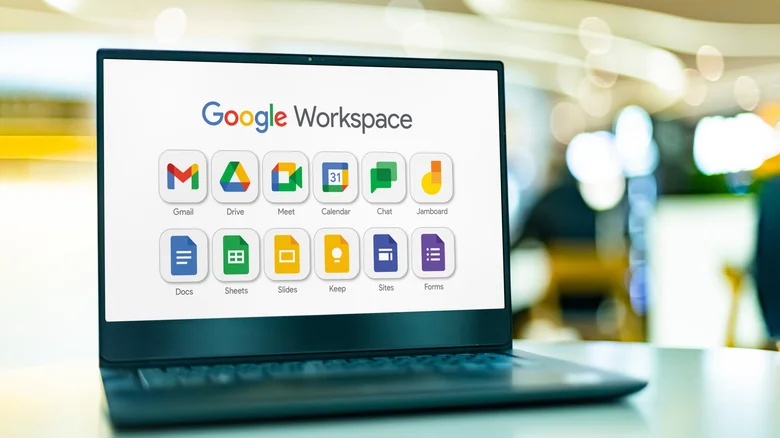
Teams puts chat, meetings and files in one app. Google’s guide for Teams users maps those pieces onto several Workspace apps. Channel conversations become spaces in Google Chat, and direct messages and group chats happen in Chat or Gmail. Video meetings move to Google Meet and scheduling to Google Calendar. Shared team files go in shared drives, wiki pages become Google Sites and the command box search is replaced by Google Cloud Search.
That adds up to several apps where you used to have one, and a couple come with conditions. Shared drives are available only if your organization supports them, and Cloud Search isn’t available on every plan. Chat spaces can include people outside your organization, and you can send a meeting link to outside guests, although someone from your organization may have to let them in.
6. Windows is wired to Microsoft accounts
Several Windows conveniences depend on a Microsoft account, and Windows Backup is the clearest example. It requires a personal Microsoft account (work or school accounts won’t work) and syncs your Desktop, Documents, Pictures, Videos and Music folders to OneDrive. It also saves a list of your installed apps, your Wi-Fi networks and passwords, and settings such as themes and language preferences.
Microsoft says restoring everything on a new PC is just a matter of signing in, and a free account comes with 5GB of OneDrive storage. If you drop Microsoft accounts, you’d need another way to back up and move your files, such as Google Drive.
Work PCs are tied in even more closely. Microsoft added People, Files and Calendar companion apps to employer-managed Windows 11 devices through commercial Microsoft 365 licenses. They will stop working on December 16, though Outlook, Teams, Windows search or OneDrive can do the same jobs.
