

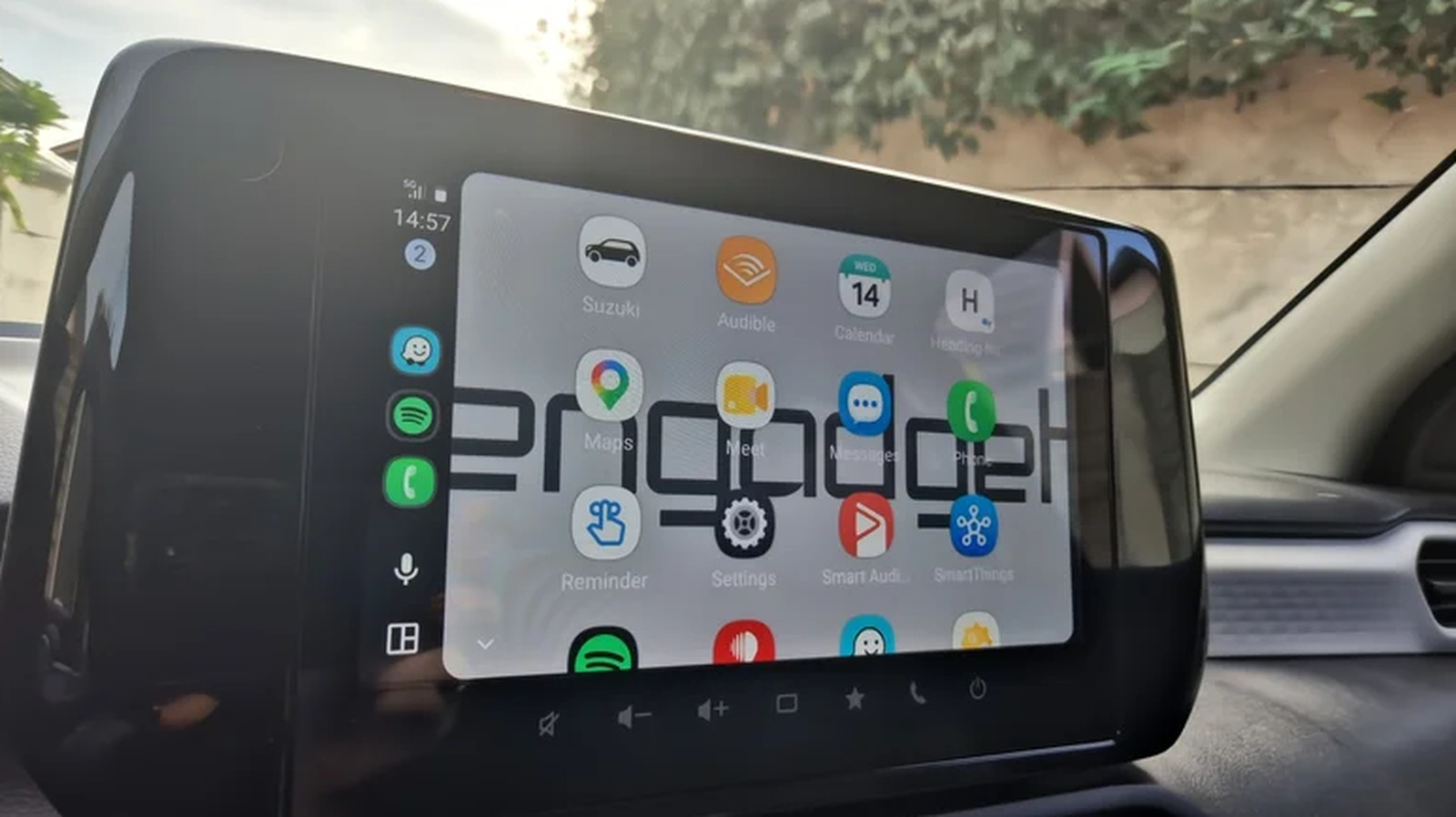
Some of these apps will be familiar, while others you may not have heard of.
Android Auto users typically utilize just a few basic apps like Google Maps for directions and Spotify for music. They don’t dive into the developer menu; they don’t make any serious changes to the way Android Auto works; and they don’t know they could be spending all those minutes waiting for someone in a parking lot playing games directly on the car’s infotainment display. But the platform’s compatible app library runs much deeper, well beyond navigation and streaming.
Android Auto actually supports a surprising range of communication and meeting tools, like WhatsApp and Google Meet, and even a bunch of other apps to help you navigate more efficiently. Each one adds layer after layer of functionality that most users never think to explore. Discovering new apps can genuinely change how you commute while also making it possible to enjoy your drive just a tiny bit more.
Take your work on the road with Google Meet
Android Auto comes with some extra functionality for those in the corporate world, as several popular apps come with Android Auto support for meetings and calls, with Google Meet leading the way. Because Meet is Google’s own app, it fits naturally into the Android Auto experience. You can see your upcoming meetings on the car display and join a call with a single tap, all in audio-only mode so your eyes stay on the road. Whether it’s a short check-in with your manager or a longer team call, Meet makes it easy to keep up with your schedule even if you have to drive around.
Google’s app isn’t the only option, though. Zoom, Webex by Cisco and Microsoft Teams all work on Android Auto, offering users the opportunity to join video conferences with audio only. Some apps take integration a step further. Microsoft Teams, for instance, lets users check their calendar and place calls directly from the car display. Google Meet also displays upcoming meetings on your schedule. These features are particularly useful if you’re often traveling from location to location but still have to participate in meetings along the way. They also help if you have to leave early to pick up the kids from school while a meeting is still on your calendar.
One thing to mention about these apps is that, depending on your employer, restrictions may apply. Certain companies require corporate apps like Google Meet and Microsoft Teams to run inside an isolated Android Work Profile. In such situations, Android Auto may block calendar sync or prevent the app from appearing on the screen. There’s a Work Mode in the works on Android Auto, though, so it may soon be easier to reach all those apps that are locked out by your employer.
Stay fueled up with Fuelio
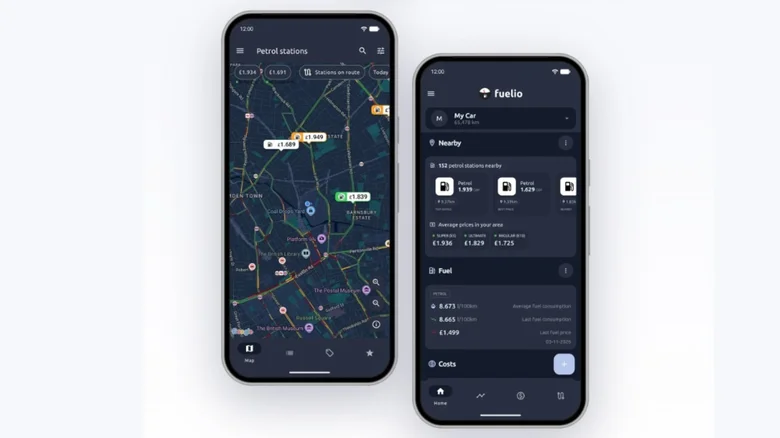
With gas prices being what they are these days, it’s more important than ever to know where to fuel up. Apps like Fuelio can help with that when you’re looking for a place to put gas in your car without breaking the bank. Fuelio tracks fill-ups, odometer readings and fuel prices, then calculates your average fuel economy and cost per mile over time. You can even use various filters to display gas stations that were updated within the past day, or those that are most appreciated by users.
Google Maps and other similar tools can surface the nearest gas stations and even tell you the latest prices, but Fuelio gives more in-depth information regarding fuel type, distance and more. Plus, when you throw in all the other features, it’s a much better fit if you want to know exactly how much your car is costing you. While Fuelio is free to use with Android Auto, there is a premium version available that costs money.
Stay charged up with PlugShare

If you’re driving an EV, then the app you absolutely must use through Android Auto is PlugShare. This free tool (the paid version removes ads) gives you access to a crowd-sourced map that lets you see the nearest charging stations along your route. Its real strength is the community behind it, because drivers leave real-time feedback, uploading photos of the charger layout, reporting broken plugs and checking in after charging. That gives you a clear picture of what to expect before you pull in, so a station that looks fine on paper but has been out of service for days won’t catch you off guard.
There are loads of filters you can play with, letting you choose the exact plug type, charging speed and network. You can also check which amenities are nearby, such as restrooms or a place to grab coffee while you wait. It’s also a great tool for long-distance drives, as it automatically recommends charging stops along the way based on your specific EV model’s range. That goes a long way toward easing the range anxiety that comes with getting an electric car. The one downside is that the data is only as good as its contributors, so stations in less-traveled areas may have fewer recent reports.
Go offline without losing your way with HERE WeGo
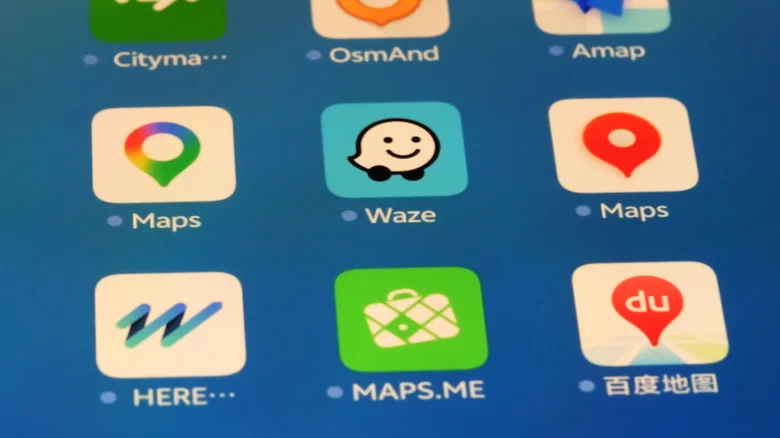
Data can be expensive, especially if you use your phone a ton. When you’re traveling abroad, costs go up by quite a bit, so you should make the most of your home Wi-Fi. Apps like HERE WeGo through Android Auto offer offline navigation, so your data plan isn’t ever a concern. HERE WeGo lets you download maps for entire countries so you always know where you’re going. For some countries, you can download maps for certain areas, such as for Germany where you can grab a map for Berlin and another for Hamburg. In the United States, you can grab maps for entire states, but not separate cities.
There are plenty of features to fiddle with to make this app yours, like choosing which fuel type your car uses, having the metric vs. imperial system displayed the way you prefer and so on. The app will flag parking spots and rest areas along the route, and you can even tell it what types of things to avoid. For instance, Waze lets you avoid ferries and highways, but HERE WeGo can have you avoid tunnels and U-turns too. The app can take things one step further and even use visual references on route, which means it will tell you to make a right at the traffic light or when you reach a certain landmark.
Bonus: Get more out of messaging
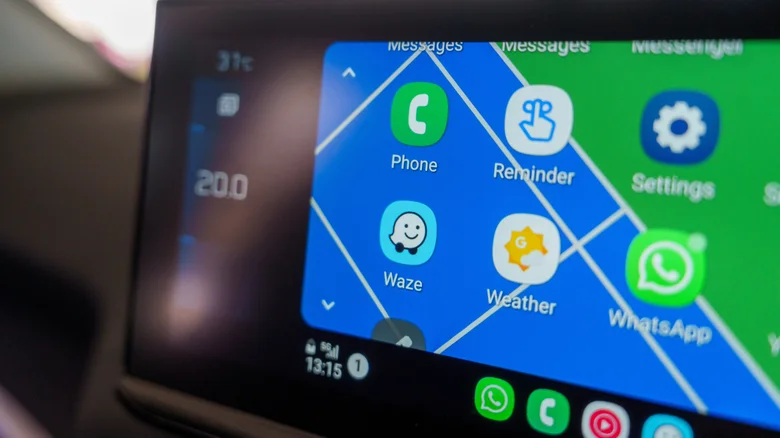
Yes, Android Auto will read out your texts — we all know that. But it can also handle other apps, reading out your messages if you so desire and then letting you use your voice to reply. WhatsApp is the clearest example of this working well, as Android Auto can read your messages aloud. Then, Gemini asks if you want to reply and will type out the words for you. Signal offers similar read-aloud and reply functionality; so do Facebook Messenger, Microsoft Teams and Google Chat, to name a few.
This feature can be super useful when you’re driving as you can stay connected without taking your eyes off the road. The ability to reply to messages will also help you stay on top of any emergencies without having to pull over. However, as with any AI typing tool, you should expect some mistakes here and there.
Adding all these apps is straightforward as you only have to install them from the Google Play Store on your phone. Compatible apps will automatically pop up on your Android Auto launcher. You can go into the Android Auto settings and reorganize the apps if you want to make some more easily accessible. Android Auto’s compatibility list is wider than most people assume, but the best setup prioritizes the tools that you actually use when you’re behind the wheel.
