

SamMobile has affiliate and sponsored partnerships, we may earn a commission.
Your Galaxy phone’s duplicate apps could be more useful than you think
You could use one for work and the other for personal things, or simply keep a particular activity separate from everything else.
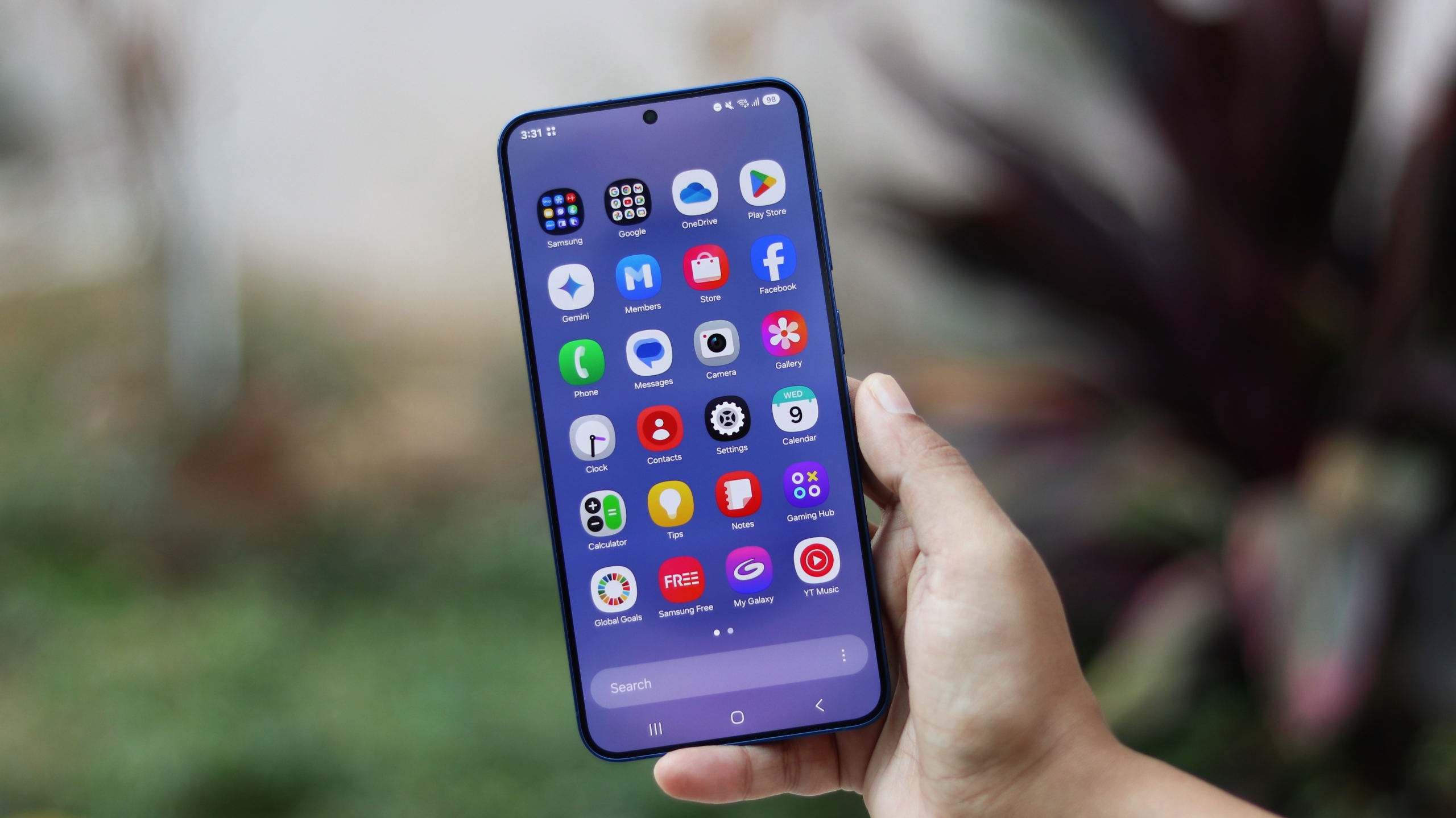
Galaxy phones come with various preloaded apps from both Samsung and Google. Many have complained about these apps over the years, calling them bloatware.
There’s a good chance you have a Samsung or Google app on your phone that you never open because you already use the other company’s version. Maybe you browse the web using Chrome while Samsung Browser sits untouched, or you prefer Google Calendar and only ever open Samsung Calendar by accident.
That’s understandable. Most of us find an app we’re comfortable with and stick with it. But it can actually be useful to give that “duplicate” or “bloatware” app a different job instead of uninstalling or ignoring it.
You could use one for work and the other for personal things, or simply keep a particular activity separate from everything else. Here are a few examples of how that can work.
Give each browser its own accounts and tabs
Browsers are probably the easiest place to start. You could use Chrome for work websites and Samsung Browser for shopping, entertainment, and other personal browsing, or the other way around.
This is especially handy if you use the same website with different accounts. Keep your work account signed in through one browser and your personal account signed in through the other. You can open the one you need without signing out or checking which account is active every time.
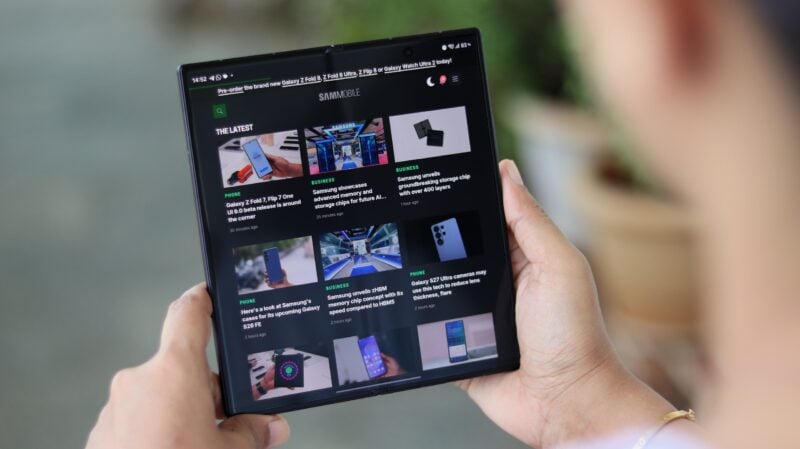
Your tabs stay separate, too. If you’re researching something for work, those pages can remain open in one browser while you look up a recipe or browse for something to buy in the other.
Another option is to use one browser for all your everyday browsing and the other for planning a trip. Keep hotel listings, flight searches, and pages about places you want to visit open in the second browser. Whenever you find time for planning, those tabs will be waiting together instead of being mixed in with everything else.
Keep whichever browser you use most as the default, then open the second whenever you want to continue a particular activity.
Open one calendar for work and another for personal plans
The same approach can work for your schedule. Google Calendar could be where you check meetings and work deadlines, while Samsung Calendar handles doctor appointments, birthdays, family plans, and everything else in your personal life.
The account you use doesn’t have to match the company that makes the app. You can use a personal Google account in Samsung Calendar while keeping your work account as the primary one you use in Google’s app.
Samsung Calendar lets you turn the calendars associated with individual accounts on or off. Set it up to display your personal calendars, and keep Google Calendar focused on your work schedule.
Then, when you’re trying to find, say, a free evening for dinner with friends, you know which app to open. When a colleague asks about your availability for a meeting, you open the other.
Both apps can handle multiple accounts, of course. But having each one ready for the account you use it for can be quite convenient. Just be sure to check which calendar you’re saving to when adding a new event.
Use a different app for your work inbox
You can do something similar with Gmail and Samsung Email. Keep your personal inbox in Gmail and use Samsung Email for your work address, or reverse that setup if you prefer.
For example, you might want to check a delivery update over the weekend without opening the work inbox you were using during the weekday. Having a separate app for personal mail takes you straight to the messages you’re looking for.
This also works if both addresses are Gmail addresses, since Samsung Email supports Google accounts alongside other email providers. You can also give the two apps different notification sounds to make incoming messages easier to recognize, or silence the work app when you want some time away from it.
You can download Samsung Email from the Play Store or the Galaxy Store.
Keep everyday lists separate from your notebooks
Samsung Notes and Google Keep are another useful pairing. You could use Samsung Notes for meeting notes, study material, longer writing, sketches and doodles, and PDFs you want to annotate, while Keep becomes the go-to for quick notes and everyday lists.

A shared grocery list is a good example. Put it in Keep, add your partner as a collaborator, and you can both add items and check them off as you shop. That list stays easy to find without sitting among pages of meeting notes or documents.
Or use Samsung Notes as a personal journal and Keep for things you quickly jot down during the day, like movies you want to watch or an idea for a birthday gift. If Keep isn’t installed, you can get it from the Play Store.
That second app doesn’t have to replace your favorite. But if it saves you from switching accounts every time you check your schedule or keeps your work tabs out of your personal browsing, you have a good reason to keep it on your phone instead of dismissing it as bloatware.
