

Add preferred source1
Android’s built-in storage tools can free several gigabytes without deleting apps or photos, starting with per-app cache clearing under Settings. Galaxy phones on One UI 9 can offload synced images to Google’s cloud, and Samsung’s hidden pre-edit backups can be removed while keeping edited versions. Separately, wireless Android Auto can drain up to 16 percent of battery per hour; switching to LTE, disabling 3D buildings in Maps, and using a wired connection or vent mount reduce both drain and heat.
Key Elements
Android users running low on storage often reach for a cleaner app or start deleting photos. Both steps may be unnecessary. The storage tools built into the operating system can free up several gigabytes by clearing temporary files and shifting originals to the cloud, while leaving the apps and pictures people actually want untouched.
The first place to look is the per-app breakdown under Settings, then Storage, then Apps. That screen ranks every installed app by the space it occupies, making the biggest offenders easy to spot. In one case, a music streaming app accounted for 5.92GB on a Moto G14, with a second app close behind at 5.40GB.
Deleting a heavily used app is rarely the right answer. Tapping into an individual app’s entry reveals how much of that total is cache, the temporary data an app stores to load content faster. Cache builds up over months of use and can be cleared with a single tap. The app itself, along with saved logins and downloads, stays in place.
That step alone can free enough room for new photos, video, or the next operating system and security update.
Galaxy phones running One UI 9 offer a feature called “Free up space on this device,” which moves photos off the handset after they have been synced to the cloud. Samsung has offered similar tools through OneDrive for some time, so the concept is not new. What changed is the partner: the Galaxy Gallery app now syncs with Google’s storage instead.
To use it, open Gallery, tap the cloud icon, or enable “Sync photos and videos” in Gallery settings. Once syncing finishes, selecting “Free up space on this device” removes the local copies.
The feature works only on supported Galaxy devices, and the synced images count against the user’s Google account storage quota. There is also a trap worth flagging: deleting a synced photo directly from Gallery removes it from Google’s storage and from every other linked Galaxy device. Anyone who wants to clear only the phone’s copy must use the dedicated free-up-space option rather than the delete button.
Edited photos leave hidden originals
Users who crop or filter images before sharing may be sitting on a second, invisible library. Samsung phones keep pre-edit backups of modified photos, and these files do not appear in Gallery as separate images, so their existence is easy to miss.
They can be found under Settings, then Device Care, then Storage, by locating “Backups before editing” and tapping to review the files. On some Galaxy models the same folder is reachable through “More,” then “Other files.” Removing them preserves the edited versions while reclaiming the space held by the originals.
None of this requires installing a third-party cleaner. The trade-off is time spent hunting through settings menus, which is modest next to the risk of deleting something that cannot be recovered.
A separate drain: wireless Android Auto
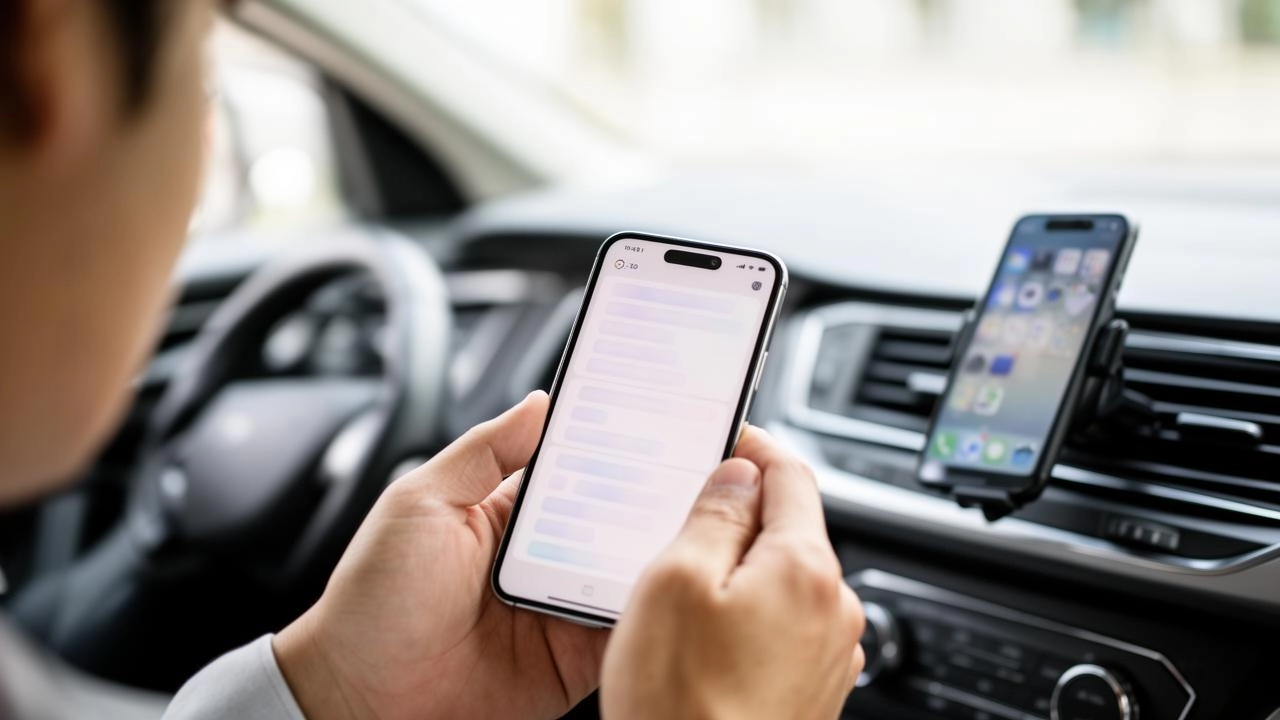
Storage is not the only resource Android phones burn through. Wireless Android Auto can consume as much as 16 percent of a battery in an hour with navigation, music, and connectivity all running. The system keeps Bluetooth and Wi-Fi active for the entire drive, and the combination of navigation, charging, and sunlight can push a phone’s temperature high enough that it throttles charging or processor speed to protect the battery.
Google has said heat management was a principal reason it limited the Pixel 10 and Pixel 10 Pro to 15W wireless charging. Several adjustments reduce the load:
| Setting | Where to find it | Effect |
|---|---|---|
| Network mode: LTE preferred | Settings > Connections > Mobile networks | Avoids simultaneous 5G and LTE connections, the single biggest battery saving |
| 3D buildings off | Google Maps on the car screen > Settings | Cuts rendering load and heat |
| Offline maps | Maps profile picture > Offline maps > Select your own map | Reduces mobile data use on predictable routes |
| Wi-Fi and Bluetooth scanning off | Settings > Location > Location services | Removes a background location job |
| Wired connection | Android Auto developer settings | Charges more efficiently and runs cooler than wireless |
Note: Google removed the wireless Android Auto toggle from the app’s standard settings in version 8.7, but it remains available in the hidden developer menu.
A vent mount with cold air blowing on the phone beats a dashboard cradle in direct sun, and a USB cable generally keeps a handset cooler than a wireless charging pad. Some car USB ports deliver too little power to stop the battery from draining, depending on the automaker’s specifications. Offline maps cannot reroute around live traffic, so they suit long, familiar highway drives rather than unfamiliar city routes.
The practical takeaway is that Android’s built-in tools cover most of what paid cleaner apps promise, and they do it without touching personal data. For drivers, the settings changes cost nothing and address a drain that compounds over long commutes. Neither fix requires new hardware, though a cable and a vent clip remain the cheapest remedies for a phone that runs hot behind the windshield.
Once added, BigGo Finance appears first in Google Search Top Stories, so you get the broadest, most up-to-the-minute, and most comprehensive global financial news first.
