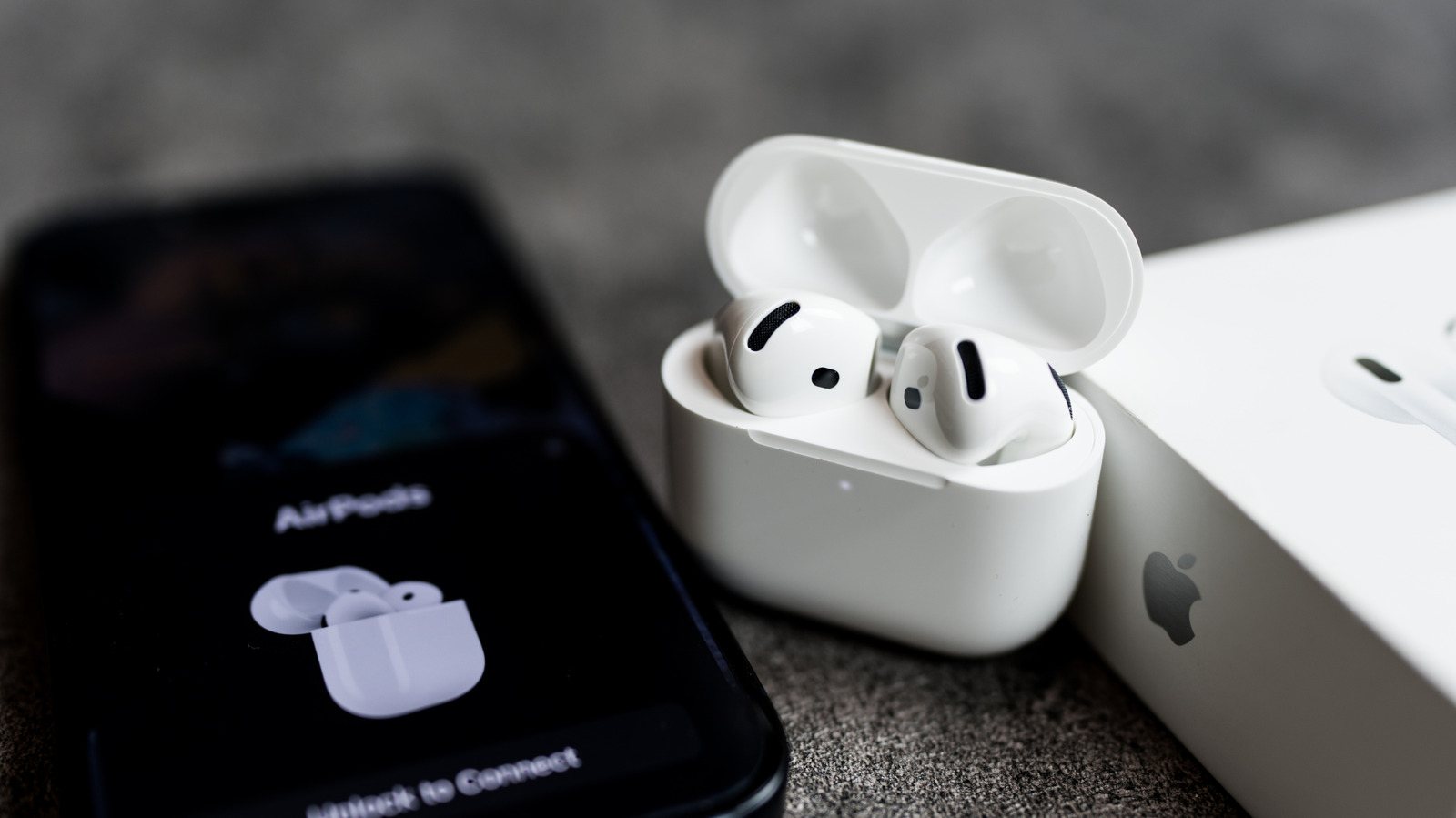
Close Menu
MyAppsPlus

    Subscribe to Updates

    Get the latest creative news from FooBar about art, design and business.

    What's Hot

    Meta launches Style Sketch AI fashion app

    October 31, 2026

    3 underrated movies you can watch for free this weekend (Oct 31- Nov 1)

    October 31, 2026

    Invisible “SMS of Death” traps Android phone in reboot loop until factory reset

    October 31, 2026
    Facebook X (Twitter) Instagram
    Facebook X (Twitter) Instagram
    MyAppsPlusMyAppsPlus
    Saturday, October 31
    • Home
    • Breaking Tech
    • Apps & Software
    • AI & Automation
    • Android
    • iPhone & iOS
    • More
      • Reviews
      • How-To Guides
      • Deals & Discounts
      • Shop
    MyAppsPlus
    Home»Breaking Tech»Why your Apple AirPods won’t connect to your iPhone and how can you fix it
    Breaking Tech

    Why your Apple AirPods won’t connect to your iPhone and how can you fix it

    myappsplusBy myappsplusOctober 31, 2026004 Mins Read
    Share Facebook Twitter Pinterest Copy Link LinkedIn Tumblr Email Telegram WhatsApp
    Follow Us
    Google News Flipboard
    Why your Apple AirPods won’t connect to your iPhone and how can you fix it
    Share
    Facebook Twitter LinkedIn Pinterest Email Copy Link

    Most connection problems come down to a few settings.

    Apple AirPods are usually very easy to pair with an iPhone, especially with features like quick pairing and auto-switch. However, it’s not uncommon to run into some issues — your AirPods might not play any sound or might not connect at all. The good news is that connection and pairing issues often just require you to change a few settings and try again. 

    In this guide, we’ll walk you through the most common reasons your AirPods won’t connect, such as when only one AirPod is working, from a drained battery to outdated software to automatic switching errors. We’ll also cover how to reset your AirPods if these steps don’t work and when it makes sense to contact Apple Support. Most of these fixes are quick, so you’ll be able to get back to listening to your tunes and podcasts before you know it.

    The main reasons your AirPods won’t connect to your iPhone
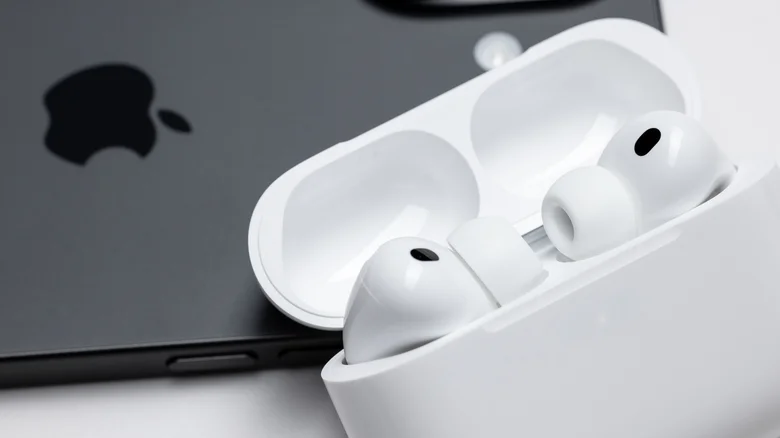
    An iPhone next to AirPods with the charging case lid open.

    AirPods can fail to connect to your iPhone for many reasons, but one of the main culprits is the battery. If the battery in the earbuds or the case is completely drained, the AirPods simply won’t show up on your iPhone — not even to warn you about a low battery. 

    Put the earbuds in the charging case and plug it in for a few minutes to see if any lights come on and if they reconnect to your iPhone. Dirt and earwax on the charging contacts can also prevent AirPods from charging, even when they’re in the case. If they still don’t work, try cleaning your AirPods and the case with a soft cotton swab.

    AirPods signed in to your Apple Account can also automatically switch between your iPhone, iPad and Mac depending on which device is playing audio. While this feature is quite convenient, your AirPods can end up connecting to the wrong device. Even a simple email notification on your Mac can cause your AirPods to switch to that device; hitting the play button on your iPhone usually brings them back. 

    AirPods also get firmware updates with new features and bug fixes, so outdated firmware or an older version of iOS may cause connection issues. To check if your AirPods and iPhone are running the latest software, go to Settings > General > Software Update. 

    Next, look for your AirPods in the AirPods menu in the Settings app, then scroll down until you find Version. Check this Apple webpage to see if the firmware on your AirPods matches what Apple says is the latest available. If not, plug your AirPods into the charger and wait about 30 minutes for them to update on their own.

    How to fix AirPods that won’t connect
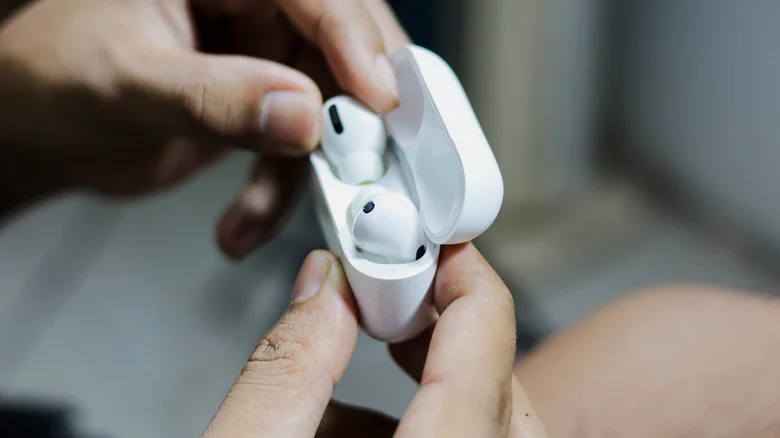
    Two hands holding the AirPods charging case.

    AirPods won’t work if Bluetooth is turned off. Open the Settings app and look for Bluetooth, then turn on the toggle. Next, put your AirPods in your ears and see if they show up in the Bluetooth list. Tap them to connect, and look for your AirPods in the audio output list in Control Center — they’re listed under the AirPlay button in the media controls.

    If they don’t show up with Bluetooth on, try resetting and re-pairing your AirPods. Place both earbuds inside the case, open the lid and enter pairing mode. For AirPods 4, AirPods 5 and AirPods Pro 3, double-tap the front of the case until a white light turns on. Double-tap again when it flashes white and a third time when it starts flashing faster. For older models, press and hold the button on the back of the case for about 15 seconds. For AirPods Max, press and hold the Digital Crown and the ANC button at the same time, also for 15 seconds. If you did it right, your iPhone will show you the instructions to finish pairing.

    If none of this works, the problem may be a hardware failure. In that case, your best option is to contact Apple Support to request a replacement. Replacement may be free if your AirPods are still under the one-year warranty or if you have an AppleCare+ plan.

    AirPods Apple connect wont Your
    Follow on Google News Follow on Flipboard
    Share. Facebook Twitter Pinterest LinkedIn Tumblr Email Copy Link
    myappsplus
    • Website

    Related Posts

    How Founder Summit helps you make more useful connections to scale

    October 31, 2026

    How to use Claude Duet when it rolls out to you

    October 31, 2026

    Xbox manager says AI is already being used in game development

    October 31, 2026
    Add A Comment
    Leave A Reply Cancel Reply

    Top Posts

    Cathay Pacific tests Google AI that dramatically cuts airplane contrails — tiny altitude shifts slash environmental impact by 40% in early trials

    September 8, 2026137 Views

    What was the PSX? The souped-up PS2 rarely sold outside of Japan

    September 14, 202616 Views

    Keep running out of mobile data? This new unlimited plan gets you up to 80Mbps 5G speeds for just AU$50/m

    October 8, 202615 Views
    Latest Reviews

    Google’s latest AI weather model gives you no excuse to forget your umbrella

    myappsplusSeptember 3, 2026

    Beyerdynamic is back with affordable Aventho Y wireless headphones — and the 90-hour stamina alone can be my ‘why’

    myappsplusSeptember 3, 2026

    Amazon drops the Razer Huntsman V3 Pro TKL back to its all-time low at $124.99

    myappsplusSeptember 3, 2026
    Stay In Touch
    • Facebook
    • YouTube
    • TikTok
    • WhatsApp
    • Twitter
    • Instagram

    Subscribe to Updates

    Get the latest tech news from FooBar about tech, design and biz.

    Most Popular

    Beyerdynamic is back with affordable Aventho Y wireless headphones — and the 90-hour stamina alone can be my ‘why’

    September 3, 20260 Views

    Amazon drops the Razer Huntsman V3 Pro TKL back to its all-time low at $124.99

    September 3, 20260 Views

    Everything announced during the PlayStation State of Play double header

    September 3, 20260 Views
    Our Picks

    Meta launches Style Sketch AI fashion app

    October 31, 2026

    3 underrated movies you can watch for free this weekend (Oct 31- Nov 1)

    October 31, 2026

    Invisible “SMS of Death” traps Android phone in reboot loop until factory reset

    October 31, 2026

    Subscribe to Updates

    Subscribe to our newsletter and get the latest tech news, app updates, AI trends, smartphone reviews, and exclusive deals delivered straight to your inbox.

    Facebook X (Twitter) Instagram Pinterest
    • About Us
    • Get In Touch
    • Disclaimer
    • Privacy Policy
    • Terms & Conditions
    © 2026 MyAppsPlus. All Rights Reserved.

    Type above and press Enter to search. Press Esc to cancel.