Close Menu
MyAppsPlus

    Subscribe to Updates

    Get the latest creative news from FooBar about art, design and business.

    What's Hot

    Successes, failures, and fun along the way [Video]

    October 4, 2026

    Redesigned MacBook Pro with OLED to feature ‘significantly lighter’ design: report

    October 4, 2026

    How getting rid of some USB gadgets can improve your bad Wi-Fi

    October 4, 2026
    Facebook X (Twitter) Instagram
    Facebook X (Twitter) Instagram
    MyAppsPlusMyAppsPlus
    Sunday, October 4
    • Home
    • Breaking Tech
    • Apps & Software
    • AI & Automation
    • Android
    • iPhone & iOS
    • More
      • Reviews
      • How-To Guides
      • Deals & Discounts
      • Shop
    MyAppsPlus
    Home»Breaking Tech»Why you shouldn’t sync your phone to a rental car
    Breaking Tech

    Why you shouldn’t sync your phone to a rental car

    myappsplusBy myappsplusOctober 4, 2026003 Mins Read
    Share Facebook Twitter Pinterest Copy Link LinkedIn Tumblr Email Telegram WhatsApp
    Follow Us
    Google News Flipboard
    Why you shouldn’t sync your phone to a rental car
    Share
    Facebook Twitter LinkedIn Pinterest Email Copy Link

    Unless you pay attention, your contacts could end up forever stored in the car.

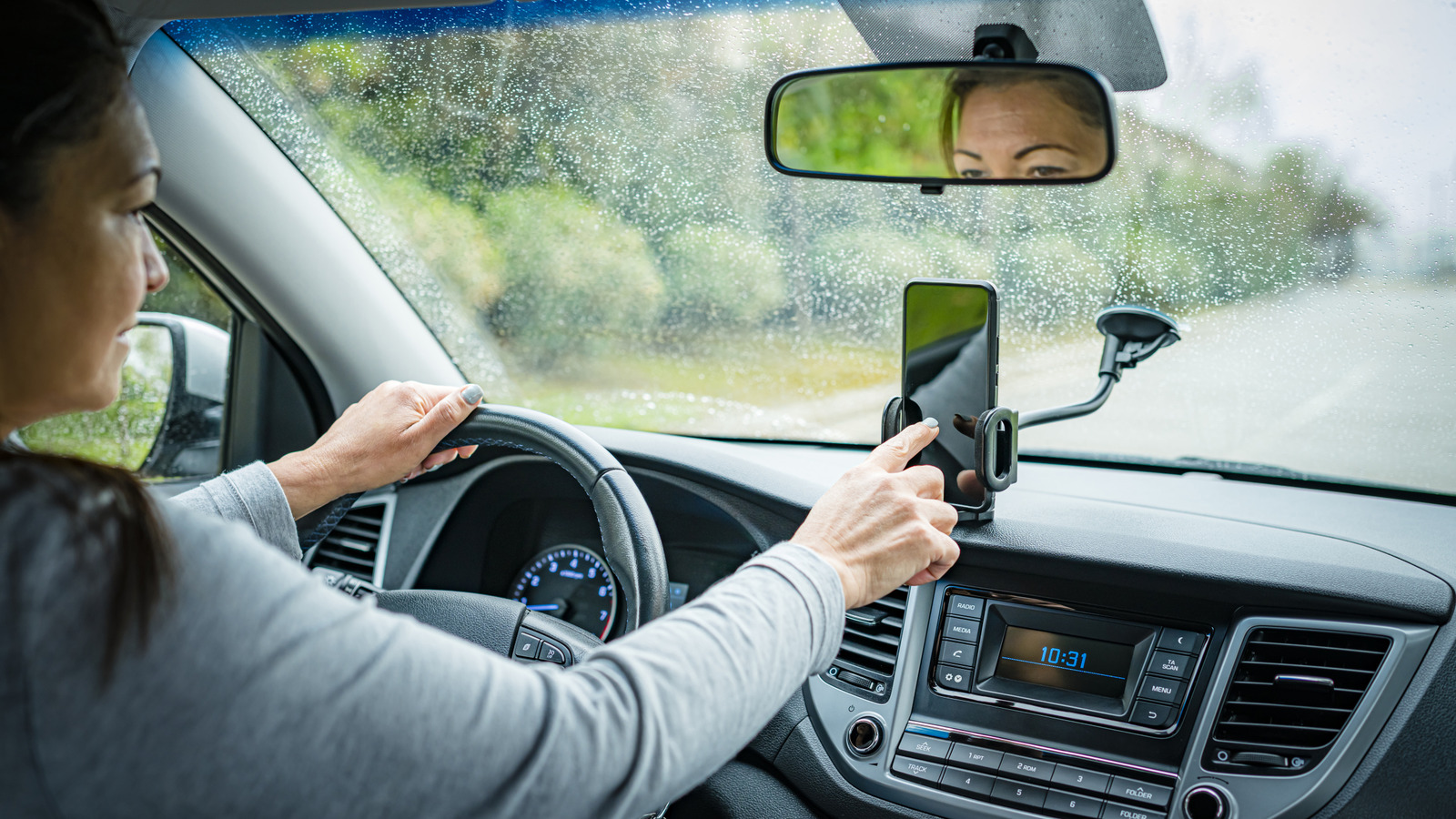
    When renting a car in a new city, you’re likely to sync your phone to its system to navigate around or play some tunes. But is connecting to car Bluetooth actually safe? Experts say this innocent move could cost you your privacy when the vehicle is returned.

    That’s because linking your device may expose a variety of information to the next driver, including your name, stored contact information, and log-ins for music-streaming accounts. Phone and account names can reveal more than you might think: In 2015, a Baltimore man was able to track down the teens who stole his car via one of their phones, which had a name matching a public Instagram handle. Of all the data visible to a rental car, perhaps most sensitive is GPS and navigation history, which can give the next driver insight into where you were staying, or where you may work. There are ways to safely connect, but you have to be intentional before blasting your favorite tunes over the car system.

    Is it safe to connect a phone to a rental car?

    Whether you should pair your phone with a rental car depends on how you do so, and what you do after. Bluetooth is more risky, while using the USB allows you to connect to Apple CarPlay or Android Auto – both of which are encrypted, which means data transmitted between your device and the vehicle is protected from outside access. Typically car entertainment systems do not access your phone by default; instead, when connecting via Bluetooth you will see a pop-up on the vehicle or phone screen asking if you’d like to sync all contacts. By selecting “no” you can use the phone for music and navigation without sharing unnecessary information.

    Most rental car privacy policies explicitly state that customers are responsible for any data transmitted when using the vehicle. Avis, for example, states that connected vehicles may automatically transmit data to the manufacturer, and that drivers who choose to sync devices to the system should be aware that data can be stored in the infotainment center indefinitely by default.

    “Please always unpair your device and ensure that you take the necessary steps to remove your information from the system when you return the car at the end of your rental period,” the Avis policy says. “We are not responsible for any data that is left in the vehicle as a result of your use.”

    How to safely return your car

    Before returning a rental car, your first step for more safety is to disconnect from the car completely in your phone’s Bluetooth settings, and remove the vehicle from paired devices. Then, go directly into the navigation system and delete your phone from its history, the Federal Communications Commission suggests in its Consumer Guide on security for Bluetooth connections. If you used the in-car navigation without connecting your phone, you should go into the system to delete any history, including saved addresses.

    For a more thorough option, many cars offer a factory reset process that will completely wipe away any trace of your time driving that can be found by looking at the vehicle manual. Of course, if you want to be extremely safe you can avoid connecting to the car at all and just navigate from your phone – you won’t get to DJ while you drive, but your data will remain untouched.

    EVs and Transportation phone shouldnt Sync Your
    Follow on Google News Follow on Flipboard
    Share. Facebook Twitter Pinterest LinkedIn Tumblr Email Copy Link
    myappsplus
    • Website

    Related Posts

    How getting rid of some USB gadgets can improve your bad Wi-Fi

    October 4, 2026

    What is infill in 3D printing and is it necessary?

    October 4, 2026

    Customizing your Samsung Galaxy phone is a bit easier with One UI 9

    October 4, 2026
    Add A Comment
    Leave A Reply Cancel Reply

    Top Posts

    Can reviews settle disputes that marked first two seasons?

    September 21, 20268 Views

    Experts call for leveraging AI, breaking key tech bottlenecks to propel advanced manufacturing

    September 19, 20266 Views

    Here’s what happens to your old computer parts you donate to Goodwill

    September 28, 20264 Views
    Latest Reviews

    SpaceX is building a $100 billion ‘Starbase’ launch site in Louisiana

    myappsplusAugust 26, 2026

    ‘If we stuck with the silent protagonist method, we wouldn’t be able to tell this story properly’ — Metro 2039 executive producer says making The Stranger a speaking protagonist ‘goes hand in hand with telling a personal story’

    myappsplusAugust 26, 2026

    Bill Gates says we’ve passed AI’s danger thresholds. Now what?

    myappsplusAugust 26, 2026
    Stay In Touch
    • Facebook
    • YouTube
    • TikTok
    • WhatsApp
    • Twitter
    • Instagram

    Subscribe to Updates

    Get the latest tech news from FooBar about tech, design and biz.

    Most Popular

    ‘If we stuck with the silent protagonist method, we wouldn’t be able to tell this story properly’ — Metro 2039 executive producer says making The Stranger a speaking protagonist ‘goes hand in hand with telling a personal story’

    August 26, 20260 Views

    Bill Gates says we’ve passed AI’s danger thresholds. Now what?

    August 26, 20260 Views

    AI gold rush draws crypto firms away from Bitcoin

    August 26, 20260 Views
    Our Picks

    Successes, failures, and fun along the way [Video]

    October 4, 2026

    Redesigned MacBook Pro with OLED to feature ‘significantly lighter’ design: report

    October 4, 2026

    How getting rid of some USB gadgets can improve your bad Wi-Fi

    October 4, 2026

    Subscribe to Updates

    Subscribe to our newsletter and get the latest tech news, app updates, AI trends, smartphone reviews, and exclusive deals delivered straight to your inbox.

    Facebook X (Twitter) Instagram Pinterest
    • About Us
    • Get In Touch
    • Disclaimer
    • Privacy Policy
    • Terms & Conditions
    © 2026 MyAppsPlus. All Rights Reserved.

    Type above and press Enter to search. Press Esc to cancel.