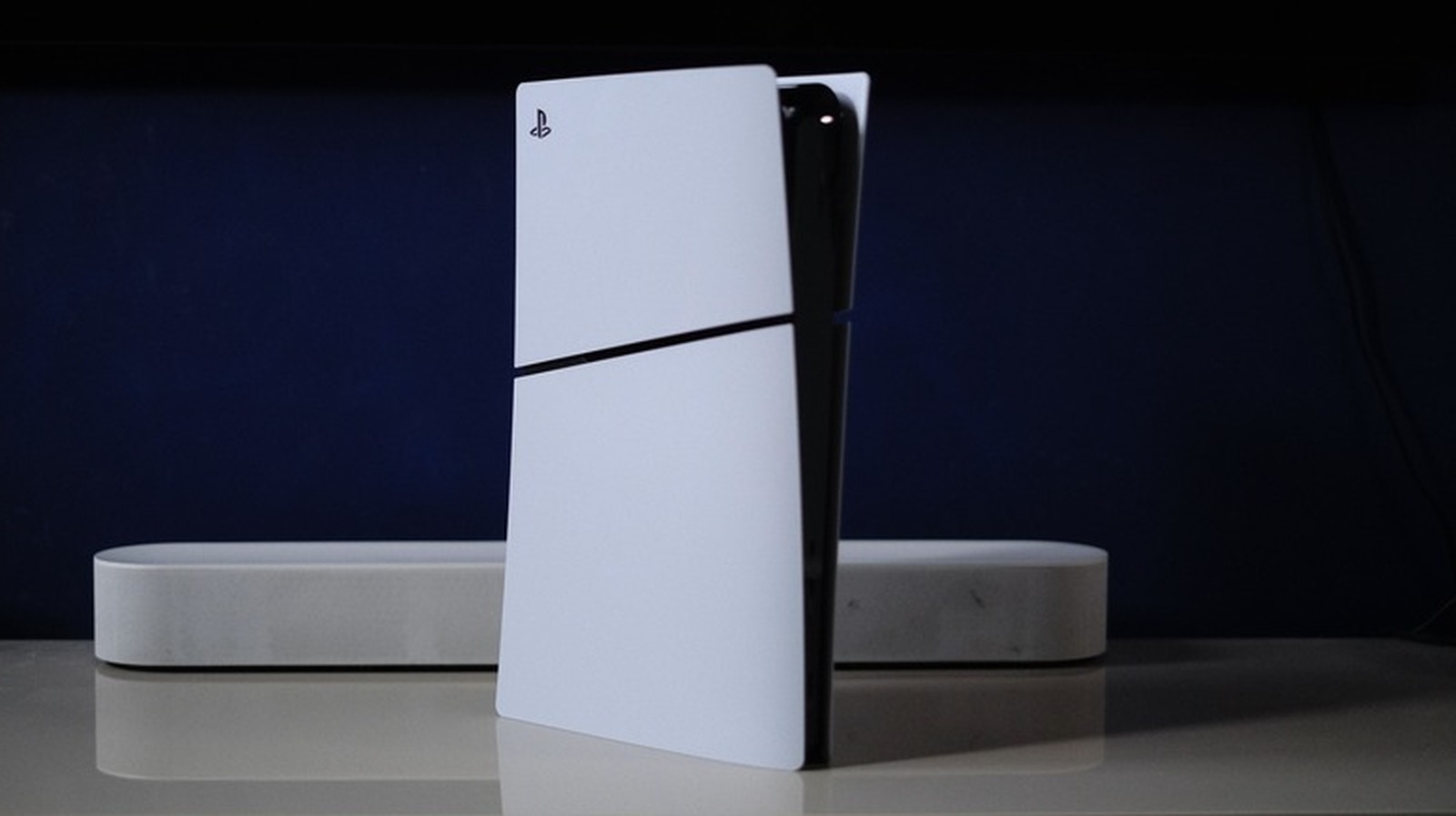
Close Menu
MyAppsPlus

    Subscribe to Updates

    Get the latest creative news from FooBar about art, design and business.

    What's Hot

    Current Artificial Intelligence Uses in LUGPA Urology Practices

    November 10, 2026

    Claude can now join your weekly meeting to take notes and even start work for you — and that’s not all, with new spreadsheet, whiteboard tools and more helping conquer the world of “Frontier Work”

    November 10, 2026

    Blink Mini Pan-Tilt 2K+ falls to $19.99 in first real discount

    November 10, 2026
    Facebook X (Twitter) Instagram
    Facebook X (Twitter) Instagram
    MyAppsPlusMyAppsPlus
    Tuesday, November 10
    • Home
    • Breaking Tech
    • Apps & Software
    • AI & Automation
    • Android
    • iPhone & iOS
    • More
      • Reviews
      • How-To Guides
      • Deals & Discounts
      • Shop
    MyAppsPlus
    Home»Breaking Tech»What is the difference between rest mode and shutdown for your PlayStation 5?
    Breaking Tech

    What is the difference between rest mode and shutdown for your PlayStation 5?

    myappsplusBy myappsplusNovember 10, 2026014 Mins Read
    Share Facebook Twitter Pinterest Copy Link LinkedIn Tumblr Email Telegram WhatsApp
    Follow Us
    Google News Flipboard
    What is the difference between rest mode and shutdown for your PlayStation 5?
    Share
    Facebook Twitter LinkedIn Pinterest Email Copy Link

    Rest mode is more convenient, but shutting the console off could give you more piece of mind.

    When you’re done playing games — or streaming shows or movies — on your Playstation 5 for the evening and it’s time to catch some well-earned shuteye, you’ll probably turn the console off. You don’t have to shut it down entirely, though. The system’s rest mode is a handy middle ground. (Or maybe you’re a real wildcat and like to keep your console on all the time. More power to you… and your PS5, I suppose.)

    Which option you go for will likely depend on how often you use your PS5. If you’re gaming or watching TV shows on the system every day, rest mode may be the way to go. For those who take longer breaks between their Control Resonant progress or playing Call of Duty: Modern Warfare 4 deathmatches with their besties, shutting the console down is perhaps the better option. There are several factors worth bearing in mind when you decide whether to put your PS5 in rest mode or switch it off.

    The PS5’s rest mode is more convenient

    A DualSense controller next to a PlayStation 5 with its power indicator light on.

    There are lots of advantages to keeping your PS5 in rest mode rather than shutting it down when you’re not actively using it. For one thing, you can suspend whatever game you were playing. So if you’re between missions in the Ghost of Yōtei DLC when you decide to call it a night, you can put your console in rest mode and pick up right where you left off the next day.

    You can also charge your DualSense controller while the PS5 is in rest mode. There’s the option to stop the controller from drawing power from the console after three hours, which should be plenty of time to fully charge the gamepad. To adjust the length of time that the PS5 delivers power to its USB ports while in rest mode, go to Settings > System > Power Saving > Features Available in Rest Mode.

    There are other useful features you can enable or switch off from this menu, such as the ability to switch on the system remotely. This allows you to install games on your PS5 when, for instance, you’re at the office or for remote play (this is where having a PlayStation Portal can come in handy!). What’s more, the console can download and install game and system updates in rest mode. If you’re a PlayStation Plus subscriber, your PS5 can upload save data to the cloud while it’s in rest mode too.

    Another key reason why it’s best to put your PS5 into rest mode rather than leaving it on is to reduce power consumption. While playing games in ultra high-definition, a PS5 can draw around 217W of power. Even on menu screens, it can draw around 43-47W. In rest mode, though, the PS5 will draw as little as 0.3W, and only as much as 4.65W or so if it’s delivering power to the USB ports.

    When shutting down your PS5 might be the wiser choice
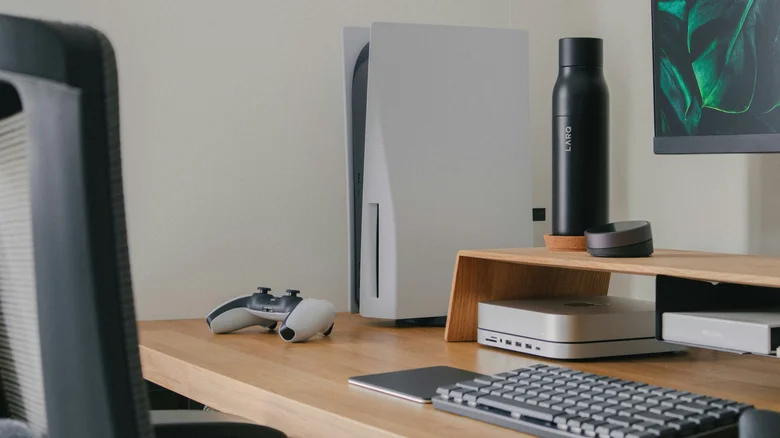
    PlayStation 5 controller and console on a desk.

    Still, switching your PlayStation 5 off completely could be the better move in certain situations. The main reason is that it can help protect your system.

    If your PS5 is in rest mode when a power outage hits, there’s a small chance that it could be harmed. An outage could corrupt data (particularly if your console is installing updates or caching files when the power goes out) or damage your PS5. So, if you live in an area where power outages are commonplace, shutting the system down when you’re not using it may be the smarter way to go. If you shut down your PS5 but keep it plugged in, it’ll still draw a little power — the console has to be able to recognize when you switch it on, after all.

    Even if you play games on the system every day, there are other good reasons to shut it down entirely on occasion. A full shut down clears the system cache, which can resolve certain problems — aka the ol’ “turn it off and on again” method of fixing device issues.

    If you’re going to be away from home for a while or you’re taking a break from gaming, shutting your PS5 down can help protect its components over time and perhaps give the system a longer shelf life. That’s something we should all be considering given the rising costs of consoles and other devices.

    between difference PlayStation Rest What
    Follow on Google News Follow on Flipboard
    Share. Facebook Twitter Pinterest LinkedIn Tumblr Email Copy Link
    myappsplus
    • Website

    Related Posts

    Apple TV makes sign language interpretation a built-in accessibility feature

    November 10, 2026

    Meta’s AI agent Muse lands on Apple Watch and Android Wear OS

    November 10, 2026

    Reddit is turning user conversations into AI-powered product reviews

    November 10, 2026
    Add A Comment
    Leave A Reply Cancel Reply

    Top Posts

    Cathay Pacific tests Google AI that dramatically cuts airplane contrails — tiny altitude shifts slash environmental impact by 40% in early trials

    September 8, 2026138 Views

    Save on your groceries, gas, and holiday shopping with this $15 BJ’s membership (Reg. $60) 

    November 4, 202627 Views

    Apple is making Creator Studio an even better deal with new AI features and creative tools

    October 28, 202622 Views
    Latest Reviews

    Apple A20 Pro chip: why it’s such a big deal for the iPhone Ultra and iPhone 18 Pro Max

    myappsplusSeptember 7, 2026

    Get Lifetime Access to AI-Driven Stock Picks, a Done-for-You Portfolio Builder & a Personal AI Financial Coach

    myappsplusSeptember 7, 2026

    “I feel like I’m in my 50s” — the simple workout routine Julie Andrews, 90, swears by

    myappsplusSeptember 7, 2026
    Stay In Touch
    • Facebook
    • YouTube
    • TikTok
    • WhatsApp
    • Twitter
    • Instagram

    Subscribe to Updates

    Get the latest tech news from FooBar about tech, design and biz.

    Most Popular

    I’m fixing my desk posture without doing a single back exercise — here’s the foot mobility trick a neurosurgeon taught me

    September 7, 20260 Views

    €4.6B in deals and August’s highlights

    September 7, 20260 Views

    I kept waking up sweaty because of a classic bedding mistake — here’s what fixed it

    September 7, 20260 Views
    Our Picks

    Current Artificial Intelligence Uses in LUGPA Urology Practices

    November 10, 2026

    Claude can now join your weekly meeting to take notes and even start work for you — and that’s not all, with new spreadsheet, whiteboard tools and more helping conquer the world of “Frontier Work”

    November 10, 2026

    Blink Mini Pan-Tilt 2K+ falls to $19.99 in first real discount

    November 10, 2026

    Subscribe to Updates

    Subscribe to our newsletter and get the latest tech news, app updates, AI trends, smartphone reviews, and exclusive deals delivered straight to your inbox.

    Facebook X (Twitter) Instagram Pinterest
    • About Us
    • Get In Touch
    • Disclaimer
    • Privacy Policy
    • Terms & Conditions
    © 2026 MyAppsPlus. All Rights Reserved.

    Type above and press Enter to search. Press Esc to cancel.