

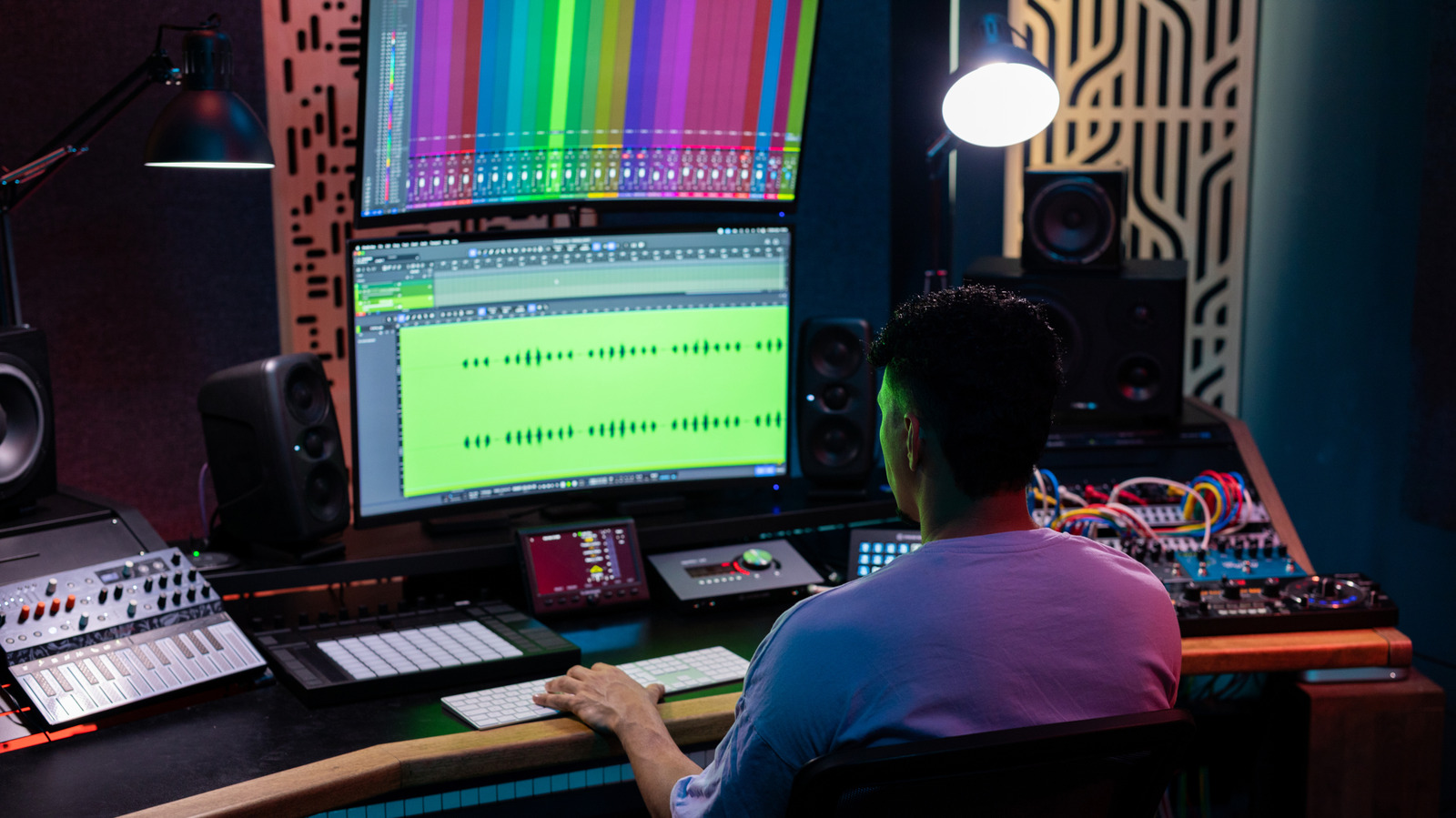
There are plenty of reasons to consider switching your primary display, but do so for the right reasons.
One of the most important parts of a desktop setup is its monitor. They can make games feel more immersive or help boost productivity if you fill a large display with multiple windows. But monitors aren’t the only option. TVs, with their larger screens and low prices, can also be a viable alternative. Yes, you can use a TV as a computer monitor, but no two TVs are built the same, and there are a range of positives and negatives around bringing in a larger screen for work or gaming. Really, it all depends on how you use your computer.
A TV isn’t just a giant monitor. There are some major differences between the two that you should be aware of. TVs are big and primarily built for your living room — that’s what makes them ideal for watching your favorite movies and TV shows. Monitors, on the other hand, focus on specifications like responsiveness and pixel density. These things matter more when it comes to work or gaming.
Size and resolution matter
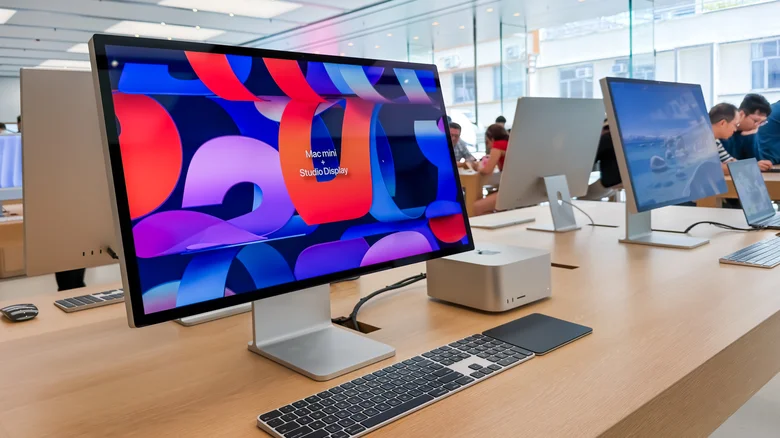
The first thing most people think about when choosing a new TV, especially for their computer setup, is probably the size. Want something big, but not too big? A 32-inch TV is probably a solid option. Of course, you could also use a 75-inch TV as a giant monitor. Computer monitors are generally smaller and range from 24 to 32 inches. They go bigger, but there are fewer of them and will likely cost you more.
However, size isn’t everything. Resolution and pixel density matter a lot. Depending on how far away you are from the screen, 4K pictures can look sharp or may not look so great. For instance, a 32-inch 4K monitor generates 137 pixels per inch (PPI). Compare that with a 55-inch TV with the same resolution, and you’ll end up with only 80 PPI. Even a 27-inch 1440p monitor offers 108 PPI — way more than the 55-inch TV. With a lower pixel density, smaller elements like text and buttons end up looking blurry — especially when you sit close to the screen. This isn’t a problem for a TV that you watch from your couch, but it can be a dealbreaker for a display that sits just inches from your face.
Latency and colors
You should also consider refresh rates, which affect the fluidity of movements on your screen. Typical monitors and TVs are locked at 60Hz. That’s fine for spreadsheets and more static content, but if you like fast-moving video games, you’ll benefit from a display with higher refresh rates like 120Hz. It’s much easier to find a cheaper monitor with a higher refresh rate than a TV.
Then, there’s latency. That’s the delay between moving your mouse or hitting a button and seeing that action on screen. Monitors are built for this. TVs generally aren’t, so the image can noticeably lag behind your input. On a monitor, you’re looking at a 1 to 4 millisecond (ms) delay. On a TV, that jumps up to 9ms to 12ms. Doesn’t seem like much, right? But in an online game, that lag could make all the difference. Low-latency TVs do exist, but you’ll pay considerably more than for a monitor with comparable specs.
Color space can be a problem as well. TVs with HDMI 2.0 inputs are limited to 8-bit color at 4K 120Hz. That’s usually the case with older TVs, or really cheap ones. Someone looking for greater color depth — including 10-bit or full Dynamic HDR — will only find it on TVs and monitors with HDMI 2.1 support. If you’re a photo or video editor, this will matter most. If your display can produce more shades of red, green and blue in each pixel, that will mean greater color accuracy for your content. Even if you’re not a pro, those extra colors will make those home videos look all the more vibrant.
Where TVs still have the edge
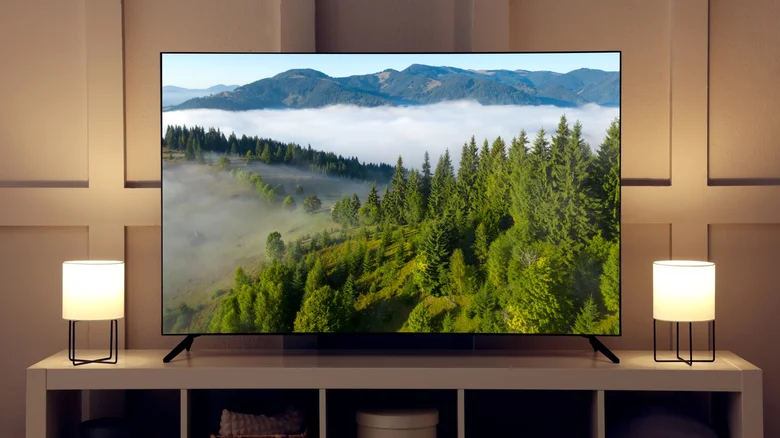
It’s also easier to find TVs that support more advanced HDR formats. This includes HDR10+ and Dolby Vision. Yes, there are monitors that support these formats for a wider dynamic range, but they’re not as common as they are on TVs. And they can make your movie-watching experience much better. HDR support on regular monitors isn’t that great. Plus, most entry-level monitors have very low brightness compared to TVs.
Do you use your computer mostly to watch 4K movies on Netflix? Then a TV is definitely your best choice. If you’re into gaming, a good monitor will make a big difference — especially if you’re sat at a desk hitting headshots in Fortnite. You can find good TVs that will check the boxes for a good monitor, but it’s a tough ask, and you can usually find a high-spec monitor for a similar price. Not to mention that monitors are available in a wider variety of aspect ratios. Maybe you prefer an ultra-wide or curved screen — you’re not going to get that with a standard TV.
