Close Menu
MyAppsPlus

    Subscribe to Updates

    Get the latest creative news from FooBar about art, design and business.

    What's Hot

    Microsoft president says UK is best placed to drive AI regulation

    October 12, 2026

    Google Fitbit Edge vs Fitbit Air: Which should you choose?

    October 12, 2026

    AI agents are great at writing new code — but then the human bottleneck slows everything down

    October 12, 2026
    Facebook X (Twitter) Instagram
    Facebook X (Twitter) Instagram
    MyAppsPlusMyAppsPlus
    Monday, October 12
    • Home
    • Breaking Tech
    • Apps & Software
    • AI & Automation
    • Android
    • iPhone & iOS
    • More
      • Reviews
      • How-To Guides
      • Deals & Discounts
      • Shop
    MyAppsPlus
    Home»Reviews»The new Microsoft Copilot app is getting the full Office experience — here’s what you can look forward to from Word, Excel and more
    Reviews

    The new Microsoft Copilot app is getting the full Office experience — here’s what you can look forward to from Word, Excel and more

    myappsplusBy myappsplusOctober 12, 2026002 Mins Read
    Share Facebook Twitter Pinterest Copy Link LinkedIn Tumblr Email Telegram WhatsApp
    Follow Us
    Google News Flipboard
    The new Microsoft Copilot app is getting the full Office experience — here’s what you can look forward to from Word, Excel and more
    Share
    Facebook Twitter LinkedIn Pinterest Email Copy Link
    • Microsoft Word, Excel and PowerPoint documents can now be opened, edited and shared inside the Copilot app
    • Could this be the company “figuring out what Copilot, and the future of work, should look like”?
    • Microsoft describes Copilot as the “new way to work”

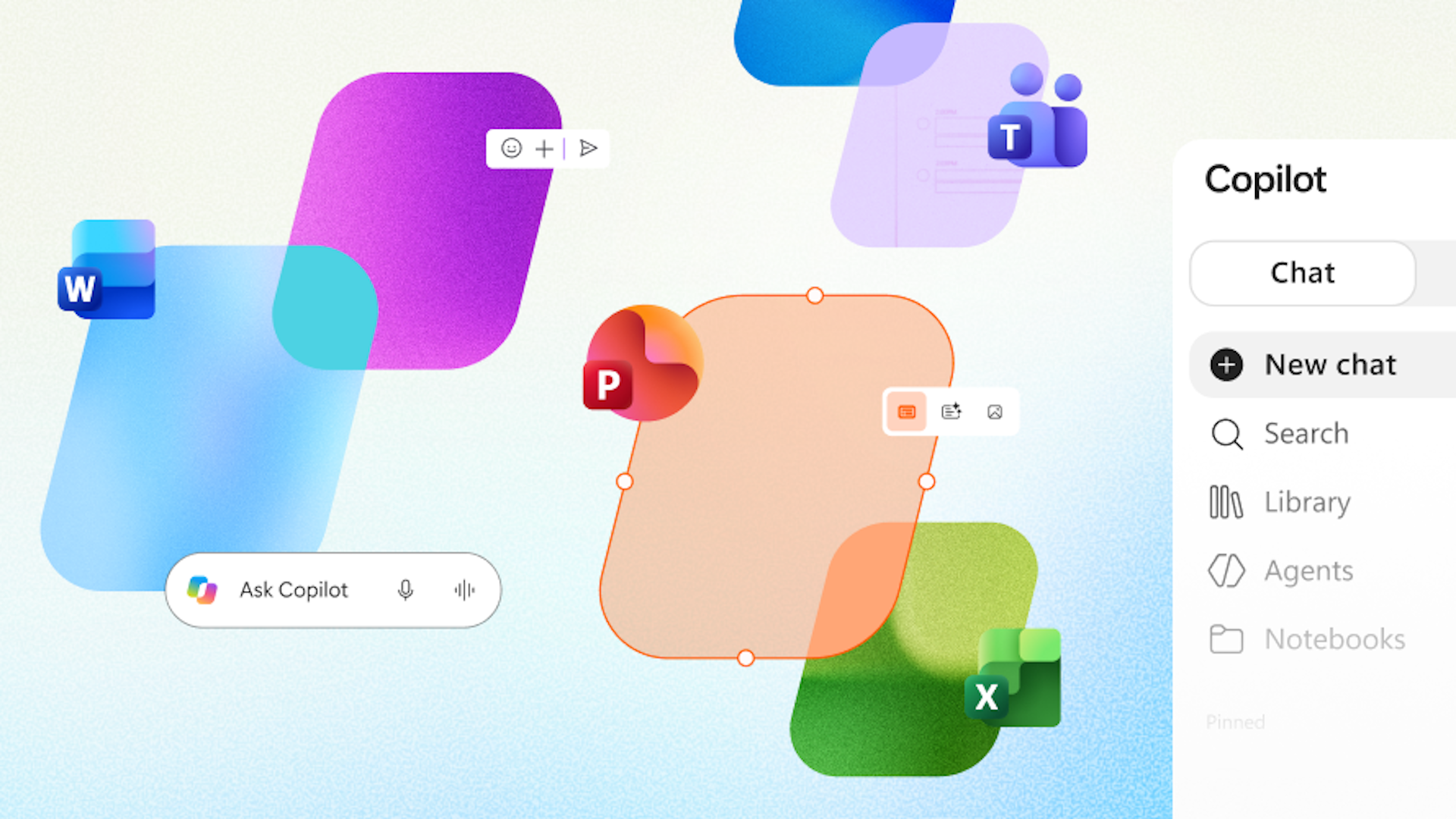
    Microsoft is making some hefty upgrades to its Copilot app, allowing users to create, edit and collaborate on popular Office documents directly within the AI hub.

    This marks a major shift for the company’s AI strategy, which previously focused on adding Copilot functionality into its Word, Excel and PowerPoint apps. Instead, this reverses that decision and puts Word, Excel and PowerPoint into the Copilot app.

    The Copilot app will likely become the central workspace, allowing users to interact with AI to produce documents without them then having to go off and open those documents in Office apps to make further adjustments.

    Word, Excel and PowerPoint now embedded inside Copilot app

    Document creation is nothing unexpected, and Copilot retains its abilities to generate new documents based on user conversations within Copilot Chat or Copilot Cowork. The biggest change is the addition of Library within the Copilot app, which puts those documents within reach inside that single interface.

    Collaboration is also a big emphasis for the company, which confirmed that users will still be able to share, comment and review documents within Copilot.

    “Microsoft Office has defined productivity for the PC era,” Office Product Group Sumit Chauhan explained. Chauhan was named as one of the EVPs to report to Copilot, Agents and Platform EVP Charles Lamanna amid the departure of M365’s previous EVP, Ryan Roslansky.

    At that time, we knew that the company was “figuring out what Copilot, and the future of work, should look like as one ecosystem,” and this is likely part one in a much bigger shift for M365.

    “As Copilot becomes a new way to work, we’re bringing familiar Office creation and collaboration experiences directly into that environment,” Chauhan added, noting the push for a “more unified experience.”

    That new unified experience inside the Copilot app is only available to Frontier customers in Chat and Cowork, but it could only be a few months until it gets pushed onto more users.

    Copilot getting Microsoft Pro Software & Services
    Follow on Google News Follow on Flipboard
    Share. Facebook Twitter Pinterest LinkedIn Tumblr Email Copy Link
    myappsplus
    • Website

    Related Posts

    Microsoft president says UK is best placed to drive AI regulation

    October 12, 2026

    Google Fitbit Edge vs Fitbit Air: Which should you choose?

    October 12, 2026

    AI agents are great at writing new code — but then the human bottleneck slows everything down

    October 12, 2026
    Add A Comment
    Leave A Reply Cancel Reply

    Top Posts

    What was the PSX? The souped-up PS2 rarely sold outside of Japan

    September 14, 202610 Views

    Can reviews settle disputes that marked first two seasons?

    September 21, 20268 Views

    Experts call for leveraging AI, breaking key tech bottlenecks to propel advanced manufacturing

    September 19, 20268 Views
    Latest Reviews

    Rivian Loses the CFO Who Kept the Lights On

    myappsplusAugust 28, 2026

    Evaluate any agent framework with Amazon Bedrock AgentCore Evaluations

    myappsplusAugust 28, 2026

    Amazon Labor Day sale, AirPods Pro 3, M6 Mac mini, more 9to5Mac

    myappsplusAugust 28, 2026
    Stay In Touch
    • Facebook
    • YouTube
    • TikTok
    • WhatsApp
    • Twitter
    • Instagram

    Subscribe to Updates

    Get the latest tech news from FooBar about tech, design and biz.

    Most Popular

    The 44mm Apple Watch SE 3 just crashed to an all-time low of $199.99

    August 28, 20260 Views

    The Pixel 11 Pro XL is great, but a little too early for Google’s futuristic vision

    August 28, 20260 Views

    More Americans oppose police license plate cameras than support them: survey

    August 28, 20260 Views
    Our Picks

    Microsoft president says UK is best placed to drive AI regulation

    October 12, 2026

    Google Fitbit Edge vs Fitbit Air: Which should you choose?

    October 12, 2026

    AI agents are great at writing new code — but then the human bottleneck slows everything down

    October 12, 2026

    Subscribe to Updates

    Subscribe to our newsletter and get the latest tech news, app updates, AI trends, smartphone reviews, and exclusive deals delivered straight to your inbox.

    Facebook X (Twitter) Instagram Pinterest
    • About Us
    • Get In Touch
    • Disclaimer
    • Privacy Policy
    • Terms & Conditions
    © 2026 MyAppsPlus. All Rights Reserved.

    Type above and press Enter to search. Press Esc to cancel.