

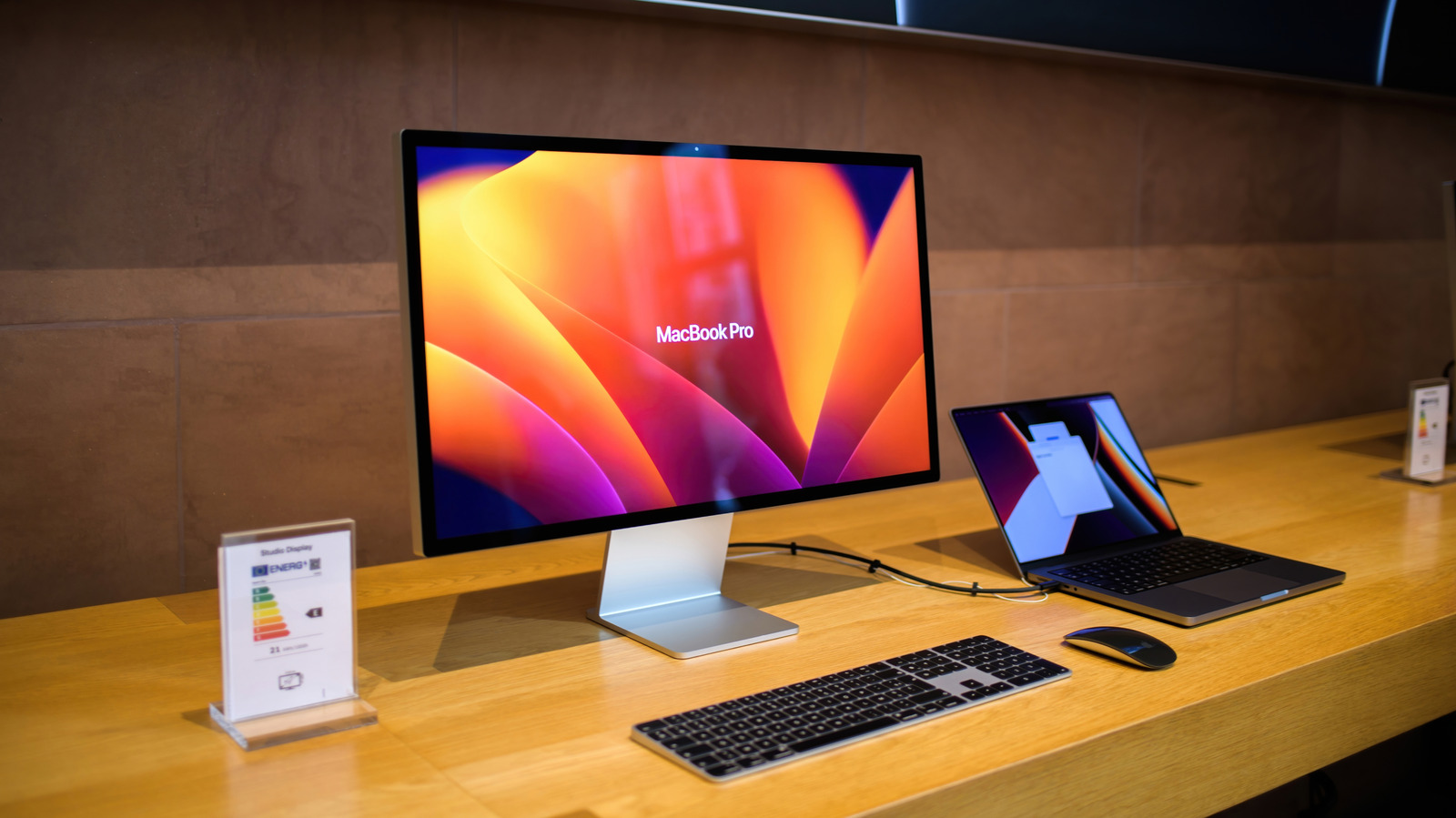
5K seems like the best option since it’s the highest resolution, but 4K provides much better value for gaming.
We may receive a commission on purchases made from links.
We’ve come a long way since the first 4K monitor was released back in the olden times of 2001 (namely, the IBM T220). Hop in a DeLorean, travel back in time a quarter of a century, and it could be yours for the bargain price of just $22,000! In the ensuing years, 4K monitors have become increasingly popular, and now hold a market share of around 35 percent in the US. But there’s a newer standard: 5K monitors have started to enter the picture, offering their own reasons to pick one up.
But what are the benefits of opting for a 5K monitor over a 4K model? While 5K displays are undeniably sharper than their 4K counterparts, there are drawbacks to this super-crisp resolution. There’s also a wider discussion to consider about the benefits and drawbacks of owning a high-res display. Because 5K monitors are designed for a certain type of person, the upsides of these displays might not be worth ditching your 4K screen for.
Is a 5K monitor worth it over 4K?
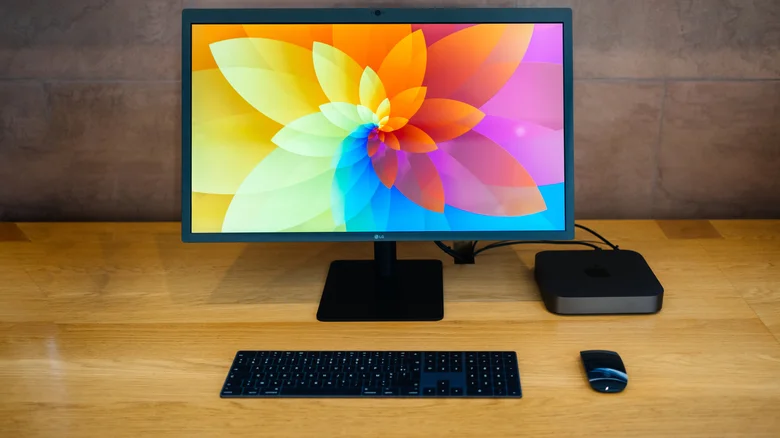
At 3840 x 2160 — that’s around 8.29 million dots — 4K monitors provide the high pixel count that enables modern, graphically intensive titles to look their best. The best gaming monitors offer speedy response times and exceptional image clarity that make the likes of Resident Evil Requiem or the path-traced delights of Cyberpunk 2077 sing. Of course, playing modern games in 4K is demanding. If you want to experience titles at 60 FPS or above, you’ll ideally own a GPU along the lines of an Nvidia RTX 4070 or AMD’s Radeon RX 9070 XT.
With so many games now leaning on demanding rendering techniques like ray tracing, you pretty much need an RTX 5080 or 5090 to play the latest games at native 4K resolution with console-beating frame rates. Not that you have to drop $3,000 on a monster graphics card to get fantastic image quality, though. Supersampling has come a long way over the years, ensuring gamers can get great-looking upscaled 4K+ images without massively sacrificing performance. Both Nvidia DLSS and AMD’s FSR technologies let you play games at lower resolutions before upsampling them with the help of AI features. The result is an image that looks very close to native output while also putting far less strain on your GPU.
5K gaming monitors exist, but this resolution isn’t generally aimed at gamers. The reason 5K is better for prosumers is that it’s considerably sharper than a 4K screen. Unlike with a TV, you likely sit less than a foot away from your monitor. At this range, clarity is key. With a resolution of 5120 x 2880 — or a whopping 14.7 million dots — 5K monitors offer 77 percent more pixels than 4K panels. That makes them ideal for graphics professionals who regularly edit images or Ultra HD video content. If you’re a professional photographer who needs pristine image quality, opting for a 5K monitor over a 4K model is definitely worth considering.
What are the downsides of 5K monitors?
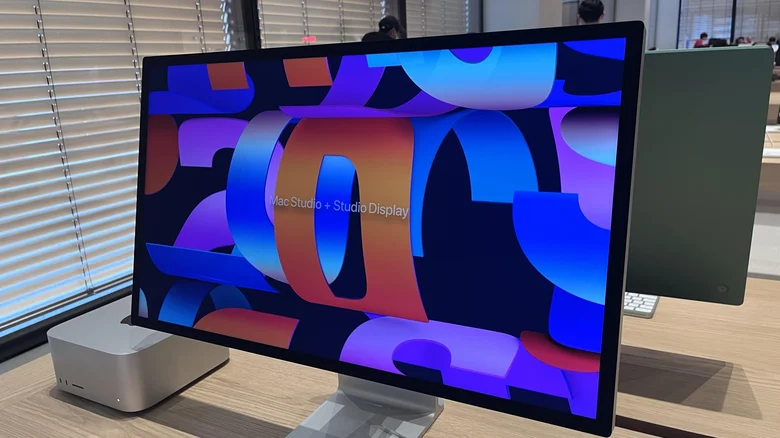
Price is one of the biggest hurdles of 5K displays. Because they’re targeting a burgeoning niche audience, 5K displays are a lot more expensive than 4K monitors. At time of writing, the cheapest 5K monitor on the market is the ASUS ProArt Display PA27JCV, which retails for around $650. By contrast, the most affordable 4K monitors often start around $200.
The next issue is that 5K monitors operate at lower refresh rates than 4K monitors. Currently, the fastest 4K panels (such as the MSI MPG 272URX QD-OLED) support 240Hz. The quickest 5K monitors (like the AOC Agon Pro AGP277KX) are usually capped between 165Hz and 180Hz. While that’s plenty quick for single-player games, budding eSports champs will find this too sluggish.
The last biggie also revolves around gaming. You’ll need one of the best PCs on the planet to play modern AAA games natively at 5K with acceptable frame rates. Unless you own the most powerful GPU (currently the Nvidia GeForce RTX 5090), native 5K gaming will destroy a game’s performance. As we’ve touched on, Nvidia DLSS 4.5 and its baked-in frame generation can help (though this can add substantial input lag). Thankfully, you don’t need 5K to enjoy modern games. 4K monitors are more than sharp enough to get the most out of, say, Halo Campaign Evolved in graphically gorgeous style.
For all these reasons, if you’re a devoted gamer, you should aim for a 4K monitor instead. And for those using aging GPUs, consider a 1440p model to ensure you can still play games at responsive frame rates.
Why higher resolution monitors aren’t always better
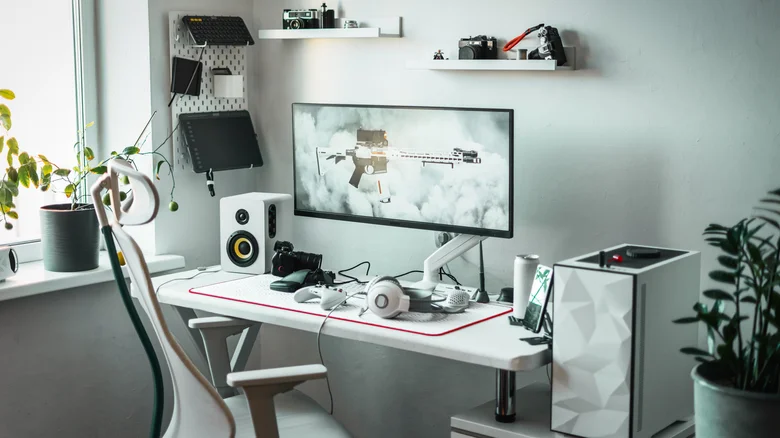
While we’ve looked at reasons 5K isn’t worth the upgrade over 4K for gaming, there’s a separate discussion about whether Ultra HD monitors are necessarily better than lower-resolution alternatives.
The key factors to evaluate how high-res your monitor should be are screen size and PPI (pixels per inch). As AV experts will tell you, PPI matters more than screen resolution. Just because you own a huge 4K or 5K monitor doesn’t automatically mean it will look better or sharper than a smaller 1440p display. For example, a 42-inch 4K panel, which has a PPI of around 105, will actually look less crisp than a 122 PPI 24-inch 2K monitor.
It’s all about hitting the pixel density sweet spot when buying one of the best monitors for your budget. For 4K monitors, you shouldn’t consider a screen that’s smaller than 27 inches, because onscreen text will look overly sharp. The same goes for 5K panels.
It’s also worth considering the ultrawide option, such as UWQHD (also called 2K ultrawide). These stretched-out 21:9 displays boast a resolution of 3440 x 1440 and usually measure 29-34 inches. While that resolution provides only around 60 percent of a 4K panel’s pixels, the aspect ratio makes it a better fit for productivity tasks compared to a standard 16:9 4K monitor.
Super ultrawide screens offer even more screen real estate, with some models like the Samsung Odyssey OLED G9 measuring 49 inches for its resolution of 5120 x 1440 (akin to having dual 1440p 16:9 screens). If your main priority with a monitor is to pair it with a workstation, rather than a gaming PC, a widescreen 4K panel (let alone 5K) isn’t necessarily your best bet.
