

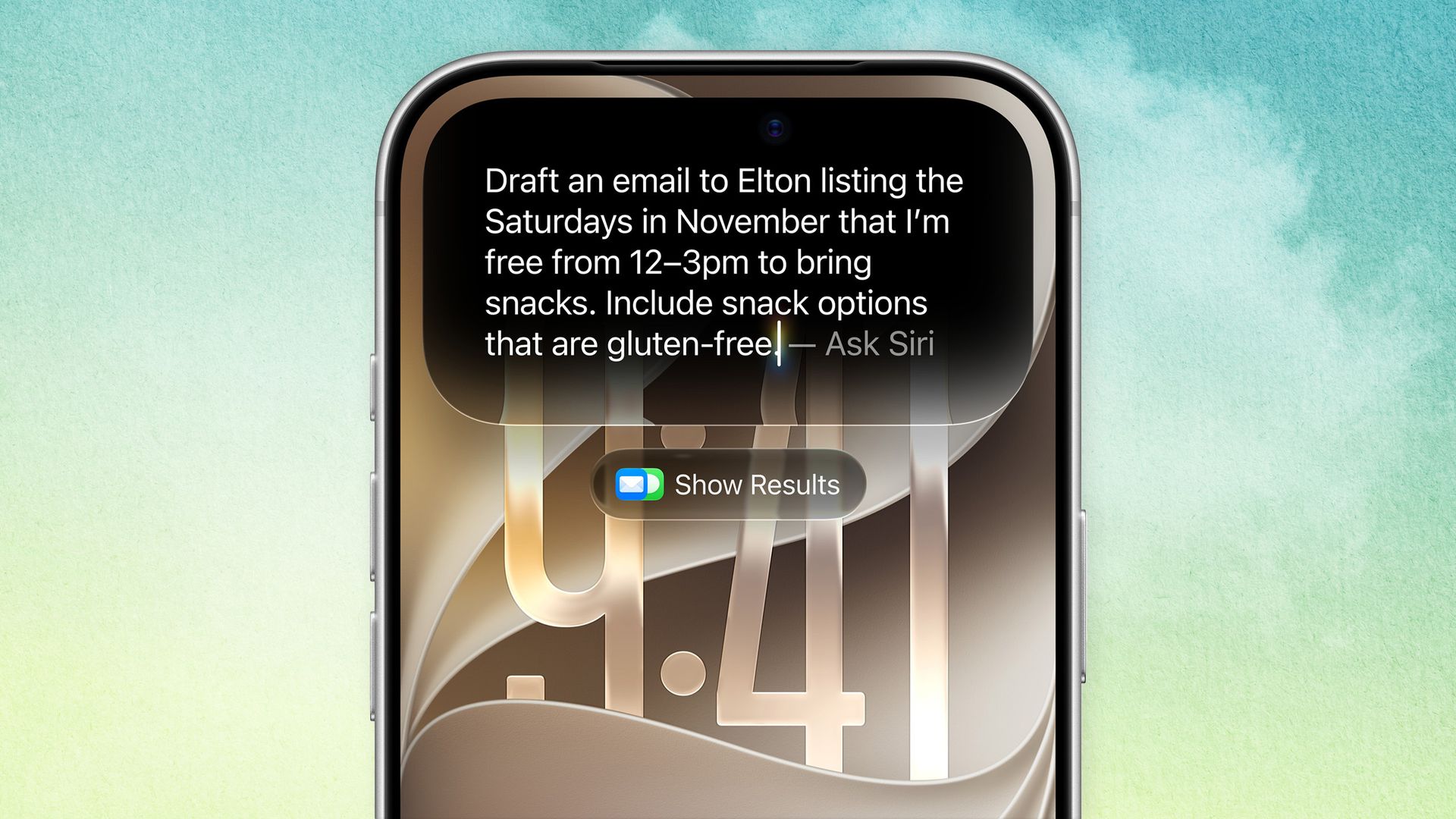
It feels strange to finally say it, but with iOS 27, Siri has become more useful than ever. When Apple debuted its voice assistant in the iPhone 4S all those years ago, we had no idea it would become a punchline for so long, paling in comparison to Amazon’s Alexa and Google’s Home Assistant before being blown away by LLMs like ChatGPT, Claude, and Gemini.
Now, though, the Cupertino firm’s AI tech has finally caught up (with a little help from Google’s Gemini). Apple Intelligence may have felt like vaporware after its demo a couple of years ago, but now it’s the real deal across pretty much all of Apple’s 27 operating systems.
Sure, you can ask how many millilitres are in a teaspoon, how many letters are in a word, and all sorts of other relatively generic questions, but the real strength of Siri AI and Apple Intelligence is in its awareness of personal context. Your iPhone knows your contacts, can read your messages and emails, and check your calendar, meaning it can surface the appropriate information when it’s needed. Here are some examples.
Before we begin
It’s worth noting that you’ll need Siri AI on your device. That sounds obvious, but it’s not available in all regions, and is notably not coming to the EU anytime soon.
You’ll also need to activate it within the Settings menu and ensure it indexes all of the relevant information from your apps. This can take a little while (sometimes more than a few hours), so be patient.
My friends and I have similar music tastes, which means our group chat is always getting fresh links for Spotify. That means I can say “what was that song Phil recommended to me last week?” And have Siri pull a Spotify link from our chat for me to hit play.
It’s worth noting that, at the time of writing, WhatsApp hasn’t yet been updated for Siri AI, so your mileage may vary, but you can expect it to work with other links shared.
Plan the day ahead
While it is possible to use agentic AI and apps like Slashy to get a quick look at your day, Siri AI can find your appointments, too.
“Show me my meetings for this week” can highlight everything you have coming up, allowing you to easily plan out where you need to be and when.
Just don’t forget that you need to enable each Calendar individually in your Settings app, lest you miss an important meeting because your work calendar wasn’t ticked on the list!
Pick the best restaurant
Siri’s new on-screen awareness means it notes what’s going on while you use your iPhone, while Visual Intelligence is ideal for grabbing information from the world around you.
That means you pull up a few restaurants and ask Siri for recommendations based on user reviews, narrow the search to the types of food served, and more.
You can also use Visual Intelligence to instantly translate a menu, or ask for a deeper look at one item in particular. With a quick lookup, you can even find out nutritional information about something you’re thinking of ordering.
Find that photo, and expand it
We’ve all been there. Whether it’s a memory from last week, or years ago, we’ve all had to search for a specific photo in amongst the mess of our Photo Library, and there’s a good chance it’s not in a folder because who has the time?
Thankfully, asking Apple Intelligence for “all of the photos from the beach in Altea” will surface them. This also ties into the latest editing options, too. Asking Siri AI to “extend this image” will use the Extend tool to fill in around the outside of the image with generative AI, helping reframe your subject, too.
Manage your files
Asking Siri to find a file you’ve misplaced has saved me more time than I care to admit as a small business owner. Asking Siri AI to find a particular screenshot for a feature or identify the latest version of a file has also been super useful – not just on the iPhone, but also on iPad and Mac.
“Siri, where’s that presentation for Tom’s Guide?” highlights where it is, and I can even ask it to pull key data from the file itself.
Sure, a lot of this has been possible on Gemini devices for some time, but if you’re new to using an AI assistant such as this, there’s a ton of ways to learn the ropes. Our advice is to experiment!
- Nvidia says ‘local AI is here’ — and it could change how you use AI at home
- OpenAI is paying influencers to convince you to use ChatGPT — here’s what we know
- I tested ChatGPT-6 vs Claude Opus 5.5 with 5 everyday prompts — it wasn’t even close
