

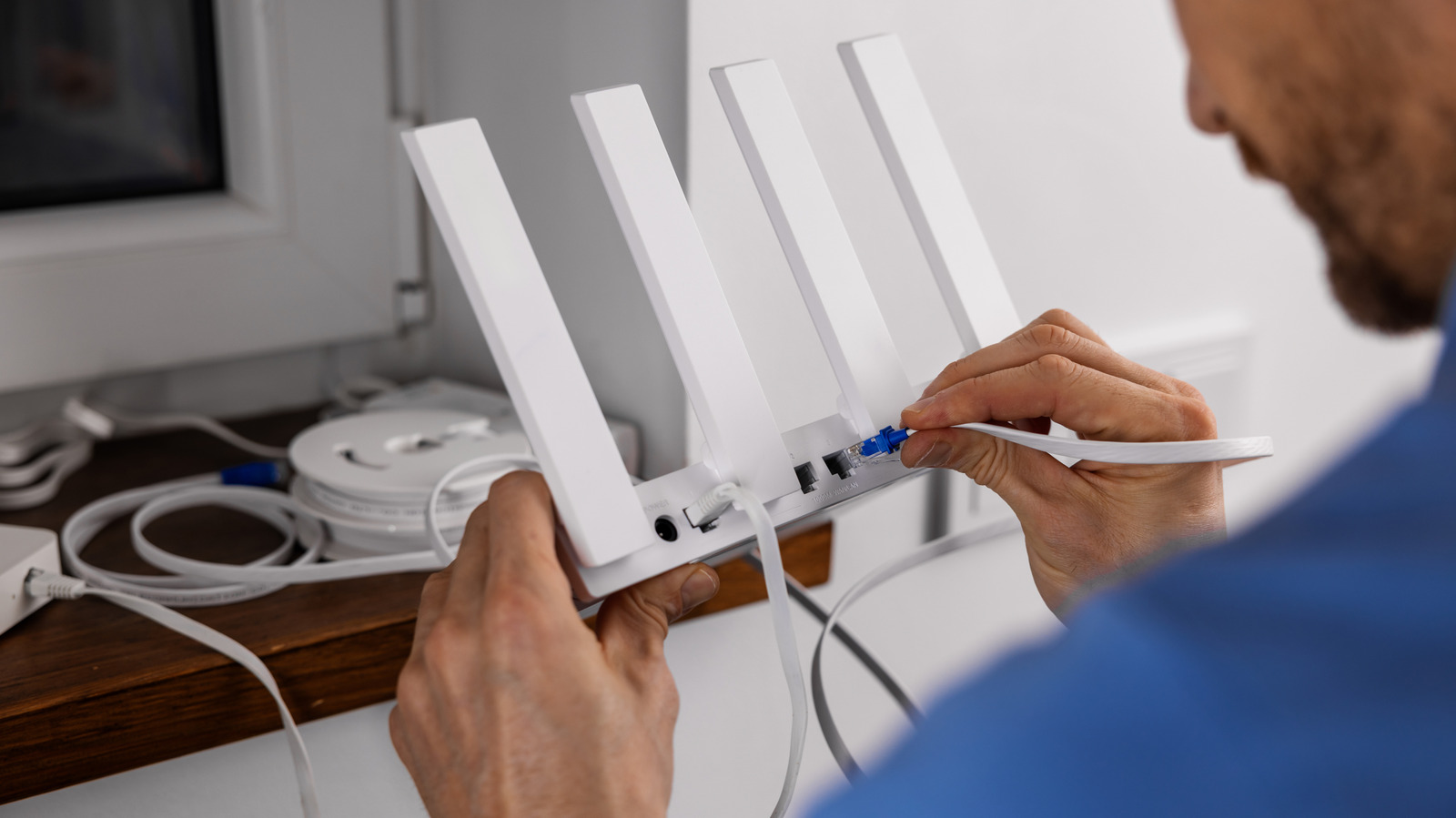
Or should you bring your own?
When you sign up for a new internet plan, your ISP will also want you to add its gateway (usually a modem and router combo) to the deal. While this might be included, historically it’s been posed as a rental, costing anywhere from $10 to $20 on top of your monthly bill. The company poses the rental as the “easy” option and touts all the benefits of its own hardware.
Some ISPs allow you to buy the company’s model outright or choose your own equipment instead. The right path depends on what you want from your router and your preference for spending now versus later.
Pros and cons of renting a router
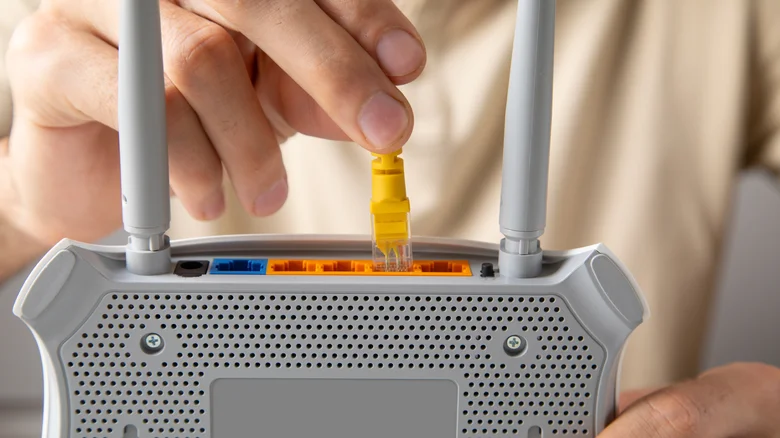
Renting is the simple method. If you want to view the cost of your modem/router as part of your internet bill and avoid the up-front charge of buying your own equipment, this avoids hassle, which can be particularly convenient if you share home expenses with roommates. In case your ISP has to send a technician to set up your network, they’ll likely connect your gateway and make sure everything is working before they leave. Many ISPs will upgrade your gateway to the latest version every few years, too.
When you rent, you also avoid having to choose a modem that works with your service and connecting it yourself. Some ISPs publish a list of compatible modems, but if yours doesn’t, you might have trouble finding a suitable one. You may also prefer the all-in-one setup of a single device, especially if you’re short on space.
An obvious drawback of renting is the ongoing cost. That $10 to $20 a month is something you can’t escape as long as you subscribe to the plan, and the company could raise the rate at any point. Also, if you switch to another provider, you don’t have a box to bring with you.
The other huge limitation is the one-size-fits-all nature of ISP boxes. While sufficient for basic usage, the ISP’s equipment won’t necessarily support the latest Wi-Fi standards, have the best range or offer advanced features. You’ll have to deal with whatever software it comes with and likely can’t change it.
What about buying your router?
If your ISP only offers the option to buy its modem/router combo and doesn’t support bringing your own, the question of renting or buying is a matter of upfront cost. A gateway might cost $200, which is a lot for a device you need but doesn’t do anything exciting. Some quick math shows how long it takes to break even: A $200 modem that’s $20/month to rent would mean that buying outright would save you money after the 10-month mark. Given that most ISP promos last at least a year, buying is almost always the better option.
It’s a more complicated question when you’re able to choose your own modem as well as a router. Quality models can easily reach $200 for each, meaning it takes longer to break even on the rental fee. But that aside, having your own equipment brings a lot of other benefits.
Choosing your own router gives you the freedom to pick exactly what you need. You can get a basic model or opt for one with updated Wi-Fi specs and full management and parental control features. If a single router isn’t enough, opt for a mesh network to cover your whole house in Wi-Fi. In case you switch to another provider later on, you can bring your existing equipment (if it’s compatible). And you’ll be able to take advantage of the many ways to reuse an old router down the road.
You’re able to upgrade the modem or router whenever you want, instead of when your ISP decides you’re eligible for a new model. You have full control over router security and performance options. And for even more customization, you can install custom router firmware to go beyond the stock capabilities. That’s not generally doable on an ISP-provided model.
Owning your network devices also provides greater privacy. A company-provided gateway is configured so technicians can remotely access it, change settings and identify the devices connected to your network. With many models, you can’t adjust your DNS settings away from ISP-provided servers or use a VPN at the router level. And providers like Xfinity broadcast a network called “xfinitywifi” that any customer can connect to by logging in to their account. The company says this doesn’t affect your bandwidth and is secure, but it’s still jarring to have equipment in your home used by other people.
You might not have to decide
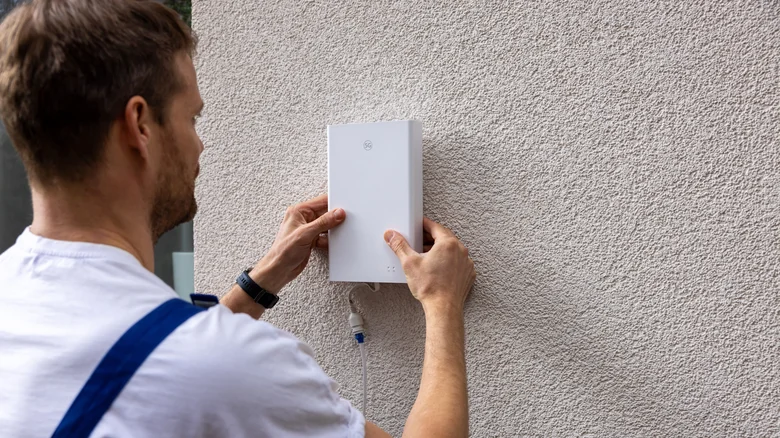
The good news is that you might not even have to make this decision, as many providers have started including gateways in the plan cost. I checked a nearby neighborhood that offers Verizon Fios, and the checkout marked the router as “included” at an $18/month “discount” that didn’t mention a limited-time promo. You have to return the unit if you cancel service, but you won’t pay anything unless it’s damaged. Verizon has a page for a Wi-Fi 6E router that costs $400, but it’s pointless to buy when “renting” is free.
Xfinity is the same, with its gateway included on even the lowest-cost 300 Mbps plan. You have the option to decline the gateway and use your own, and Xfinity even has a page that details supported third-party modems.
If your only home internet options are providers that charge for a gateway, consider how long you expect to use the service, what you want to do with your router and the cost of quality equipment. The cheapest modems currently on Amazon are around $55, though they only support up to 400 Mbps down. Expect to pay around $100 to $150 for a modem that handles speeds up to 1 Gbps, and $175 to $300 for 2.5 Gbps+ speeds. For routers, an ultra-budget model might be $50, but that will struggle unless your needs are basic. A new Wi-Fi 7 router will start around $100, while mesh systems to cover your whole home come at a higher cost.
Say you aim for the middle of these ranges and spend around $125 on a modem and $150 on a router. Compared with a $15/month rental, that $275 would take about 18 months before you came out ahead. If you plan to stick with the provider for at least this long, buying is a smart move. Aside from avoiding an endless fee, you avoid ISP control of your equipment and can do what you want on your own network.
