

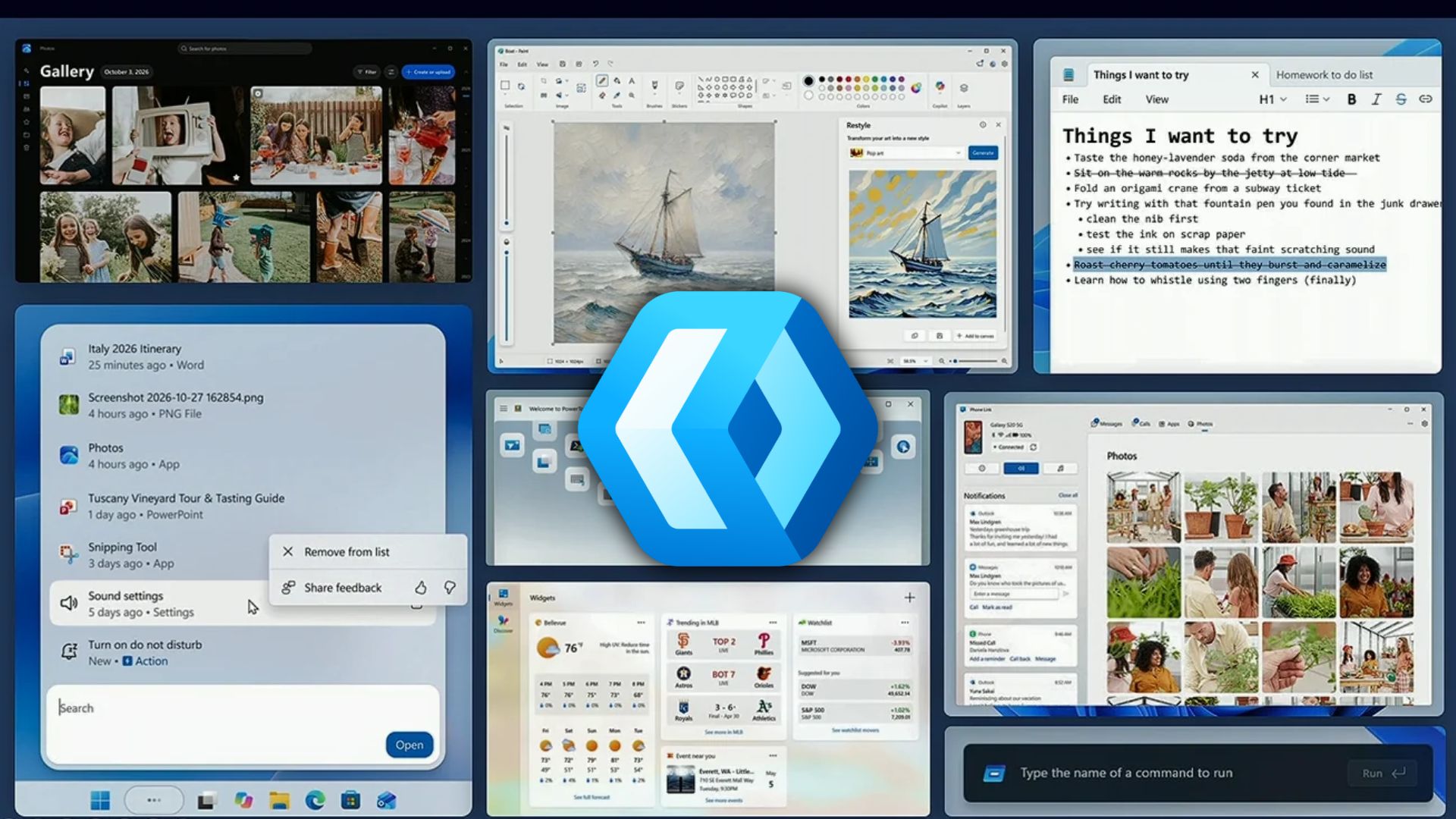
Microsoft spent 45 minutes at Ignite 2026 calling WinUI “the platform path forward” for Windows apps, and midway through a demo, Redmond engineers admitted that just starting a Windows app had been a pain point for developers. Microsoft’s answer is WinApp CLI, an open-, test and package native Windows 11 apps from the terminal
As you’d already know, Windows went from Win32 to WPF, Silverlight, UWP and now WinUI, and developers who gave their everything to one framework painfully watched Microsoft move on to the next. Having lost trust in Microsoft, many settled for web wrappers, which is why Windows 11 still has more web apps than macOS. At Ignite, the software giant showed agents fixing a laggy app and a surprisingly candid list of WinUI problems.
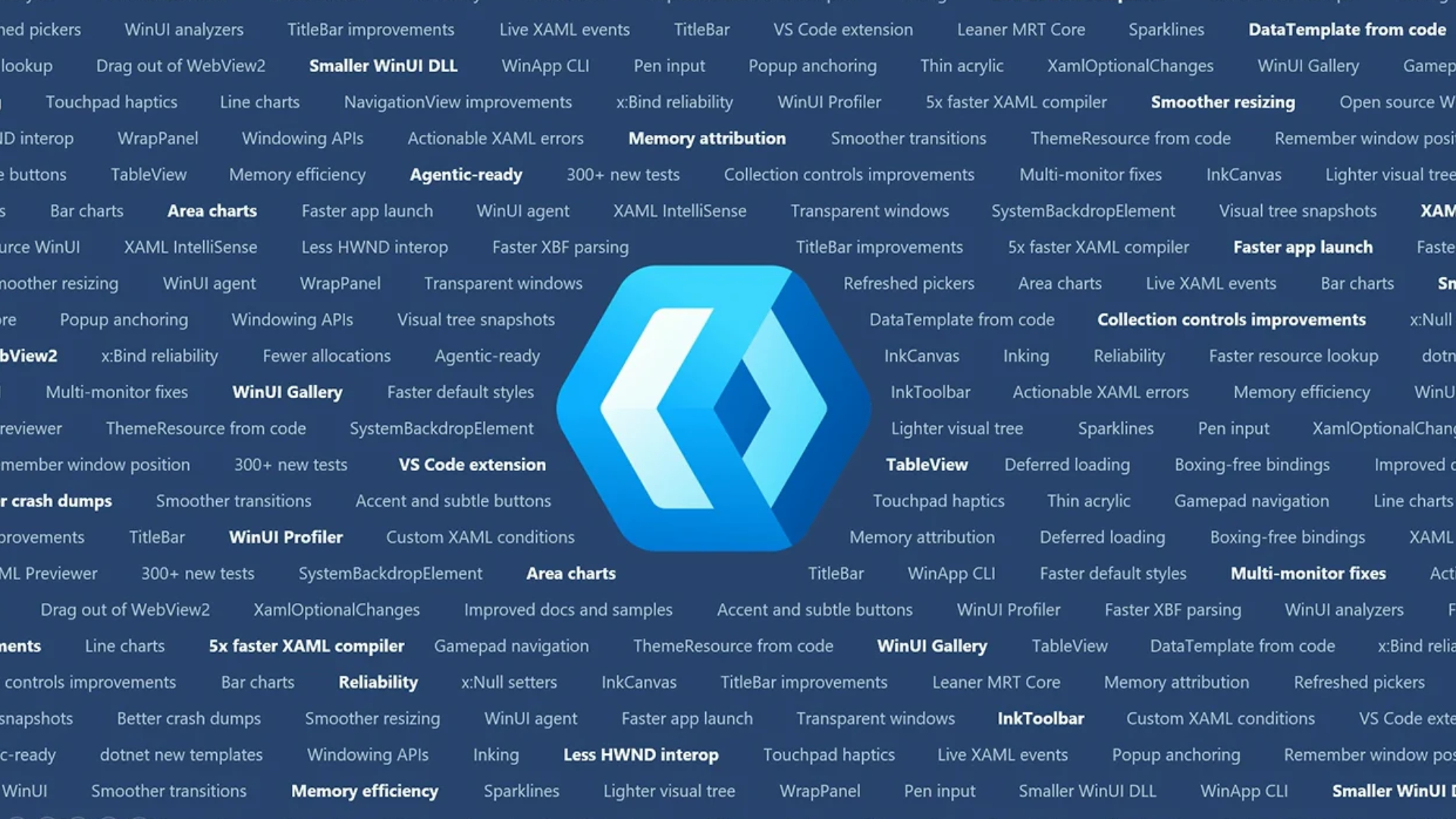
Microsoft engineers admit developers picked other frameworks or stopped building Windows apps
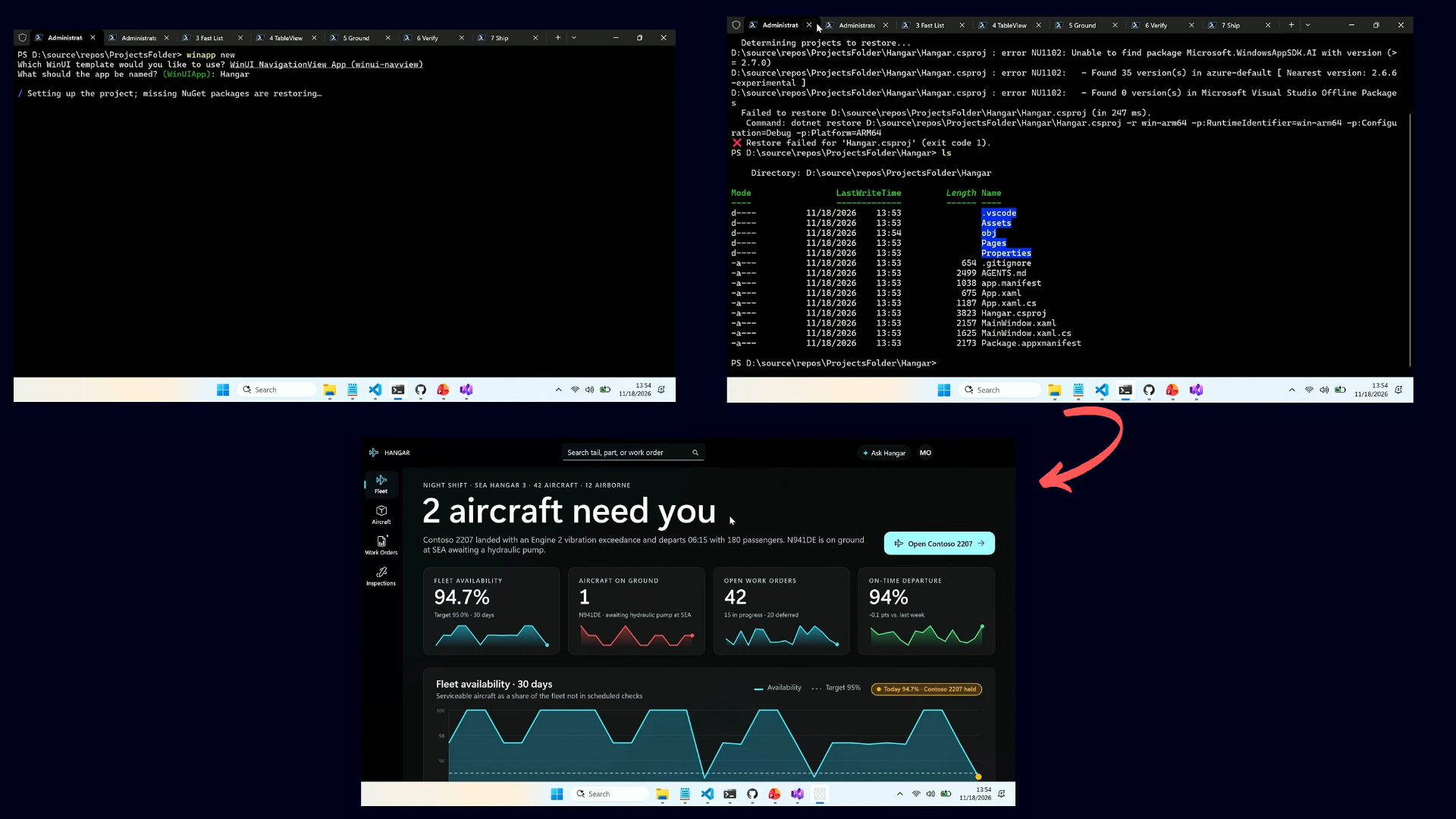
The admission came from two software engineers on Microsoft’s Windows Developer Platform team, Jaylyn Barbee and Beth Pan, as they created a demo app called Hangar with one “winapp new” command.
“And previously, starting Windows Apps was a pain point for our developers,”Jaylyn Barbee said. “It led them to picking other cross-platform frameworks or just not building Windows Apps at all.”
To be clear, the engineers didn’t say how many developers left, but it’s clear that Microsoft was aware of developers not making Windows apps. Later, they listed what packaging involves without WinApp CLI, including a manifest, assets, and a signing certificate whose subject matches the publisher and is trusted on your PC. Outside the Visual Studio wizard, “each step can be tedious,” one said.
Setup wasn’t the only problem, though. When a developer explained to me why Windows 11 keeps getting web apps instead of native apps, his biggest complaint was trust, because Microsoft kept replacing each “future” framework before it could settle. Electron and WebView2 became the safer bet, and that’s how we ended up with WhatsApp eating up to 1.2GB of RAM on Windows 11.
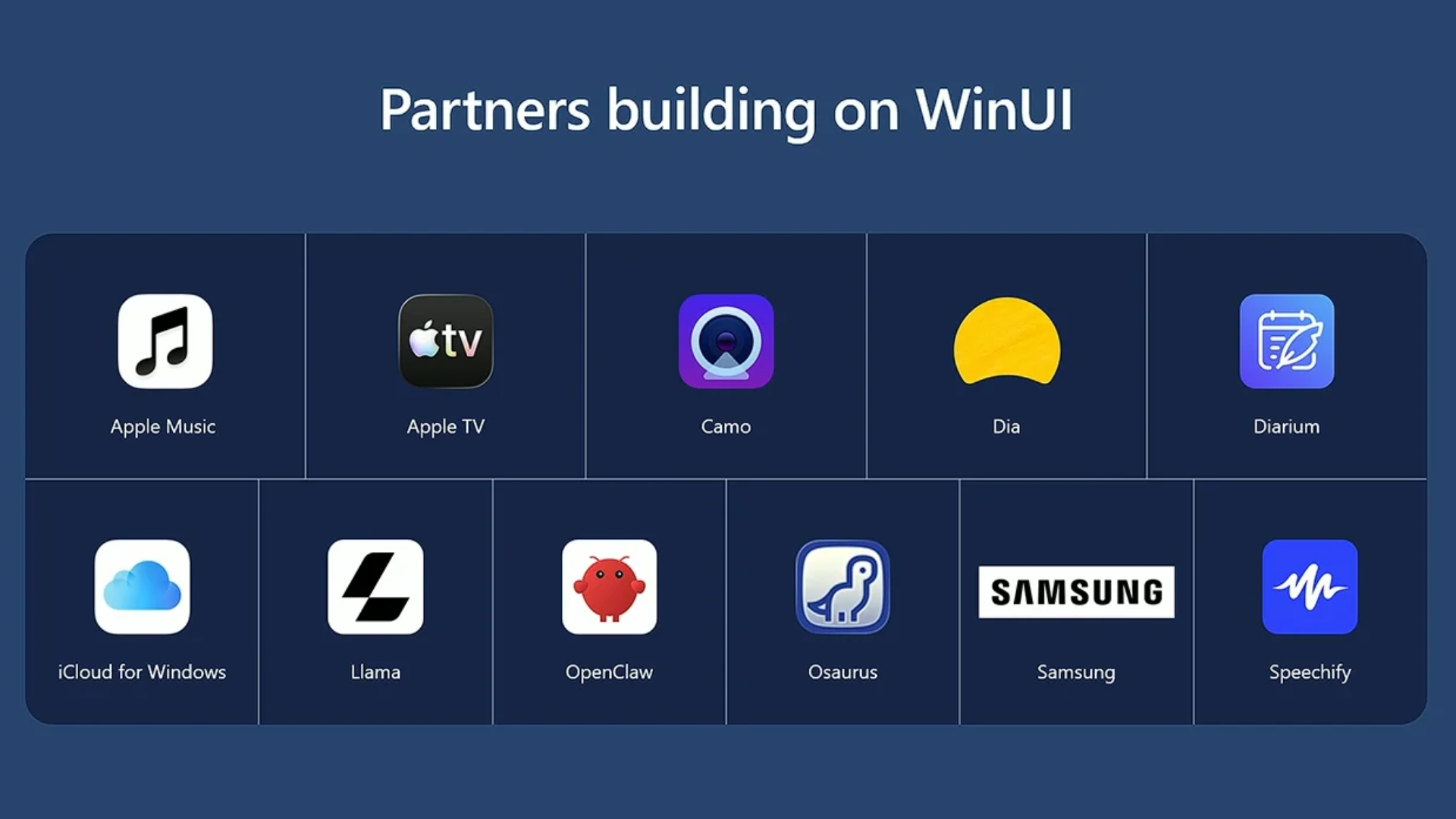
Ironically, Microsoft named Apple as a WinUI partner at Ignite, citing Apple Music, Apple TV and iCloud for Windows, while Meta ships WhatsApp as a browser window. Widgets and the new Run dialog have moved to WinUI too, following Build 2026, where Microsoft encouraged developers to build native apps using WinUI.
WinApp CLI brings Windows app development to the terminal, where AI agents can drive it
WinApp CLI, short for Windows App Development CLI, has been in public preview since January, and it can create, run, inspect, test, profile and package a Windows app. “And since it’s a CLI tool, that means your agent can drive it,”an engineer explained.
“winapp new” uses the official .NET templates, and the app gets package identity from the start, so features like notifications work right away.
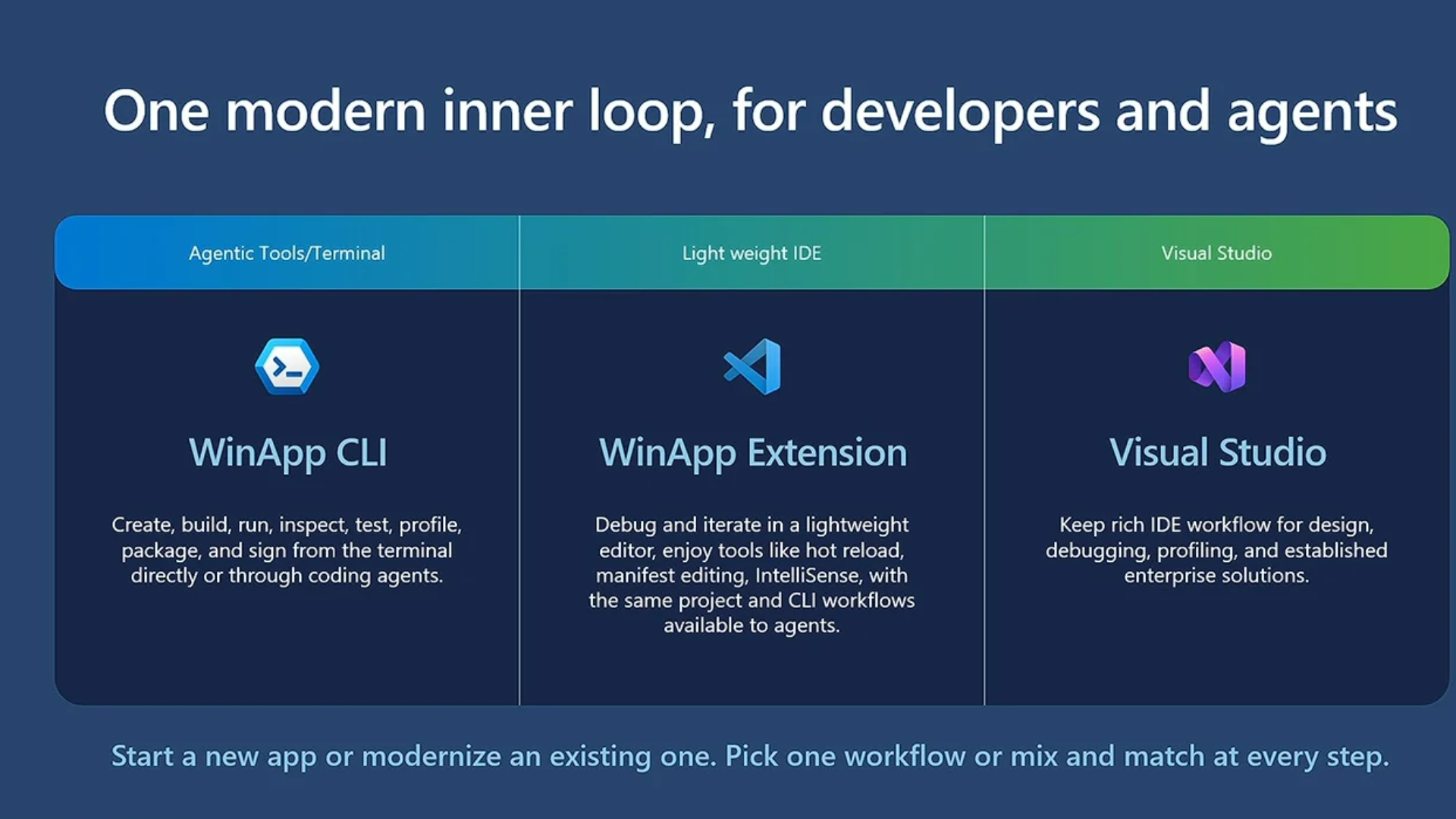
Packaging takes three commands to generate a certificate, install it, and build the MSIX. Earlier this year, I had an AI agent build two native WinUI 3 apps for my PC, and both still needed Visual Studio for MSIX packaging. Microsoft says Visual Studio isn’t going anywhere, and features tested in the CLI and its VS Code extension, which adds XAML IntelliSense, will make it back there.
WinApp CLI also works beyond WinUI. Microsoft’s documentation lists .NET, C++, Electron, Rust, Tauri and Flutter, so Electron apps can get package identity and MSIX packaging too. Version 0.8, released on November 9, added experimental WinUI DevTools, profiling and C++ support, building on Microsoft’s September guides for building a native app with AI in about 30 minutes.
Microsoft’s AI agents profiled, fixed and tested a WinUI app on stage
In the Hangar demo, mechanics complained that the work orders page was laggy. The agent loaded a WinApp performance skill, ran “winapp perf”, and found a list view loading more rows than fit on the screen. The engineer then left a comment on the list in DevTools saying not to load 1,200 rows at once, and the agent read it and fixed the code.
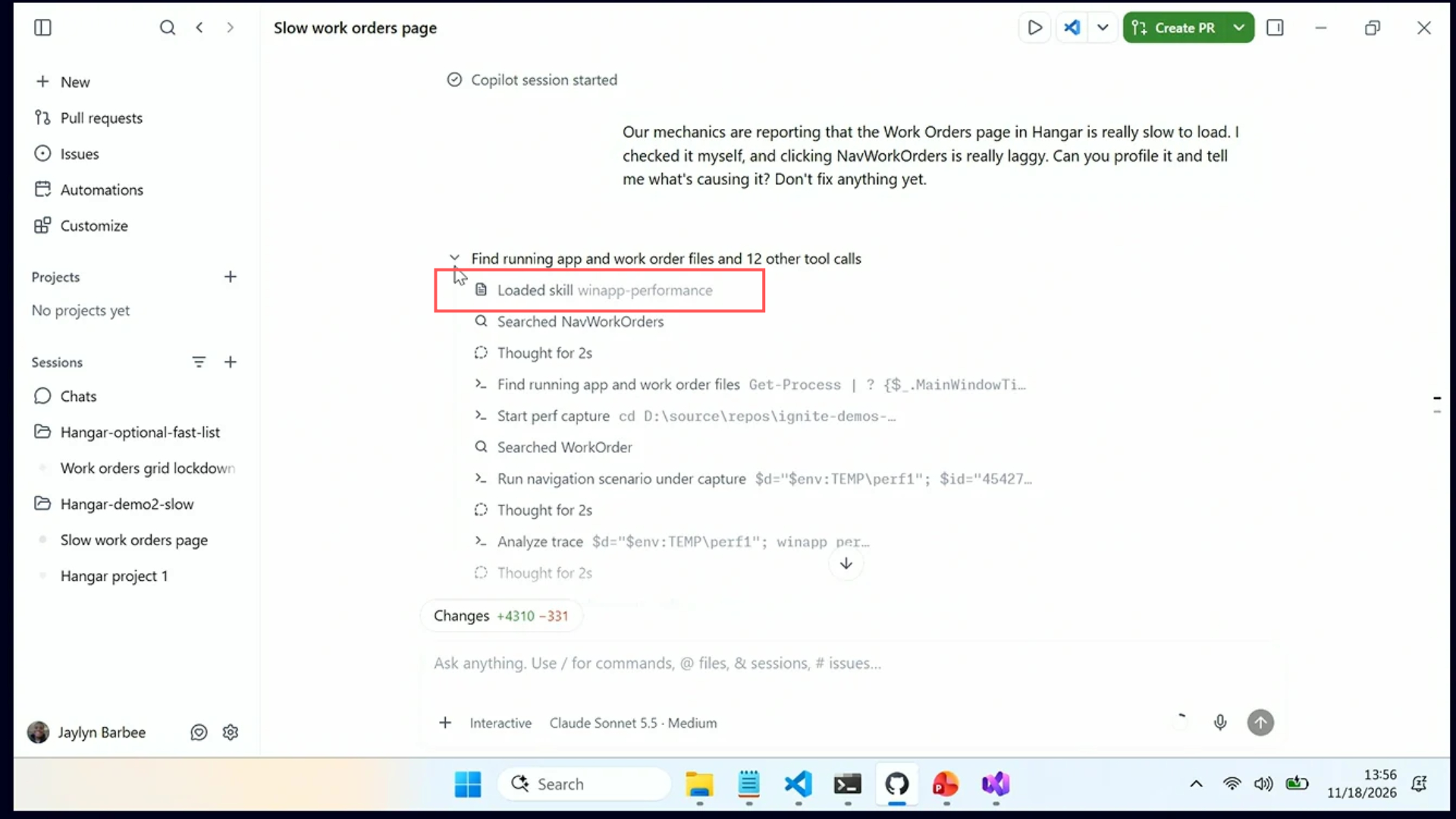
“AI in general do a really good job of getting us 80% of the way there. But I still personally like to do a lot of human verification,” Microsoft’s Jaylyn Barbee said.
The best demo came when the mechanics wanted a table they could sort and resize. The agent used “find UI” to search the WinUI Gallery samples and came back with TableView. Funnily enough, the engineer then tried to freeze a column by hand with an attribute remembered from WPF, and it failed. The “find API” tool scanned the Windows APIs and found the right property, FrozenEdge. Microsoft says agents make that mistake too when migrating older apps.
Microsoft’s private benchmarks give some promising data:
| Private benchmark | Without WinApp tools | With WinApp tools |
|---|---|---|
| Correct answers about WinApp commands | 37% | 90% |
| App quality checks passed | 68% | 87% |
A PowerShell script of “winapp ui” commands then clicked through every change and saved screenshots and video to an evidence folder, and it can run in a sandbox so you can keep working. Replit’s product lead also used the WinUI skills to turn about 600 local CSV files into a sales app with an interactive map in around 15 minutes.
Microsoft is still fixing WinUI bugs, missing controls and slow launches
“There’s a lot of bugs. There’s things that we need to fix, and we’ve been doing that ever since, I don’t know, 20 years ago,” Microsoft’s Beth Pan said. WinUI 3 hit 1.0 in 2021, so I guess those two decades include the XAML stack it inherited.
Microsoft’s migration guide says that, as of Windows App SDK 2.0, WinUI apps launch slower, use more RAM and take up more storage than UWP apps. Visual Studio’s XAML Designer doesn’t support WinUI 3 projects, and in May, Microsoft acknowledged that WinUI 3 apps resize worse than the UWP apps they replace.
With that said, the good news is that fixes are coming. Beth Pan also said the WinUI portion of File Explorer’s launch now spends 25% less time in WinUI code, with 41% fewer allocations. At Ignite, the engineers also flagged missing windowing APIs, while TableView, chart and InkCanvas controls are experimental as of now.
Microsoft is also testing hot reload, a XAML previewer, and Reactor, which lets you write WinUI apps in plain C# without XAML. Rust support is “the number one request for the WinUI team”, according to the engineers. WinUI, including its XAML compiler, is also developed in the open now.
Redmond does deserve some credit for admitting to the years of developer complaints at the Building Windows apps with WinUI and agents session. But agents only make it faster to build a WinUI app. If that app launches slower than the older UWP version, why would stubborn companies like Meta bring back a native WhatsApp?
