Close Menu
MyAppsPlus

    Subscribe to Updates

    Get the latest creative news from FooBar about art, design and business.

    What's Hot

    Meet the under-35s shaping the future of biotech

    September 12, 2026

    How to change Amazon Alexa’s voice and personality

    September 12, 2026

    Quote of the day by Motorola’s cell phone pioneer Martin Cooper: ‘People want to talk to other people — not a house, or an office, or a car’ — blueprinting the start of a new era of communications

    September 12, 2026
    Facebook X (Twitter) Instagram
    Facebook X (Twitter) Instagram
    MyAppsPlusMyAppsPlus
    Saturday, September 12
    • Home
    • Breaking Tech
    • Apps & Software
    • AI & Automation
    • Android
    • iPhone & iOS
    • More
      • Reviews
      • How-To Guides
      • Deals & Discounts
      • Shop
    MyAppsPlus
    Home»Breaking Tech»Is it worth paying extra for iCloud storage?
    Breaking Tech

    Is it worth paying extra for iCloud storage?

    myappsplusBy myappsplusSeptember 5, 2026003 Mins Read
    Share Facebook Twitter Pinterest Copy Link LinkedIn Tumblr Email Telegram WhatsApp
    Follow Us
    Google News Flipboard
    Is it worth paying extra for iCloud storage?
    Share
    Facebook Twitter LinkedIn Pinterest Email Copy Link

    Upgrading your online storage is easy, but choosing the right plan is key.

    Most <a href="https://myappsplus.com/all-of-the-best-apple-labor-day-weekend-deals-9to5mac/” title=”All of the best Apple Labor Day weekend deals 9to5Mac”>Apple devices these days come with 256GB of storage out of the box, but iCloud is a different story. Apple’s online platform has been around since 2011, and the company has never increased the 5GB of free space it offers. That wasn’t a lot even a decade ago. 

    Now that everything has seemingly moved to the cloud, it’s even easier to fill up all that space quickly. We store backups, messages, passwords, notes and even emails remotely. If you’ve found yourself needing that extra bit of storage, Apple offers many iCloud upgrade options. However, choosing the right one can raise some questions.

    Choosing the right iCloud+ plan for you
    iCloud sign in website.

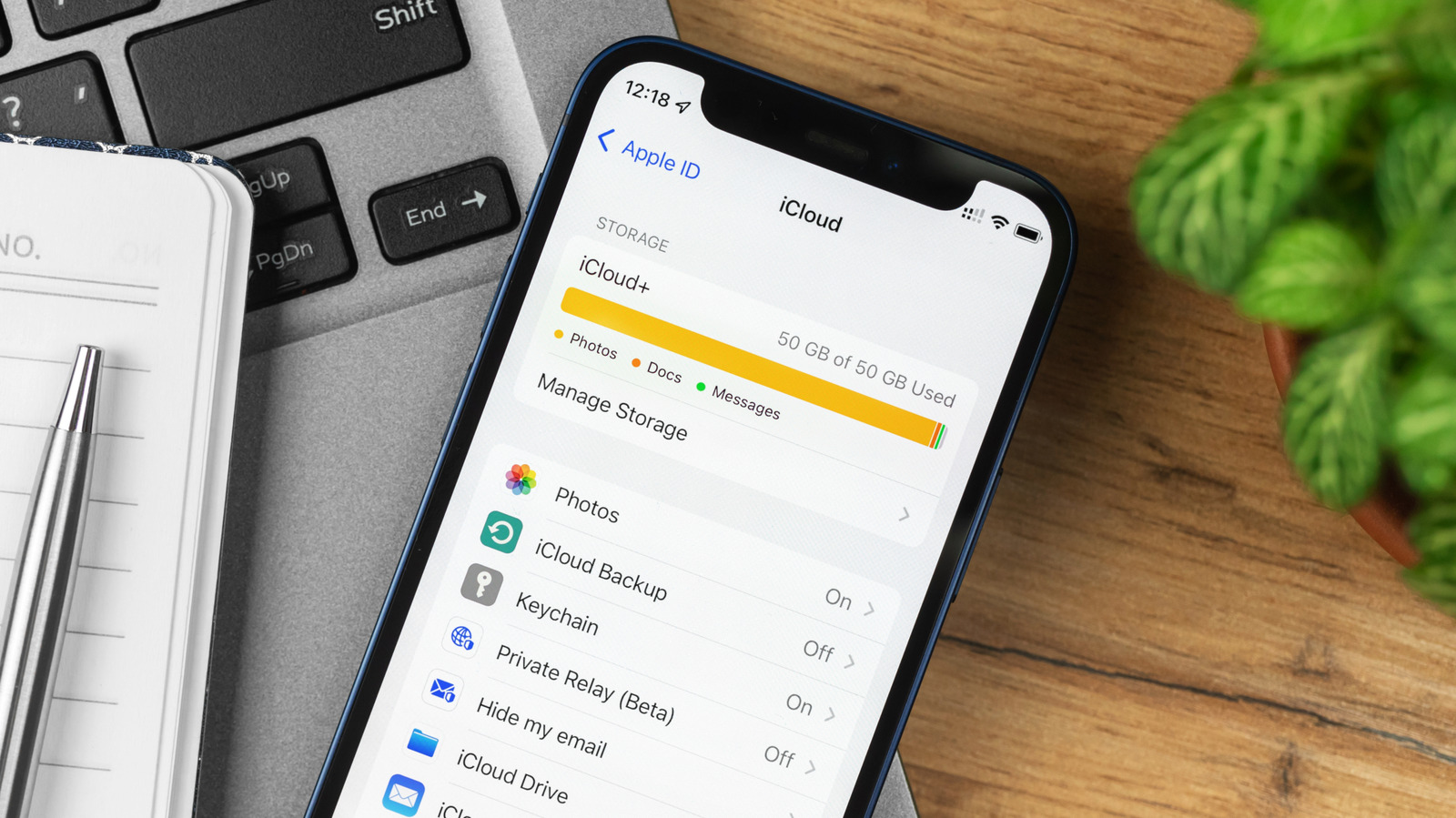
    The truth is that the 5GB free tier is almost like a trial version of iCloud. You can get a glimpse of how it works, but you won’t really get to take full advantage of it. Chances are your photo library alone takes up more than 5GB, unless you don’t take many photos and videos. Apple mainly offers two iCloud+ plans: One with 50GB of storage and another with 200GB. 

    Maybe you’re still unsure about paying for iCloud, or you’re not a heavy user. If that’s the case, start with 50GB, which costs just $0.99 per month. It’s a solid plan for keeping your contacts, app settings, messages and documents synced across all your devices. Over time, that might not be enough — especially if you sync thousands of photos and videos to the cloud. This is when you’d go for the 200GB plan. It’s the plan most people sign up for and it costs $2.99 a month.

    There are plenty of benefits to using the smaller iCloud tiers, especially if you’ve tied yourself into the Apple ecosystem. Your apps, settings and media get synced across devices easily, so you don’t have to worry when it’s time to transfer your data to a new iPhone.

    More iCloud plans and extra features
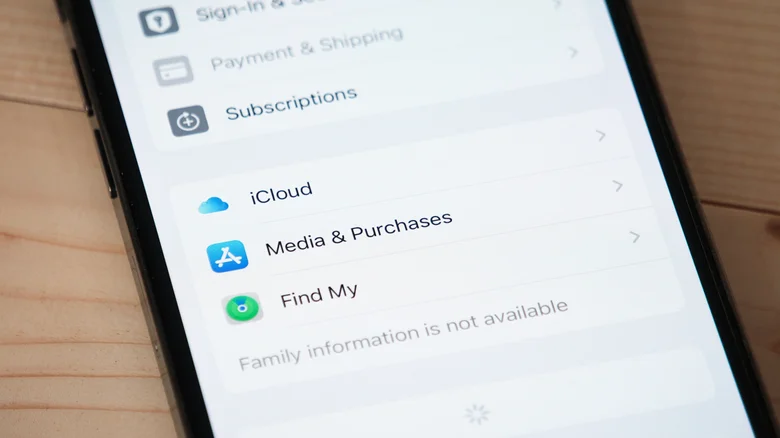
    iCloud settings menu on an iPhone.

    If you’re shooting RAW photos, 4K video or backing up large Mac files to the cloud, 200GB can run out fast. Apple has taken that into consideration and offers 2TB, 6TB and 12TB iCloud+ plans, too. These are all options for heavy users, but it’s worth knowing that they exist. Having that amount of extra storage is generally a good idea when you’re bouncing between three or more Apple devices.

    Subscribing to iCloud+ also gives you some extra perks. You can get extra protection with Private Relay, which ensures websites can’t track your browsing, and Hide My Email, which generates random email addresses to keep your existing one secure. It’s also a base requirement to use HomeKit Secure Video. The more storage you pay for, the more security cameras you can sync to your account. It’s worth the extra cost if you have HomeKit cameras. 

    If you’re into streaming movies and music, there are a number of Apple One bundles. They combine Apple Music, Apple TV, Apple Arcade, iCloud+ storage and other subscriptions into one monthly plan. As to whether iCloud+ or Apple One is worth choosing will depend on how many Apple services you use on a daily basis and what you’re willing to spend.

    Apple extra iCloud paying worth
    Follow on Google News Follow on Flipboard
    Share. Facebook Twitter Pinterest LinkedIn Tumblr Email Copy Link
    myappsplus
    • Website

    Related Posts

    How to change Amazon Alexa’s voice and personality

    September 12, 2026

    Tesla says it will finally unveil the second generation Roadster on October 1

    September 12, 2026

    How Apple Forgot Left-Handed Users with the iPhone Duo

    September 12, 2026
    Add A Comment
    Leave A Reply Cancel Reply

    Top Posts

    The 6 AI-free Linux distros I recommend most

    August 19, 20263 Views

    AI, automation, robot dogs ensure on-site nuclear safety

    September 7, 20262 Views

    This tiny AI box could save me from upgrading my perfectly good laptop

    September 6, 20262 Views
    Latest Reviews

    Apple Wallet driver’s licenses are coming to North Carolina, but there’s a catch

    myappsplusAugust 18, 2026

    3 Japanese AI Stocks Turning Automation Spending Into Real Revenue

    myappsplusAugust 18, 2026

    Apple: DOJ’s latest challenge in antitrust case ‘fails at every level’

    myappsplusAugust 18, 2026
    Stay In Touch
    • Facebook
    • YouTube
    • TikTok
    • WhatsApp
    • Twitter
    • Instagram

    Subscribe to Updates

    Get the latest tech news from FooBar about tech, design and biz.

    Most Popular

    Apple Wallet driver’s licenses are coming to North Carolina, but there’s a catch

    August 18, 20260 Views

    3 Japanese AI Stocks Turning Automation Spending Into Real Revenue

    August 18, 20260 Views

    Apple: DOJ’s latest challenge in antitrust case ‘fails at every level’

    August 18, 20260 Views
    Our Picks

    Meet the under-35s shaping the future of biotech

    September 12, 2026

    How to change Amazon Alexa’s voice and personality

    September 12, 2026

    Quote of the day by Motorola’s cell phone pioneer Martin Cooper: ‘People want to talk to other people — not a house, or an office, or a car’ — blueprinting the start of a new era of communications

    September 12, 2026

    Subscribe to Updates

    Subscribe to our newsletter and get the latest tech news, app updates, AI trends, smartphone reviews, and exclusive deals delivered straight to your inbox.

    Facebook X (Twitter) Instagram Pinterest
    • About Us
    • Get In Touch
    • Disclaimer
    • Privacy Policy
    • Terms & Conditions
    © 2026 MyAppsPlus. All Rights Reserved.

    Type above and press Enter to search. Press Esc to cancel.