

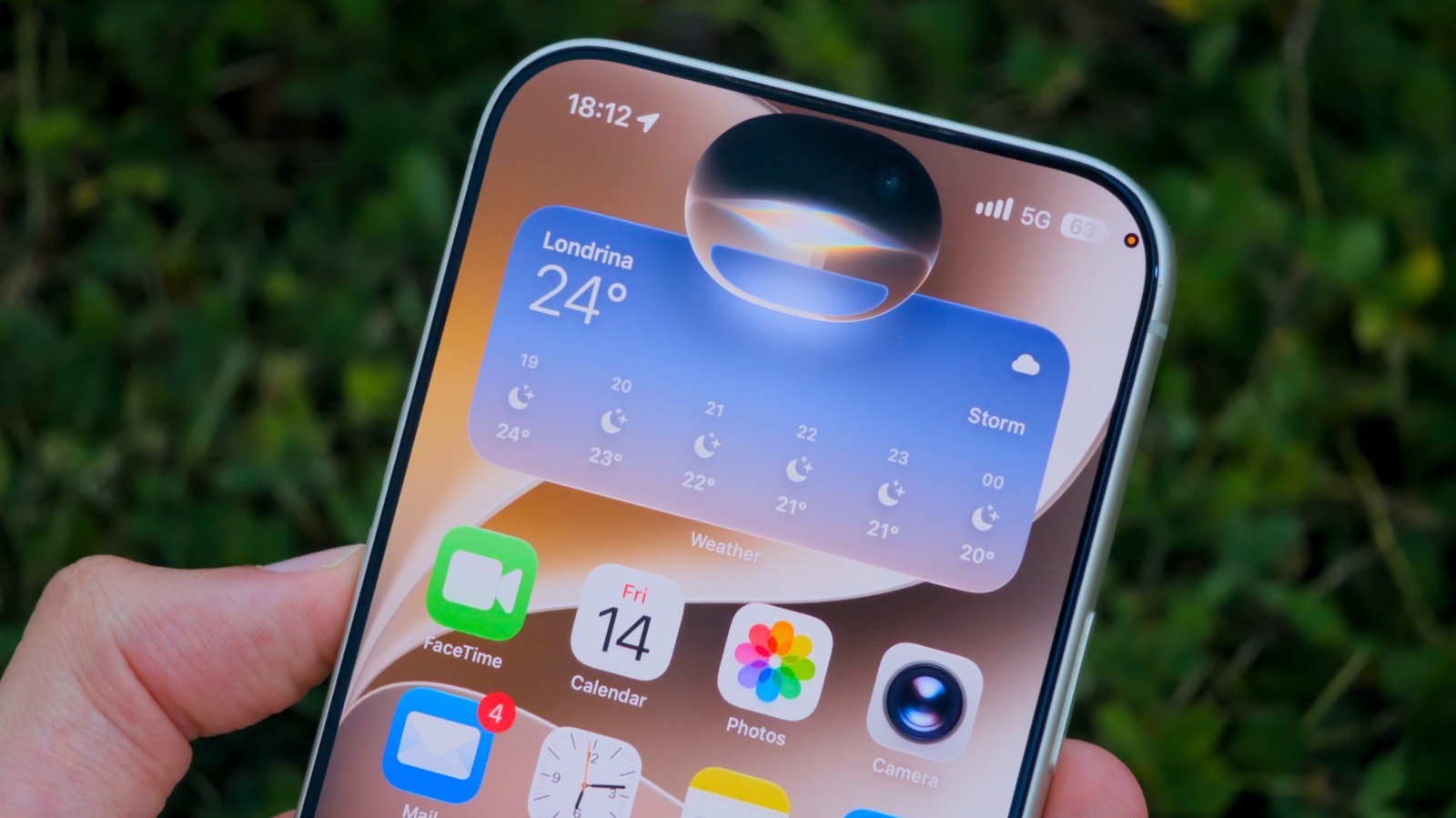
Apple Intelligence makes Siri actually useful, thanks to some major changes.
It’s easy to forget how impressive Siri was when it was unveiled back in 2011. But as time passed, Siri never really evolved and even struggled with basic tasks. Chances are you’ve asked it to play a song or set an alarm, only to have it search the web for your request. If you haven’t been a fan of Siri for a while, iOS 27 might change your mind.
The original Siri was limited: it could only respond to commands it had been programmed to handle. Play a song, create a timer, set an alarm — tasks like that. As far as personal context, it could only take actions like calling a specific contacting or start a route, but it never really understood the full context. That changes with iOS 27, where Siri has been rebuilt with AI.
Siri now understands your personal context
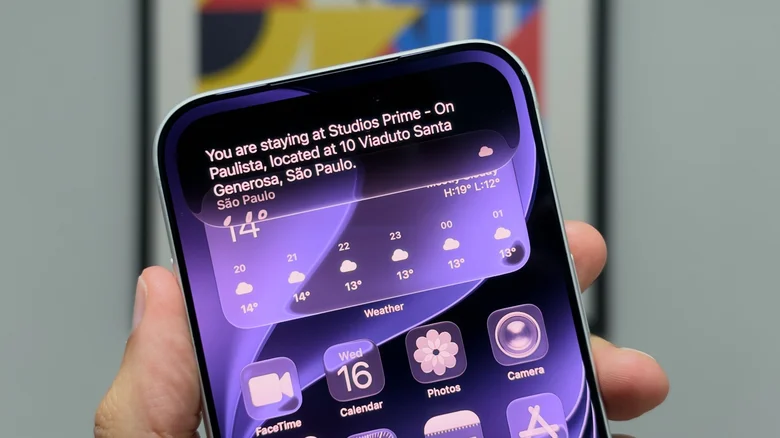
The new Siri AI has what Apple calls “personal context understanding”. Once you install iOS 27, you may notice a notification in the Settings app about “Optimize Search and Siri.” This means your device is learning everything about you, from emails to messages. The process takes a while to complete (it will run faster when your phone is locked, charging and on Wi-Fi), but it’s essential for Siri AI to work. With this knowledge about what’s on your phone, Siri becomes much more powerful and smart.
Say you’re on a trip and you’ve just arrived at the airport. Instead of having to search through your emails for the hotel’s address, just ask Siri. It will likely find the right address based on your emails and conversations. You can even ask it to copy the address to your clipboard. Another great example is finding a recommendation from a friend. Having a hard time remembering the name of a song or book someone sent you? Ask Siri, and it will search through your messages for you.
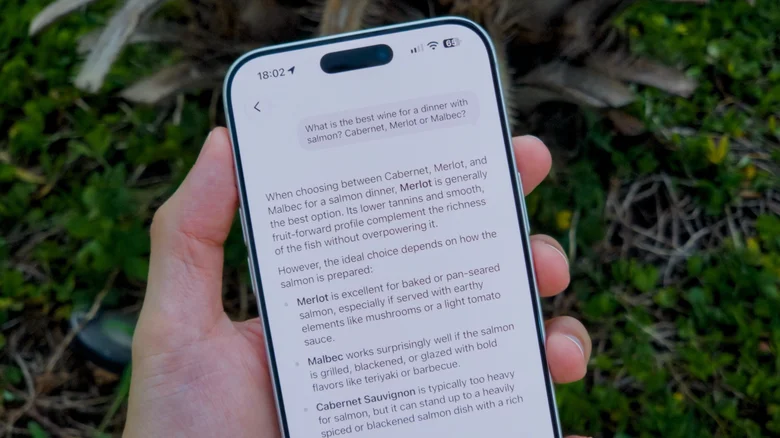
You can also use Siri AI for general knowledge answers. Want to hear the surprise songs from a specific concert on Taylor Swift’s The Eras Tour? Ask Siri, and it should find exactly those songs on Apple Music. Siri AI even works with third-party apps, and while this depends on developers’ adoption, some of them are already compatible, such as Flighty and Gentler Streak.
How to use Siri AI on your device
Unfortunately, not everyone can use Siri AI. Beyond updating your Apple devices to Platform 27, your device also has to support Apple Intelligence. That means an iPhone 15 Pro or later, or a Mac or iPad with an M1 chip or later (plus the seventh-gen A17 Pro iPad mini).
Another important limitation: Siri AI is currently only available in English. Apple says support for more languages will be rolled out soon, starting in October with French, Japanese, Korean, Portuguese and Spanish. You may have to join a waiting list to get the new Siri and the Siri AI app. It usually doesn’t take long, but it’s one more step to get your hands on Apple’s new virtual assistant.
