

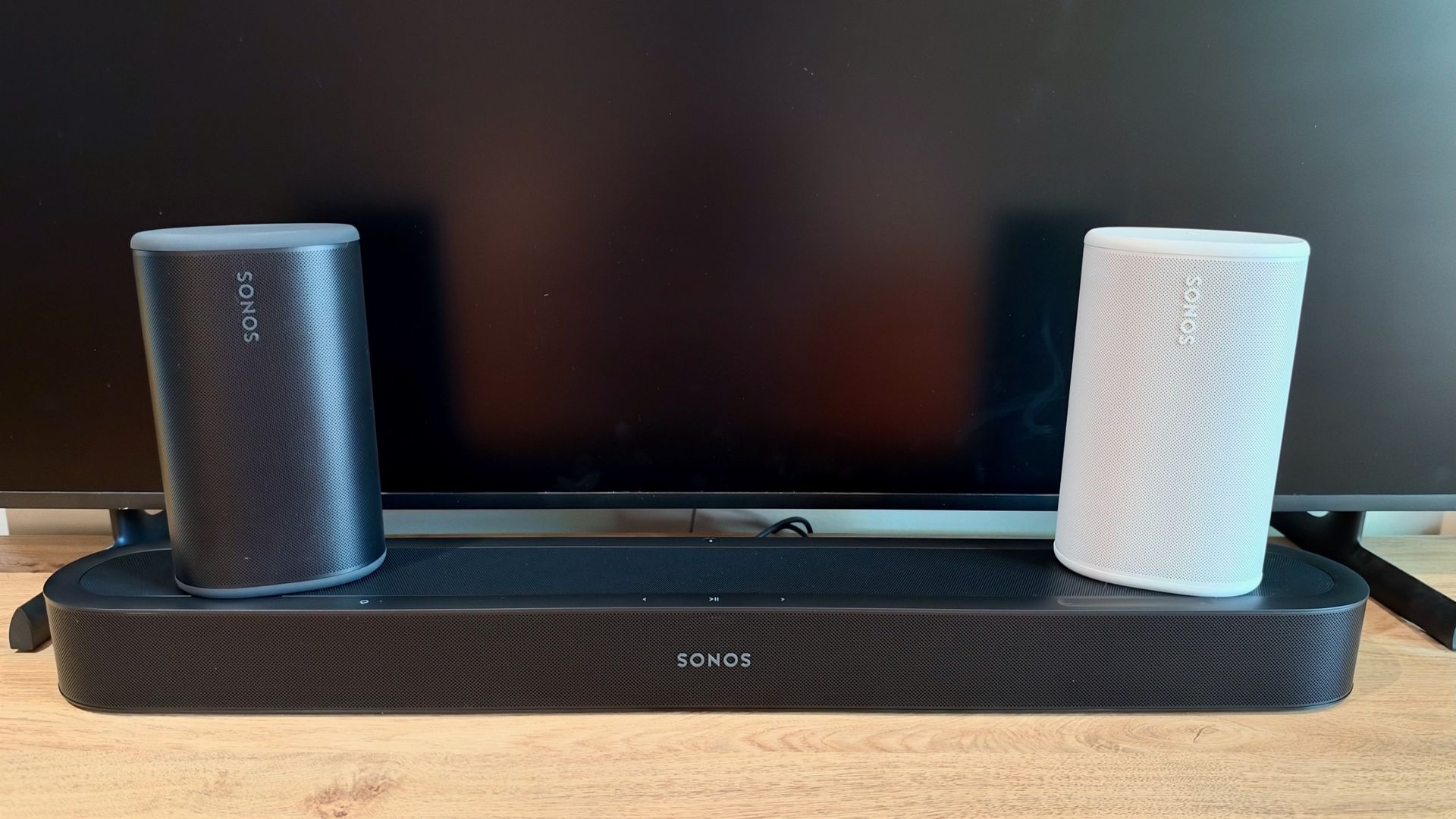
I’ve long been a fan of Sonos and its approach to home audio. My apartment is already filled with the company’s speakers, including two home theater systems for movies and TV, and a couple of stereo pairs for music. And while the ability to group speakers and play whatever I want, wherever I want, is already a major part of the appeal, I’ve always felt there was room to take things a step further.
So when Sonos announced the Beam Ultra soundbar earlier this year, alongside a new feature that would allow its portable Play speakers to double as rear surrounds, my interest was well and truly piqued.
I’ve already made my feelings about the Play perfectly clear, having previously claimed it could be the only speaker you really need. Its ability to perform just as well around the home as it does on the move makes it an incredibly appealing proposition.
And now, thanks to the new Sonos27 operating system, that versatility extends to home theater. Rather than committing a pair of speakers to permanent surround duties, you can simply pick one up, take it into another room and use it independently, before returning it to its original position and having it automatically rejoin the system.
It’s a simple idea, but one that has the potential to fundamentally change how people use their Sonos speakers. And having now put the Beam Ultra and a pair of Plays through their paces, I think it’s one of the company’s most compelling developments in years.
Play it for me, Sonos
A pair of Sonos Play speakers can be used as rear surrounds with several of the company’s soundbars, including the Arc, Arc Ultra, Beam (Gen 2) and Beam Ultra. Given the larger size and greater output capabilities of the Arc models, I’d argue the relatively compact Plays might be a slight mismatch, but it’s good to know you’re not tied to one particular soundbar.
Pairing them with the smaller Beam makes more sense to me, and in my bedroom, the combination is discreet enough not to draw attention, yet powerful enough to deliver a genuinely expansive sound that’s a huge improvement over my TV’s built-in speakers.
Of course, the real appeal of this setup is that the Plays aren’t permanently tied to surround duties. Pick one up, carry it into another room and it should automatically disconnect from the home theatre system, becoming an independent speaker ready for music playback. Return it to its original position, and it should seamlessly slot back into place.
Making this possible is some clever technology working behind the scenes. An accelerometer inside each Play detects when it’s been picked up and moved, while Sonos Positioning Technology uses near-ultrasonic signals, picked up by the soundbar’s microphones, to determine whether the speakers are in the same room and where they’re positioned. It can even work out which speaker should act as the left or right rear surround, without you having to assign them manually.
At least, that’s the theory.
When I first put this to the test, things didn’t quite go according to plan. I carried one of the Plays from my bedroom into the living room, only to find it was still reproducing audio from the home theatre system. The connection also became intermittent, with the sound cutting in and out rather than the speaker switching to standalone mode.
I eventually resorted to tapping ‘Stop Using Surrounds’ in the Sonos app, which allowed me to use the Play independently. But when I returned it to the bedroom, it didn’t automatically reconnect either, requiring another trip into the app to select ‘Start Using Surrounds’.
Not wanting to be deterred, I tried again a short while later. This time, after moving the same Play into the living room and waiting a few seconds, I heard an audible tone confirming it had disconnected from the home theater setup. Both Plays, including the one still in the bedroom, then appeared as standalone speakers in my AirPlay settings.
Returning the speaker to its original position was just as straightforward. A breathing white light indicated it was determining its position relative to the soundbar, followed by the same audible tone confirming a successful connection. Just like that, it was back to performing rear-left surround duties, without me having to touch the app.
And that’s when the appeal of Sonos’ new approach really clicked. Instead of a pair of speakers permanently committed to home theater duties, I could now move them around my apartment as needed, without manually reconfiguring the system every time.
Small system, big sound
To give the system a proper workout and find out just how much the Play surrounds contributed, my first port of call had to be the Penguin car chase scene in The Batman.
I started with the Beam Ultra by itself and was, quite frankly, blown away by its performance. Considering the soundbar’s compact dimensions, the sheer scale of the sound it produced was remarkable. The rumble of the Batmobile’s engine had impressive weight, while the soundfield extended well beyond the physical confines of the bar. In fact, it effectively disappeared, with sound filling the room rather than appearing to come from a single speaker beneath the TV.
Perhaps more impressive was that I wasn’t using a separate subwoofer. In my bedroom, at least, I didn’t feel an immediate need for one, such was the weight and authority of the bass. Admittedly, a larger living room could tell a different story, and anyone craving particularly deep, room-shaking bass would likely benefit from adding a Sub Mini.
With the two Plays connected as surrounds, and both the surround and height audio settings left at their default level of 0, the performance became even more immersive. As Batman and Penguin sped along the highway, the sounds of passing lorries and cars extended behind my listening position, creating a more convincing sense of being in the middle of the action.
Curious to see how much further the system could go, I increased both the surround and height audio settings to +5. The presentation became even more enveloping, with rear-channel effects such as blaring car horns becoming easier to distinguish. And when Penguin’s car went into a roll, the system did a convincing job of following the chaos unfolding on screen, making me feel as though I was right there in the passenger seat.
Arc you pleased to see me?
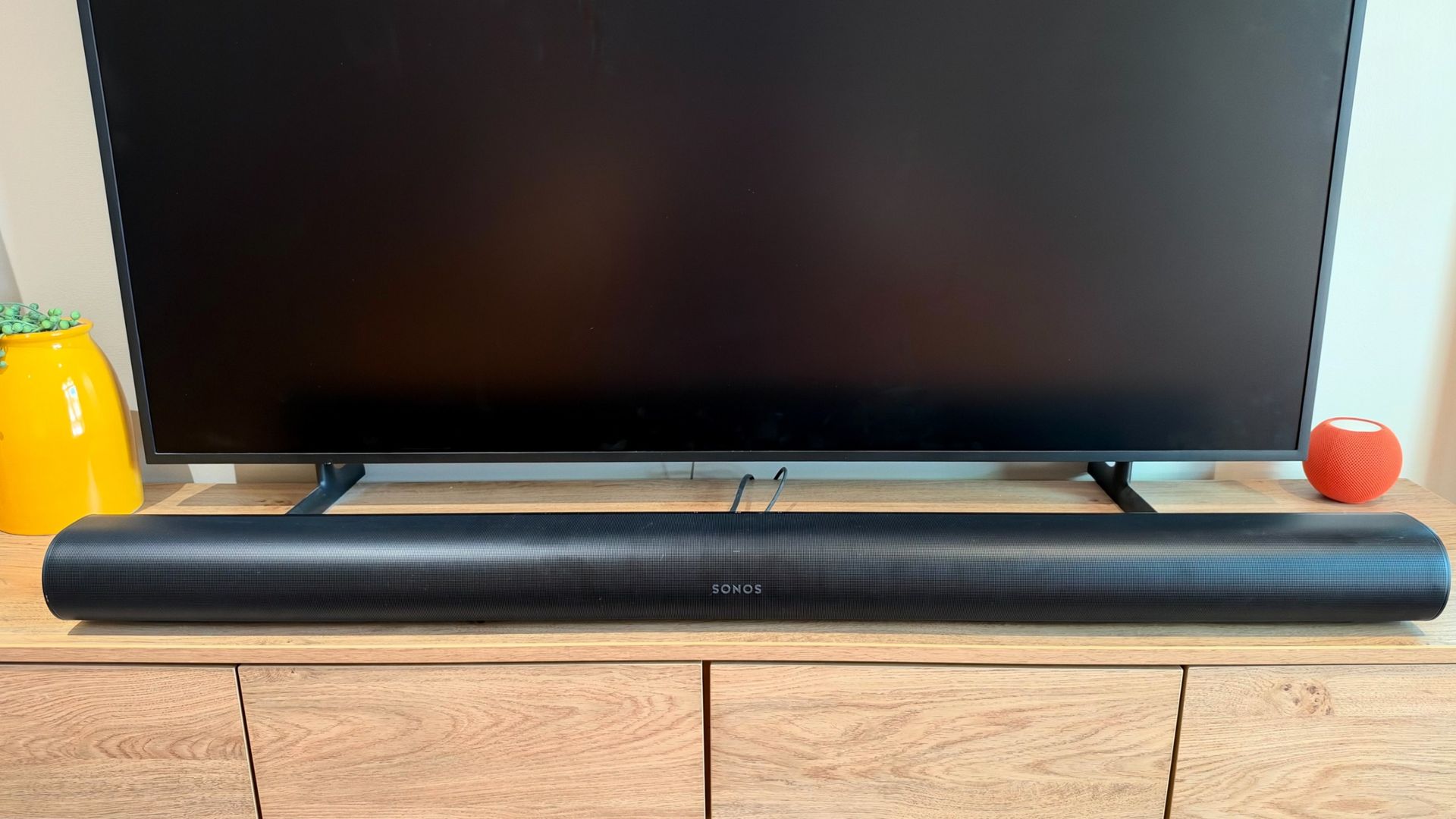
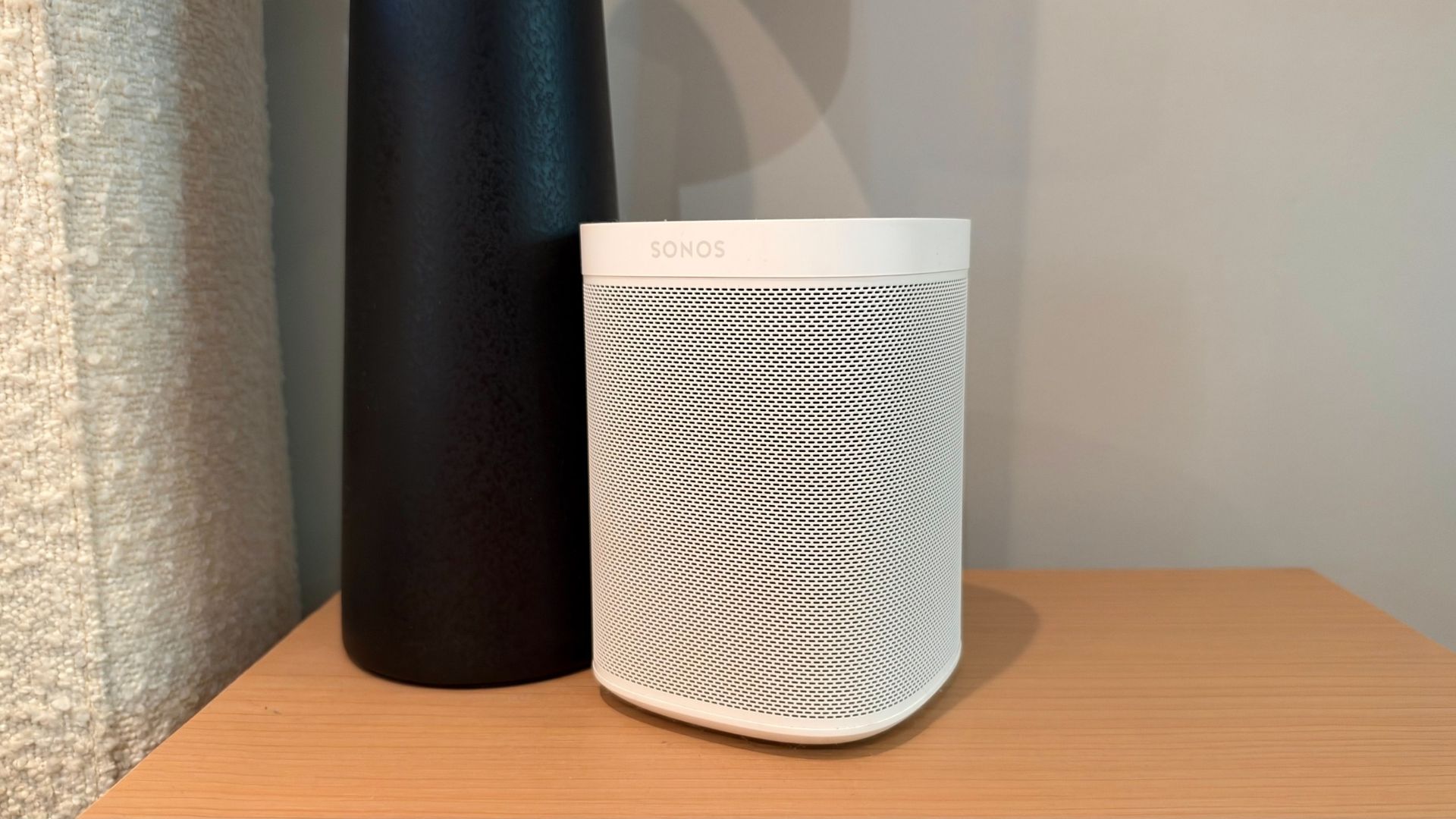
The Beam Ultra and Play combination had replaced an Arc and two Sonos Ones in my bedroom, so I was keen to see how the newer system compared with its predecessor. I reinstalled the older setup, starting with the Arc on its own.
There was an immediately noticeable increase in sheer grunt, which wasn’t entirely surprising given the Arc’s larger dimensions and greater number of drivers. But the difference wasn’t quite as dramatic as I’d expected, particularly considering how much smaller the Beam Ultra is.
It was also a reminder of how much easier Sonos has made the process of adding portable surrounds. With the Plays, I could simply select ‘Use Surrounds’ and, within seconds, they would connect and automatically establish their left and right positions. The Ones required a more involved setup process, including manually assigning each speaker to its respective channel.
Returning to the same scene from The Batman, this time with the Ones connected, revealed a more substantial difference between the two systems.
The Arc-based setup produced a bigger, more authoritative sound, particularly with the surround TV level increased to +5. Car engines had greater low-frequency weight, while the movement of vehicles along the highway was easier to follow as sounds travelled around the room.
Where the Beam Ultra fought back was in its reproduction of higher frequencies and dialogue. Voices sounded clearer and more distinct than they did through the Arc, while effects such as screeching tyres had greater bite and definition.
And while I maintain that the Beam Ultra doesn’t necessarily need a subwoofer in a smaller room, the comparison demonstrated that the Arc has an advantage when it comes to outright bass weight.
Ultimately, both systems delivered thoroughly enjoyable and convincing surround sound experiences. The Arc-based setup had the edge in scale and low-frequency authority, but the Beam Ultra and Plays proved that a relatively compact system can still deliver a seriously cinematic performance.
A home theater system with a difference
At $1,297 / £1,297/ AU$2,097 for the Beam Ultra and two Plays, this certainly isn’t the cheapest way to bring surround sound into your home. In fact, Sonos’ own Beam Ultra and Era 100 surround package costs less ($1,112 / £1,097 / AU$1,705), and as my comparison with the Arc and Ones demonstrated, a conventional setup can deliver a more substantial sound.
But I’d argue that focusing purely on the price of admission, or even outright surround performance, misses the point of what Sonos has achieved here.
Because when I’m not watching a movie or catching up on my favorite TV shows, I don’t necessarily need two speakers sitting behind me doing nothing. With this setup, I can pick them up and take them wherever I please, whether that’s into another room for some background music or outside for a gathering with friends.
And because the Plays offer both Wi-Fi and Bluetooth connectivity, they’re just as comfortable being part of a multiroom Sonos system as they are accompanying me away from home.
In effect, I’m getting two systems in one: an immersive home theater setup when I want it, and a pair of genuinely portable wireless speakers when I don’t.
For me, that’s where the real value lies. Sonos hasn’t just made its home theater systems more flexible; it’s made the speakers themselves more useful. And having experienced how seamlessly the two roles can work together, it’s a feature I’d find difficult to give up.
