

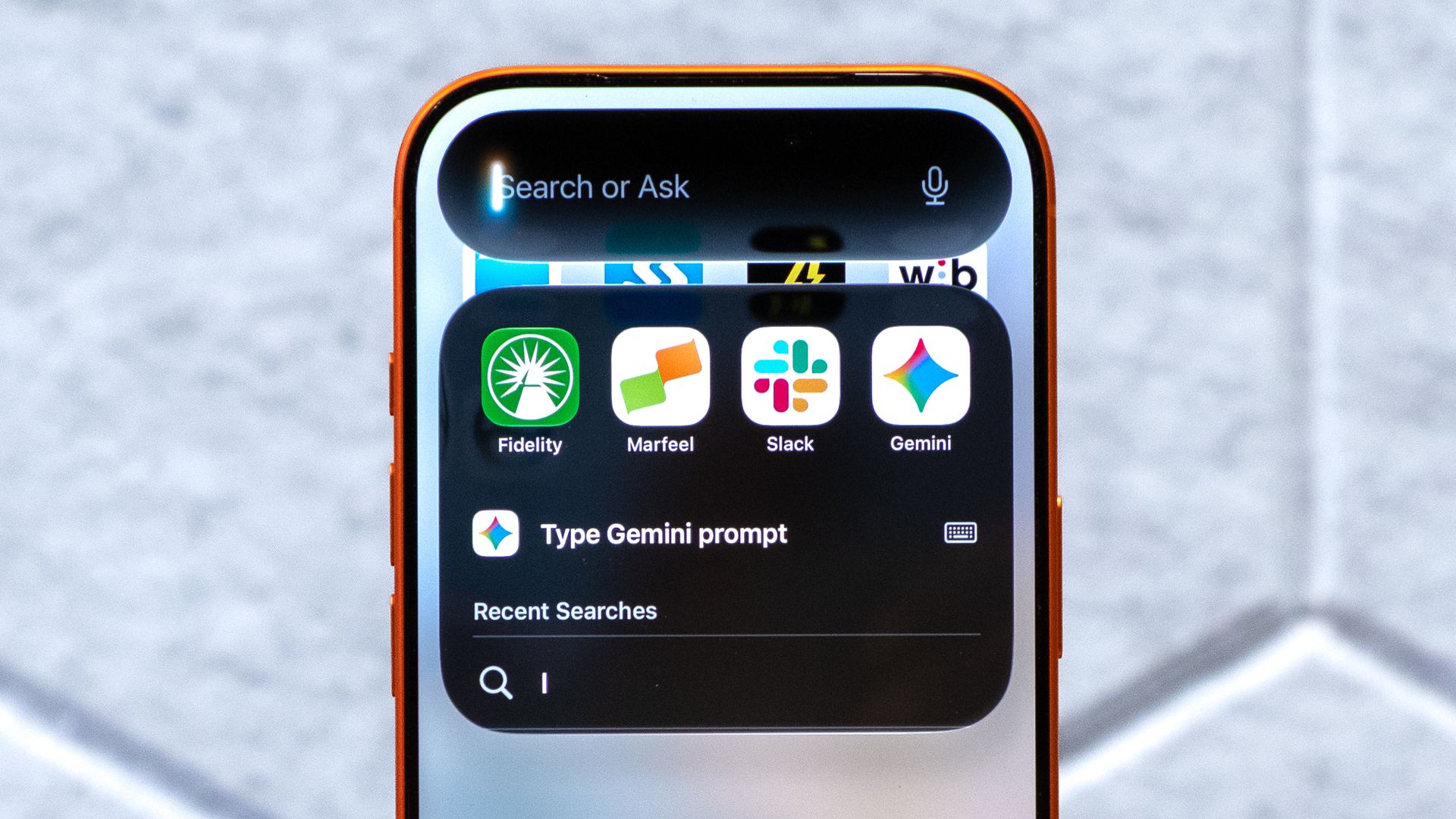
I’ll admit, I stopped using Siri around 2010. I didn’t think it was very helpful for more than setting a timer and I often had to repeat myself, which seemed to make using it frustrating at times.
But Siri AI in iOS 27 is something very different and has made me a believer again. The difference is the “AI” in Siri AI. Apple has turned Siri into a conversational AI assistant, much like ChatGPT Voice, that can answer questions and understand what’s on your screen and, perhaps most importantly, tap into information already sitting on your iPhone.
In the same way Personal Intelligence can navigate through Google Workspace, Siri AI does that right on your phone. And that’s the thing about this update that caught my attention.
So I decided to try something I wouldn’t have considered doing with the old Siri: I stopped using ChatGPT for a day and asked Siri AI to handle as many of my usual AI tasks as possible.
I expected ChatGPT to run circles around it. That wasn’t always what happened. Here are five things that changed how I use it.
1. Finding something I barely remember
I save everything. I have about 70,657 photos on my iPhone as proof that I’m a digital hoarder. But one of the most frustrating things about having years of messages, emails and photos on my phone is knowing something is there but having absolutely no idea where to look for it. I can’t tell you how many times I think “I know I took a screenshot of that phone number sometime in July…”
Normally, I’d start opening apps and searching individually. Siri’s personal context makes a completely different approach possible.
Instead, I can ask something vague like, “What was the name of the restaurant Steve sent me?” or “When is that appointment I got an email about?”
That’s a deceptively big change. Traditional Siri worked best when you knew exactly what you wanted and phrased the command correctly. The new Siri is much better suited to those moments when you don’t know exactly what you’re looking for. That’s honestly one of the main reasons I need an assistant at all.
2. Doing something with what’s already on my screen
If I’m looking at something on my iPhone, I don’t necessarily have to explain what “this” is before asking Siri about it.
For example, if someone sends me information I need later, I can bring up Siri and say, “Remind me about this tomorrow.”
Or I can ask Siri about something I’m looking at and then continue from there. With a traditional chatbot, there’s often an extra step involved. I might need to upload a screenshot, copy some text or explain what I’m looking at before asking my question.
Siri is already there. It’s one of those advantages that has less to do with having a smarter model and more to do with where the AI actually lives.
3. Handling a messy, normal-life request
AI benchmarks are great for comparing models, but my actual life leads to questions that are more like, “I need to make dinner before soccer at 6. I have chicken in the fridge, I don’t want anything complicated and it needs to take less than 25 minutes.”
That’s the kind of request I’ve traditionally taken straight to ChatGPT. So I started giving similar requests to Siri. And, what I noticed about Siri AI is that it finally keeps the conversation going. It’s a lot like ChatGPT voice
What’s different from the Siri of a few years ago is that I can continue the conversation without starting over every time.
I can ask for dinner ideas, reject the first suggestion, add another constraint and keep going.
That conversational back-and-forth is something we’ve taken for granted with ChatGPT and Gemini Live, but it fundamentally changes what Siri feels like to use.
4. Doing the things ChatGPT can’t
My opinion started to really change about Siri AI when I tested it to do things that ChatGPT cannot do. If I ask ChatGPT and Siri the same difficult question, I’d still expect ChatGPT to have an advantage in plenty of situations.
But that’s not necessarily the comparison here. Siri can interact with the device I’m holding. That means that Siri is doing so much more than answering questions — it actually takes action. I can ask about information on my phone and then do something with it. I can move between finding information and acting on that information without treating the AI as a separate destination.
Chatbots have become remarkably good at telling us how to do things. The next step is having an assistant that can actually help carry them out. And because Siri sits at the operating-system level, Apple has an enormous advantage here.
5. Knowing when I’d still choose ChatGPT
To be clear, Siri hasn’t suddenly made ChatGPT irrelevant on my iPhone. I still prefer to brainstorm and fact-check with ChatGPT, or even work through a complicated idea. I just think ChatGPT-6 is a simply better AI, but after diving into Siri AI, I’ve found myself using the two differently.
ChatGPT is where I go when I want to think with AI. Siri is now where I go when I want AI to help me do something on my phone.
The line between those two things will probably get blurrier as both assistants evolve, but right now it’s a surprisingly useful distinction. I’m just glad to know that Siri finally has a reason to exist.
Bottom line
Siri AI in iOS 27 has made me a believer in Siri again. It finally understands what I need and what I’m looking at without me needing to repeat myself. And, the information is actually useful and already on the device I’m using, which can turn a conversation into an action faster than using ChatGPT.
There are still plenty of situations where I’d choose ChatGPT first, particularly when I need deeper reasoning or I’m working on something complicated.
But when I’m holding my iPhone and simply trying to get something done, I’m starting to reach for Siri more often.
- AI is turning ordinary photos of kids into sexual abuse imagery — here’s how to protect your family
- OpenAI paid contractors to read ChatGPT conversations — here’s how to protect yourself
- I stopped reading the fine print myself after discovering this overlooked ChatGPT trick
