

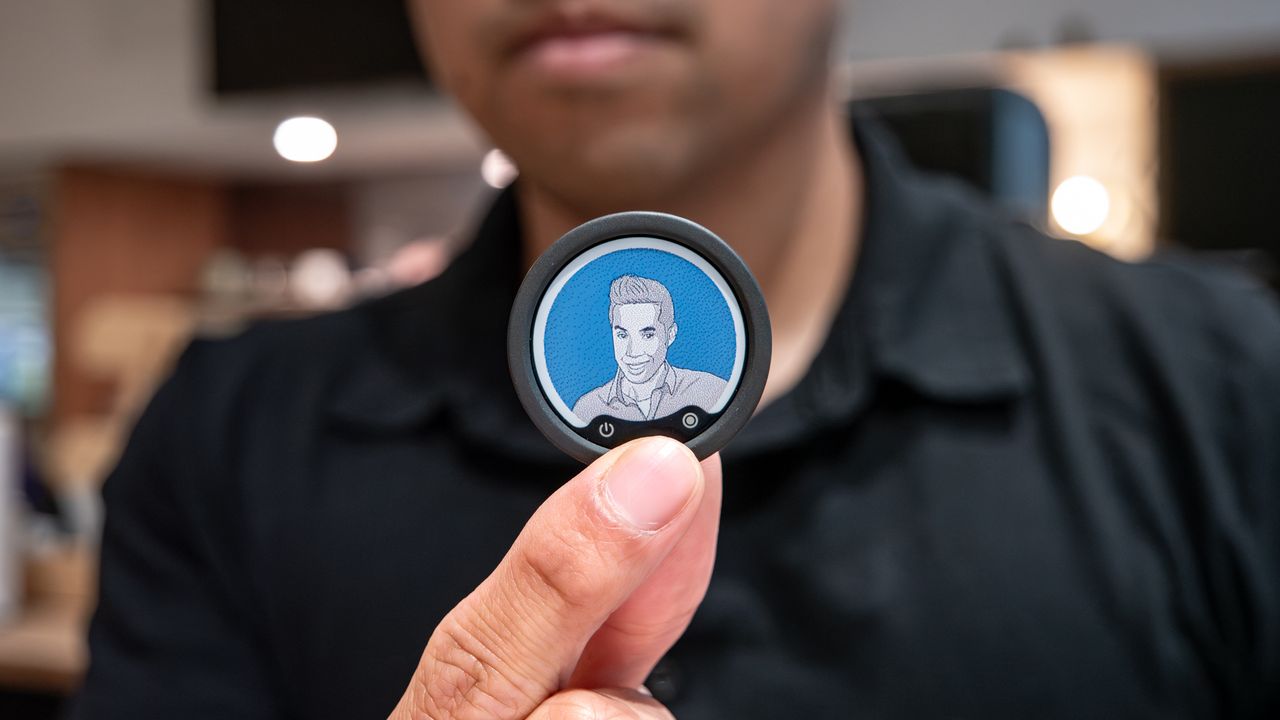
For years, the original DJI Mic has been my undisputed daily driver for capturing crisp, reliable audio on the go. I’ve tested plenty of alternatives, but nothing truly managed to dethrone it — until now.
On paper, the new <a href="https://www.insta360.com/product/insta360-mic-pro” rel=”nofollow noopener” target=”_blank”>Insta360 Mic Pro nails all the fundamentals I expect from a flagship wireless setup: seamless plug-and-play compatibility across smartphones and dedicated cameras, clean stereo recording, and onboard local backup storage so I never lose a take.
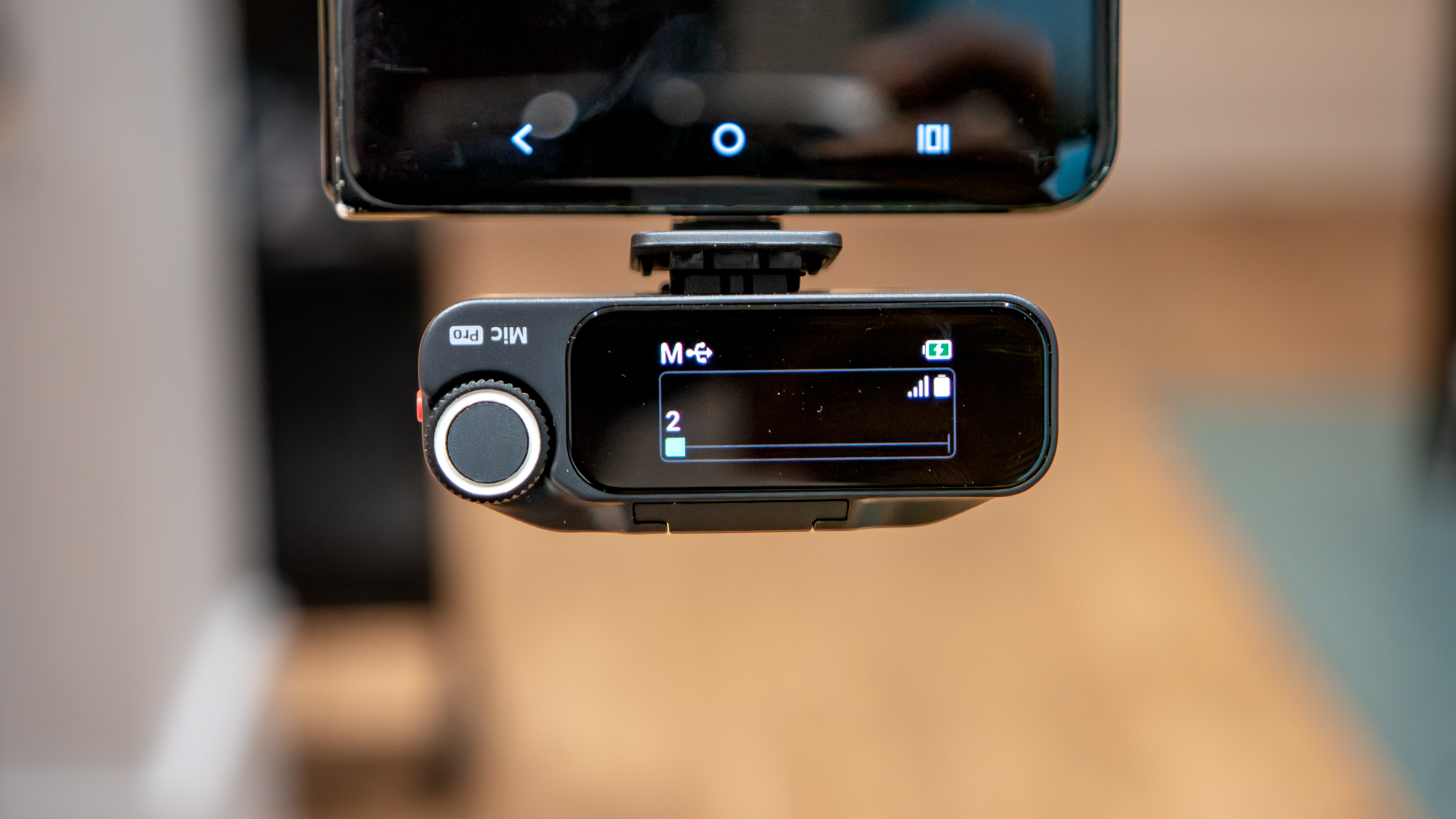
Yet, none of those standard specs are what actually won me over. The real standout is a feature I’ve never seen on a wireless microphone system before. While I initially wrote off the built-in e-ink display on each tiny transmitter as a novelty, it adds a layer of personalization in this age of content creation — where practically everyone is shooting video on the fly.
Capture studio-grade sound anywhere with the Insta360 Mic Pro, a wireless microphone system that features two transmitters, receiver that works with phones and cameras, local recording, auto gain adjustment, and an innovative e-ink display on each transmitter that really adds a layer of personalization.View Deal
It’s all about the branding
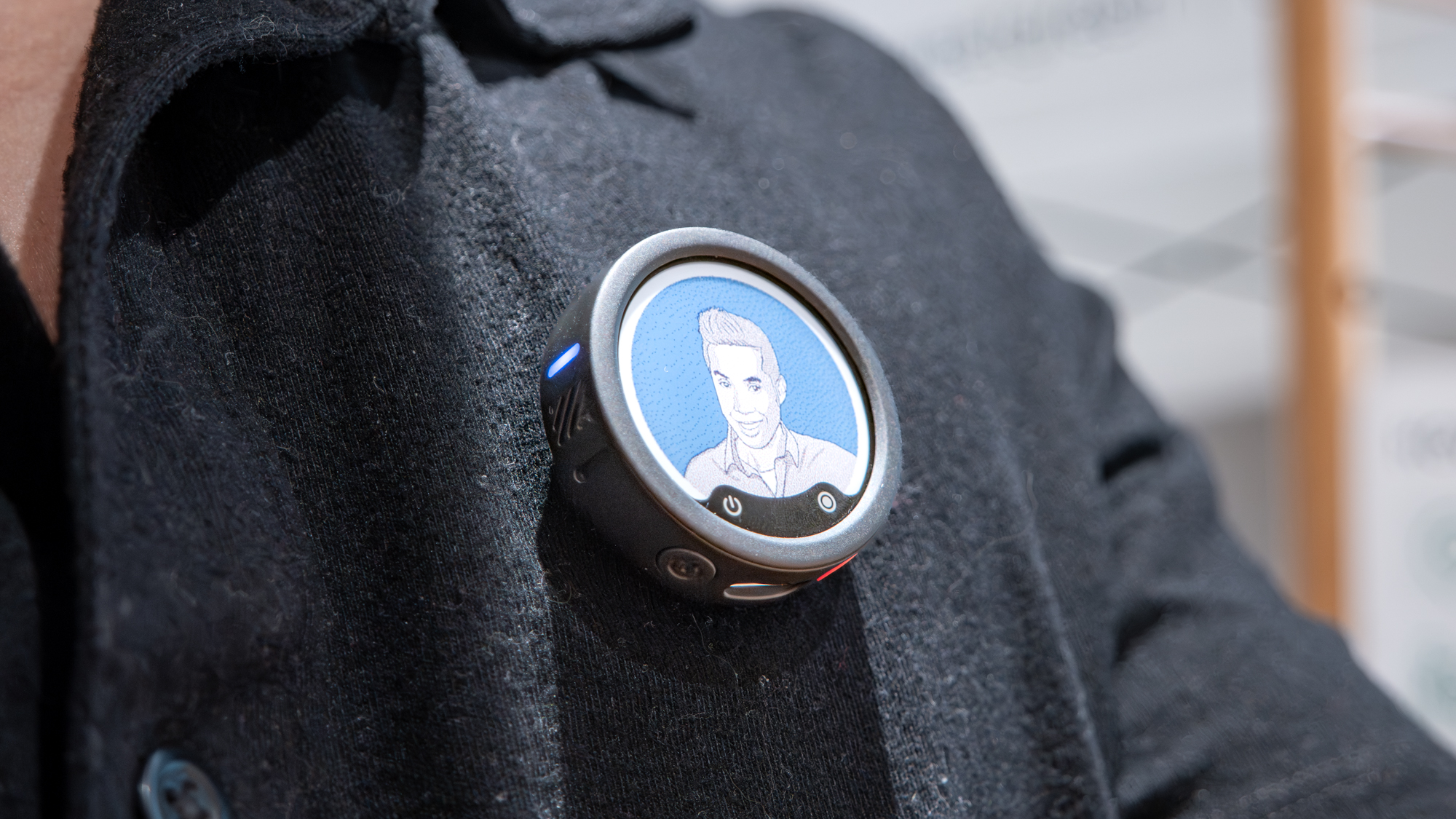
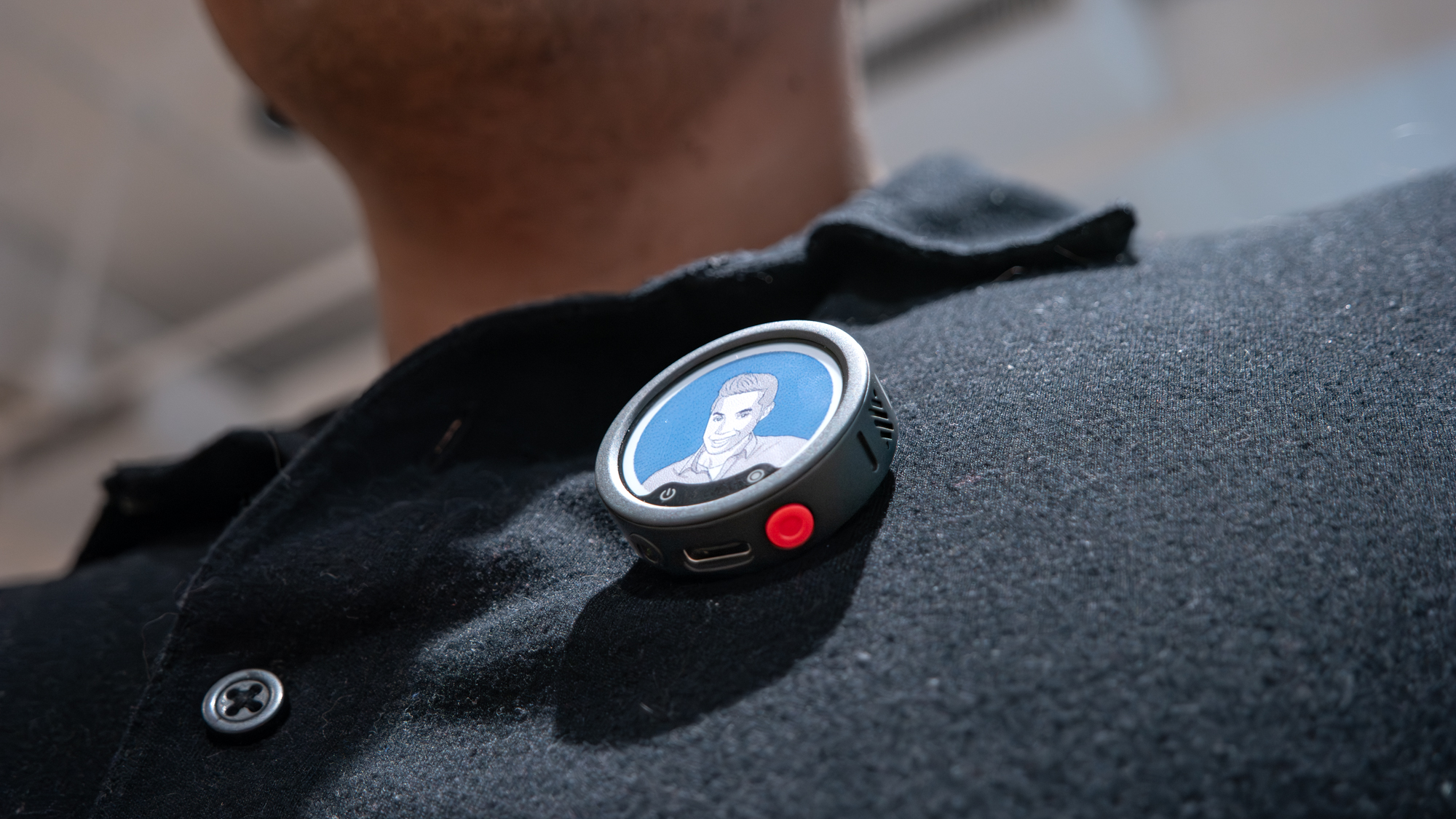
Most weekends, I spend time working with small businesses and non-profits to create, capture, and produce all sorts of video content. What makes the Insta360 Mic Pro special is how easily it personalizes a video, thanks to the neat e-ink display on both transmitters. It’s the same reason why I use the Xtrem Inno case with my iPhone 17 Pro.
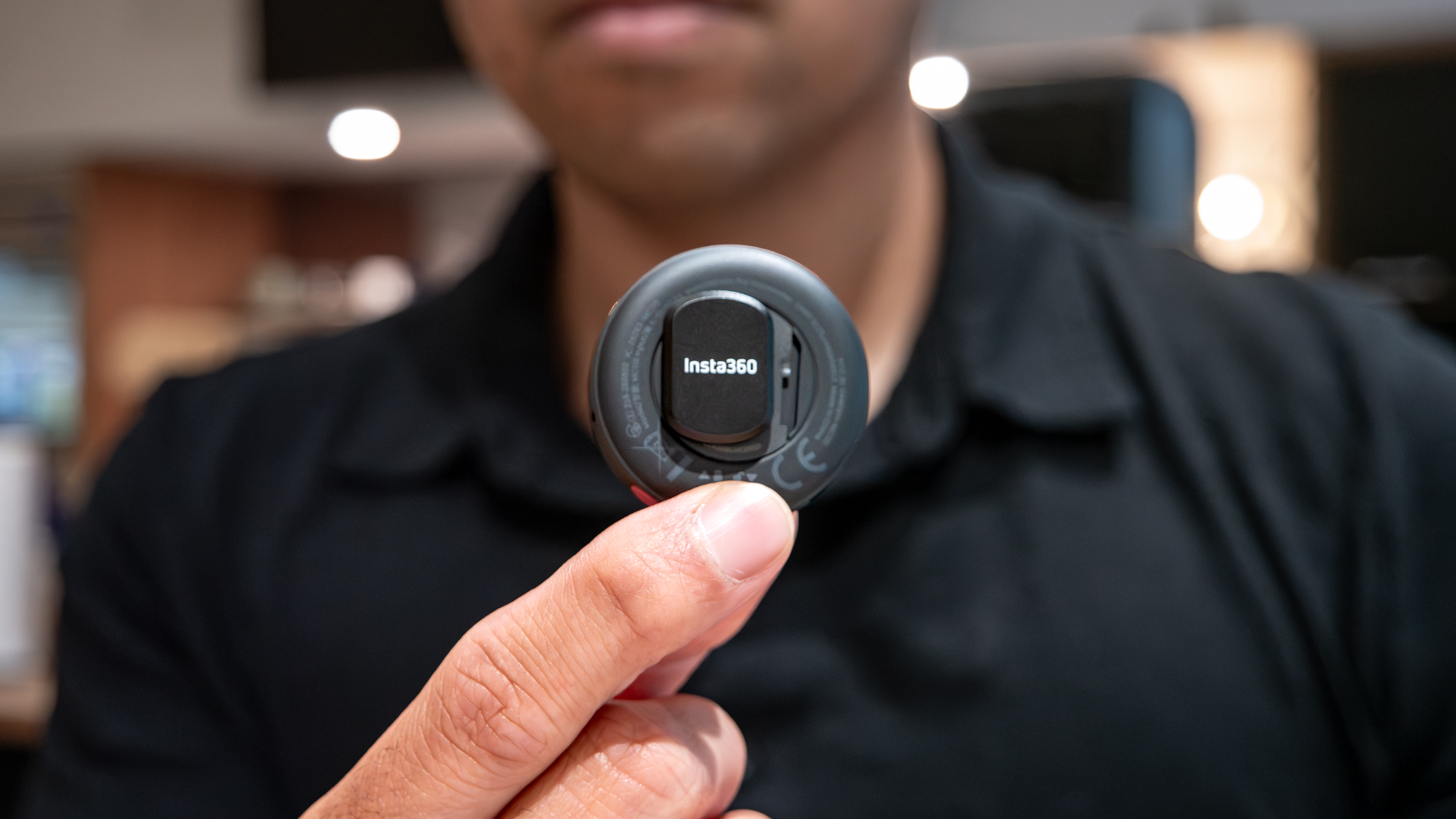
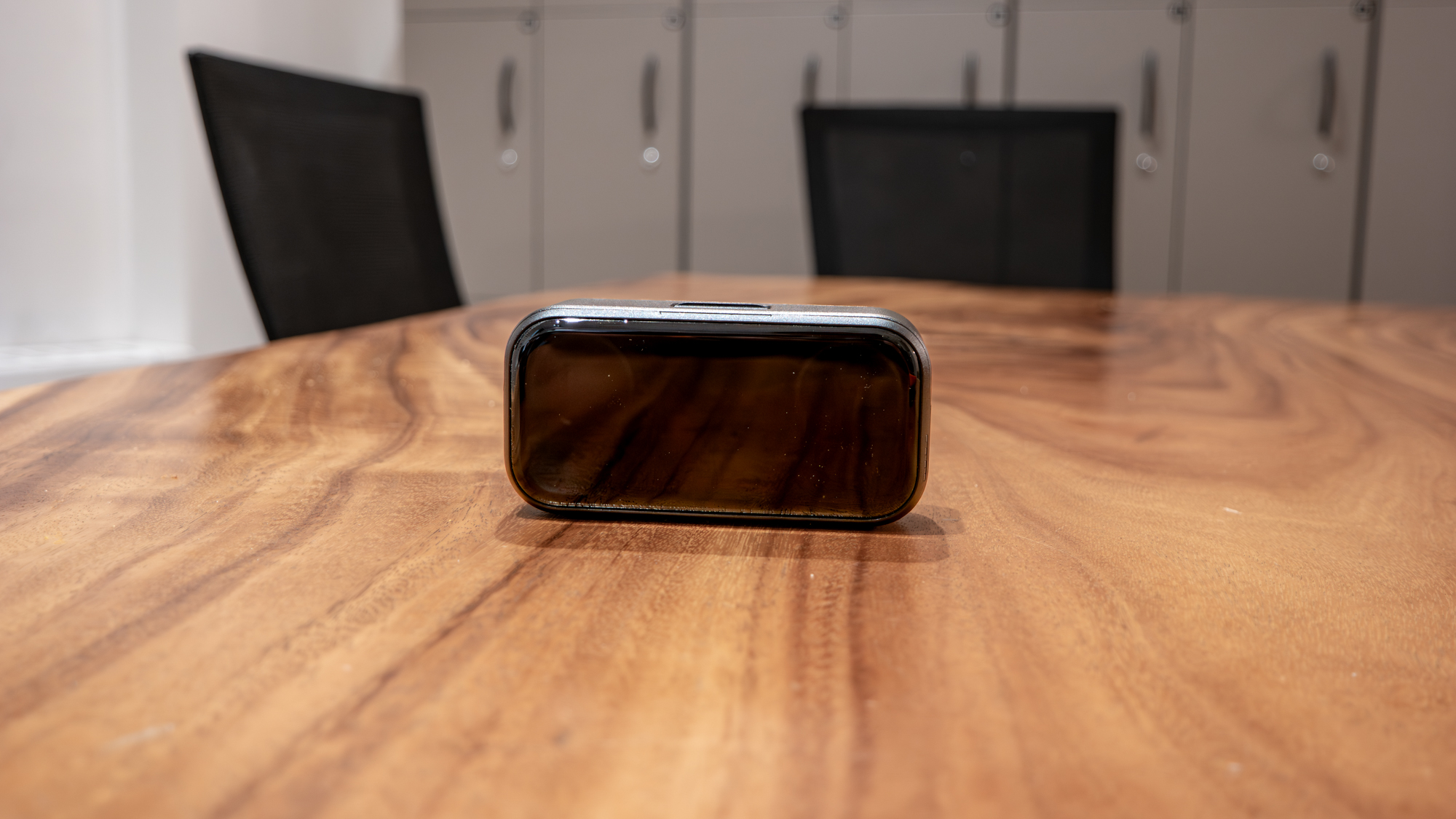
With its customizable, full-color e-ink display, I can personalize each transmitter with custom artwork, channel logos, or client branding in a matter of seconds right from my phone. I handed one to a client recently, and they were genuinely amused by the gesture — preferring it to having a generic black slab clipped to their shirt.
Best of all, swapping the image through the Insta360 app is also remarkably simple and intuitive. The app not only helps frame the image properly, but it also lets me adjust contrast and detail levels to get the best possible look. Once transferred, the graphic stays permanently on the screen until I change it — drawing virtually no power to remain visible.
For creators juggling multiple clients or trying to build their own recognizable presence, that quick visual touch instantly makes your production look more polished.
Record confidently
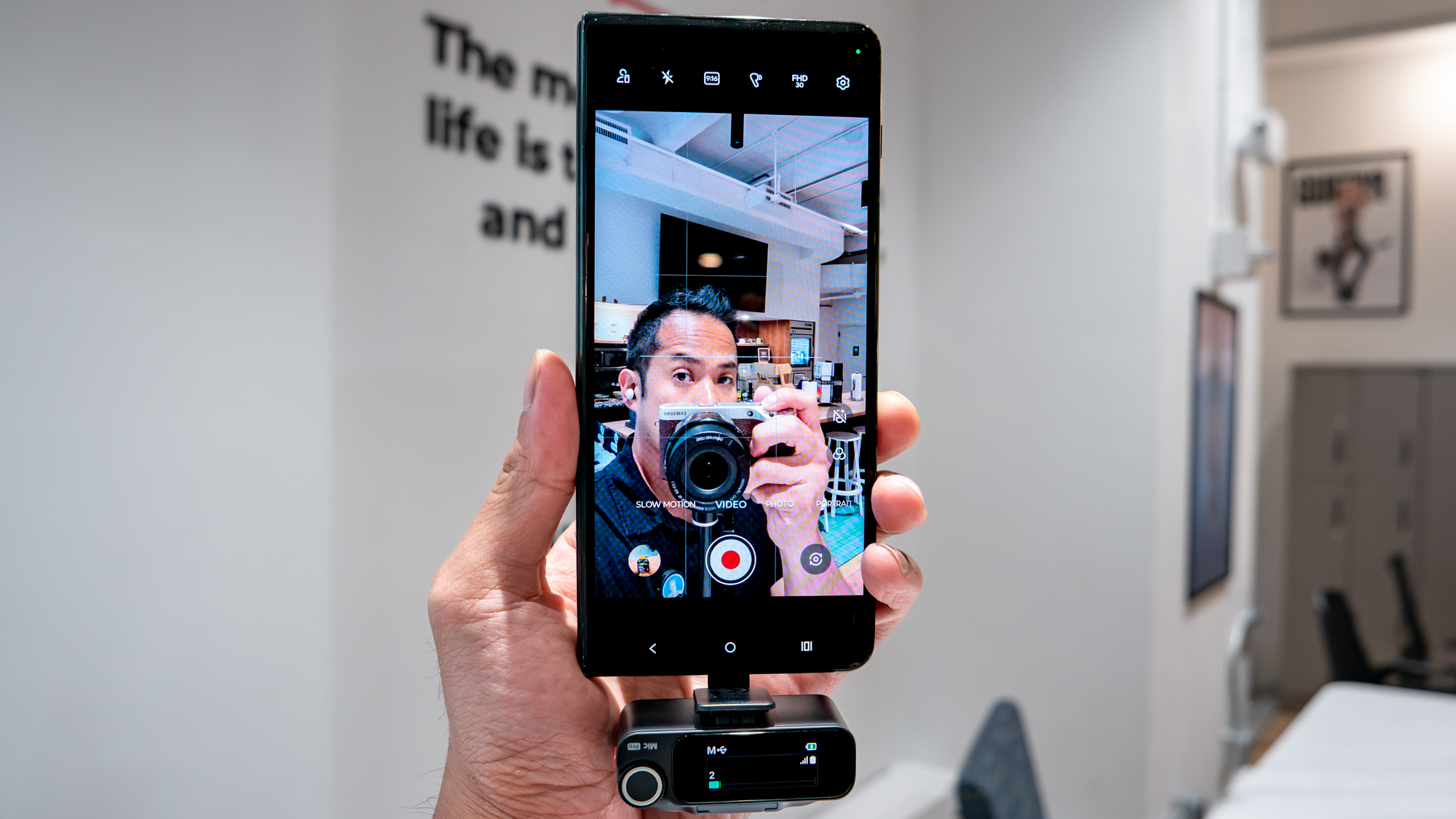
When you’re out on fast-paced run-and-gun shoots, my iPhone 17 Pro makes it a breeze to quickly shoot clips — but the on-board mics can’t handle ambient sound levels that can spike without warning. That’s where the Insta360 Mic Pro’s auto gain control proves its worth.
During one of my shoots where I was recording a festival, the Insta360 Mic Pro dynamically adjusted the gain on the fly without the need of me doing it — so it perfectly handled a sequence when I was recording someone speaking when a band started playing in the background. With the DJI Mic, I’d have to turn down the gain level to compensate for the immense background noise disturbance.
Paired with its onboard noise cancellation — which does an impressive job muting distracting background noise without making vocals sound too artificial — it keeps dialogue clear and centered. Sure, there’s software that can do that in edit, but turning it on at the time of the shoot helps to save me time.
Add in local recording, which has already saved a few critical takes from unexpected wireless dropouts, and the entire system gives me the freedom to focus entirely on framing my shots rather than sweating over audio levels.
Highly versatile
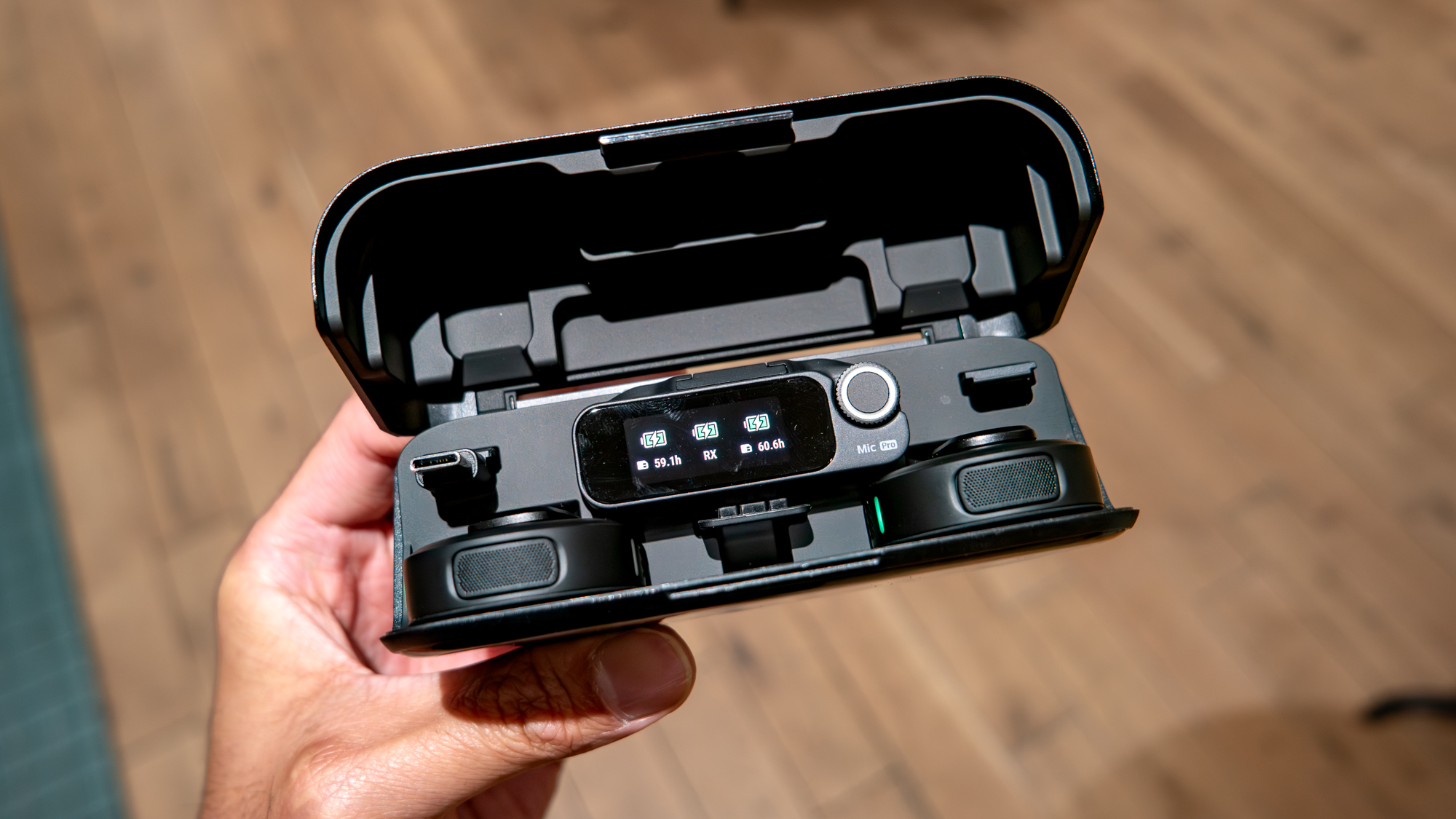
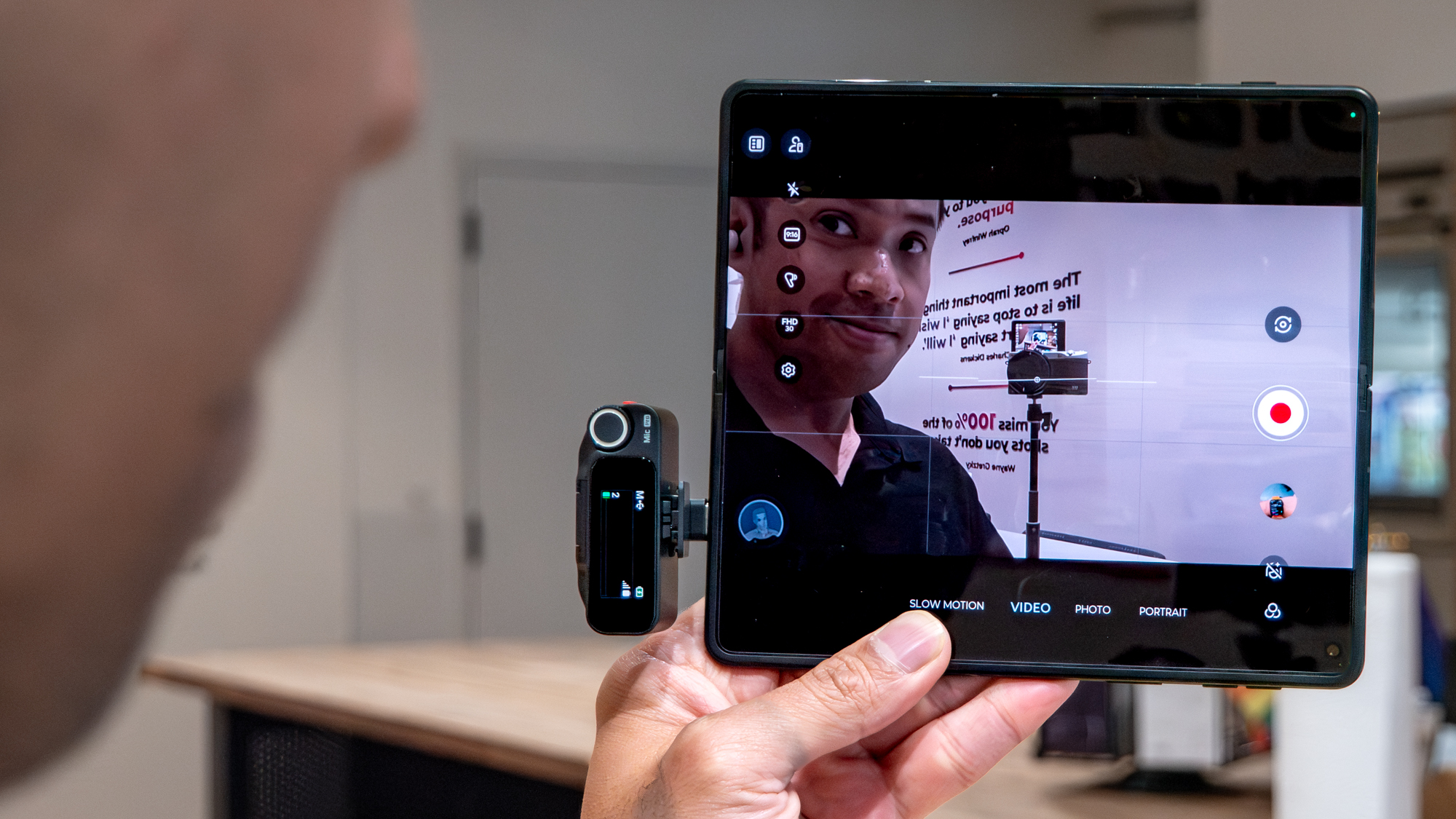
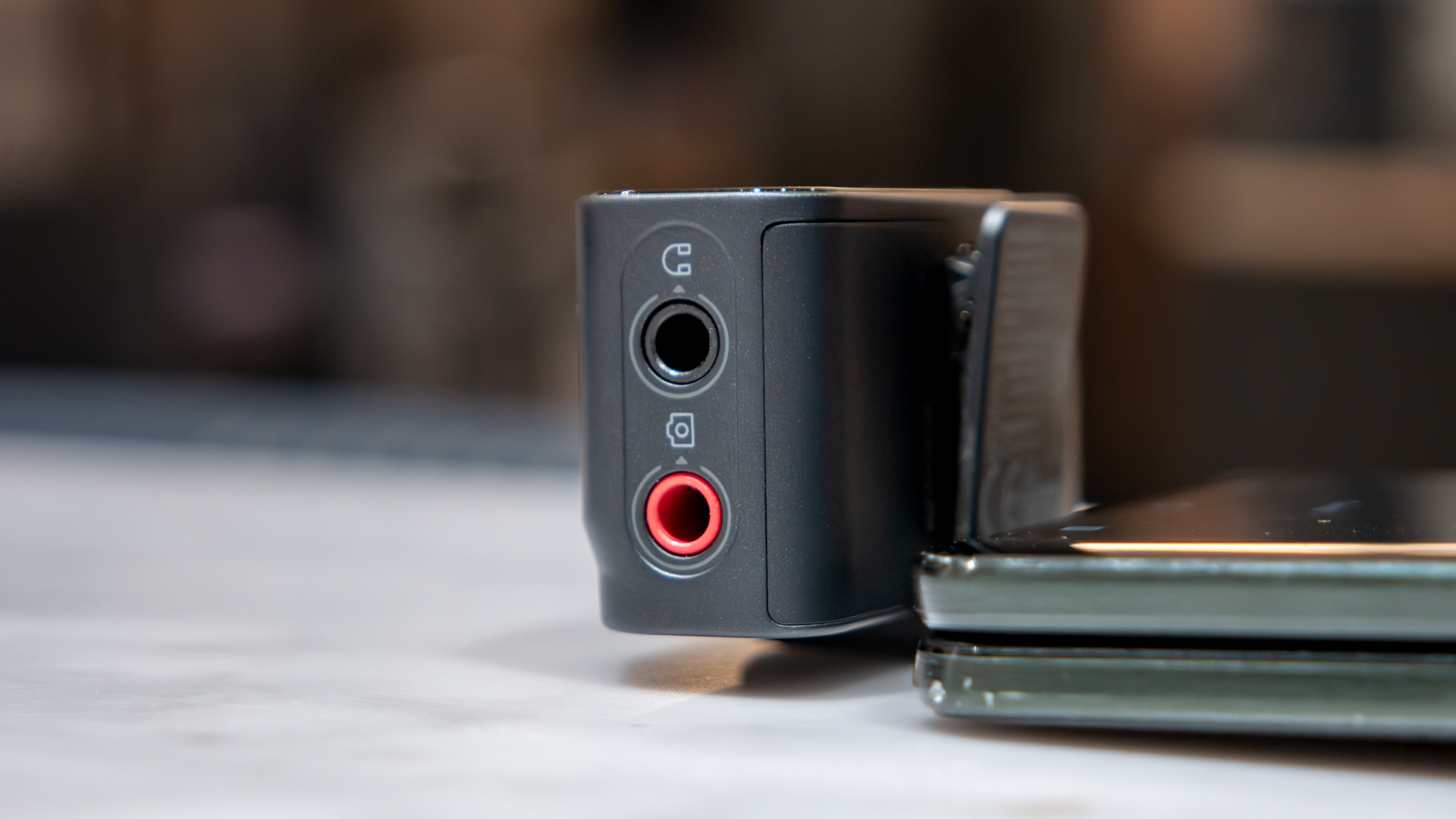
One of the biggest strengths of the Insta360 Mic Pro is how effortlessly it bridges the gap between dedicated cameras and mobile rigs. Setup is so simple that when I connected the receiver to my Motorola Razr Fold, the native camera app immediately supported external wireless audio without requiring third-party camera apps or tedious workarounds.
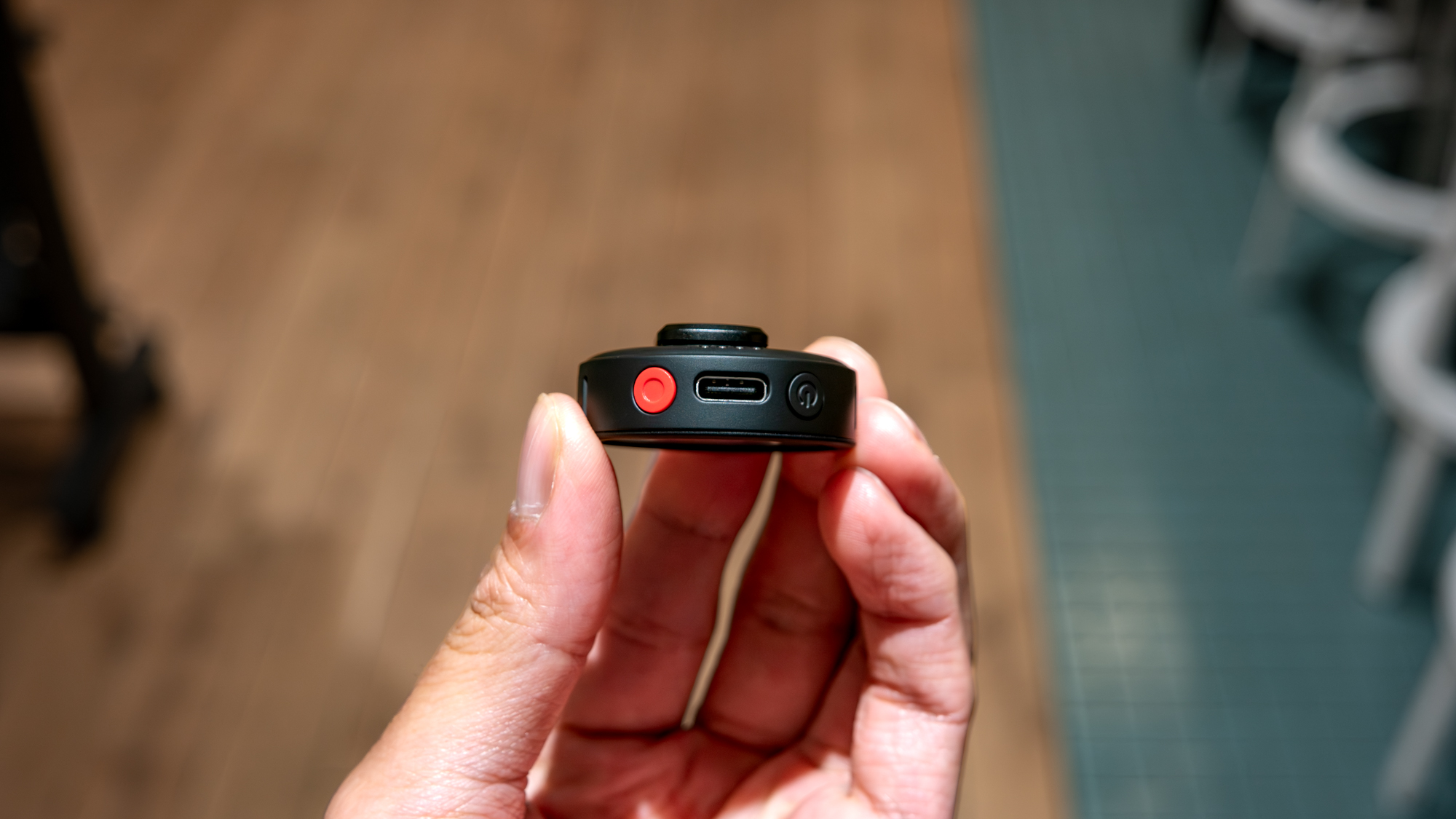
Beyond straightforward connectivity, the tactile controls on the transmitter itself make handling adjustments a breeze. With dedicated onboard buttons, I can trigger local backup recording in a pinch, mute the mic instantly, or cycle through three distinct voice tone presets to best highlight the speaker’s vocal profile. Topping it all off is the compact charging case, which neatly stores everything and ensures the entire kit is always powered and ready the moment I pull it out of my bag.
The standard Insta360 Mic Pro kit (two transmitters, one receiver, and the charging case) retails for $329.99, positioning it competitively alongside other flagship wireless systems. For solo creators, there’s also a single transmitter and receiver option available for $199.99.
Best of all, scaling up to multiple mics really lets that e-ink display shine. It’s a unique angle I hadn’t even considered in all my years of testing gear: by integrating an e-ink screen, it truly transforms what used to be generic hardware into a customizable piece of branding that sets your videos apart.
- AirPods Ultra: Everything we know so far about Apple’s camera earbuds
- iOS 27’s safety filter was ruining my FaceTime calls — here’s how I turned it off
- Best Buy’s 60th Anniversary Sale is live — here are my top 9 TV deals on QLEDs and OLEDs starting from $279
