

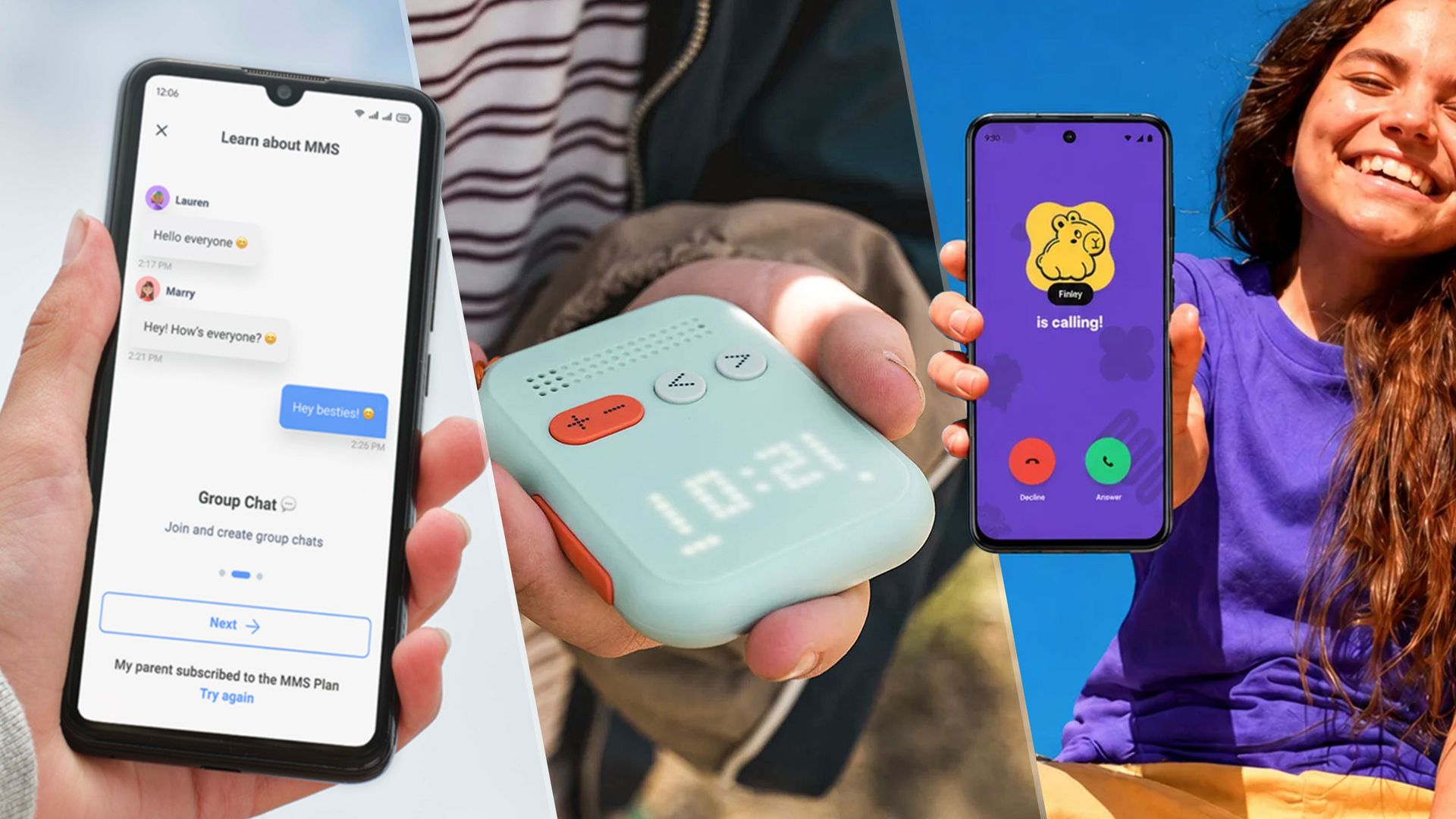
As our children venture into the world, there’s a fine line between wanting them to be more independent while also being able to reach or find them when you need to. One option is to give them an old smartphone, but as a parent, I don’t necessarily want to give them access to everything a smartphone can do, from apps to the internet as a whole.
Fortunately, multiple companies are developing and selling kid-friendly mobile phones. These are different from the popular landline Wi-Fi phones like Tin Can, which are restricted to your home.
Rather, through parental controls or design, these cellular phones restrict what your kid has to access while giving them a device that they can use to call you, friends or other family members.
With that in mind, I looked at five manufacturers of kid-friendly mobile phones. For this comparison, I checked out offerings from Bark, Gabb, Pinwheel, Yello!, and Waffle.
Read on to find out what each maker offers, subscription prices, and more.
Plans and Networks
Every phone maker sells both the device and a separate plan that you can subscribe to through the company. The network plans are hosted on an MVNO network, meaning that they piggyback on a larger company’s service.
For example, Bark is an MVNO for T-Mobile, while Gabb runs on Verizon’s network.
This does mean that you have pay for the device separately (or as part of a plan) as well as signing up for a cellphone plan. Here’s what that will cost you.
|
Yello! |
|||||
|---|---|---|---|---|---|
|
$49 (4GB), $59 (8GB), $79 (Unlimited) |
$29.99 w/ 2 year contract. $34.99 no contract |
||||
|
$25 month for 24 mo (Bark Phone Pro)/$15 month for 24 mo (Bark Phone) |
Genesis 4 – $119 |
||||
|
$0 (Home Free)/$9.99 (Home Plus) |
|||||
Design
Of the five companies we looked at for this test, only one offered a phone that was significantly different from your standard smartphone: the Waffle — more on that in a bit.
The difference between the other four comes down to the number of phones available and the unique offering systems meant to give parents more safety controls and limitations on what kids can access.
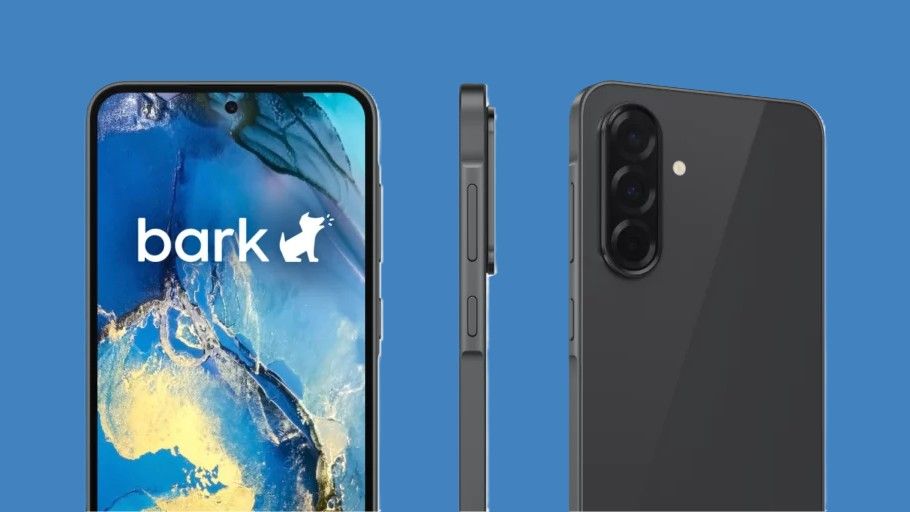
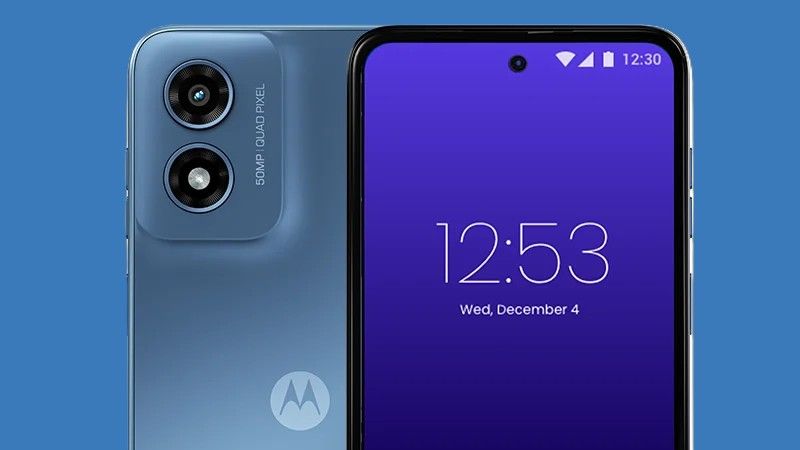
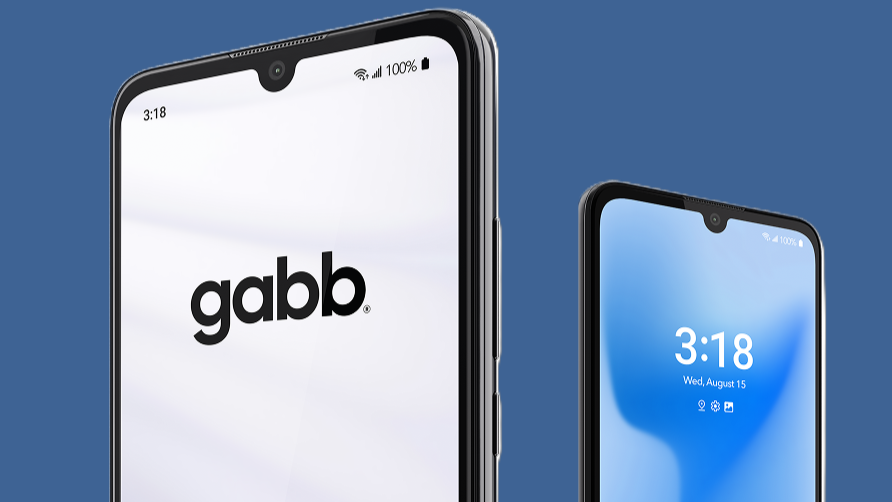
They all offer phones built by Motorola or Samsung. Bark is made by Samsung, the Gabb phone is Nuu-made, Pinwheel offers three different options from Samsung, Motorola and a company logo I couldn’t figure out, and Yello! is a Motorola device. They all appear to be Android-based phones.
Of these, the Bark phone is the most like a normal smartphone, including the ability to install any number of apps and web browsers.
Parental controls
Every one of these companies offers some kind of parent portal where you can set time limits and determine which phone numbers can contact or call out from the phone.
Bark and Gabb are a little looser with the phone calls, featuring spam blocking and monitoring, but anyone can call those phones.
Pinwheel, Waffle and Yello! are more restrictive, letting parents set up what numbers can call in or out of the phone. These are perhaps best for people who are looking to get their child their first smartphone.
|
Yello! |
||||
|---|---|---|---|---|
None of the phones give kids access to the whole of the internet (save Bark, sort of), but they do get to feel a little more mature with a smartphone of their own.
Accessible apps
As mentioned, Bark is the closest to a standard smartphone, meaning that apps you can download for yourGalaxy S26 are available on the Bark phone, including social media apps like Instagram and YouTube.
Bark lets parents block apps using its parental controls.
Pinwheel straddles the middle between Gabb and Bark with an App Library that contains a list of 900 curated apps based on the company’s “therapist council” recommendations. Pinwheel rates the apps based on approval, so green means it falls within safe guidelines, like a Sketchbook app for drawing, but apps like Duolingo or Messenger Kids are considered “slightly out of bounds” thanks to things like media sharing or, in Duolingo’s case, ads. Finally, some accessible apps like Spotify are considered inappropriate due to mature content or other guideline violations.
I want to note that I’ve seen posts on places like Redditwhere parents have complainedthat their kids have been able to find backdoor exploits to get online or into blocked apps because these phones are just smartphones.
Yello! is the most restrictive, with no web browser, social media, or an app store. It comes preloaded with a calculator, weather, clock and some game apps. The games can be turned off in the parent portal.
The Waffle difference
I specifically didn’t compare the Waffle phone with any of the other options above because the Waffle Go is a totally different device. It’s like comparing a Nokia brick phone to an <a href="https://myappsplus.com/my-iphone-duo-in-store-experience-almost-has-me-convinced-i-need-one/” title=”My iPhone Duo In-Store Experience Almost Has Me Convinced I Need One”>iPhone.
The Waffle phone looks more like a walkie-talkie. There is no screen; instead, LED lights show the time, battery life, and who is calling with whatever label you’ve put in. Using the parental control app, you can add the contacts that your kid can call from the Waffle.
You can also add other Waffle devices if your child’s friends have them.
Waffle does offer Live GPS that you can track through the app.
It’s the simplest cell phone system I’ve found for kids that isn’t just a weak smartphone. The monthly payment plan is cheaper than the other phones, and while the $169 device price isn’t the lowest, it lands about in the middle pricewise.
The high price is a bit off-putting for what looks like a nice walkie-talkie, but of all the options, I lean toward the Waffle Go because you don’t need to futz with apps, an extensive parental control system, or a precocious child finding a backdoor to the internet.
Alternatives
If you don’t want to try any of these companies, there are other options.
You could dip your toes in the water by trying out a landline Wi-Fi phone. We recently tested options from Pinwheel, Ring Ring, Tin Can, and Waffle.
You could also try a locked-down smartwatch with GPS and cellular connectivity, which won’t have the apps and social media like a normal smartphone.
Since most of these phones are Android-based, you could turn a leftover Android phone more kid-friendly. Parental controls can be set up usingGoogle Family Link, which allows you to supervise your child’s device. Family Link includes screen time limits, approving app downloads/purchases, location tracking, and more. Fair warning, setup is a lengthy process, but we have a step-by-step guide to get you going.
Alternatively, Apple built a distraction-free phone inside iOS 17 that the company never really advertised. Basically, the Assistive Access feature turns your iPhone into a dumbphone that strips away the complexities of the iOS ecosystem and replaces it with massive simplified blocks. So, you could turn anolder iPhone into a perfect dumb phone for your kids.
And hey, the Nokia brick — or a version of it — still exists. That’s always an option.
- 3 sneaky ways kids bypass screen time limits (and how to fix them)
- These are the best GPS trackers for kids on Android and iPhone
- How to track your kids screen time — and the best tools to do it
