

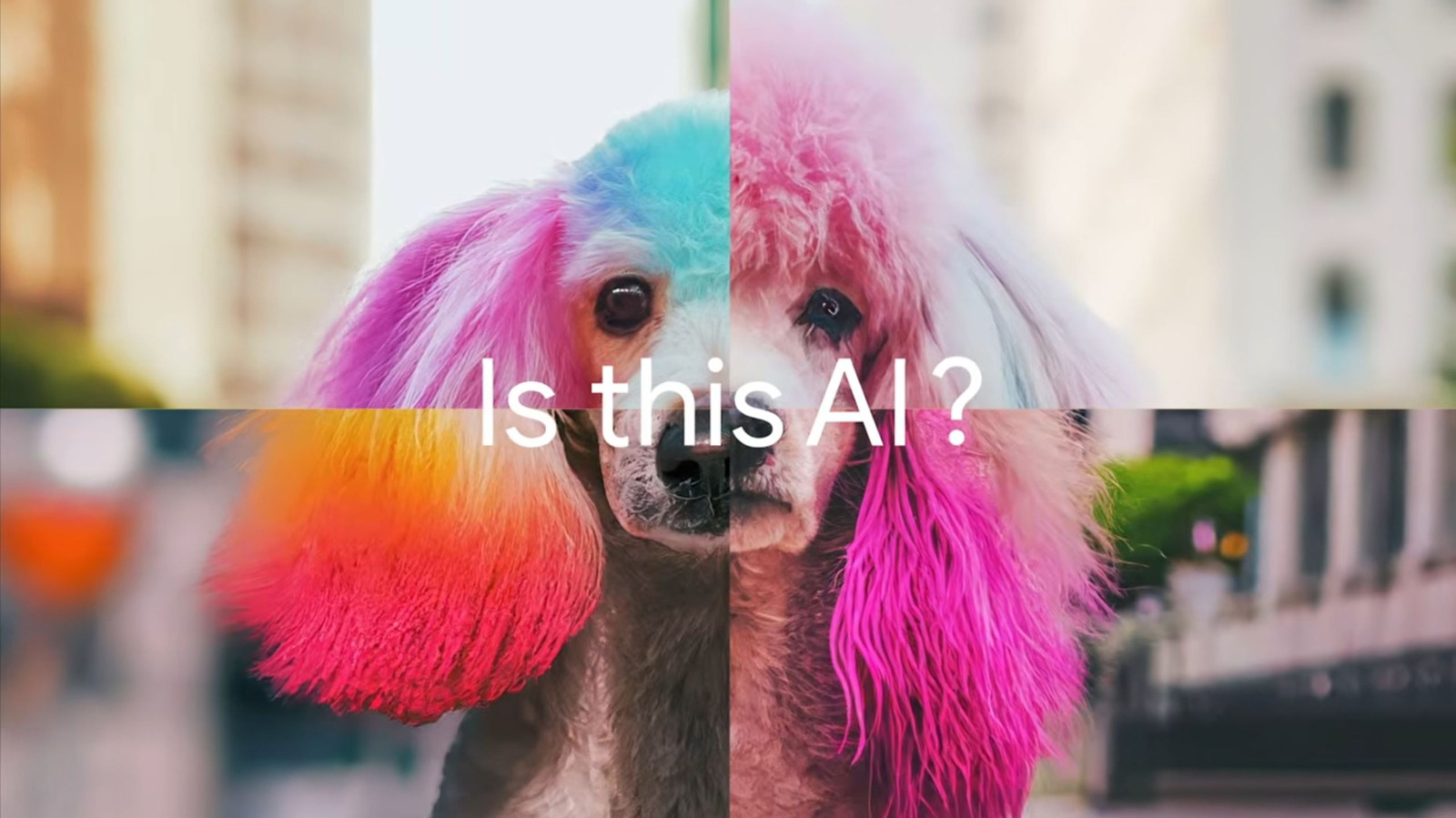
It’s a simple way to check whether an image has been created or manipulated, with a few caveats.
With the proliferation of generative AI tools pumping out images, videos and even songs in recent years, it’s hard to spend time on the internet without wondering whether what you’re seeing or hearing is real. Google, itself one of the largest purveyors of generative AI, is now making it easier to spot its output. With the new SynthID Detector, anyone can check an image, video, or audio file to see if it’s been AI generated, with some major caveats.
Google introduced SynthID in 2023, which adds an imperceptible label to AI-generated content, but there was no way for regular users to actually check for one until now. In 2025, it launched a limited version of SynthID Detector for certain researchers and journalists, and now it’s available for everyone. While that may be good news for anyone looking for a way to verify whether a piece of content was generated with AI, it’s far from foolproof.
How SynthID Detector works
Since the launch of SynthID, Google’s Gemini AI model has embedded a watermark in everything it creates. SynthID Detector works by scanning for that watermark and giving users a simple yes or no answer as to whether one was found. To use the newly available tool, you just need to go to SynthID.com, upload an image, video or audio file, and wait a few seconds for Google to return a result.
That’s a big improvement over Google’s previous process. Before now, users could ask Gemini itself if a piece of content was AI generated. But for anyone who doesn’t trust generative AI, it’s hard to take Gemini at its word, and it’s an immediate no-go for people who are trying to avoid the technology altogether. SynthID Detector also allows users to scan for watermarks embedded in content created by Google’s SynthID partners, which wasn’t possible before. That means the new tool can tell whether media was made with AI models from OpenAI, NVIDIA and Kakao, in addition to Gemini. Apple also participates in SynthID, but support for the detector to identify its creations is still in the works.
How reliable is SynthID Detector?
Since SynthID Detector is simply checking for a watermark rather than analyzing media for patterns that indicate AI use, it should eliminate the chance of false positives. That simplicity introduces its own limitations, though. The most obvious one is that it can’t detect media made with AI models that don’t use SynthID, such as Meta’s tools. SynthID Detector is also limited to telling users whether it finds a label in an uploaded file, without providing any information on what parts of it were AI-generated.
Google says its SynthID signatures persist even if AI generations are edited after being created. While there’s no guarantee that an enterprising faker won’t find a way around that eventually, the company does seem to be taking steps to avoid that. A Google spokesperson reportedly told Ars Technica that users are limited to around 10 checks per day in order to prevent them from using the detector’s output to find a way to remove SynthID. Users also have to be logged in to either a Google, OpenAI, or Apple account to use SynthID Detector.
How does SynthID Detector compare to other AI detectors?
SynthID Detector isn’t the only generative AI detector available, but despite its limitations, it’s likely one of the most reliable. SynthID partner OpenAI runs its own detector tool, which can pick out AI-confirming metadata as well as SynthID watermarks. Meta embeds its own watermark, called Content Seal, into its AI creations and offers a web-based detector tool, though a 2026 report from Reuters found that it sometimes failed to accurately spot them. Companies like Anthropic and Microsoft have also begun watermarking AI media, but don’t currently offer consumer tools to detect them.
The downside of all of these tools is that they’re designed to detect a specific AI marker, and no reliable detector exists that can spot generative AI across the board. Many researchers have developed their own AI-spotting tools, but they’re not available to the public. And when it comes to the general purpose AI detectors that are openly available, their results are unreliable and prone to flag human-created work as AI content.
