Close Menu
MyAppsPlus

    Subscribe to Updates

    Get the latest creative news from FooBar about art, design and business.

    What's Hot

    I found the most capable PC under $300 for Cyber Monday — Origimagic’s C7 Windows 11 Pro machine packs dual Thunderbolt 4, 2.5Gb LAN, a Core 3 100U, 16GB of RAM, and a 512GB SSD

    November 29, 2026

    How to use Gemini on Apple’s CarPlay

    November 29, 2026

    Black Friday laptop deals 2026: the huge savings on MacBooks, Chromebooks and Windows 11 laptops still available from Apple, Dell, HP and many more

    November 29, 2026
    Facebook X (Twitter) Instagram
    Facebook X (Twitter) Instagram
    MyAppsPlusMyAppsPlus
    Sunday, November 29
    • Home
    • Breaking Tech
    • Apps & Software
    • AI & Automation
    • Android
    • iPhone & iOS
    • More
      • Reviews
      • How-To Guides
      • Deals & Discounts
      • Shop
    MyAppsPlus
    Home»How-To Guides»How to use Gemini on Apple’s CarPlay
    How-To Guides

    How to use Gemini on Apple’s CarPlay

    myappsplusBy myappsplusNovember 29, 2026003 Mins Read
    Share Facebook Twitter Pinterest Copy Link LinkedIn Tumblr Email Telegram WhatsApp
    Follow Us
    Google News Flipboard
    How to use Gemini on Apple’s CarPlay
    Share
    Facebook Twitter LinkedIn Pinterest Email Copy Link

    If you want to directly use the Gemini app, there are a few wrinkles.

    Apple doesn’t have a history of playing nice with others when it comes to allowing rivals on its platforms. Outside the European Union, for example, an iPhone or iPad developer can’t offer its own in-app purchase system—it has to use the App Store, where Apple takes a large cut of each transaction. That’s why apps like Spotify force you to use other devices to pay, circumventing Apple’s own store and commission.

    However, one area where the company has been relatively generous is AI on CarPlay. With the launch of iOS 27, it opened the gates to third-party AI apps like Claude, ChatGPT and yes, Google Gemini, even though they’re in direct competition with its overhauled version of Siri. Apple’s assistant does have an advantage in native integration, but that may not matter if you’re not closely tied to Apple apps and services.

    Using Gemini with CarPlay is relatively straightforward, and there are actually two ways to access it. There are a few catches, however, including a couple of hurdles to jump through if you want to use the dedicated Gemini app. 

    How to use the Google Gemini app in CarPlay
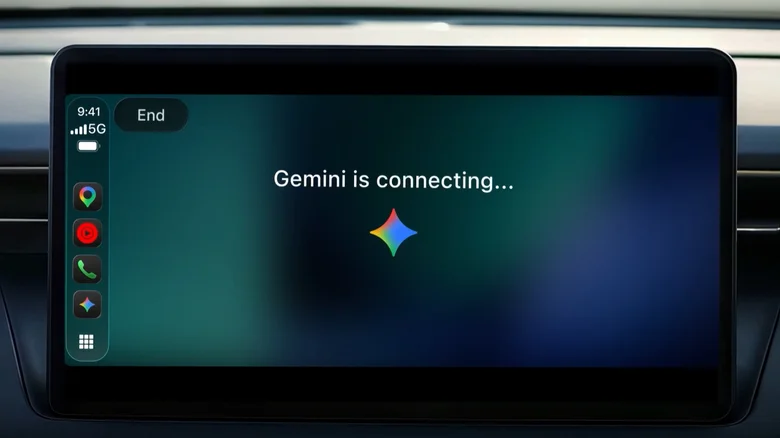
    Talking to Google Gemini in Apple CarPlay for iOS 27.

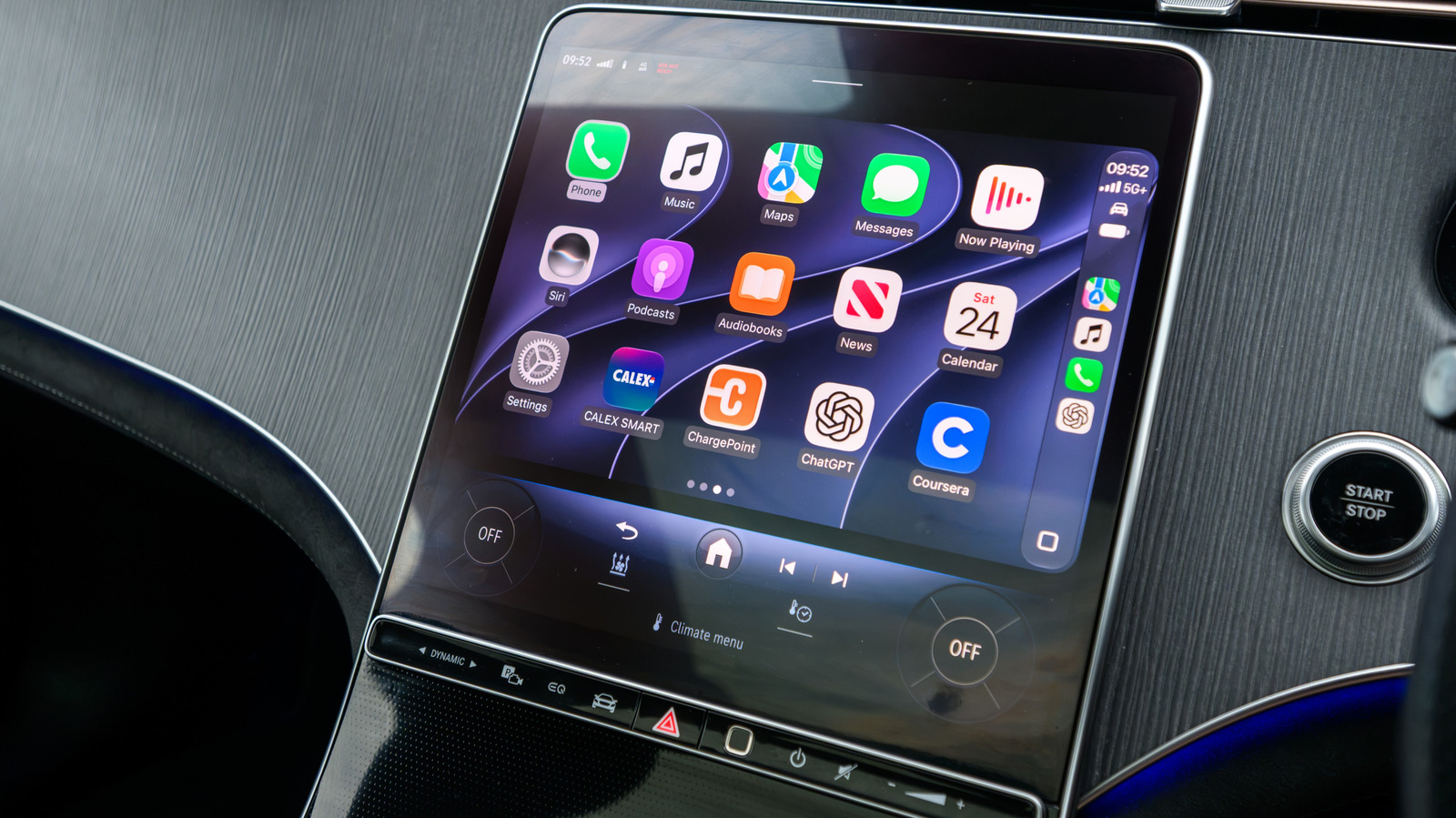
    To get started, make sure CarPlay is already configured for your car, and that you’ve downloaded the Gemini app on your iPhone. The app will automatically be added to your CarPlay homescreen(s) the next time you connect to your car. If you want, you can always remove it or reorder your apps by going to Settings > General > CarPlay > [car name] > Apps.

    You’re not ready to talk yet, though. The app simply won’t work unless you’ve already used Gemini Live on your iPhone, the real-time voice version of the chatbot. We’re not entirely sure why this limitation exists, but Google also requires permission to use your iPhone’s microphone, so you might trigger this by opening Live.

    At this point, everything should be set. To start chatting, tap on the app’s icon, then select New Conversation or the title of an existing one. Loading a prior chat simply gives you and Gemini the advantage of context.

    Using Gemini in Google Maps
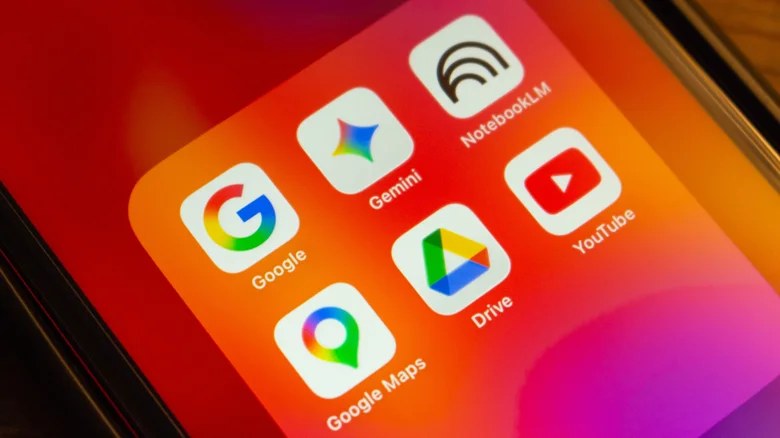
    A folder of Google apps on an iPhone, including Gemini and Google Maps.

    If you’d rather not switch to a separate app to talk to a chatbot, Google is slowly integrating a Gemini button into Google Maps. While it initially launched only in the US, as of November 2026, Google says it’s rolling out the feature to over 30 European countries. It appears to be a very gradual rollout.

    While the obvious purpose is to prompt Gemini for directions, you can also be a bit more vague. If you ask “What’s the name of that park where the Austin City Limits festival is held?”, Gemini should figure that out and offer directions from there. You can also ask follow-up questions, say, if you want to know the weather forecast for the weekend, or avoid the city’s multiple toll roads. On the way there, you could even use the AI to report any traffic incidents.

    Apples CarPlay Gemini
    Follow on Google News Follow on Flipboard
    Share. Facebook Twitter Pinterest LinkedIn Tumblr Email Copy Link
    myappsplus
    • Website

    Related Posts

    Build an Android Help Center with Gemini Notebook

    November 29, 2026

    Hello! Apple’s latest AirPods Max 2 drop to all-time low at $150 off for Cyber Monday (Even lower than Black Friday)

    November 29, 2026

    Apple’s more affordable spring 2027 iPhones have apparently been delayed again before production starts

    November 29, 2026
    Add A Comment
    Leave A Reply Cancel Reply

    Top Posts

    The pros and cons of using your phone as a mobile hotspot

    November 16, 202651 Views

    UiPath Launches AI Coding Agent, Integrates Claude Code and Codex to Target Development Automation

    November 16, 202646 Views

    Announcing Artificial Analysis Intelligence Index v5

    October 28, 202641 Views
    Latest Reviews

    ‘I did not foresee at all the social-media application, nor its impact on society’: Inventor of the CMOS-based image sensor on how a technology designed to take photos in space has changed the way we view the world

    myappsplusSeptember 13, 2026

    Study says chatbots are misdiagnosing sleep apnea, so a doctor is sharing 4 symptoms you should never ignore

    myappsplusSeptember 13, 2026

    How to watch Big Brother UK 2026 online for FREE – stream season 23 from anywhere

    myappsplusSeptember 13, 2026
    Stay In Touch
    • Facebook
    • YouTube
    • TikTok
    • WhatsApp
    • Twitter
    • Instagram

    Subscribe to Updates

    Get the latest tech news from FooBar about tech, design and biz.

    Most Popular

    Why your Roku keeps randomly turning off (and how to fix it)

    September 13, 20260 Views

    External HDD vs. SSD: What are the pros and cons of each drive type?

    September 13, 20260 Views

    How to watch Man Utd vs Man City: Live streams, TV channels for Premier League 2026/27

    September 13, 20260 Views
    Our Picks

    I found the most capable PC under $300 for Cyber Monday — Origimagic’s C7 Windows 11 Pro machine packs dual Thunderbolt 4, 2.5Gb LAN, a Core 3 100U, 16GB of RAM, and a 512GB SSD

    November 29, 2026

    How to use Gemini on Apple’s CarPlay

    November 29, 2026

    Black Friday laptop deals 2026: the huge savings on MacBooks, Chromebooks and Windows 11 laptops still available from Apple, Dell, HP and many more

    November 29, 2026

    Subscribe to Updates

    Subscribe to our newsletter and get the latest tech news, app updates, AI trends, smartphone reviews, and exclusive deals delivered straight to your inbox.

    Facebook X (Twitter) Instagram Pinterest
    • About Us
    • Get In Touch
    • Disclaimer
    • Privacy Policy
    • Terms & Conditions
    © 2026 MyAppsPlus. All Rights Reserved.

    Type above and press Enter to search. Press Esc to cancel.