Close Menu
MyAppsPlus

    Subscribe to Updates

    Get the latest creative news from FooBar about art, design and business.

    What's Hot

    Incoming Texas Governor tells AI firms the data center free-for-all is over

    November 10, 2026

    How to turn on personal results on your Google Home

    November 10, 2026

    How skills and agents work in AWS Quick

    November 10, 2026
    Facebook X (Twitter) Instagram
    Facebook X (Twitter) Instagram
    MyAppsPlusMyAppsPlus
    Tuesday, November 10
    • Home
    • Breaking Tech
    • Apps & Software
    • AI & Automation
    • Android
    • iPhone & iOS
    • More
      • Reviews
      • How-To Guides
      • Deals & Discounts
      • Shop
    MyAppsPlus
    Home»Breaking Tech»How to turn on personal results on your Google Home
    Breaking Tech

    How to turn on personal results on your Google Home

    myappsplusBy myappsplusNovember 10, 2026003 Mins Read
    Share Facebook Twitter Pinterest Copy Link LinkedIn Tumblr Email Telegram WhatsApp
    Follow Us
    Google News Flipboard
    How to turn on personal results on your Google Home
    Share
    Facebook Twitter LinkedIn Pinterest Email Copy Link

    Voice Match lets every member of the family set up Google Home’s personal results.

    Google announced in August 2025 that Google Home speakers and other compatible devices would be getting a Gemini-driven refresh. This includes a more conversational and contextual experience with the ability to understand natural phrasing. It also includes improvements to Voice Match and personal results. When you ask “What’s on my calendar?” it knows who you are and will curate the responses accordingly.

    To set up personal results, open the Google Home app connected to your Google Home speaker and set up Voice Match (select your profile photo, Home settings > Gemini for home assistant > Voice Match). Then select Home > Settings. Under Features, select Google Assistant > Personal results. Select the devices you want this to work with. And that’s it! 

    With compatible Google Assistant — now Google Gemini — devices, the smart speaker can tap into your personal calendars, appointments, Google Keep, Notes, Lists, Photos and other pertinent details. You can also share access. This means everyone in the home can sync their own unique profiles.  

    The benefits of personal results

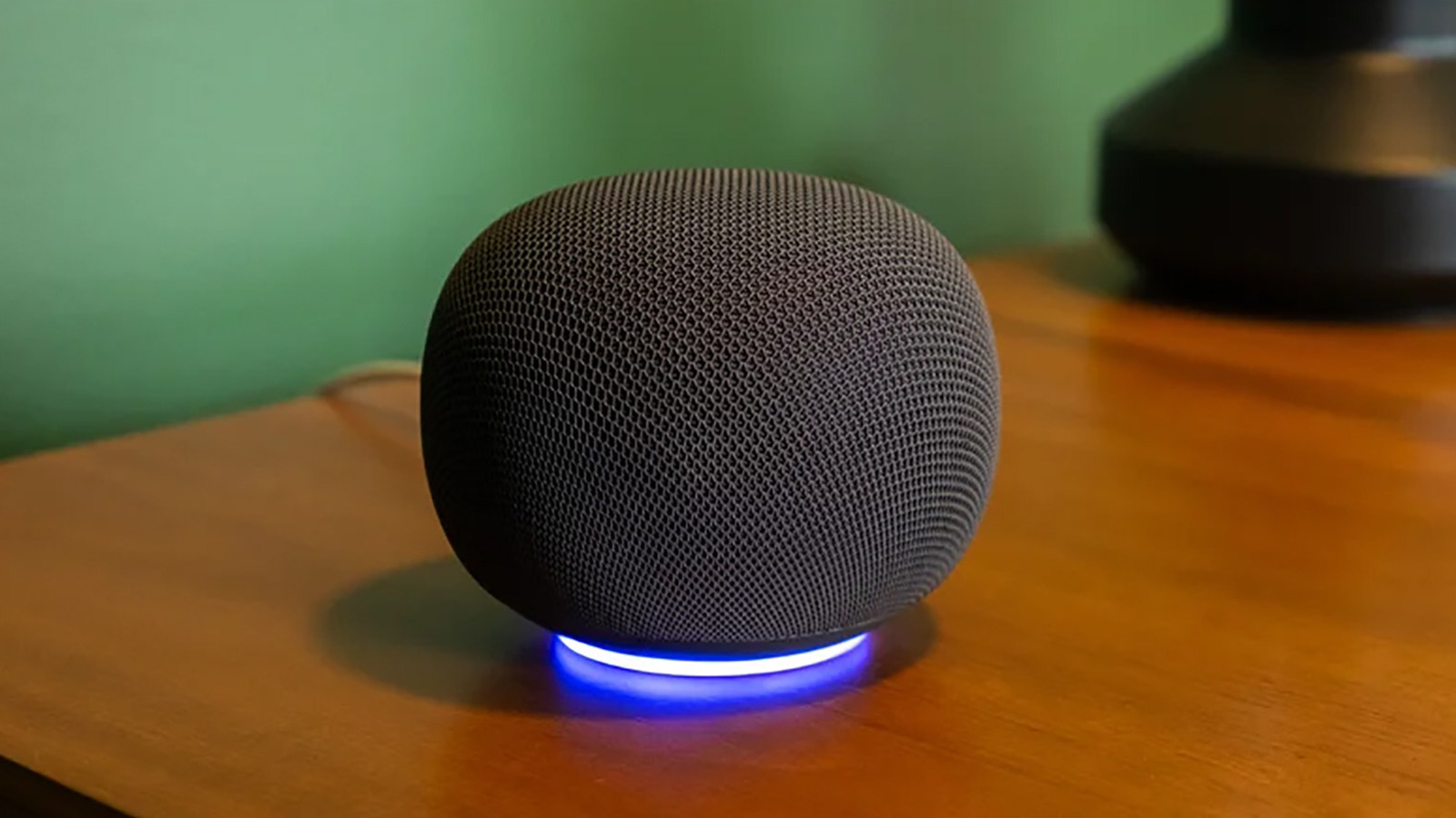
    <img src="https://www.engadget.com/img/gallery/how-to-turn-on-personal-results-on-your-google-home/the-benefits-of-personal-results-1793815001.webp” alt=”A Google Home smart speaker on a table.” loading=”lazy”>

    With Voice Match on and personal results set up, the speaker will listen for your voice and provide responses relating to you, while these will be blocked from anyone else. Others, like guests or other family members who have not set up their profiles, can still ask questions, set alarms, and more. But they will get generic responses versus personalized ones. You, however, will be able to ask what’s on your calendar, ask what items are left on your to-do list, request for your Google Home to play your favorite music playlist and more. If you find the smart speaker keeps misunderstanding you, look into some quick fixes, like moving it to a quieter room or redoing the Voice Match training.

    It’s worth noting that if you were to turn off Voice Match with personal results turned on, anyone speaking to the smart assistant will hear your personal results. This might not matter if the Google Home speaker is in your home office, on your nightstand or another location where you’re the only one using it. But for a household with multiple people and a Google Home speaker in a central location, you need to follow additional steps so it knows who it’s speaking to.

    Personal results for everyone
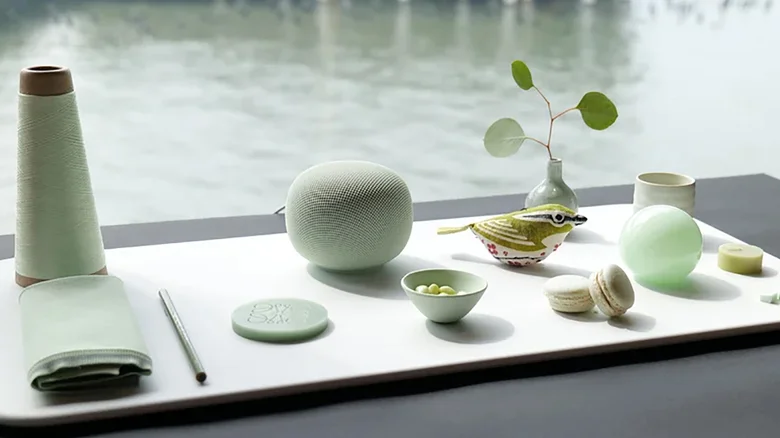
    A green Google Home smart speaker by a window with other green accessories around it.

    To get personal results to work for everyone in the family, everyone needs to go through setting up Voice Match. It works for up to six people, and each person needs to link their Google account to the device individually and turn on Voice Match using the steps noted above. From here, the Google Home will be able to determine who is speaking and provide personalized responses to their queries by recognizing and distinguishing among voices. 

    Personal results combined with Voice Match allows everyone to walk by, ask a question, and get a response that’s unique to them. A teen might be reminded that he has a math test today, while Mom can call up her notes with a reminder to pick up a case of water for the soccer game tonight. Dad might ask for the score for his favorite team while Grandma wants to play her favorite music playlist while making dinner. It’s a useful feature to use whether you’re personalizing results for you and you alone or for everyone to have their own personal assistant.

    Google personal results turn Your
    Follow on Google News Follow on Flipboard
    Share. Facebook Twitter Pinterest LinkedIn Tumblr Email Copy Link
    myappsplus
    • Website

    Related Posts

    The safety reason TSA might ask you to turn on your phone

    November 10, 2026

    Google Antigravity adds ‘Knowledge Work’ interface for non-coding work

    November 10, 2026

    Jensen Huang reportedly engaged a PR firm with a history of handling high-profile sex scandals a year ago

    November 10, 2026
    Add A Comment
    Leave A Reply Cancel Reply

    Top Posts

    Cathay Pacific tests Google AI that dramatically cuts airplane contrails — tiny altitude shifts slash environmental impact by 40% in early trials

    September 8, 2026138 Views

    Save on your groceries, gas, and holiday shopping with this $15 BJ’s membership (Reg. $60) 

    November 4, 202627 Views

    Apple is making Creator Studio an even better deal with new AI features and creative tools

    October 28, 202621 Views
    Latest Reviews

    OpenAI says it reached its goal of creating an automated research intern

    myappsplusSeptember 6, 2026

    Will the iPhone Ultra really be ‘Ultra’? 5 features the foldable could surprisingly ditch, from Face ID to MagSafe

    myappsplusSeptember 6, 2026

    Best TVs of 2026: Expert Tested, Compared and Reviewed

    myappsplusSeptember 6, 2026
    Stay In Touch
    • Facebook
    • YouTube
    • TikTok
    • WhatsApp
    • Twitter
    • Instagram

    Subscribe to Updates

    Get the latest tech news from FooBar about tech, design and biz.

    Most Popular

    Microsoft is ending Windows 11’s web app slop era, and AI now writes native apps in 30 minutes

    September 6, 20260 Views

    Is it safe to buy a refurbished iPhone from Walmart?

    September 7, 20260 Views

    I’m fixing my desk posture without doing a single back exercise — here’s the foot mobility trick a neurosurgeon taught me

    September 7, 20260 Views
    Our Picks

    Incoming Texas Governor tells AI firms the data center free-for-all is over

    November 10, 2026

    How to turn on personal results on your Google Home

    November 10, 2026

    How skills and agents work in AWS Quick

    November 10, 2026

    Subscribe to Updates

    Subscribe to our newsletter and get the latest tech news, app updates, AI trends, smartphone reviews, and exclusive deals delivered straight to your inbox.

    Facebook X (Twitter) Instagram Pinterest
    • About Us
    • Get In Touch
    • Disclaimer
    • Privacy Policy
    • Terms & Conditions
    © 2026 MyAppsPlus. All Rights Reserved.

    Type above and press Enter to search. Press Esc to cancel.