

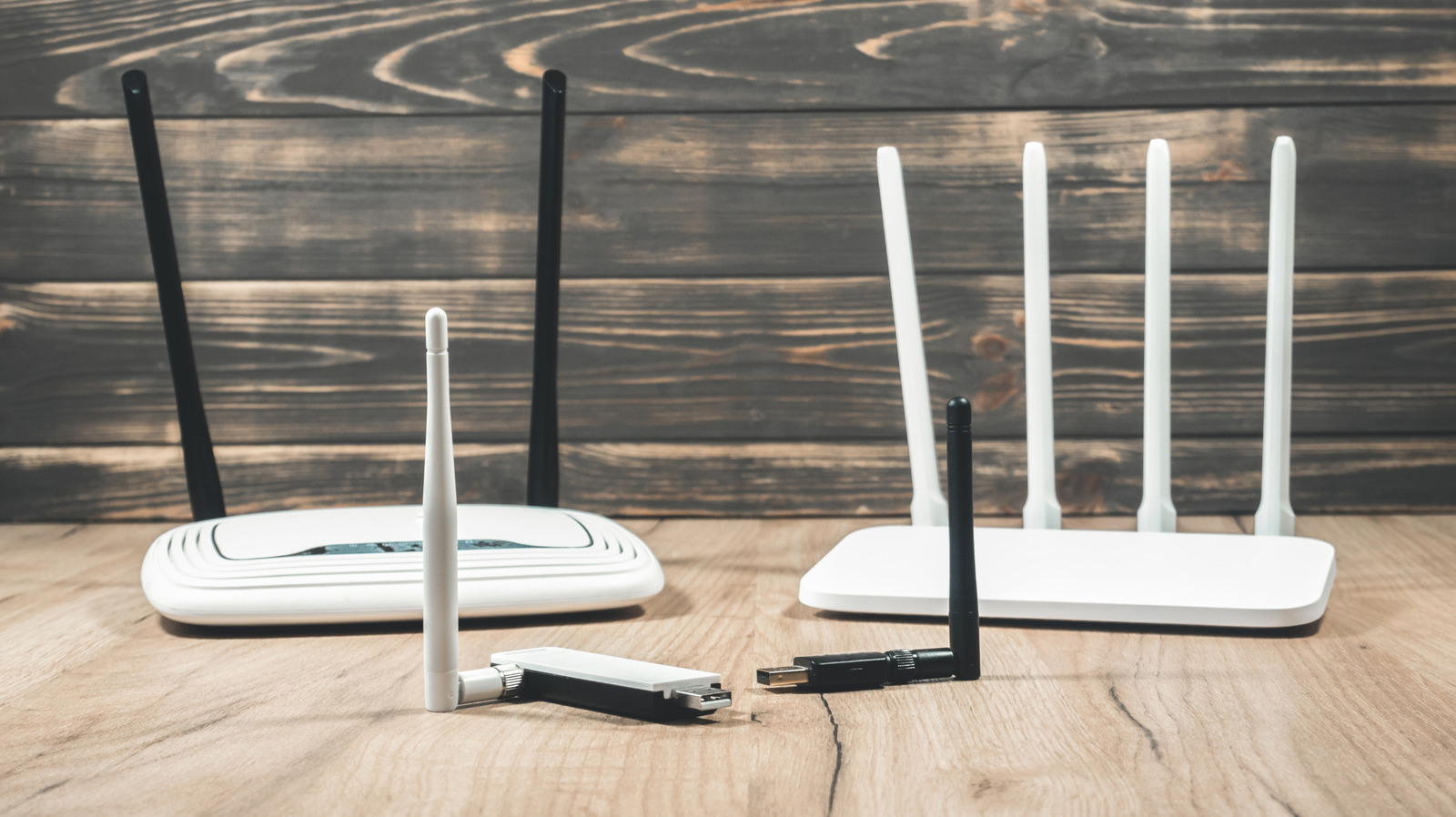
It could start with lack of security updates or declining speeds.
A router isn’t like a TV, a smartphone, or even an ageing laptop, in that it’s not something that most people really think about upgrading regularly. Plenty will stick with whatever their ISP ships out to them, and it’s only when something goes wrong, like dropped video calls or slow downloads, that thoughts about replacing the router start to creep in.
Slow Wi-Fi alone isn’t the only tell that you need a router upgrade, though. If a router is due for retirement, you’ll probably want to consider a few key things first. It’s also worth checking if it’s outdated enough that it’s actually a security issue that could be putting all of the devices on your network at risk. There’s also the question of whether new features and better Wi-Fi standards would make a big difference to the devices you own.
Your router has stopped receiving updates

Every internet-connected device should get security updates. For a router, regular firmware updates will help keep the software on your router up-to-date. These are really important for any device you own, but for a router, acting as a gateway to your internet connection and to all of the other devices on your network, it’s pretty essential.
Once support for your router ends, then any future vulnerabilities that have been discovered won’t receive fixes. You’ll still be able to connect to it and access the internet, but there could be a big hole in your security that can’t be patched.
It won’t always be clear if your router isn’t getting firmware updates and reached end-of-life (EOL) status. For an ISP-issued router, it’ll likely be cycled out before this happens, and you’ll want to check in with the company first to see if it is or not. For a router you’ve bought and installed yourself, though, you’ll need to check manually. You can look for your router’s model number, along with any additional details like a hardware revision number, which are printed on the router’s label.
You can then perform a quick search on the manufacturer’s website to see if it’s EOL and still receiving updates. Some manufacturers, like ASUS, keep an end-of-life product list that you can search through. If your device is on this list, it’s maybe time to swap it out.
Sometimes, though, there won’t be a clear answer. You can also look at the last firmware update released for your device on the manufacturer’s website. If it’s been a few years since it last showed a release, that’s a sign that it could be out of date (although it doesn’t always mean that the updates have completely stopped). If you’re unsure, you can always contact the manufacturer to ask if the router is still eligible for updates and when support will end.
You can also improve your router’s security by looking at its app or administration page. Instructions should be listed in the manual or on the device label. Sign in and look for areas that mention firmware or software updates (often under a system or administration section). If updates are available, don’t delay: get those updates installed as soon as you can.
All you get are slow speeds and disconnections
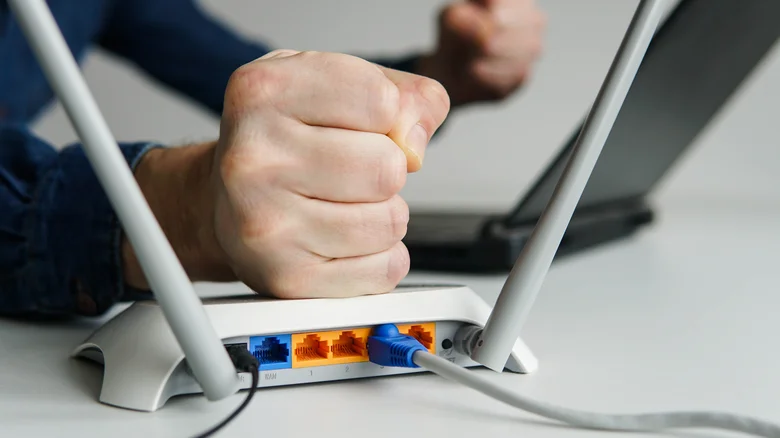
I’ve seen a router fail in real time before. First came the disconnections. Devices that would be rock solid, as far as signal strength is concerned, would randomly begin to disconnect. After that, periodically, the router would suddenly stop transmitting. It would totally freeze up, and only a power cycle would get it working again. Not too long after, it stopped powering up completely.
Will this be the case for everyone? No, but any of these symptoms are warning signs that you’ll need to investigate. Disconnections could be due to signal interference, which you might be able to fix by moving the router or switching channels. It could also be down to a single device on your network that needs investigating instead.
Slow speeds are easier to diagnose, though, because you can run parallel tests with the router itselfthernet cable and try running a speed test. If it’s stable or consistent, then your internet service isn’t likely to be the problem. However, if Ethernet works fine, but repeating the test over Wi-Fi shows the same slower speeds, then it’s the wireless connection at fault
Location really does matter, too. You’ll get less from a Wi-Fi router if it’s positioned near a huge wall or near obstructions that’ll interfere with the signal strength. Coverage might be an issue, too, if you’re seeing dropouts in certain rooms further away. You might need to think about a Wi-Fi extender or repeater in those areas, or an upgrade to a full mesh system instead.
What about your internet connection? The fastest Wi-Fi network in the world won’t be much help if all you get at home are 1Mbps download and upload speeds. You can always ask your ISP to investigate any problems to rule this out, especially if your router connects to an external modem.
Your devices and connection have outgrown it
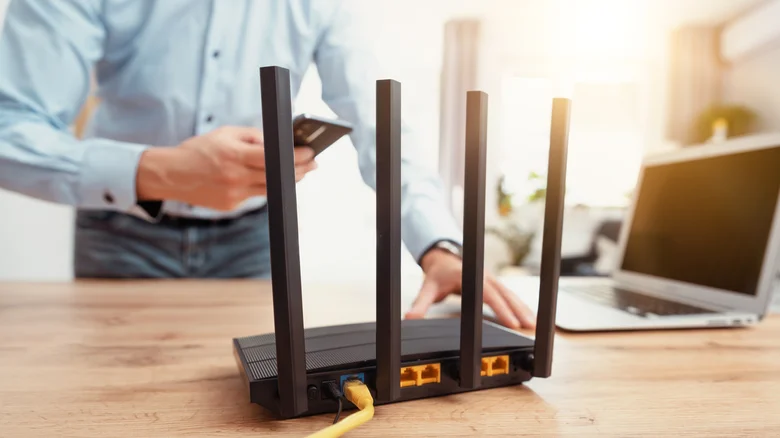
There’s also the age of your router. If it’s an older model, then it might not be compatible with the latest Wi-Fi standards. Wi-Fi 7 is the latest, but we’ve seen 6 and 6E in the last decade, all with their own incremental speed and performance improvements.
You’ll want to check your devices to see how fast they can go. For instance, a Wi-Fi 7 router can theoretically hit speeds of around 5.8Gbps using the newer 6GHz band. Compare that with many older Wi-Fi 5 devices, which top out at around 867Mbps on the 5GHz band, or just 150–300Mbps when connecting over 2.4GHz using Wi-Fi 4.
Actual speeds you’ll see will be lower, but you’ll need both ends of the connection to support the newer technology to benefit, while making sure that the aforementioned Wi-Fi 7 support isn’t completely misleading. A Wi-Fi 7 router won’t turn a Wi-Fi 5 laptop into a faster Wi-Fi 7 device. However, if you’re rocking an iPhone and a modern laptop with Wi-Fi 7 speeds, you don’t want to be hobbled by connecting to an older router.
There’s no built-in expiry date for a router, so if you can still receive updates for it, then it can continue to (safely) work for you. That said, if it’s slow and possibly even past its serviceable life, then it’s likely time to unplug. You’ll be better off replacing your router before it completely fails or becomes a real security risk.
