Close Menu
MyAppsPlus

    Subscribe to Updates

    Get the latest creative news from FooBar about art, design and business.

    What's Hot

    iPod Nano Can Finally Run iOS

    November 29, 2026

    Best Early Tech Deals From Sam’s Club’s Cyber Monday Sale on TVs, Laptops, and More

    November 29, 2026

    Cyber Monday gaming laptop deals are here — save up to $1,200 on Alienware, HyperX, MSI and more

    November 29, 2026
    Facebook X (Twitter) Instagram
    Facebook X (Twitter) Instagram
    MyAppsPlusMyAppsPlus
    Sunday, November 29
    • Home
    • Breaking Tech
    • Apps & Software
    • AI & Automation
    • Android
    • iPhone & iOS
    • More
      • Reviews
      • How-To Guides
      • Deals & Discounts
      • Shop
    MyAppsPlus
    Home»Breaking Tech»How to change the default browser on your Mac and stop any reverts
    Breaking Tech

    How to change the default browser on your Mac and stop any reverts

    myappsplusBy myappsplusNovember 29, 2026004 Mins Read
    Share Facebook Twitter Pinterest Copy Link LinkedIn Tumblr Email Telegram WhatsApp
    Follow Us
    Google News Flipboard
    How to change the default browser on your Mac and stop any reverts
    Share
    Facebook Twitter LinkedIn Pinterest Email Copy Link

    If your chosen browser isn’t sticking, here are a few things you can try.

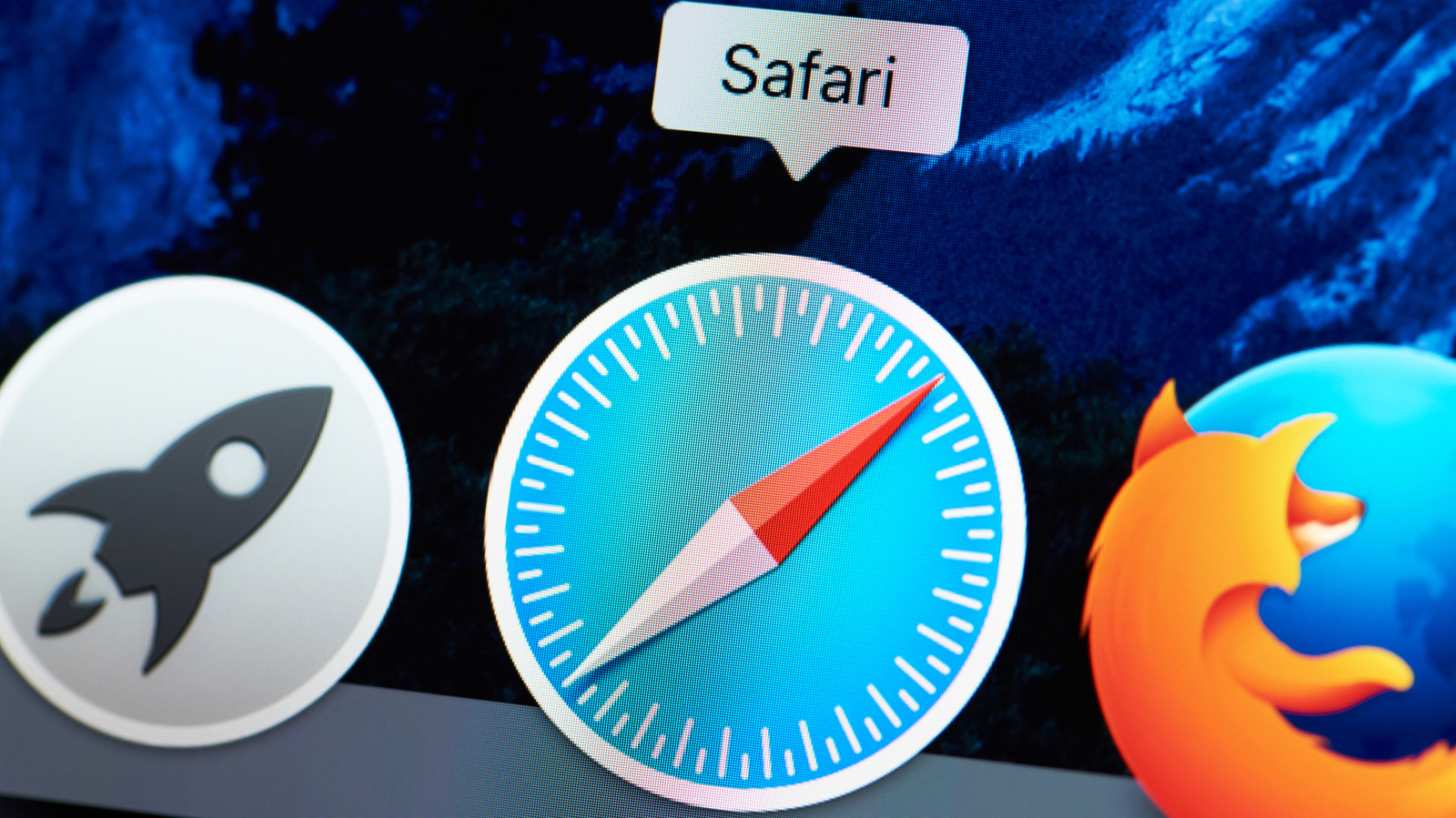
    A web browser is arguably the most important application on your Mac. It allows you to access the internet, check emails and connect to various online services. While your Mac already comes with Safari as its default web browser, it may not be the best fit for your particular needs. You may prefer Google Chrome for its seamless integration with Google’s services, Mozilla Firefox for enhanced privacy and security or Microsoft Edge for its productivity tools. You may also choose to use the same browser on your Mac and smartphone to sync history, bookmarks and passwords.

    No matter which browser you prefer, macOS allows you to set it as your default browser. However, at times, you might notice web links opening in a browser other than the default one. This may occur if a software issue prevents the browser preferences file from saving correctly or when you accidentally confirm a browser prompt to set it as your default browser. Knowing how to change default browser on macOS can help you resolve browser-related conflicts and understand why certain web links may open in different browsers.

    How to change the default browser in macOS?

    Changing the default browser in macOS is fairly straightforward. Click the Apple icon in the menu bar and then click System Settings to open the Settings app. You can also search for System Settings using the command + space keyboard shortcut.

    Once in System Settings, click Desktop & Dock. Then, scroll through the options presented in the right-hand pane to find the Default web browser picklist. This lists all third-party browsers installed on your Mac in addition to Safari. Pick the browser you wish to set as your Mac’s default, and confirm that the picklist shows the change before closing the Settings app.

    It’s also worth knowing that most browsers include options to set them as your default browser. However, rather than investigating individual settings menus across individual browsers, it’s more convenient to use macOS’ Settings app to change your default browser. Once changed, your Mac will now prefer the newly set default browser to open web links from supported applications and ensure a consistent browsing experience across your Mac.

    If your Mac fails to retain the default browser and keeps reverting to the one previously selected, try restarting your Mac. If that doesn’t help, restart your Mac in safe mode and try changing the default browser again. You can also try running Disk Utility First Aid from macOS Recovery to check and repair disk errors. In one reported case, running the utility resolved the glitch.

    Why some web links bypass your default browser?

    Sometimes, despite changing your default browser, some apps may continue to open web links in an embedded browser window. This is possible because of Apple’s WKWebView, a technology that developers use to display web content within an application itself, without opening a separate browser window.

    Another reason is that certain web links can redirect to installed applications instead of a webpage. This happens because of Apple’s Universal Links feature, which lets web links open directly in an associated app instead of your browser. If you uninstall the associated application, the same web links should open in your browser instead.

    Understanding these application-specific behavior can help you differentiate them from changes to your default web browser. If you notice apps opening in embedded browser windows or web links redirecting to installation applications, it doesn’t necessarily mean that your default web browser has changed. Your selected browser should still open most web links that macOS directs to it.

    Apple browser change default Your
    Follow on Google News Follow on Flipboard
    Share. Facebook Twitter Pinterest LinkedIn Tumblr Email Copy Link
    myappsplus
    • Website

    Related Posts

    QuietOn 4 noise cancellation buds work well in India’s loud surroundings, but I have one big gripe

    November 29, 2026

    TechCrunch Mobility: Uber and Nuro enter Waymo’s turf

    November 29, 2026

    How to block bad ads on your Android phone with an ad blocker

    November 29, 2026
    Add A Comment
    Leave A Reply Cancel Reply

    Top Posts

    The pros and cons of using your phone as a mobile hotspot

    November 16, 202651 Views

    UiPath Launches AI Coding Agent, Integrates Claude Code and Codex to Target Development Automation

    November 16, 202646 Views

    Announcing Artificial Analysis Intelligence Index v5

    October 28, 202641 Views
    Latest Reviews

    ‘I did not foresee at all the social-media application, nor its impact on society’: Inventor of the CMOS-based image sensor on how a technology designed to take photos in space has changed the way we view the world

    myappsplusSeptember 13, 2026

    Study says chatbots are misdiagnosing sleep apnea, so a doctor is sharing 4 symptoms you should never ignore

    myappsplusSeptember 13, 2026

    How to watch Big Brother UK 2026 online for FREE – stream season 23 from anywhere

    myappsplusSeptember 13, 2026
    Stay In Touch
    • Facebook
    • YouTube
    • TikTok
    • WhatsApp
    • Twitter
    • Instagram

    Subscribe to Updates

    Get the latest tech news from FooBar about tech, design and biz.

    Most Popular

    Why your Roku keeps randomly turning off (and how to fix it)

    September 13, 20260 Views

    External HDD vs. SSD: What are the pros and cons of each drive type?

    September 13, 20260 Views

    How to watch Man Utd vs Man City: Live streams, TV channels for Premier League 2026/27

    September 13, 20260 Views
    Our Picks

    iPod Nano Can Finally Run iOS

    November 29, 2026

    Best Early Tech Deals From Sam’s Club’s Cyber Monday Sale on TVs, Laptops, and More

    November 29, 2026

    Cyber Monday gaming laptop deals are here — save up to $1,200 on Alienware, HyperX, MSI and more

    November 29, 2026

    Subscribe to Updates

    Subscribe to our newsletter and get the latest tech news, app updates, AI trends, smartphone reviews, and exclusive deals delivered straight to your inbox.

    Facebook X (Twitter) Instagram Pinterest
    • About Us
    • Get In Touch
    • Disclaimer
    • Privacy Policy
    • Terms & Conditions
    © 2026 MyAppsPlus. All Rights Reserved.

    Type above and press Enter to search. Press Esc to cancel.