Close Menu
MyAppsPlus

    Subscribe to Updates

    Get the latest creative news from FooBar about art, design and business.

    What's Hot

    Pick up Govee’s more unique Matter Torchiere Floor Lamp with $60 savings at $90

    November 10, 2026

    Apple announces Swift Student Challenge 2027 with new twist

    November 10, 2026

    Scale makes firms’ automation efforts worth the investment

    November 10, 2026
    Facebook X (Twitter) Instagram
    Facebook X (Twitter) Instagram
    MyAppsPlusMyAppsPlus
    Tuesday, November 10
    • Home
    • Breaking Tech
    • Apps & Software
    • AI & Automation
    • Android
    • iPhone & iOS
    • More
      • Reviews
      • How-To Guides
      • Deals & Discounts
      • Shop
    MyAppsPlus
    Home»Breaking Tech»Here’s what to look for so you don’t get scammed by a fake GPU
    Breaking Tech

    Here’s what to look for so you don’t get scammed by a fake GPU

    myappsplusBy myappsplusNovember 10, 2026004 Mins Read
    Share Facebook Twitter Pinterest Copy Link LinkedIn Tumblr Email Telegram WhatsApp
    Follow Us
    Google News Flipboard
    Here’s what to look for so you don’t get scammed by a fake GPU
    Share
    Facebook Twitter LinkedIn Pinterest Email Copy Link

    When it comes to the arms-race of GPU scams, an ounce of prevention is worth a pound of cure.

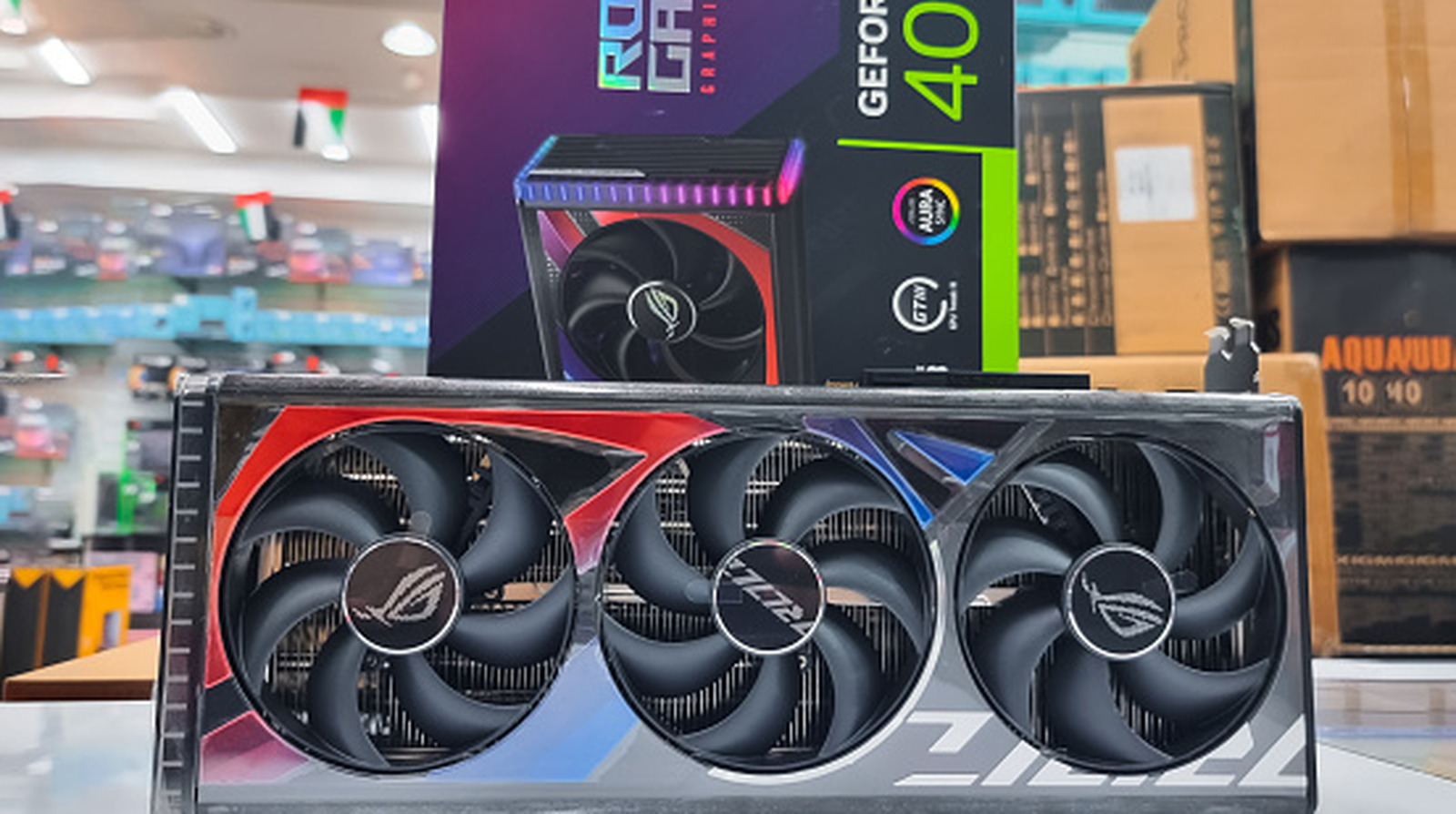
    RAM prices are completely out of control. The AI rush has made even old GPUs worth more than ever before, so it’s no surprise that affordable GPUs have become a hot commodity and fertile ground for scams. As more and more false listings hit both the online world and the physical streets, a keen eye may be all that stands between you and a con.

    The overwhelming demand for GPUs in the AI sector, both from major companies and individual hobbyists, has led to crazy price spikes. This has, in turn, fueled a deluge of scams. Buyers have reported receiving bags of pasta and rice instead of a GPU or even getting just a picture of the GPU they ordered instead of a physical product. Physical repair shops have also been victimized, with some traded-in GPUs being nothing more than empty shells with their memory dies removed (and sold to other consumers).

    How to spot a GPU scam.
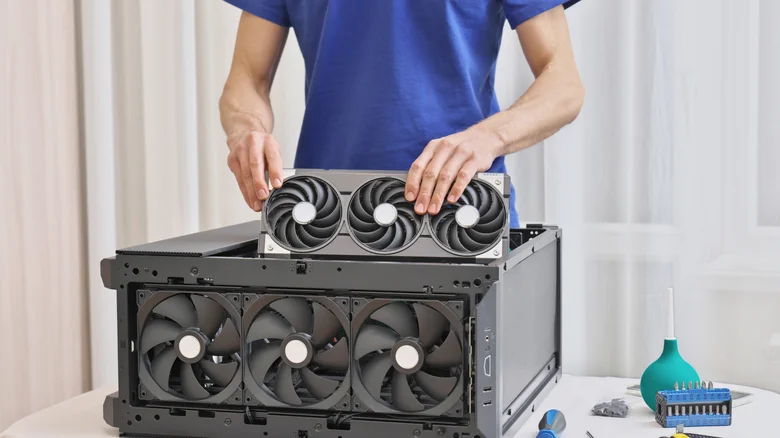
    Technician installing a GPU into a PC.

    The first thing you need to avoid scams like this is a sense of caution. While it’s not impossible to find an affordable GPU in 2026, any deals on Facebook Marketplace or eBay that are too good to be true, probably are. Not only should you avoid taking a chance on what feels like an unreal price, but you should also avoid placing your trust in stock photos when buying from these sites. Even with an in-hand photo, try searching for the picture on Google Images to check if it’s pulled from elsewhere. In addition, ask the seller to provide additional photos from niche angles, and don’t let the seller avoid questions or rush you into buying the product. These are telltale red flags.

    Buying in-person (whether through an arranged meeting or a physical vendor) is perhaps the best way to avoid getting conned, as this will allow you to test the GPU. Arrange with the seller beforehand to meet somewhere you can set up a test rig, such as a library or a local tech shop. After inspecting the GPU for damage, stress test the GPU using an application like HWiNFO. Simply open the program in full mode, click on Sensors, and click on Stress Test (which looks like a red flame in a blue square). During the test, you’ll be able to use the info in the window to view peak temperatures, clock speeds and check other readings. If everything’s in order after about 15 minutes, you should be good to go.

    Best practices for buying GPUs online

    eBay logo displayed on a phone with a graph in the background.

    You may have noticed that many of these pitfalls relate to online purchases, such as scan listings and the inability to test the actual product in advance. Though in-person dealings aren’t always perfect, and you should always be careful when meeting a stranger for any arranged purchase, they at least give you an opportunity to get a hands-on look at what you’re buying. The best you can do in a purely online transaction is ask thorough questions of the seller, request videos of stress tests from the seller and check the seller’s reviews and buyer feedback.

    If you are buying a GPU in 2026 from a stranger online, you should at least be doing so through a site with buyer protection, such as eBay. However, you shouldn’t throw caution to the wind just because of this safety layer. Scammers have developed ways to make getting your money back a major hassle. In the case of GPUs, some con artists have devised ways to snag tracking IDs going to your area and to give those IDs to the platform they used to sell to you, making it harder for you to prove that you didn’t receive what you ordered. You should be able to eventually get a refund if you’re able to convince your courier service to provide proof of a scam, but it’s still better to avoid the situation in the first place.

    Computing Dont Heres look What
    Follow on Google News Follow on Flipboard
    Share. Facebook Twitter Pinterest LinkedIn Tumblr Email Copy Link
    myappsplus
    • Website

    Related Posts

    Adobe wants you to spend less time editing and more time creating – Creative Cloud opens its doors to third-party AI agents

    November 10, 2026

    Anthropic launches Claude Meetings to turn workplace discussions into plans and tasks

    November 10, 2026

    Nvidia CEO Jensen Huang’s affair with alleged Chinese spy: a timeline

    November 10, 2026
    Add A Comment
    Leave A Reply Cancel Reply

    Top Posts

    Cathay Pacific tests Google AI that dramatically cuts airplane contrails — tiny altitude shifts slash environmental impact by 40% in early trials

    September 8, 2026138 Views

    Save on your groceries, gas, and holiday shopping with this $15 BJ’s membership (Reg. $60) 

    November 4, 202627 Views

    Apple is making Creator Studio an even better deal with new AI features and creative tools

    October 28, 202622 Views
    Latest Reviews

    Apple A20 Pro chip: why it’s such a big deal for the iPhone Ultra and iPhone 18 Pro Max

    myappsplusSeptember 7, 2026

    Get Lifetime Access to AI-Driven Stock Picks, a Done-for-You Portfolio Builder & a Personal AI Financial Coach

    myappsplusSeptember 7, 2026

    “I feel like I’m in my 50s” — the simple workout routine Julie Andrews, 90, swears by

    myappsplusSeptember 7, 2026
    Stay In Touch
    • Facebook
    • YouTube
    • TikTok
    • WhatsApp
    • Twitter
    • Instagram

    Subscribe to Updates

    Get the latest tech news from FooBar about tech, design and biz.

    Most Popular

    I’m fixing my desk posture without doing a single back exercise — here’s the foot mobility trick a neurosurgeon taught me

    September 7, 20260 Views

    €4.6B in deals and August’s highlights

    September 7, 20260 Views

    I kept waking up sweaty because of a classic bedding mistake — here’s what fixed it

    September 7, 20260 Views
    Our Picks

    Pick up Govee’s more unique Matter Torchiere Floor Lamp with $60 savings at $90

    November 10, 2026

    Apple announces Swift Student Challenge 2027 with new twist

    November 10, 2026

    Scale makes firms’ automation efforts worth the investment

    November 10, 2026

    Subscribe to Updates

    Subscribe to our newsletter and get the latest tech news, app updates, AI trends, smartphone reviews, and exclusive deals delivered straight to your inbox.

    Facebook X (Twitter) Instagram Pinterest
    • About Us
    • Get In Touch
    • Disclaimer
    • Privacy Policy
    • Terms & Conditions
    © 2026 MyAppsPlus. All Rights Reserved.

    Type above and press Enter to search. Press Esc to cancel.