

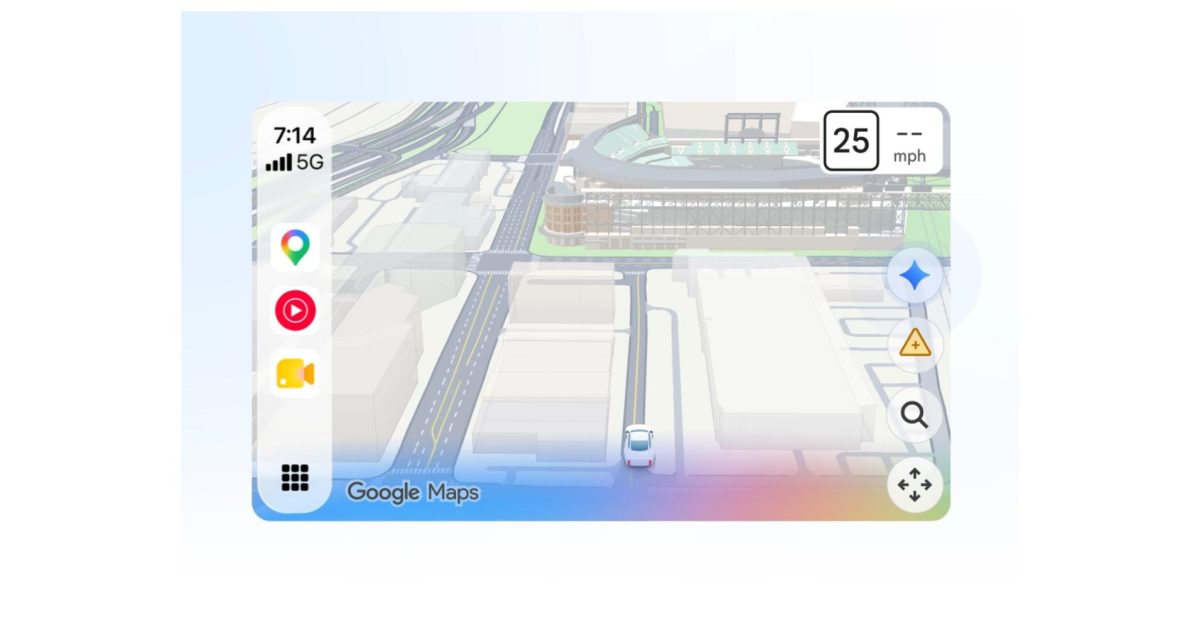
Google Maps in CarPlay now lets you access Gemini when navigating for a conversational driving experience.
When using navigation, tapping the Gemini icon on the right edge lets you ask multi-step questions and issue commands like:
- “What park is famous for gorgeous views overlooking the city?”
- “I want to go at a time when it’s not too busy and the weather will stay nice. Is now a good time?”
- “Start navigating me there but make sure to avoid toll roads.”
This is the first time Google Maps is offering voice assistant functionality in CarPlay. Previously, Google Assistant was only available when using Google Maps navigation directly on your iPhone.
Gemini can also be used to report traffic disruptions with your voice. This matches the navigation experience introduced on Google Maps for Android and iOS last year, while it’s already available in Android Auto.
Gemini in Google Maps on Apple CarPlay is available now in the US, while the global rollout is underway.
More on Google Maps:
- Google Maps now lets you turn your car into a McLaren F1
- Google Maps update shows traffic lights and stop signs at your next turn on Android Auto, more
- Ask Maps in Google Maps rolling out Personal Intelligence, real-time transit, global launch
You’re reading 9to5Google — experts who break news about Google and its surrounding ecosystem, day after day. Be sure to check out our homepage for all the latest news, and follow 9to5Google on Twitter, Facebook, and LinkedIn to stay in the loop. Don’t know where to start? Check out our exclusive stories, reviews, how-tos, and subscribe to our YouTube channel
