Close Menu
MyAppsPlus

    Subscribe to Updates

    Get the latest creative news from FooBar about art, design and business.

    What's Hot

    Nvidia CEO Jensen Huang says a forgotten 1950s European alliance secretly secured Taiwan’s chip empire — decades later, an island hardly bigger than Maryland dominates 90% of the advanced chip market

    October 24, 2026

    10 000 developers, three days and one big app challenge

    October 24, 2026

    OnePlus and Oppo Launch Stable ColorOS 17 Update Ahead of Schedule

    October 24, 2026
    Facebook X (Twitter) Instagram
    Facebook X (Twitter) Instagram
    MyAppsPlusMyAppsPlus
    Saturday, October 24
    • Home
    • Breaking Tech
    • Apps & Software
    • AI & Automation
    • Android
    • iPhone & iOS
    • More
      • Reviews
      • How-To Guides
      • Deals & Discounts
      • Shop
    MyAppsPlus
    Home»Breaking Tech»Google is quietly linking your phone number to other Android accounts
    Breaking Tech

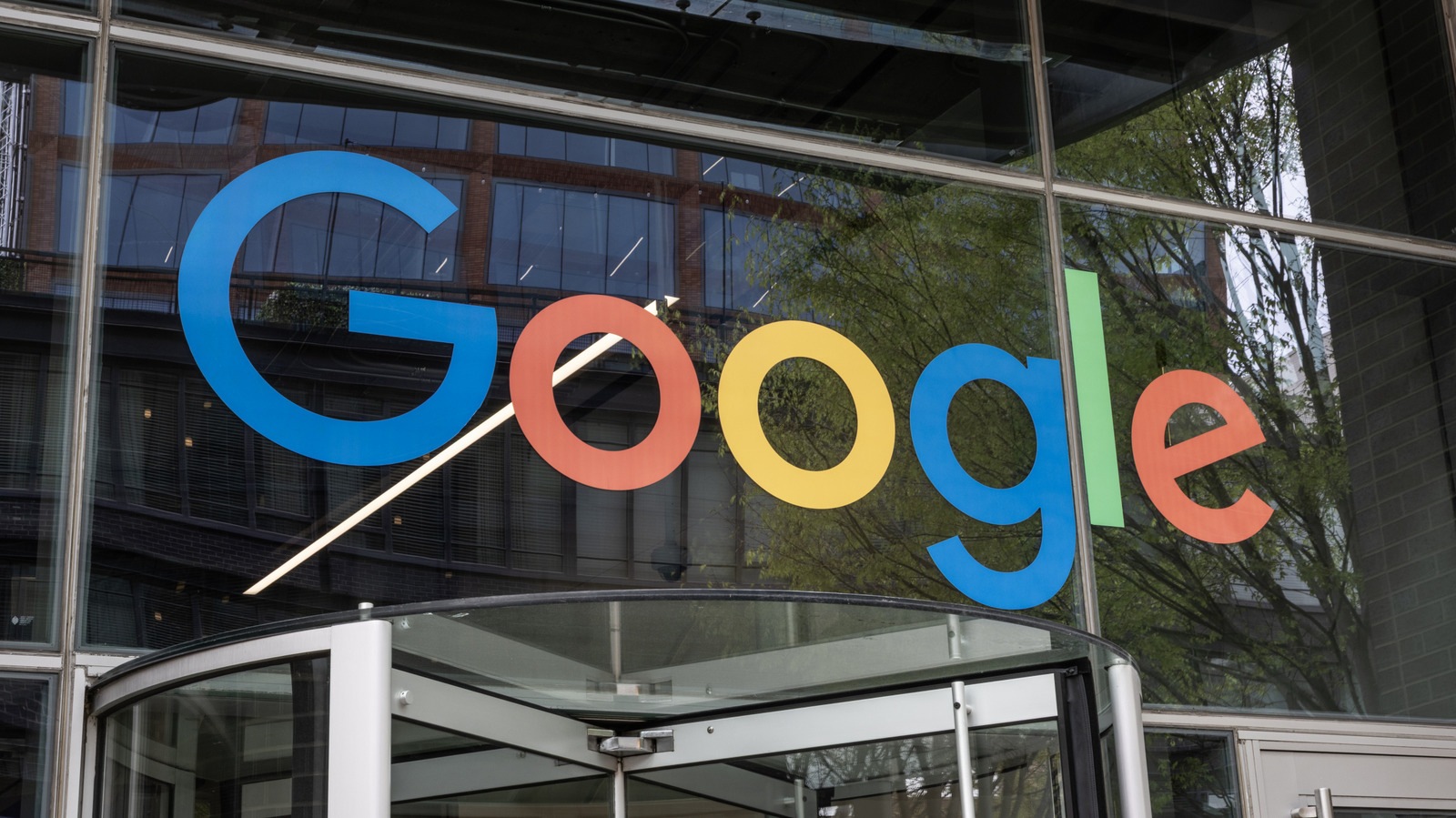
    Google is quietly linking your phone number to other Android accounts

    myappsplusBy myappsplusOctober 24, 2026004 Mins Read
    Share Facebook Twitter Pinterest Copy Link LinkedIn Tumblr Email Telegram WhatsApp
    Follow Us
    Google News Flipboard
    Google is quietly linking your phone number to other Android accounts
    Share
    Facebook Twitter LinkedIn Pinterest Email Copy Link

    This setting has been in place by default since September 2025.

    Android phones have been attaching their SIM’s phone number to every signed-in Google account on that device for more than a year. Google’s support documentation says that it verifies the number automatically during setup and adds it to every account on the phone, including work and secondary accounts. According to Google, verification enables features like account recovery and RCS messaging, but the company doesn’t explain why the number needs to be added to every account.

    Android Authority found that the Google documentation in question was amended sometime between August and October 2025 to say that verification is on by default, while a Google Play services changelog dated September 8, 2025 lists number verification as running automatically on setup. However, plenty of folks are only now finding out, after unprompted emails from noreply-phone-verification@google.com began arriving to tell them their number had been verified.

    What Google does with linked numbers

    According to Google’s support page, the link covers existing and future accounts and numbers alike. In other words, a Google account that’s added later will pick up every number on the phone, while switching SIM cards also puts the new number on every account. Google and your carrier also re-verify those numbers periodically, which can incur carrier charges, and the setting can only be managed from the phone itself.

    It’s a bit of an awkward situation, because turning verification on also enables Better sharing on Google for one of the signed-in account. Google says this supports video calls, messages and notifications for content sent to the number, such as photos. Phone number sign-in, finding a lost device, emergency location services and Quick Share also all depend on a verified number.

    In October 2025, a month after automatic verification arrived, Google introduced Sign in with Mobile Number, an Android recovery tool that auto-identifies the Google accounts linked to a phone number and lets the owner back in with the lock screen passcode from their previous device. Google’s account help pages also describe a Better ads & Google services setting that uses a phone number across Google services to show more relevant ads. 

    The same page says that any verified number on an Android device can be added to any Google account signed into it, though Google hasn’t said which ads setting applies to numbers attached automatically.

    How to turn off phone number verification

    To stop the linking on your Android phone, open Settings > Google > All services, then under Privacy & security, select Phone number verification and turn off Verify phone numbers automatically. Some phones will label the Google section Google services and preferences instead. 

    Keep in mind that turning this off doesn’t apply retrospectively, meaning numbers that have already been attached must be removed manually. You can do this by navigating to Personal info > Phone in each account’s Google settings.

    Kaspersky says disabling verification also means losing RCS chats in Google Messages, which pushes conversations back to SMS. Google’s Messages help pages show RCS waits on phone number verification before it connects. That trade-off carries more weight, since end-to-end encrypted RCS messaging began rolling out between Android phones and <a href="https://myappsplus.com/iphone-duo-one-day-later-heres-why-its-quirks-dont-make-it-any-less-incredible/” title=”iPhone Duo one day later: Here's why its quirks don't make it any less incredible”>iPhones in May. Kaspersky adds that a number with verification turned off can’t be used for quick account recovery.

    Google says it doesn’t sell personal data, including phone numbers, to anyone. In May, it also told Android Authority it was testing a policy in select regions that gives new Google accounts only 5GB of free storage unless a phone number is linked, down from the usual 15GB.

    Google linking phone quietly Your
    Follow on Google News Follow on Flipboard
    Share. Facebook Twitter Pinterest LinkedIn Tumblr Email Copy Link
    myappsplus
    • Website

    Related Posts

    Why the wires in your ethernet cables are twisted

    October 24, 2026

    YouTube streams may look better and buffer less as soon as early 2027

    October 24, 2026

    Steam rolls out Personal Calendar feature that constantly updates recommended games

    October 24, 2026
    Add A Comment
    Leave A Reply Cancel Reply

    Top Posts

    Cathay Pacific tests Google AI that dramatically cuts airplane contrails — tiny altitude shifts slash environmental impact by 40% in early trials

    September 8, 2026137 Views

    Drone swarm tech valued by both defense and civilian sectors, industry platform says

    September 8, 202615 Views

    Keep running out of mobile data? This new unlimited plan gets you up to 80Mbps 5G speeds for just AU$50/m

    October 8, 202614 Views
    Latest Reviews

    WD’s 6TB Elements portable hard drive drops to $260 for simple plug-and-play backups

    myappsplusSeptember 1, 2026

    Job postings show early signs of AI automation impact

    myappsplusSeptember 1, 2026

    iPhone 18 Pro Colors Apparently Include Black, But Skip Silver

    myappsplusSeptember 1, 2026
    Stay In Touch
    • Facebook
    • YouTube
    • TikTok
    • WhatsApp
    • Twitter
    • Instagram

    Subscribe to Updates

    Get the latest tech news from FooBar about tech, design and biz.

    Most Popular

    WD’s 6TB Elements portable hard drive drops to $260 for simple plug-and-play backups

    September 1, 20260 Views

    iPhone 18 Pro Colors Apparently Include Black, But Skip Silver

    September 1, 20260 Views

    The new Amazfit Cheetah 2 Pro falls to $399.99 in its first Amazon discount

    September 1, 20260 Views
    Our Picks

    Nvidia CEO Jensen Huang says a forgotten 1950s European alliance secretly secured Taiwan’s chip empire — decades later, an island hardly bigger than Maryland dominates 90% of the advanced chip market

    October 24, 2026

    10 000 developers, three days and one big app challenge

    October 24, 2026

    OnePlus and Oppo Launch Stable ColorOS 17 Update Ahead of Schedule

    October 24, 2026

    Subscribe to Updates

    Subscribe to our newsletter and get the latest tech news, app updates, AI trends, smartphone reviews, and exclusive deals delivered straight to your inbox.

    Facebook X (Twitter) Instagram Pinterest
    • About Us
    • Get In Touch
    • Disclaimer
    • Privacy Policy
    • Terms & Conditions
    © 2026 MyAppsPlus. All Rights Reserved.

    Type above and press Enter to search. Press Esc to cancel.