

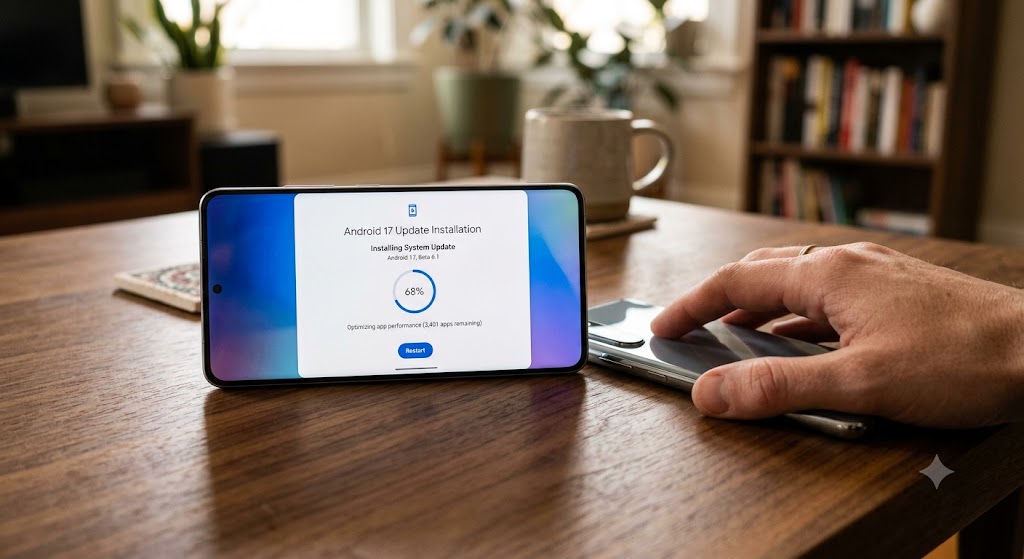
For anyone rocking a Google Pixel device enrolled in the Android Beta program, performance hiccups can occasionally come with the territory. However, a particularly pesky bug causing severe UI stuttering and multi-second system freezes has been driving users up the wall. Fortunately, Google is stepping in with a targeted fix to restore butter-smooth performance across compatible hardware.
The tech giant has officially begun rolling out Android 17 QPR2 Beta 7.1, a minor yet crucial point release designed specifically to address a high-profile memory pressure issue that has been plaguing devices under heavy workloads. As the platform matures toward its wider public milestones, maintaining baseline fluid performance remains a core priority for engineers, a goal extensively highlighted in recent deep-dives on Android 17 feature expectations.
What Was Wrong? The Root of the Pixel Freeze Issue
If you’ve noticed your Pixel suddenly locking up, dropping frames, or freezing entirely during heavy multitasking or intensive app usage, you weren’t alone. According to developer notes and user reports documented in the official Google Issue Tracker (reference report), the culprit was traced back to severe UI stuttering and multi-second freezes triggered by heavy page-reclaim thrashing and major page faults under memory pressure.
In simple terms, when the operating system’s memory management system struggled to shuffle data efficiently between physical RAM and storage (page-reclaim thrashing), the system would encounter a bottleneck. This caused the graphical user interface to stall entirely while the processor scrambled to resolve major page faults, leaving users staring at frozen screens for precious seconds at a time. For a platform renowned for fluid animations and snappy navigation, these recurring freezes were more than just a minor annoyance—they significantly impacted daily usability.
Google’s proactive stance here mirrors broader platform-level kernel optimizations and background stress tests similar to those tracked in analysis covering Google’s experimental Android performance updates.
Build Details and Availability: Is Your Pixel Supported?
The newly released update brings the build number CP41.260831.019. If you are eager to put an end to these frustrating memory-pressure stutters right away, you will want to check your system updates if your device falls into the eligible tier.
This update is available for Pixel 6a and newer devices. Whether you are running a Pixel 6 series device, a Pixel 7, Pixel 8, or the latest hardware generation, as long as you are part of the Android Beta Program and your device is supported under the QPR2 branch, the update should find its way to your notification shade.
-
Open your phone’s Settings app.
-
Scroll down and tap on System.
-
Select System update and tap Check for update.
Should You Install the Beta or Wait for Stable?
While the fix for page-reclaim thrashing is a massive quality-of-life improvement, it comes with the usual caveat associated with pre-release software. Android Beta builds, even late-stage quarterly platform releases (QPR) like Beta 7.1, can occasionally introduce unforeseen bugs, battery drain quirks, or compatibility issues with third-party apps—factors that ecosystem watchers often note when evaluating major releases such as those featured during recent showcases on Android ecosystem advancements and Gemini Intelligence.
If you are already enrolled in the Android 17 QPR Beta program and experiencing these frustrating memory freezes, downloading Beta 7.1 is a no-brainer. It directly resolves a core stability bottleneck and will make your daily device interaction significantly more pleasant.
On the other hand, if your daily driver is currently running the public stable release of Android and you are not already part of the beta pipeline, it is generally recommended to exercise a bit of patience. Rather than jumping through the hoops of enrolling in the beta program—which requires a data wipe if you ever decide to step back down to stable channels—you can simply wait for this critical fix to make its official transition into the next stable release of Android 17 QPR2.
Google’s swift response with Beta 7.1 demonstrates a strong commitment to stabilizing system performance before the upcoming feature drop hits the wider public. For now, Pixel users dealing with memory thrashing can finally look forward to a much smoother, freeze-free experience.
