

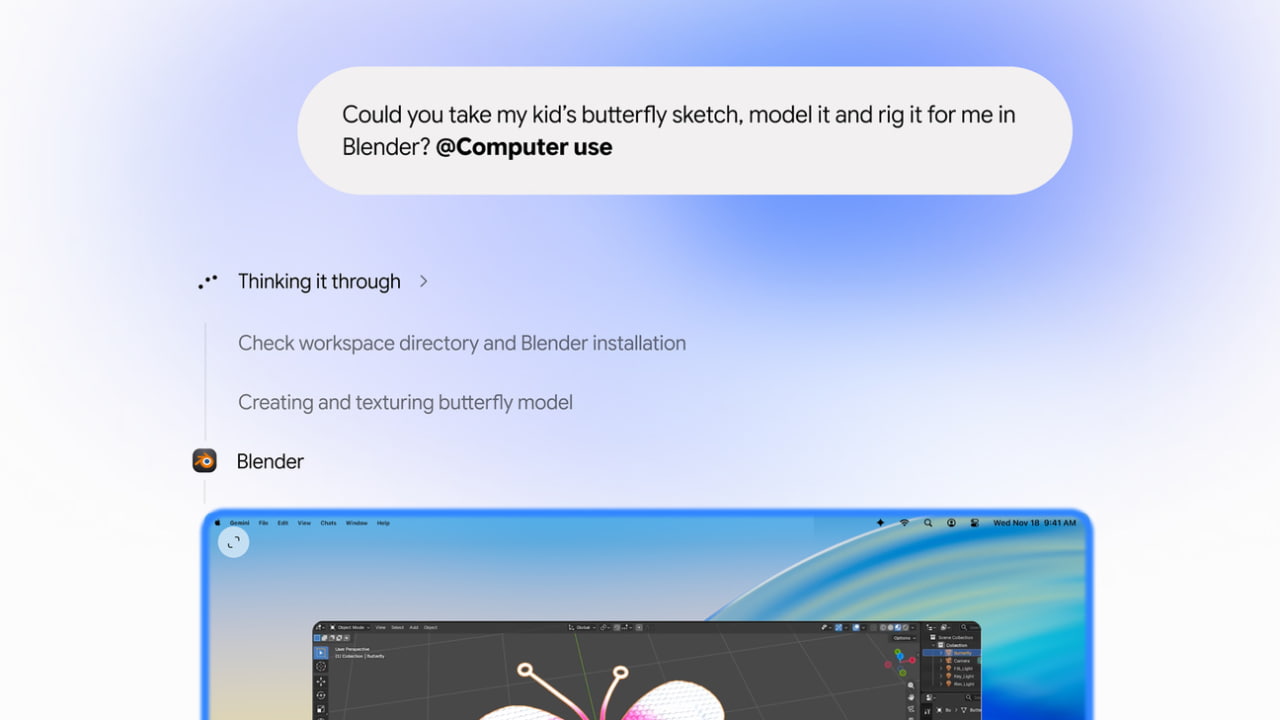
Google has added computer use to Gemini for Mac, letting the assistant click, type, and navigate menus or forms on your behalf. It can work across local files, Mac apps, and websites in the same task.
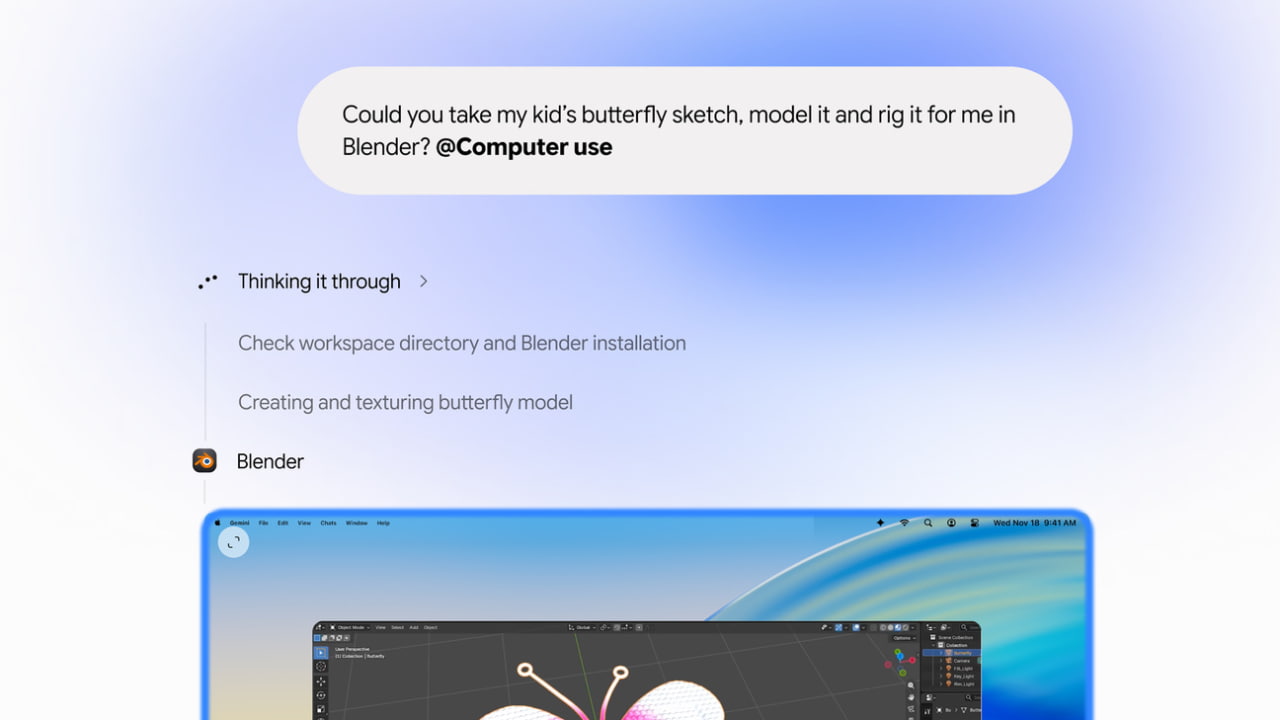
The Mac app launched in April with the ability to see a window you shared. Gemini can now interact with apps in an isolated background window while you keep using your main screen and cursor. A live preview in the chat shows what it’s doing. You choose which apps Gemini can access, can pause it at any time, and can review key actions before it takes them.
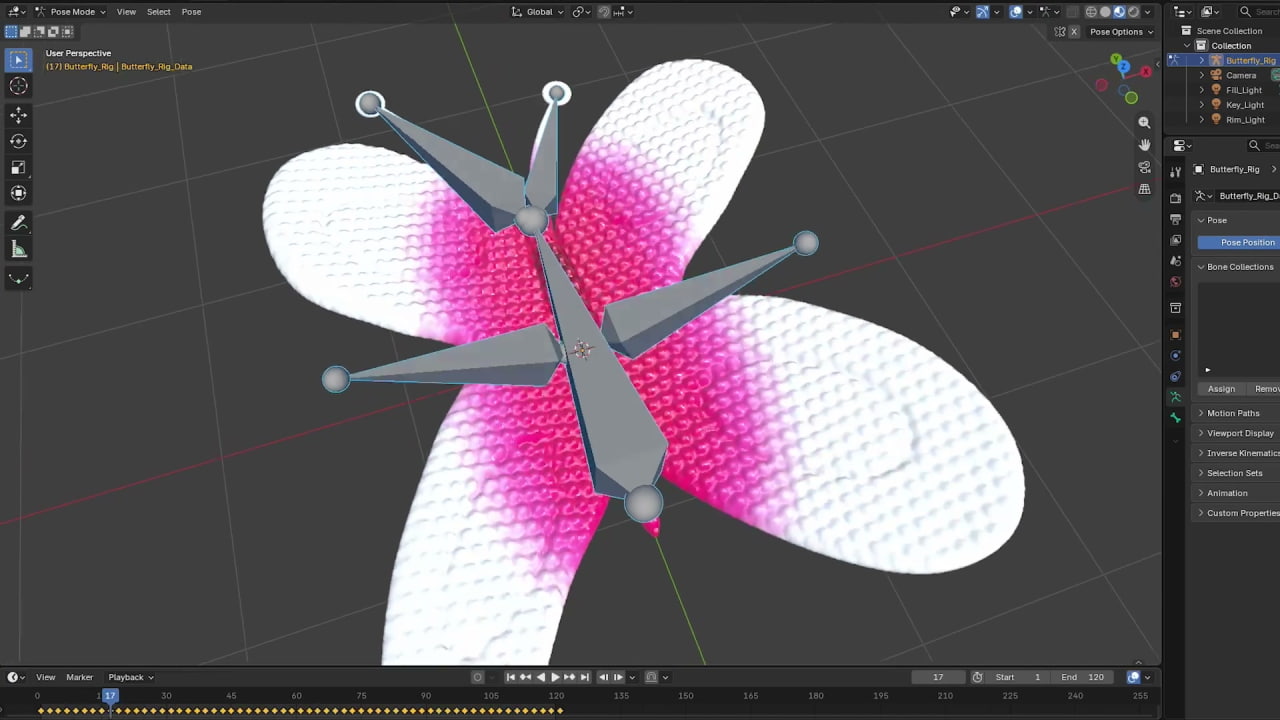
One example is pulling weights, dimensions, and addresses from PDFs to fill out shipping quote forms. In Google’s video demo, Gemini takes a child’s butterfly sketch, builds a 3D model in Blender, and creates a web app to preview it in augmented reality.
Computer use is rolling out in English in the U.S. for Google AI Plus, Pro, and Ultra subscribers. It requires a personal Google account for a user aged 18 or older and a Mac with <a href="https://myappsplus.com/apple-may-be-developing-its-own-ai-agent-that-runs-your-mac/” title=”Apple may be developing its own AI agent that runs your Mac”>Apple silicon running macOS Sequoia 15 or later. The app is available from Google’s Gemini for Mac page.
