

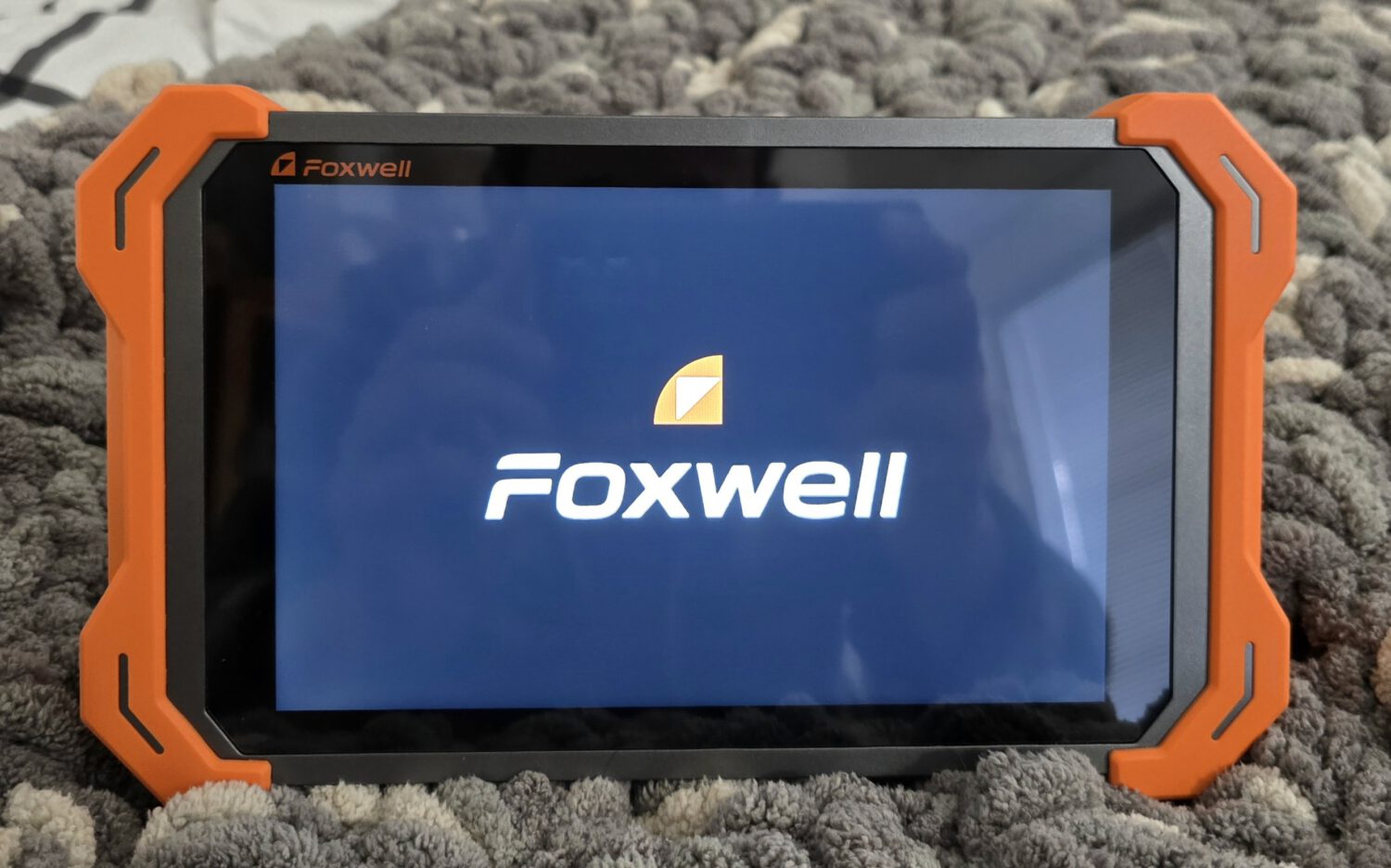
Most of us have owned one of those little code readers with the eight-segment display. You plug it in, it spits out a P0420, and then you’re on Google anyway trying to figure out what that means. The Foxwell NT919 BT is the other end of that world. It’s an 8-inch Android tablet you plug into your car to read what’s going on and send commands back to it, and after a week with one plugged into my Crosstrek, I came away impressed and a little bit careful about everything it can do.
I know enough about cars to get myself into trouble and not quite enough to get back out. That turned out to be the perfect altitude to test this thing from, because the NT919 is built for people with way more knowledge than me, and it still made sense the whole way through.
Setup is a few taps and a dongle
Getting started took me a couple of minutes, and I mean that. Two things make it easy. The setup screens are clearly labeled, full of big obvious buttons, and completely linear, so there’s no hunting for the next step. And it’s running Android, which is already about the friendliest mobile OS there is to poke around in.
Once you’re set up, you plug the Bluetooth OBD dongle into your car’s OBD port and you’re ready. I can’t tell you where your OBD port is, every car puts it somewhere different, so run a quick Google for your make and model, because “under the steering wheel” is a vague and sometimes wrong place to go looking. After that, tap “OBD Scanner”, the tablet chirps, the dongle lights up, and in less than a minute you’ve got real information about your vehicle in your hands.
Solid in the hand, quick on the screen
Design-wise, it’s a tablet, and a nice one. It’s got good heft, it feels solid in the hand, and the corners are properly ruggedized for the kind of place a tool like this lives. The OBD dongle clicks onto a magnetic dock on the back of the body, so the two pieces travel together instead of you losing the dongle in a drawer. The screen is bright and clear, and the OS stays responsive. I’d braced for a scanner that takes forever to register a button press or swap screens, and this one never did.
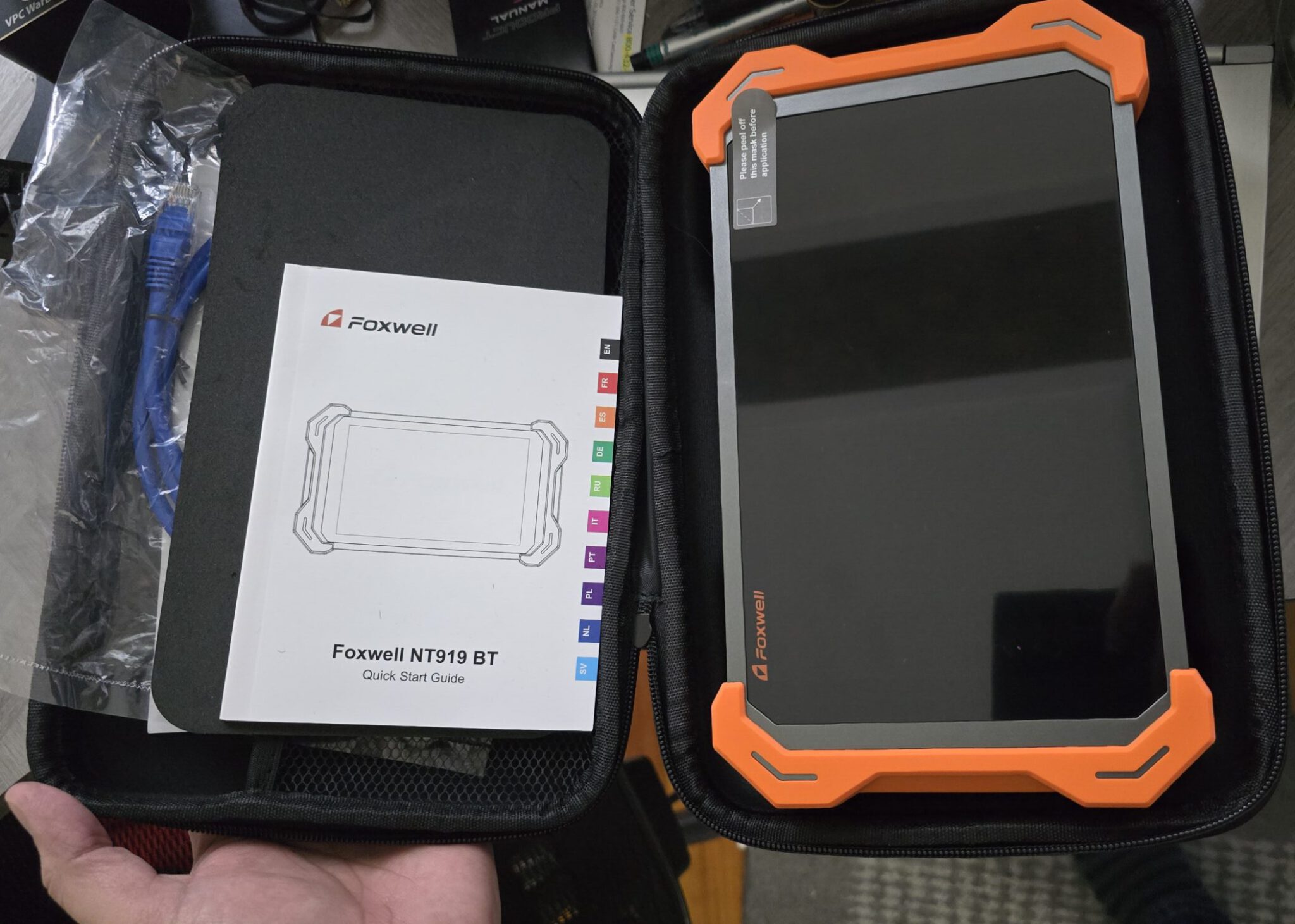
The NT919 comes in a zippered case with the basics: a USB-A charging brick with swappable prongs (a really nice touch for travel), a USB-A to USB-C cable, and a wired Ethernet kit made up of a network cable, a USB network adapter and an F-Chassis extension cable. Together they give you a wired connection to F-series BMWs for the jobs that need one.
What “bidirectional” actually buys you
A basic scanner only reads. It sees what’s wrong but can’t do anything about it. A bidirectional tool like the NT919 adds the return path, so you can command parts of the car to do things on purpose. The NT919 handles more than 3,000 of these active tests, and Foxwell’s diagnostic tools are the reason you’d reach for it over a code reader.
You can bleed your ABS brakes at home. If air gets into the ABS unit during brake work, the unit has to cycle to push it out, or the pedal stays soft. It’s one of the most common reasons DIYers buy a bidirectional tool, and every bleed you handle at home is one less bill from the shop.
You can command individual parts on and off to test them. Cooling fans, fuel pumps, window motors, headlights, all of it, one at a time. That means when something seems dead, you can confirm it’s actually dead before you spend money replacing the wrong part. One Amazon buyer used it to cycle the fuel pump and cooling fans, and it “immediately verified that the relays were functioning.”
You can run service resets that used to mean a dealer trip. Oil resets, electronic parking brake retraction, battery registration, throttle relearn. The parking brake is a big deal on newer cars, where you sometimes can’t even do a basic rear brake job without a tool to pull the caliper back.
And then there’s the fun stuff. ECU coding lets you change settings the factory picked for you. Owners have used it to adjust daytime running lights, auto door locks, smart-key behavior and even the seat-belt chime. I stuck to the gentle end of this, flicking door locks on and off, raising and lowering a window, changing a turn-signal flash.
Could I do deeper programming? Sure. But I know just enough about what makes a car tick on the software side to get myself in real trouble, and I wasn’t about to drive my Crosstrek’s ECU like I stole it. The capability is there if you know what you’re doing. One owner’s Infiniti wouldn’t even crank after an ECU swap, and they said, “I was able to reprogram the ECU and link it to the BCM with this tool in less than 10 minutes.”
Where it lands against Autel, Launch, and Topdon
The NT919 plays in a crowded corner: the sub-dealership, advanced-DIY and small-shop bidirectional tier, where it’s up against Autel, Launch, and Topdon.
Autel is the default pick, and one mechanic on Reddit calls it “standard issue.” Launch is its closest rival and puts ECU coding into even its mid-priced tools. But, both will charge you to keep the software current once the free window closes. Launch X431 renewals cost $199 to $399 a year after two free years, and Autel’s range from $130 a year on the MK808BT to $795 on the MaxiSys MS908. Topdon and XTOOL are the value all-rounders, with two to three years of free updates.
But the NT919 isn’t trying to out-cover Autel or out-program a dealership Launch tool. It’s the value play: near-pro capability like the 3,000-plus active tests, ECU coding, and support for the newer CAN-FD and DoIP protocols that modern cars use, wrapped in an easy Android tablet. One Amazon buyer called it “on par with the LAUNCH X431 V+ 5.0 PRO3,” a Launch tool that costs about $200 more. And it’s got lifetime free updates, which matters a lot when some rivals bill you a hundred dollars or more every year just to keep the software current. Pay once, keep it current, done.
What to know before you buy
It’s a lot of tool, but that’s the same reason you won’t outgrow it in a year if you decide to go for it. The NT919 earns its keep once you start using the bidirectional tests and service functions, and the more of your own work you do, the faster it pays for itself. One owner bought theirs after the dealership “wanted $150 just to plug in their scanner and tell me what was wrong.” Buy it for what you’ll grow into.
Some functions can be hit or miss depending on the car, especially on newer models. One owner couldn’t find hybrid battery health data for his Prius, and another found special functions weren’t consistent across makes. It supports 140-plus brands, so confirm your exact make, model and year before you buy. Foxwell will check your VIN for you if you email support.
There’s also a learning curve that matches the power; the UI is easy to use, but you have to know what the buttons do, not just be able to find them. If something doesn’t quite click, Foxwell’s NT919 BT FAQ section can help, but a good bit of using the device to its fullest comes from actually using it and learning it. Its depth is what makes it capable, and what makes it more than a plug-and-play gadget, so budget a little time to learn what each function does before you start sending commands. As one owner put it, “Once you use it about five times, you get the hang of it.”
