Close Menu
MyAppsPlus

    Subscribe to Updates

    Get the latest creative news from FooBar about art, design and business.

    What's Hot

    YouTube’s next big upgrade could make videos use 30% less data

    October 25, 2026

    YouTube’s Redesigned Mobile UI Puts Custom Feeds Front and Center

    October 25, 2026

    Your first look at the Galaxy S27 Ultra and Pro batteries is here, sort of

    October 25, 2026
    Facebook X (Twitter) Instagram
    Facebook X (Twitter) Instagram
    MyAppsPlusMyAppsPlus
    Sunday, October 25
    • Home
    • Breaking Tech
    • Apps & Software
    • AI & Automation
    • Android
    • iPhone & iOS
    • More
      • Reviews
      • How-To Guides
      • Deals & Discounts
      • Shop
    MyAppsPlus
    Home»Breaking Tech»Don’t throw away your old Chromebook (even if you’re getting a Googlebook)
    Breaking Tech

    Don’t throw away your old Chromebook (even if you’re getting a Googlebook)

    myappsplusBy myappsplusOctober 25, 2026004 Mins Read
    Share Facebook Twitter Pinterest Copy Link LinkedIn Tumblr Email Telegram WhatsApp
    Follow Us
    Google News Flipboard
    Don’t throw away your old Chromebook (even if you’re getting a Googlebook)
    Share
    Facebook Twitter LinkedIn Pinterest Email Copy Link

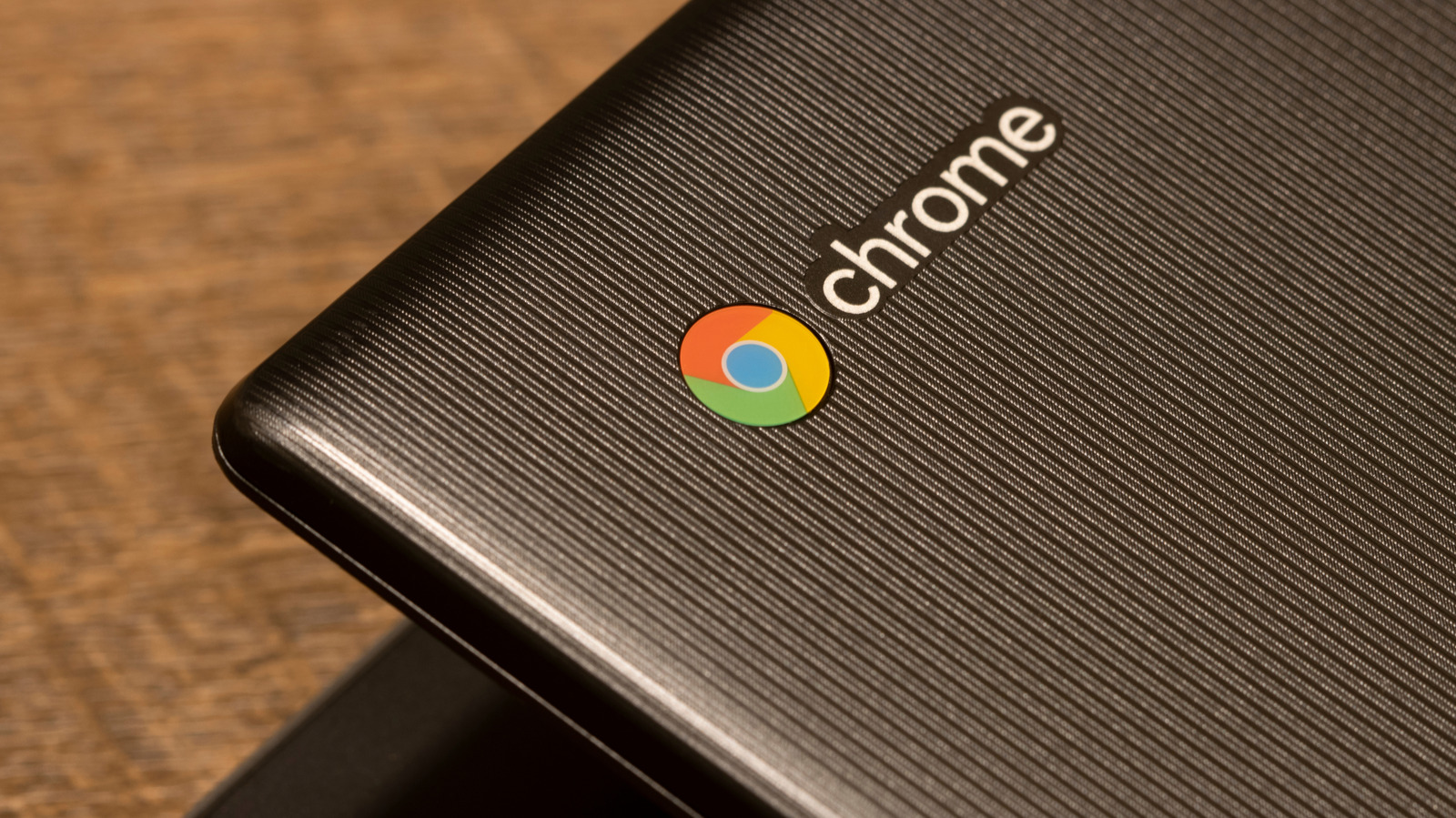
    There’s plenty an old Chromebook can do, even if it’s not your main computer.

    Chromebooks are some of the most appealing low-cost laptops out there, but no computer will suit your needs forever. Rather than let yours lie around and collect dust, there are quite a few ways to get more use out of a old Chromebook. With some, you can even save money by adding functions that would otherwise require you to buy yet another device.

    Even when it’s out of date, your Chromebook probably has a perfectly serviceable screen. The best way to take advantage of that is by using it as a second monitor with an app like Duet. While it does require a small subscription fee, Duet lets you connect devices like Chromebooks to a PC or Mac to mirror or extend your screen. If you don’t need a second monitor but still want to use the display, using a Chromebook as a digital photo frame is another popular option. Just load it up with the photos you want, set the screen to never automatically turn off, and load an image or slideshow in fullscreen mode.

    A Chromebook can support or run your smart home setup

    If you’re using any smart home devices, you can also use an old Chromebook to control them. The easiest option is to simply use your Chromebook to access Google Home through your browser or using the Android app. You can also run Home Assistant on a separate piece of hardware like a PC or Raspberry Pi, then use your Chromebook to monitor and control it. The Home Assistant interface is made to run in a browser, and even an old Chromebook is perfectly capable of accessing it. The advantage of this method is that it gives you a dedicated, easy-to-use display (possibly with a touchscreen) that can control your entire smart home from one place.

    A more advanced option is to run Home Assistant directly from your Chromebook. It requires significantly more work but means you won’t need to install Home Assistant on a second device. Using this method means installing Linux on your Chromebook, then installing the Home Assistant app. Two popular guides for turning your Chromebook into a Linux machine are Chrultrabook and MrChromebox. The processes they detail aren’t exactly beginner friendly, but they open up the possibility of other advanced uses for your old Chromebook even if you don’t need a smart home controller.

    Running Linux on your Chromebook opens up a world of options
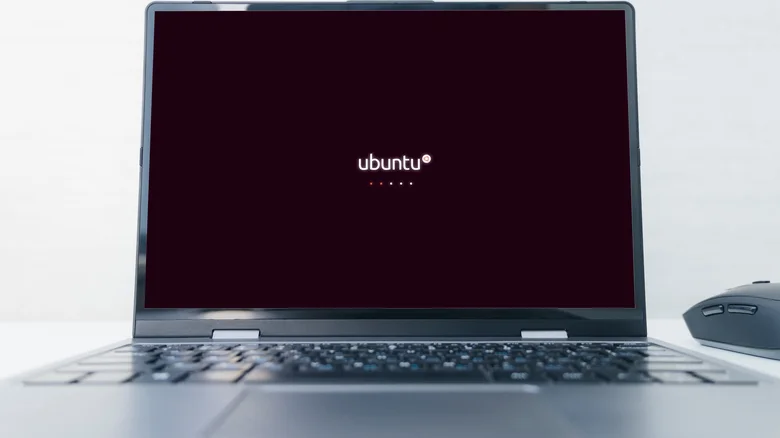
    Laptop showing the Ubuntu Linux logo.

    Even if your old Chromebook’s performance isn’t great, it can still be used as a file server to stream data to other devices. There are a few ways to do that depending on your needs, but given the Chromebook’s limited hardware, the best solution is using it as a small media server. With Linux installed, you can simply drop the files you need onto your Chromebook, set up a media server app like Plex or Jellyfin, and leave your machine running to access files from your other devices.

    For a more specialized use, Chromebooks can also be turned into dedicated retro gaming machines. Batocera is a Linux app that runs various emulators, many of which can run even on Chromebook’s low-powered hardware. A faster PC might run them better, but having a dedicated laptop for gaming makes for a portable option that’s not taking up space on your main machine. Just keep in mind that while emulators themselves are technically legal, using them to run pirated games is not.

    If installing a whole new operating system feels like a step too far, you can still get some use out of Linux on your Chromebook through an official feature called Linux on ChromeOS. Also known as Crostini, this option gives you access to a Linux virtual machine. While it’s intended mostly to allow Linux developer tools to run on Chromebooks, other apps can be run inside Crostini, too. The drawback here is that running a virtual machine is more taxing on your machine than running native Linux, so performance and compatibility can be extremely limited on older devices.

    away Dont Google Laptops Throw
    Follow on Google News Follow on Flipboard
    Share. Facebook Twitter Pinterest LinkedIn Tumblr Email Copy Link
    myappsplus
    • Website

    Related Posts

    Samsung probably isn’t rebranding One UI as Galaxy OS

    October 25, 2026

    Google TV Streamer is now two years old: is it still worth getting?

    October 25, 2026

    5 wearables you should buy instead of the Fitbit Edge

    October 25, 2026
    Add A Comment
    Leave A Reply Cancel Reply

    Top Posts

    Cathay Pacific tests Google AI that dramatically cuts airplane contrails — tiny altitude shifts slash environmental impact by 40% in early trials

    September 8, 2026137 Views

    Drone swarm tech valued by both defense and civilian sectors, industry platform says

    September 8, 202615 Views

    Keep running out of mobile data? This new unlimited plan gets you up to 80Mbps 5G speeds for just AU$50/m

    October 8, 202614 Views
    Latest Reviews

    Samsung is randomly deactivating some accounts for ‘security reasons’

    myappsplusSeptember 1, 2026

    ‘Sonos 27’ brings a refreshed UI to the app and lets AI agents control your system

    myappsplusSeptember 1, 2026

    Anthropic reveals its view of how AI agents should interact with the physical world

    myappsplusSeptember 1, 2026
    Stay In Touch
    • Facebook
    • YouTube
    • TikTok
    • WhatsApp
    • Twitter
    • Instagram

    Subscribe to Updates

    Get the latest tech news from FooBar about tech, design and biz.

    Most Popular

    Samsung is randomly deactivating some accounts for ‘security reasons’

    September 1, 20260 Views

    ‘Sonos 27’ brings a refreshed UI to the app and lets AI agents control your system

    September 1, 20260 Views

    Anthropic reveals its view of how AI agents should interact with the physical world

    September 1, 20260 Views
    Our Picks

    YouTube’s next big upgrade could make videos use 30% less data

    October 25, 2026

    YouTube’s Redesigned Mobile UI Puts Custom Feeds Front and Center

    October 25, 2026

    Your first look at the Galaxy S27 Ultra and Pro batteries is here, sort of

    October 25, 2026

    Subscribe to Updates

    Subscribe to our newsletter and get the latest tech news, app updates, AI trends, smartphone reviews, and exclusive deals delivered straight to your inbox.

    Facebook X (Twitter) Instagram Pinterest
    • About Us
    • Get In Touch
    • Disclaimer
    • Privacy Policy
    • Terms & Conditions
    © 2026 MyAppsPlus. All Rights Reserved.

    Type above and press Enter to search. Press Esc to cancel.