

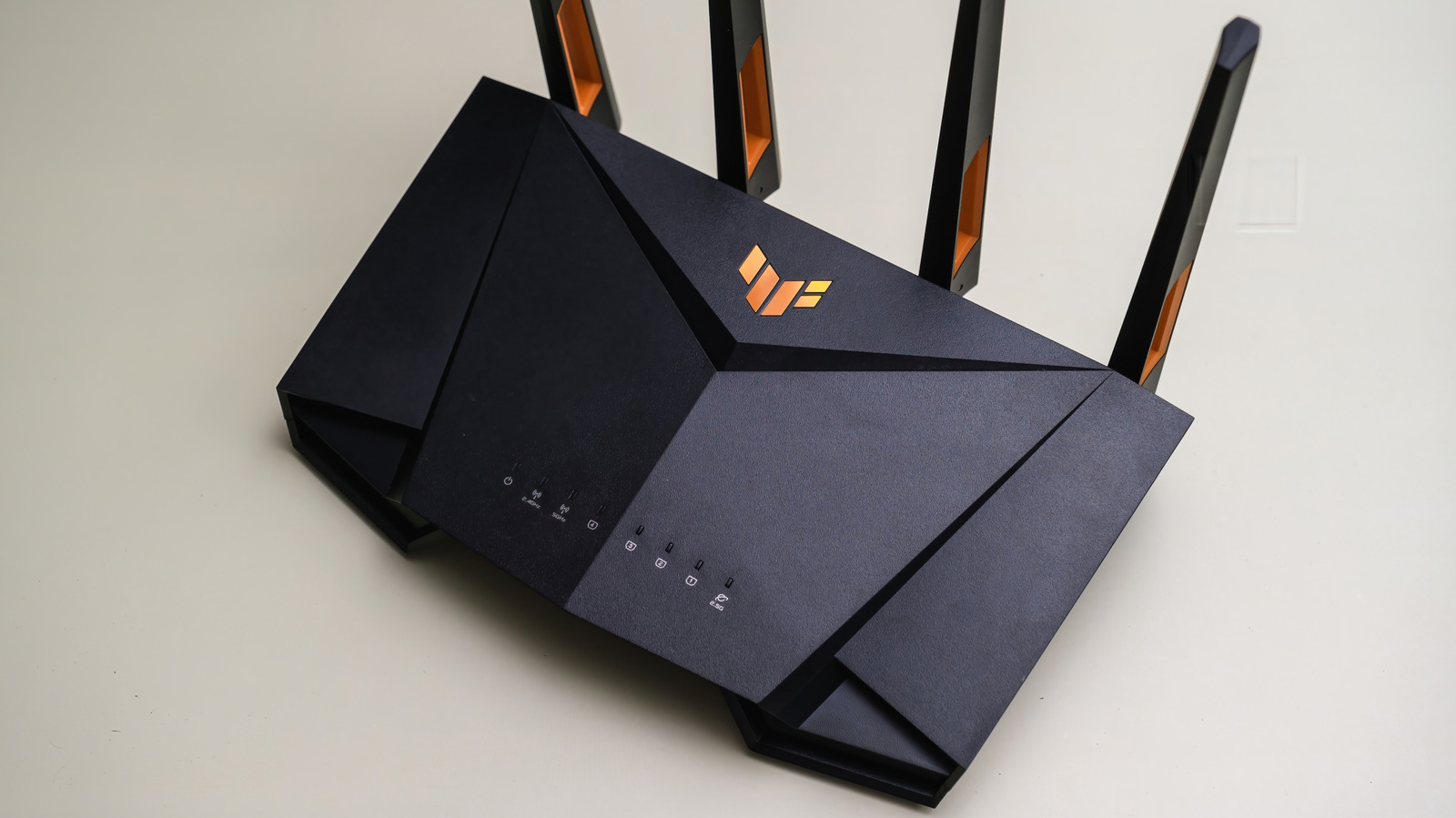
Gaming routers aren’t snake oil, but you can get many important features without them.
Gamer-specific versions exist for almost all the hardware you use at your desk. The PC is an obvious one, while a chair, desk and various peripherals can all come with a specific “gaming” flavor. Some of these make a difference in how you play, like gaming monitors with high refresh rates or mice with programmable buttons. But what about a gaming router?
A gaming router with big antennas and fun design promises lower latency and features that make gaming the priority for your traffic. That sounds appealing if you’re sick of lag, but ordinary routers have similar tools and functionality. It’s worth understanding what you’re paying for and what the better alternative might be.
Gaming routers use familiar hardware, with a few extra features
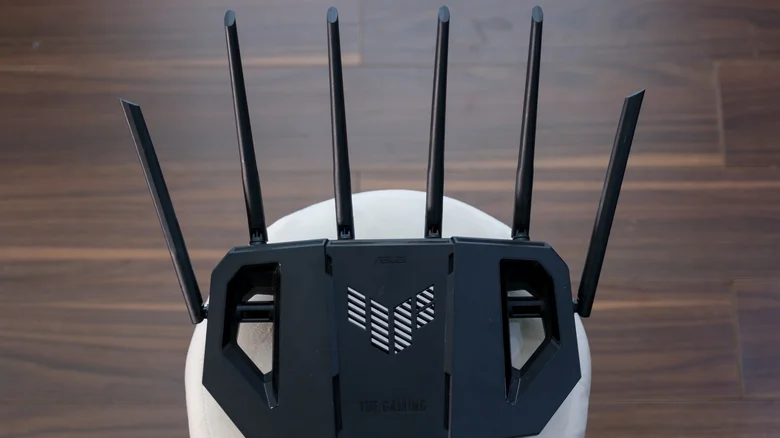
Strip away the fancy packaging, and there’s nothing particularly special about the internal components of a gaming router. It’s going to do the same job of any home router: move traffic between your devices and the internet. The gaming label is partly marketing, as is the design. But you do get gaming-specific features, alongside often-powerful hardware.
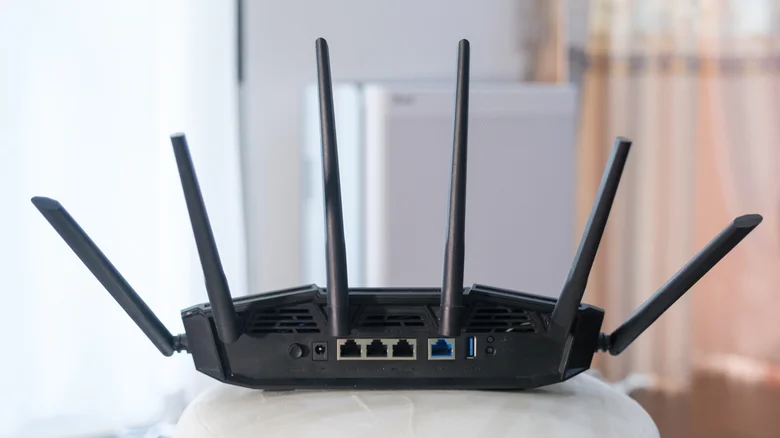
Specs-wise, there’s familiar network tech since gaming routers use the same Wi-Fi standards and Ethernet connections as all other ones. Expect Wi-Fi 7 support for the newest models, along with tri-band radios, fast Ethernet jacks and at least one USB port to connect an external drive or similar. But this isn’t particularly special. For comparison, you’ll find the same features (including tri-band Wi-Fi 7, 2.5 Gbps Ethernet ports and QoS device prioritization) on TP-Link’s non-gaming Archer BE550, which is an entry-level Wi-Fi 7 router.
The software can make more of a distinction. Some routers, like Netgear’s Nighthawk Pro Gaming XR1000, provide a dashboard with information on connection performance, along with settings to prioritize certain games. Geo-Filter, for instance, restricts connections to game servers in a certain geographical area to give you the lowest latency in-game.
Don’t mistake this for cheap hardware in a fancy case. Gaming routers often offer capable hardware, along with tools you’re less likely to find on ordinary models. The mistake to avoid is expecting that branding equals better performance. The specs and features can help, but they’re no fix for a poor setup elsewhere.
To be realistic about what a new router could improve, look at the current pressure points in your network setup. Bad Wi-Fi connectivity is something a new router can fix (with further-reaching antennas or the 6GHz band), but moving your current model around could help with stability, especially if there are walls or other interference nearby. You’ll also need to be savvy about how busy your connection is when you’re playing games. If you have to connect to a distant server to play a certain title online, a new router can’t do much about that physical distance latency.
Traffic management can help, but it won’t fix every cause of lag
Gaming routers can help sort out busy connectionarts downloading a big file while you’re playing. Normally, this could saturate the connection, leaving your game’s traffic at the back of the queue. You end up with a higher ping, which affects your gameplay experience
This is where quality of service, or QoS, comes into play by letting you give certain devices priority over others. Gaming routers take that a step further with advanced QoS that can identify game traffic automatically. Asus’ Adaptive QoS, for instance, includes presets for gaming. You can take it a step further with smart queue management, or SQM, which keeps a connection responsive under a heavy load by sacrificing a little throughput and keeping the excessive data queues in line.
Testing has shown this can work to improve performance, but only partly. RTINGS saw nine out of 11 routers gain improved network latency using QoS or SQM. All 11 routers had traffic management features, some of them without gaming branding. Your mileage might vary, but these findings suggest it’s useful to buy a router with these controls even if it’s not gaming-focused.
However, your network might not be that congested. If you live in a busy household, playing at peak times can cause issues — but for most gamers, this isn’t the bottleneck. A router can’t make your internet connection faster or bring you closer to a remote game server. You’ll need to work out what’s actually causing the lag first.
A wired connection is usually a better upgrade
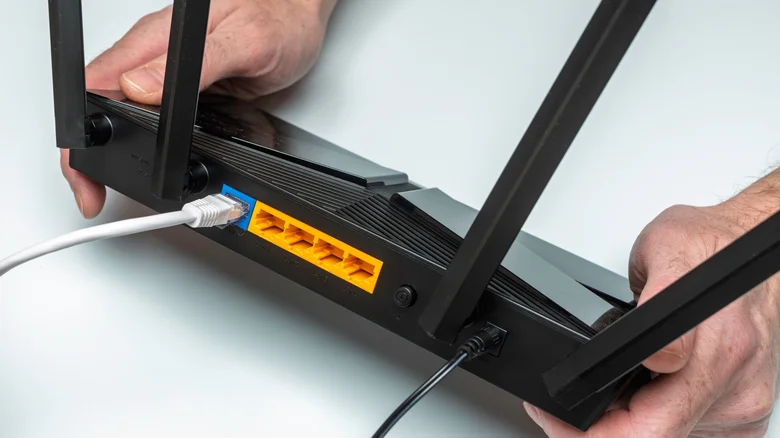
For those serious about online play, talking about gaming routers is almost a distraction. That’s because another option is the best place to start for better network performance: Ethernet. A wired Ethernet connection between your router and PC or console will always be the best way to connect. Yes, you can get good wireless connectivity from a high-spec router, but removing it from the equation means you avoid interference and Wi-Fi signal congestion completely.
No special “gaming” cables are needed here. Any Cat 5e cable (or higher) will support Gigabit Ethernet over the kind of distances you’ll need in a home. More modern ports enable faster downloads, as long as the connection from your ISP goes that fast, but a speedier Ethernet link doesn’t mean a lower ping.
There’s an easy way to test this: play the same game over Wi-Fi and a wired connection. Try it first while other devices are quiet, then repeat the testing while you’re putting your connection under strain with big downloads or streaming. You can also use this as a good way to see whether traffic or Wi-Fi stability is your bottleneck.
Either way, a cable is the best option for stability. If that isn’t practical, router placement and signal quality are important areas to improve. Newer Wi-Fi standards like Wi-Fi 7 help too, as long as your devices are compatible.
If you’re dead-set on a gaming router, there’s no problem with that as long as you know what you’re getting. In most cases, that’s a mid-to-high tier router that’s designed to look cool. If you’re stuck with an older router or an ISP-issued one that isn’t holding up, switch it out. Otherwise go wired where you can, and you’ll see better performance as long as your plan is sufficient.
