Close Menu
MyAppsPlus

    Subscribe to Updates

    Get the latest creative news from FooBar about art, design and business.

    What's Hot

    PVanish says server count doesn’t matter, so it rebuilt the parts that do

    September 15, 2026

    2026.26.300 Official Tesla Release Notes

    September 15, 2026

    Pixel 11 Amazon price drops, Pixelsnap cases, Galaxy Watch 9 from $300, Anker chargers, more

    September 15, 2026
    Facebook X (Twitter) Instagram
    Facebook X (Twitter) Instagram
    MyAppsPlusMyAppsPlus
    Tuesday, September 15
    • Home
    • Breaking Tech
    • Apps & Software
    • AI & Automation
    • Android
    • iPhone & iOS
    • More
      • Reviews
      • How-To Guides
      • Deals & Discounts
      • Shop
    MyAppsPlus
    Home»Reviews»Apple just added new photo editing tools in iOS 27 — and they’re absolute game-changers
    Reviews

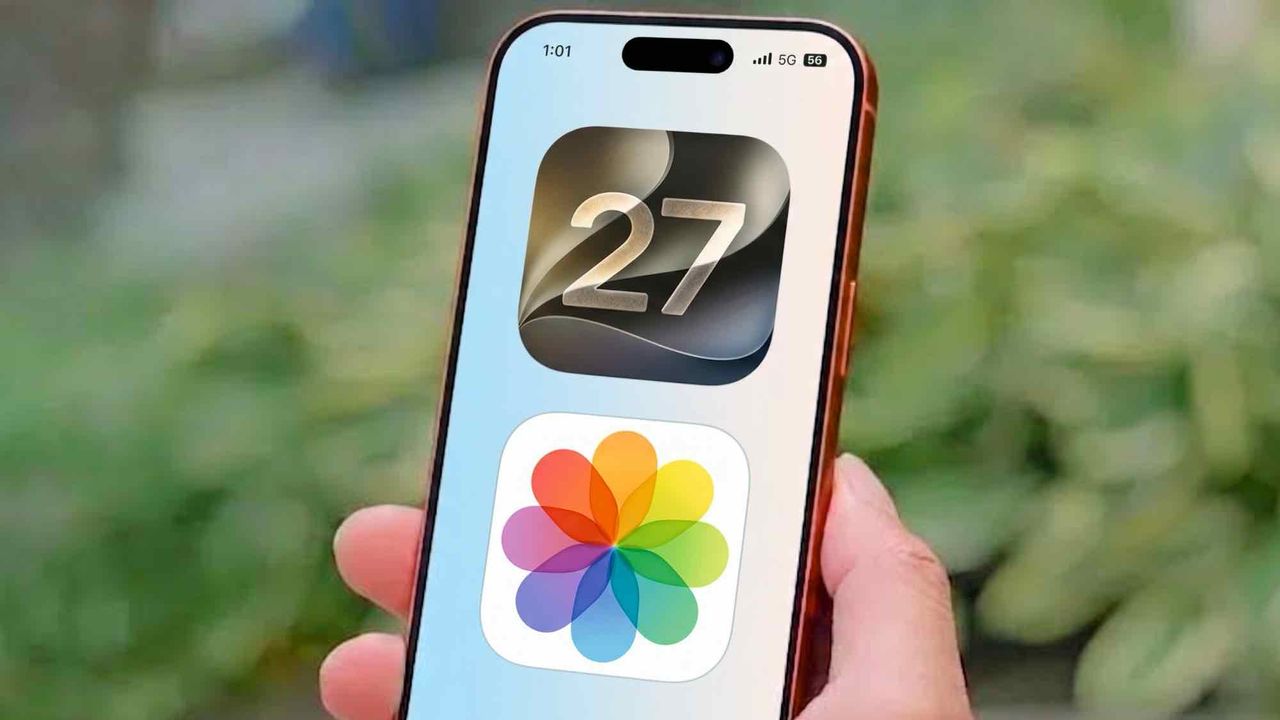
    Apple just added new photo editing tools in iOS 27 — and they’re absolute game-changers

    myappsplusBy myappsplusSeptember 15, 2026003 Mins Read
    Share Facebook Twitter Pinterest Copy Link LinkedIn Tumblr Email Telegram WhatsApp
    Follow Us
    Google News Flipboard
    Apple just added new photo editing tools in iOS 27 — and they’re absolute game-changers
    Share
    Facebook Twitter LinkedIn Pinterest Email Copy Link

    Unless you are a professional photographer, chances are your camera roll is filled with almost-perfect shots. The horizon tilts slightly to the left, a stranger’s elbow sneaks into the edge of a portrait, or a tight crop leaves out half of the background.

    Fixing these small mistakes used to mean either living with the ruined shot or downloading third-party editing software. With the release of iOS 27, Apple has built three generative AI tools directly into the Photos app that handle these common framing blunders automatically.

    If your iPhone supports Apple Intelligence, taking your photos from messy to pristine takes only a few seconds. Here’s how to use the three new editing features built into your camera roll.

    Add missing background space with Extend

    (Image: © Tom’s Guide)

    If you could not step back far enough to capture a full landscape or accidentally cut off the top of a building, Extend fills in the missing space.

    Open your photo in editing mode and selectExtend from the Apple Intelligence menu. Pinch and drag outward on the edges of your phototo create extra canvas space. The AI analyzes the surrounding texture, lighting, and colors, automatically generating new background elements to fill the expanded areas.

    This tool is also ideal for leveling tilted horizons, giving the software enough border room to tilt the image without forcing you to crop into your main subject.

    Change your perspective with Reframe

    (Image: © Tom’s Guide)

    Getting the right moment often means sacrificing the perfect angle. Reframe allows you to alter the perspective of a photo long after the shutter has closed.

    To use it, open any picture in the Photos app, select the editing menu, tap tools, and choose Reframe. Then simply touch and drag the imageto shift the camera angle.

    As you move the frame, a blurred border appears around the original edges. Once you hit Save, Apple Intelligence generates matching visual details to fill in the new borders, keeping the scene looking entirely natural.

    Erase background clutter with upgraded Clean Up

    (Image: © Tom’s Guide)

    The built-in Clean Up feature has received a major intelligence upgrade, making it significantly better (and faster) at erasing photobombers and complex distractions.

    SelectClean Up under the editing menu andtap or brush over the object you want to remove— such as a background trash can, a rogue arm, or power lines.

    While previous versions struggled with textured backgrounds, the updated algorithm recognizes shadows, patterns, and depth to blend the erased area seamlessly into the surrounding environment.

    • This clever iOS 27 Wallet upgrade means you’ll never have to carry a physical loyalty card again
    • I turned my iPhone screen completely gray for two weeks — here’s how making it boring helped me get my brain back
    • These 5 hidden iPhone features aren’t flashy — but they’re useful
    added Apple iPhones just phones
    Follow on Google News Follow on Flipboard
    Share. Facebook Twitter Pinterest LinkedIn Tumblr Email Copy Link
    myappsplus
    • Website

    Related Posts

    PVanish says server count doesn’t matter, so it rebuilt the parts that do

    September 15, 2026

    AppZapper Mac Uninstaller Returns as AppZapper 3000

    September 15, 2026

    ‘People matter more than AI’: Inside Microsoft’s plan to stop rogue agents

    September 15, 2026
    Add A Comment
    Leave A Reply Cancel Reply

    Top Posts

    The 6 AI-free Linux distros I recommend most

    August 19, 20264 Views

    AI, automation, robot dogs ensure on-site nuclear safety

    September 7, 20262 Views

    This tiny AI box could save me from upgrading my perfectly good laptop

    September 6, 20262 Views
    Latest Reviews

    New iOS 26 and macOS Tahoe updates fix 30 security vulnerabilities: what you need to know

    myappsplusAugust 18, 2026

    ICE agents can’t wear Meta glasses while they work, official memo warns

    myappsplusAugust 18, 2026

    Ubiquiti sued by Ukrainian families over claims its tech powered Russian battlefield drones

    myappsplusAugust 18, 2026
    Stay In Touch
    • Facebook
    • YouTube
    • TikTok
    • WhatsApp
    • Twitter
    • Instagram

    Subscribe to Updates

    Get the latest tech news from FooBar about tech, design and biz.

    Most Popular

    New iOS 26 and macOS Tahoe updates fix 30 security vulnerabilities: what you need to know

    August 18, 20260 Views

    ICE agents can’t wear Meta glasses while they work, official memo warns

    August 18, 20260 Views

    Ubiquiti sued by Ukrainian families over claims its tech powered Russian battlefield drones

    August 18, 20260 Views
    Our Picks

    PVanish says server count doesn’t matter, so it rebuilt the parts that do

    September 15, 2026

    2026.26.300 Official Tesla Release Notes

    September 15, 2026

    Pixel 11 Amazon price drops, Pixelsnap cases, Galaxy Watch 9 from $300, Anker chargers, more

    September 15, 2026

    Subscribe to Updates

    Subscribe to our newsletter and get the latest tech news, app updates, AI trends, smartphone reviews, and exclusive deals delivered straight to your inbox.

    Facebook X (Twitter) Instagram Pinterest
    • About Us
    • Get In Touch
    • Disclaimer
    • Privacy Policy
    • Terms & Conditions
    © 2026 MyAppsPlus. All Rights Reserved.

    Type above and press Enter to search. Press Esc to cancel.