Close Menu
MyAppsPlus

    Subscribe to Updates

    Get the latest creative news from FooBar about art, design and business.

    What's Hot

    Best Black Friday gaming laptop deals 2026: HP, MSI, Acer, Alienware, and more

    November 29, 2026

    Belkin’s 45W USB-C charger two-pack hits a record low of $24.99

    November 29, 2026

    Apple’s more affordable spring 2027 iPhones have apparently been delayed again before production starts

    November 29, 2026
    Facebook X (Twitter) Instagram
    Facebook X (Twitter) Instagram
    MyAppsPlusMyAppsPlus
    Sunday, November 29
    • Home
    • Breaking Tech
    • Apps & Software
    • AI & Automation
    • Android
    • iPhone & iOS
    • More
      • Reviews
      • How-To Guides
      • Deals & Discounts
      • Shop
    MyAppsPlus
    Home»Breaking Tech»iOS 27 has automatic subtitles, but you can simply turn them off
    Breaking Tech

    iOS 27 has automatic subtitles, but you can simply turn them off

    myappsplusBy myappsplusNovember 29, 2026014 Mins Read
    Share Facebook Twitter Pinterest Copy Link LinkedIn Tumblr Email Telegram WhatsApp
    Follow Us
    Google News Flipboard
    iOS 27 has automatic subtitles, but you can simply turn them off
    Share
    Facebook Twitter LinkedIn Pinterest Email Copy Link

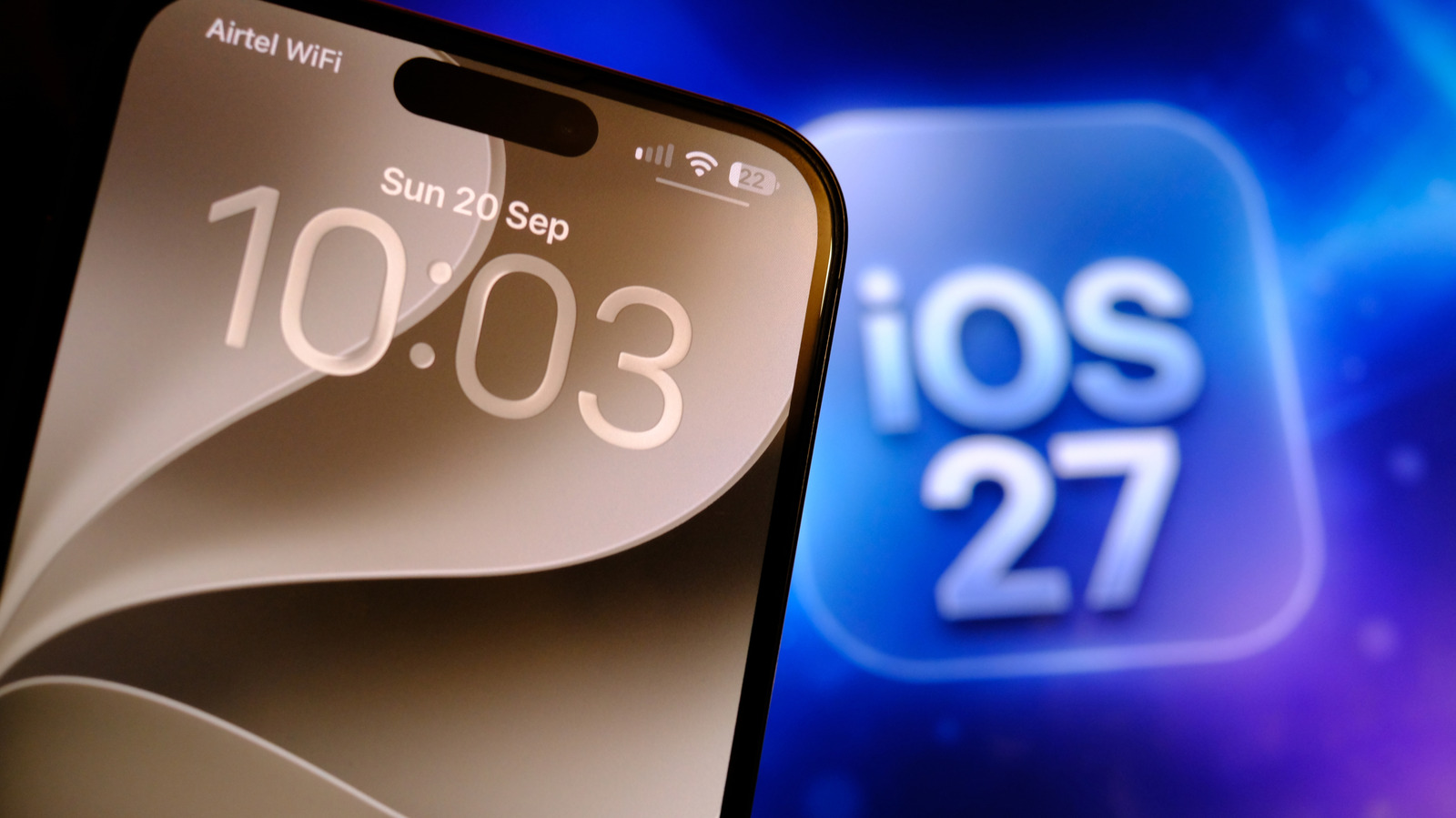
    iOS 27 adds captions to your videos on its own, but a few changes in the Settings give you back control.

    There’s nothing wrong with subtitles, especially for those who need them, but releasing an update that turns them on automatically can be more than a little aggravating. With the iOS 27 release, there are certainly features you should be using after updating. But when the iPhone 15 Pro and later models drop text along the bottom of clips in content that uses Apple’s video player (when certain conditions are met), you start to question some of Apple’s choices. 

    The subtitle feature can kick on whenever the phone is muted and again when you rewind a video. It will also turn on when a video’s language doesn’t match your iPhone’s preferred language. Thankfully, you can turn it off easily enough by tapping the video to show the playback controls, opening More Controls and selecting Subtitles. From there, simply tap Off, and away it goes. The problem is that these subtitles can come right back on the next video.

    This is entirely separate from closed captions that come with a video, which have always been optional. What’s new is iOS deciding for you without making the feature optional from the jump, one of the many ways the iPhone has changed over the last five years. It’s simple enough to fix, sure, but perhaps it’s the principle of the thing. It’s especially noticeable on personal videos or random clips that friends or relatives send you. Unless you need the feature, it feels completely out of place.

    How to turn off iOS 27’s automatic subtitle triggers for good
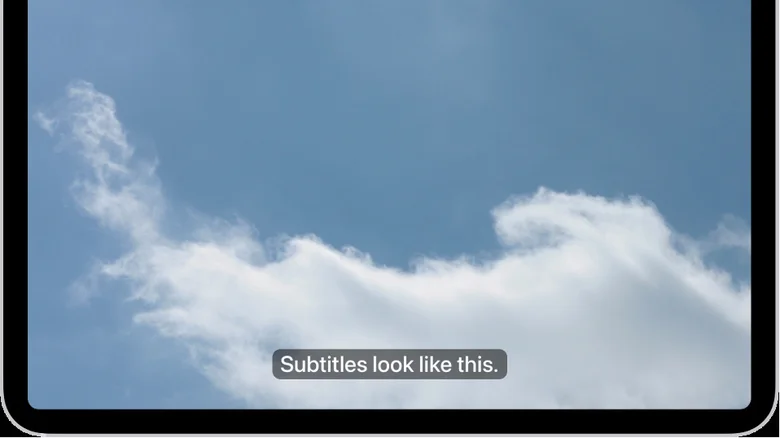
    Apple subtitles on iPad screen showcasing how they look.

    If turning off iOS 27’s subtitles on a case-by-case basis doesn’t sound appealing, there’s thankfully a way to turn them off for good. Open the Settings app, select Accessibility > Subtitles & Captioning > Automatic Subtitles and you’ll find three settings. Turn off When Languages Don’t Match if you don’t want subtitles to appear every time your iPhone detects a language that doesn’t match your preferred language. You can also turn off Show When Muted if you don’t want captions to pop up when your iPhone is muted. Lastly, turn off Show on SkipBack if you find rewinding makes captions needlessly appear.

    Toggling these options off applies to videos in supported apps and Apple’s video player. Text embedded in a video won’t be affected, and apps with their own caption settings can still display their captions. After an update, run through the settings again, just in case Apple tries to be slick and turns some or all of those settings back on or adds a new subtitles feature along those lines. If you leave any one of the three toggled on, you’ll see captions under that particular condition. You can also disable or restrict your iPhone’s Apple Intelligence features if there are other tools you’d rather keep switched off.

    What you can do if your subtitles won’t turn off
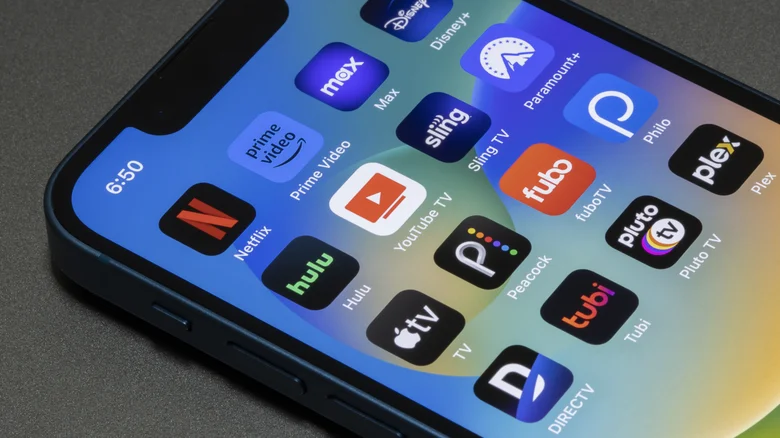
    iPhone screen showing assortment of streaming apps.

    If you find that subtitles are still appearing even after you’ve changed the settings detailed above, check the app’s own caption controls. You can also try to close out the app and reopen it to possibly force the settings to take effect. Apps that don’t support these settings may require you to turn captions off within the app itself. There are plenty of streaming apps and websites that generate their own captions and have their own CC or subtitles button, so it’s something to keep an eye on.

    Thankfully, you can still leave captions on for specific situations. If you watch a lot of videos in environments where you can’t crank up the sound, the Show When Muted setting is fine to leave on by itself. That alone won’t trigger captions if you have the volume up. This way, you can keep captions available when you need them without having them appear every time you watch a video.

    Automatic simply Smartphones subtitles turn
    Follow on Google News Follow on Flipboard
    Share. Facebook Twitter Pinterest LinkedIn Tumblr Email Copy Link
    myappsplus
    • Website

    Related Posts

    Here’s how much it would cost to build a PC similar to the PlayStation 5 Pro

    November 29, 2026

    Are Intel Arc GPUs still worth buying in 2026?

    November 29, 2026

    5 charging mistakes that could ruin your phone’s battery life

    November 29, 2026
    Add A Comment
    Leave A Reply Cancel Reply

    Top Posts

    The pros and cons of using your phone as a mobile hotspot

    November 16, 202651 Views

    UiPath Launches AI Coding Agent, Integrates Claude Code and Codex to Target Development Automation

    November 16, 202646 Views

    Announcing Artificial Analysis Intelligence Index v5

    October 28, 202639 Views
    Latest Reviews

    ‘I did not foresee at all the social-media application, nor its impact on society’: Inventor of the CMOS-based image sensor on how a technology designed to take photos in space has changed the way we view the world

    myappsplusSeptember 13, 2026

    Study says chatbots are misdiagnosing sleep apnea, so a doctor is sharing 4 symptoms you should never ignore

    myappsplusSeptember 13, 2026

    How to watch Big Brother UK 2026 online for FREE – stream season 23 from anywhere

    myappsplusSeptember 13, 2026
    Stay In Touch
    • Facebook
    • YouTube
    • TikTok
    • WhatsApp
    • Twitter
    • Instagram

    Subscribe to Updates

    Get the latest tech news from FooBar about tech, design and biz.

    Most Popular

    Why your Roku keeps randomly turning off (and how to fix it)

    September 13, 20260 Views

    External HDD vs. SSD: What are the pros and cons of each drive type?

    September 13, 20260 Views

    How to watch Man Utd vs Man City: Live streams, TV channels for Premier League 2026/27

    September 13, 20260 Views
    Our Picks

    Best Black Friday gaming laptop deals 2026: HP, MSI, Acer, Alienware, and more

    November 29, 2026

    Belkin’s 45W USB-C charger two-pack hits a record low of $24.99

    November 29, 2026

    Apple’s more affordable spring 2027 iPhones have apparently been delayed again before production starts

    November 29, 2026

    Subscribe to Updates

    Subscribe to our newsletter and get the latest tech news, app updates, AI trends, smartphone reviews, and exclusive deals delivered straight to your inbox.

    Facebook X (Twitter) Instagram Pinterest
    • About Us
    • Get In Touch
    • Disclaimer
    • Privacy Policy
    • Terms & Conditions
    © 2026 MyAppsPlus. All Rights Reserved.

    Type above and press Enter to search. Press Esc to cancel.