

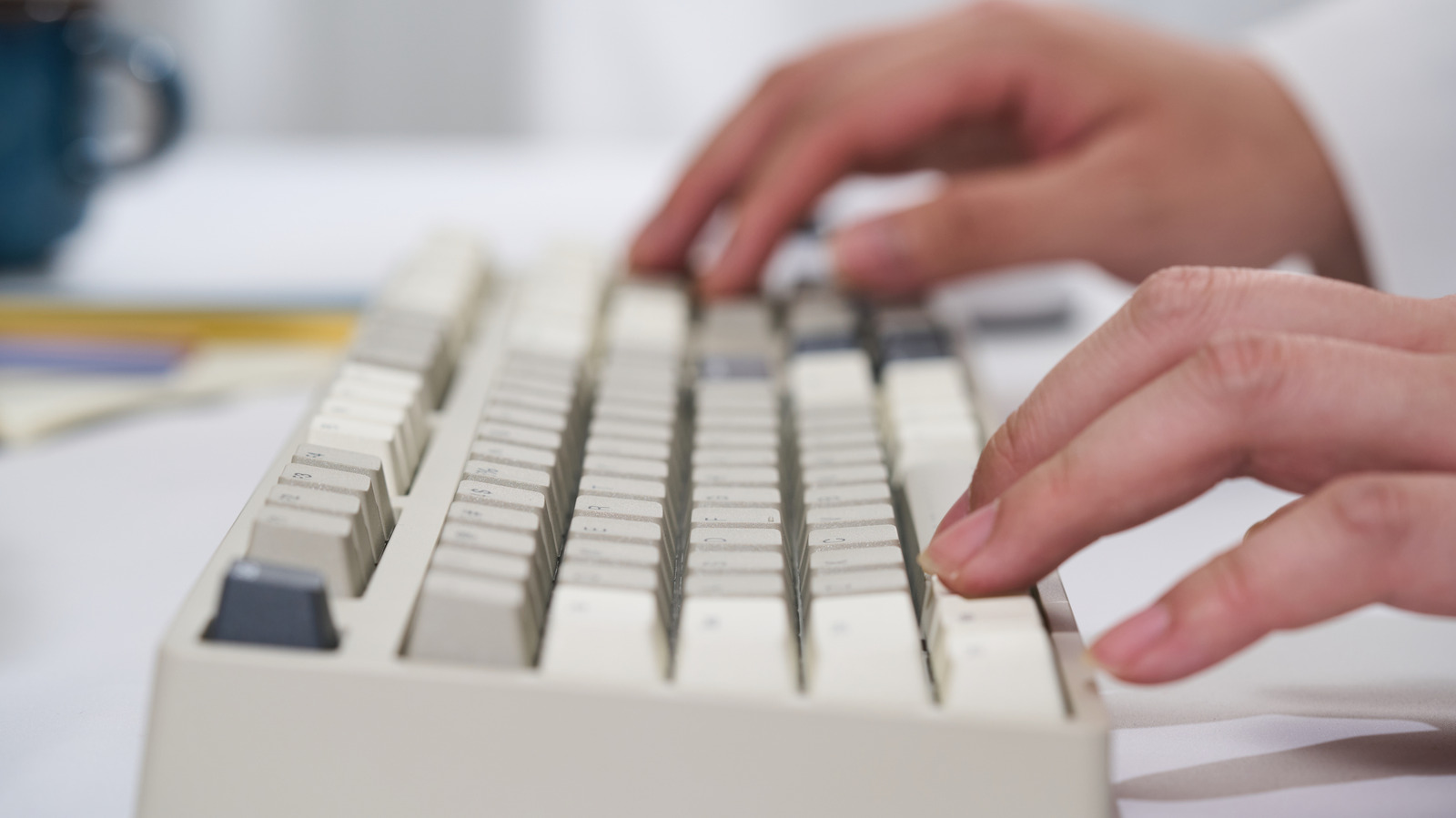
It’s easier than ever to get into clacky keyboards. Here’s what you should consider before you do.
Once a niche interest for enthusiasts, mechanical keyboards have become much more popular over the last few years. That means it’s a great time to make the jump from a membrane keyboard, but the difference in how mechanical keyboards feel to type on and the sheer number of options means it’s not always an easy switch. Prices are generally higher, too. Fortunately, the more popular mechanical keyboards get, the more likely it is to find one that works for you and your budget.
The big difference between mechanical and membrane keyboards is how the keys connect to the circuit board that registers inputs. In membrane keyboards, the keys press on a flexible layer of plastic and rubber, and the keyboard registers keystrokes when a key touches a conductive surface beneath that membrane. In mechanical keyboards, each key has its own switch, with the keystroke registering at a specific point in the switch’s travel. You’ve almost certainly used a membrane keyboard at school or in an office, but mechanical keyboards remain rare in those settings despite their growing popularity.
Membrane keyboards keep things simple

Membrane keyboards’ biggest advantages are easy to see: They’re cheap and readily available. You can easily find a basic membrane keyboard at most online or physical retailers for under $20. There are many more cheap mechanical keyboards than there used to be, so the gap between them is much narrower, but if you only need a basic keyboard that works, a budget membrane keyboard is still the most affordable choice. Aside from price, membrane keyboards are also popular in settings like offices because they’re quiet. They’re virtually silent to type on, so you won’t annoy anyone next to you with your clacky keys.
There are also some real drawbacks to membrane keyboards. They tend to be far less durable than mechanical keyboards, and the membrane that registers keystrokes wears out much faster than a set of mechanical switches. If a single key stops working, you’ll likely have to replace the whole keyboard, as membrane models aren’t very repairable. And while you can find a wide range of membrane keyboards for sale, they don’t offer the same level of customization as mechanical keyboards, so you’re stuck with what’s available as is.
Mechanical keyboards are an upgrade worth considering

Where membrane keyboards fall short on durability, mechanical keyboards excel. While membrane keyboards are typically rated for up to 10 million keystrokes, mechanical keyboards can last 100 million or more. Mechanical keyboard keycaps are also easy to clean or swap, as are the switches: many modern mechanical keyboards have hot-swap switches, letting you replace damaged ones without soldering.
Mechanical keyboards also usually have better key rollover, or the ability to detect more inputs at once. That comes in handy when typing fast or playing games, ensuring you don’t drop inputs — one reason many of the best gaming keyboards are mechanical. Most mechanical switches also offer some form of feedback, in the form of an audible click or a tactile bump, when you press the keys, and offer different actuation points, which determine how far you need to press a key for it to register. Many mechanical keyboard users find that switches with suitable feedback and actuation points make typing easier and more consistent.
However, mechanical keyboards are usually larger and bulkier than membrane models, which can cause some issues. Since they tend to be taller, mechanical keyboards can cause fatigue or pain in your arms and hands if you’re not elevating your wrists properly (though you should be doing that with membrane keyboards, too). They’re also not great for travel, since their size and weight make them more cumbersome to carry.
The other pros and cons of mechanical keyboards come down to taste. For some people, the auditory or tactile feedback is part of the appeal, while others might find the noise they make distracting. Mechanical keyboards are also quite customizable, letting you choose your own case, keys and switches. Some will find this fun, while others might find that a needless complication. Ultimately, if the feedback and customization of mechanical keyboards sound appealing, it’s worth looking into a model that works for you.
