Close Menu
MyAppsPlus

    Subscribe to Updates

    Get the latest creative news from FooBar about art, design and business.

    What's Hot

    How to access the hidden developer menu on your Apple TV

    November 28, 2026

    I tried 20+ Android TV VPNs this year and these are the ones I’d save on this Black Friday — VPNs for beginners, 4K streaming, and good savings

    November 28, 2026

    5 Android Auto navigation apps you could be using instead of Google Maps

    November 28, 2026
    Facebook X (Twitter) Instagram
    Facebook X (Twitter) Instagram
    MyAppsPlusMyAppsPlus
    Saturday, November 28
    • Home
    • Breaking Tech
    • Apps & Software
    • AI & Automation
    • Android
    • iPhone & iOS
    • More
      • Reviews
      • How-To Guides
      • Deals & Discounts
      • Shop
    MyAppsPlus
    Home»Breaking Tech»Using your phone to scan a barcode and identify products is surprisingly easy
    Breaking Tech

    Using your phone to scan a barcode and identify products is surprisingly easy

    myappsplusBy myappsplusNovember 28, 2026014 Mins Read
    Share Facebook Twitter Pinterest Copy Link LinkedIn Tumblr Email Telegram WhatsApp
    Follow Us
    Google News Flipboard
    Using your phone to scan a barcode and identify products is surprisingly easy
    Share
    Facebook Twitter LinkedIn Pinterest Email Copy Link

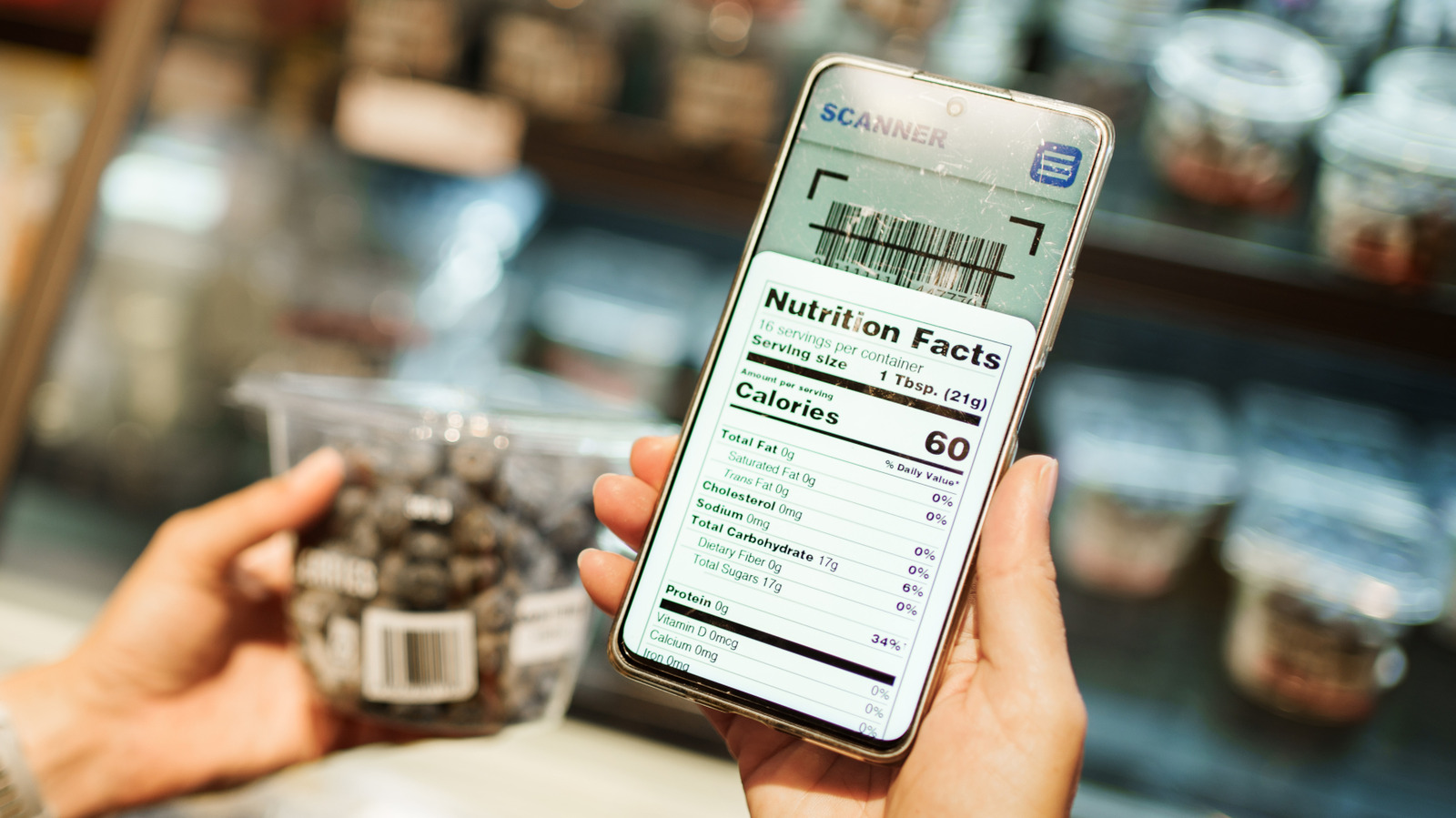
    Scanning a barcode can get you a lot of info with very little effort.

    As much as smartphones can give us grief, it’s hard to deny that their integration into our lives is often a good thing. People credit fitness apps and the better smartwatches out there for turning around their health, for example. Whenever Apple announces a new Apple Watch — and occasionally, apropos of nothing — the company is fond of trotting out customers who say the product saved their life.

    Scanning barcodes might seem trivial by comparison, but not necessarily. They can reveal the facts about what you’re eating, for example, which might help you avoid allergens or cut sugars and trans fats from your diet. At a hardware store, learning details about a product might save you confusion or a little money during a home renovation.

    Consider this a quick primer on your options, which are going to depend on your platform and the apps you use, with the edge going to Android users. Not that an iPhone is incapable — it’s just a question of what Apple supports out of the box.

    How to scan barcodes with an iPhone or Android device
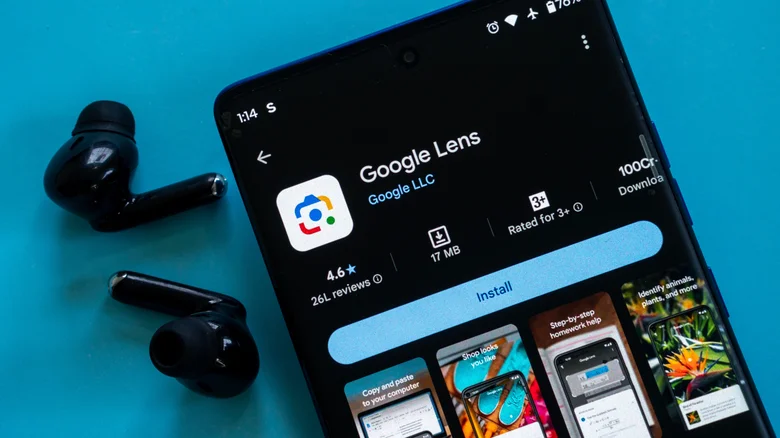
    An Android phone showing Google Lens on the Google Play Store.

    The reason Android tends to win is Google Lens. The tool is preinstalled on most Android devices, and barcode scanning is an integral component. You can access it on an iPhone by way of the Google app, but of course that adds a trip to the App Store. You may be able to get similar results by using Visual Intelligence on iPhones with Apple Intelligence support (meaning the iPhone 15 Pro and later) — but Apple doesn’t explicitly promise this. It could simply be relying on other details to come up with the same info, such as product art.

    Both Android and iPhone users can launch Lens the barcode is in frame. If not, hit the shutter button, and you’ll be provided with whatever Google deems relevant info, such as pricing

    This is where specialized apps come into play. If your main concern is nutrition, for example, it’s going to be preferable to download a calorie-counting app like Cronometer or MacroFactor. These pull from common databases to log not just calories but your intake of proteins, carbs and fats, as well as vitamins and minerals. I consider this essential for my weightlifting hobby, since too few calories or proteins can cripple progress. Be warned that some of these apps require a subscription, or strongly encourage it by gatekeeping features.

    There are a variety of free, generic barcode scanner apps on the Apple App Store and Google Play, but browse reviews before you download one. As the saying goes, if a product is free, you’re probably the real product. You might be bombarded with intrusive ads or discover that your data is being sold to unethical brokers. Many people don’t trust Google either, but it’s at least a known entity.

    A few notes on QR codes and AI search
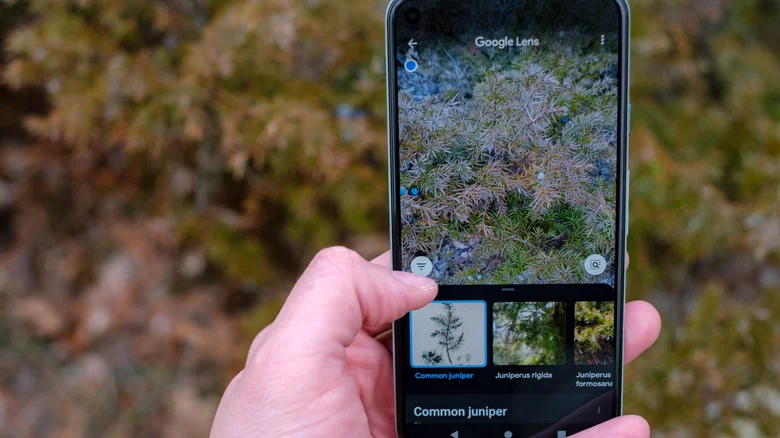
    Using Google Lens to identify plants in Ottawa.

    An important point to make is that barcodes are not the same thing as QR codes. We mention this just because if that’s what you’re after, you probably don’t even need Google Search. Both iPhones and Android devices can detect QR codes automatically in their camera apps, letting you tap on links to open them.

    Note that if an item lacks either a barcode or a QR code, Google Lens and Visual Intelligence can step up to the plate, but take their results with a grain of salt. Those features rely on Google Gemini and Apple Intelligence, respectively, which are vulnerable to hallucinations. The same goes for any other generative AI app you might have, such as ChatGPT.

    Being tied to databases, barcodes are more concrete sources of info. You may need to do further searches to get the details you’re looking for — a store listing won’t necessarily tell you how to install a product, for instance — but it’s better than being led astray by AI mistaking it for something similar.

    Apple Google Samsung Smartphones using
    Follow on Google News Follow on Flipboard
    Share. Facebook Twitter Pinterest LinkedIn Tumblr Email Copy Link
    myappsplus
    • Website

    Related Posts

    How you can spot and avoid scam ads on social media

    November 28, 2026

    These settings can adjust your Samsung phone’s display to your liking

    November 28, 2026

    Why your tablet speakers sound muffled (and how to fix them)

    November 28, 2026
    Add A Comment
    Leave A Reply Cancel Reply

    Top Posts

    The pros and cons of using your phone as a mobile hotspot

    November 16, 202651 Views

    UiPath Launches AI Coding Agent, Integrates Claude Code and Codex to Target Development Automation

    November 16, 202646 Views

    Announcing Artificial Analysis Intelligence Index v5

    October 28, 202639 Views
    Latest Reviews

    I’ve seen 2027’s new robot vacuums — here are 3 major trends set to level-up their cleaning, from drop-down suction boosters to… steam?

    myappsplusSeptember 13, 2026

    Rest your new AirPods 5 with wireless charging case on this sleek charger for $18 (Reg. $25)

    myappsplusSeptember 13, 2026

    69% K8s Spend Cut [2026]

    myappsplusSeptember 13, 2026
    Stay In Touch
    • Facebook
    • YouTube
    • TikTok
    • WhatsApp
    • Twitter
    • Instagram

    Subscribe to Updates

    Get the latest tech news from FooBar about tech, design and biz.

    Most Popular

    How to watch Great North Run 2026: Live stream online from anywhere for FREE

    September 13, 20260 Views

    The first images of Meta’s Project Phoenix mixed reality headset have leaked — and there’s a reason it’s so thin and light

    September 13, 20260 Views

    Why your Roku keeps randomly turning off (and how to fix it)

    September 13, 20260 Views
    Our Picks

    How to access the hidden developer menu on your Apple TV

    November 28, 2026

    I tried 20+ Android TV VPNs this year and these are the ones I’d save on this Black Friday — VPNs for beginners, 4K streaming, and good savings

    November 28, 2026

    5 Android Auto navigation apps you could be using instead of Google Maps

    November 28, 2026

    Subscribe to Updates

    Subscribe to our newsletter and get the latest tech news, app updates, AI trends, smartphone reviews, and exclusive deals delivered straight to your inbox.

    Facebook X (Twitter) Instagram Pinterest
    • About Us
    • Get In Touch
    • Disclaimer
    • Privacy Policy
    • Terms & Conditions
    © 2026 MyAppsPlus. All Rights Reserved.

    Type above and press Enter to search. Press Esc to cancel.