

Add preferred source
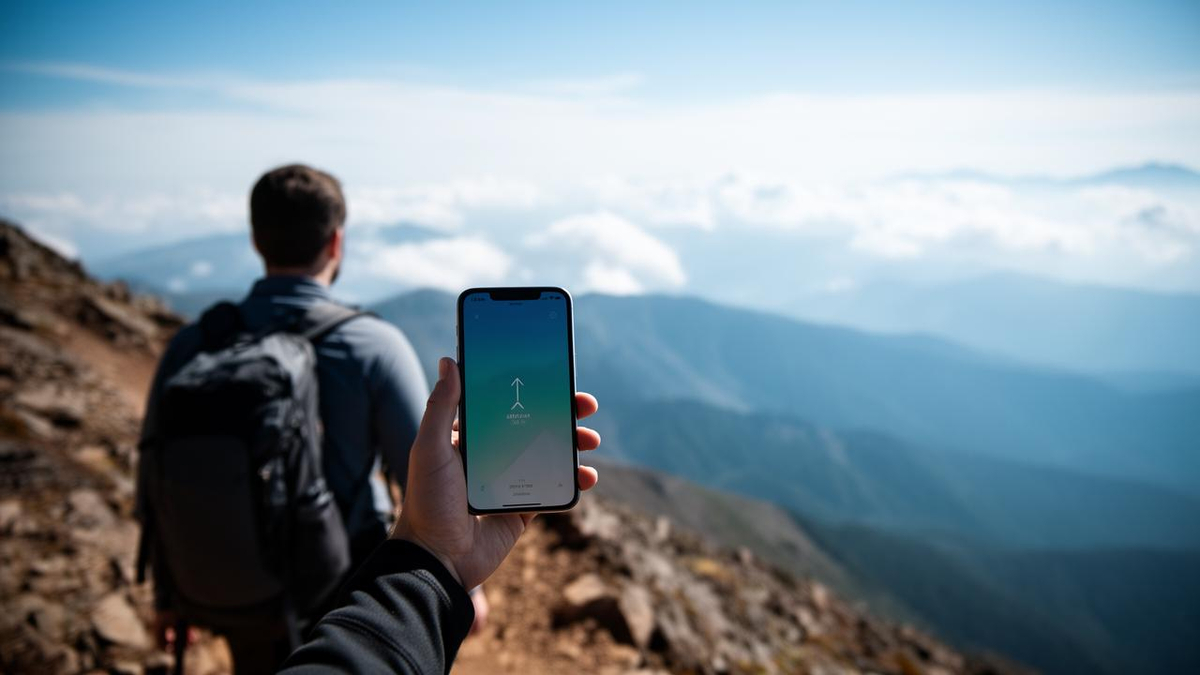
Apple has included a barometric pressure sensor in most iPhones since the 2014 iPhone 6, using it to refine elevation data for fitness tracking, location services and third-party apps rather than offering a dedicated barometer tool. Because pressure also shifts with weather, the phone pairs sensor readings with GPS altitude and weather-station data. Owners who want direct readings must turn to apps that disclose whether they use the built-in sensor. Separately, Apple’s new iPad mini, priced from 119,800 yen (about $750), adds an A20 Pro chip, an OLED display, IP67 water resistance and a lighter 5.4mm body.
Key Elements
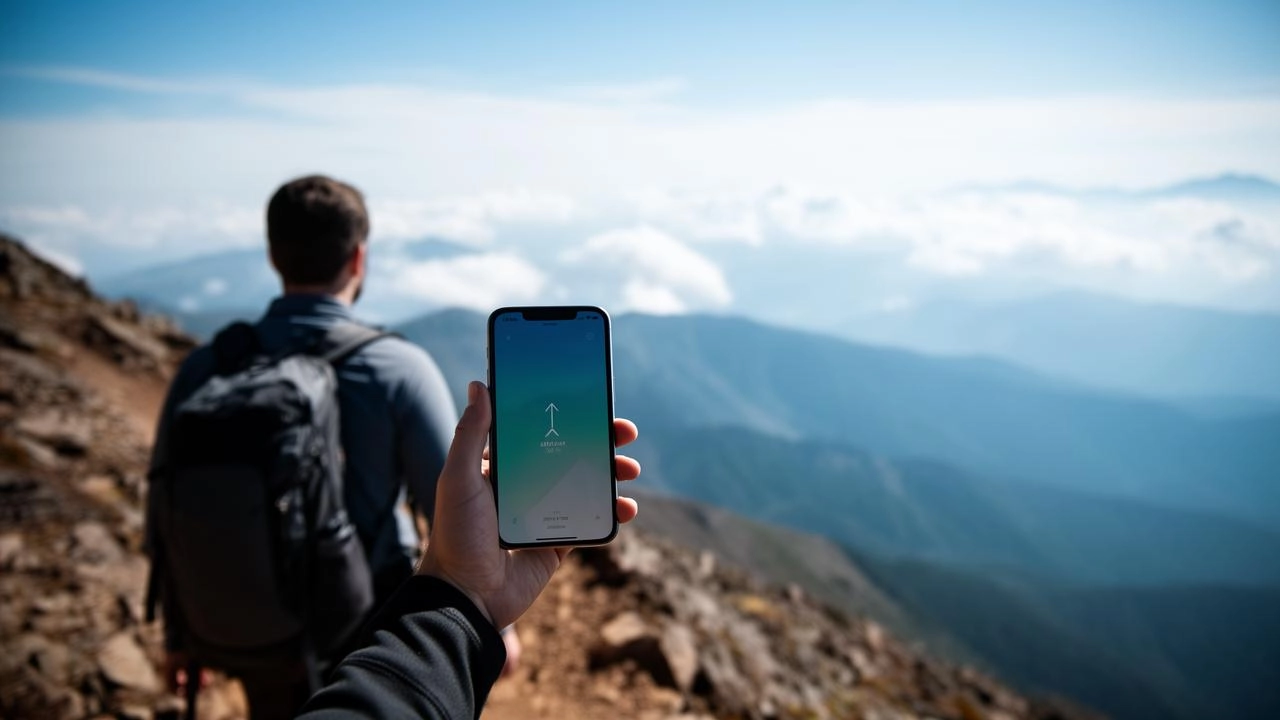
Apple has been shipping a pressure sensor inside most of its phones for more than a decade, and most owners have never given it a second thought. Since the iPhone 6 and 6 Plus arrived in 2014, the barometer has quietly fed altitude data into fitness tracking, location services and third-party apps, even though Apple has never built a standalone barometer app of its own.
The sensor measures the weight of the air column above you. Because atmospheric pressure drops as you climb, the phone can translate a pressure reading into an approximate elevation. The first-generation iPhone SE was the lone exception to the rollout, arriving without the component.
There is a catch that limits what the hardware can do on its own. Pressure also swings with the weather, so a falling reading could mean you are hiking up a ridge or that a storm is moving in. Apple’s software and third-party developers lean on GPS altitude and local weather-station data to sort out which is which.
That is why the barometer rarely appears as a headline feature. It works in the background, filling gaps that other sensors cannot cover. Motion and activity tracking in the Health app, including step counts and flights of stairs climbed, draws on elevation changes that the pressure sensor helps establish. Developers reach the raw pressure and altitude streams through Core Motion, Apple’s framework for motion data, and build them into fitness and outdoor software.
Apple’s own Weather app is not one of those consumers. Any barometric pressure figure shown there comes from external weather data providers, not from the sensor inside the handset.
For anyone who wants to read the sensor directly, the App Store offers options that state plainly whether they tap the on-device barometer. Barometer & Altimeter & Thermo is among the free choices, and its listing says it uses the built-in sensor while calibrating against GPS and weather-station information. The trade-off is advertising. My Altitude is another, and it also discloses that it defaults to on-device sensors when they are available. A simple test is to note the reading at the bottom of a staircase, walk up, and check again before returning to the original spot, then compare those figures with the weather-driven pressure numbers for the day.
A separate Apple launch puts the focus on hardware upgrades
The barometer’s low profile contrasts with the attention Apple’s newer hardware is drawing. The iPad mini that went on sale November 6 carries the A20 Pro chip and, for the first time in the compact line, an OLED display. Apple’s direct price starts at 119,800 yen, or roughly $750.
The redesign is about portability as much as power. The chassis measures 5.4 millimeters thick, and the Wi-Fi model weighs 255 grams, 38 grams less than its predecessor. The 8.5-inch OLED panel is rated at up to 600 nits for ordinary content and 1,200 nits at peak for HDR material. Apple also added IP67 dust and water resistance, rated for up to 1 meter of depth for 30 minutes under controlled test conditions, though the company warns the protection is not permanent and that a wet device should not be charged.
| Specification | New iPad mini | Previous model |
|---|---|---|
| Chip | A20 Pro | A17 Pro |
| Display | 8.5-inch OLED | LCD |
| Thickness | 5.4 mm | Thicker |
| Weight (Wi-Fi) | 255 g | 293 g |
| Starting price (Apple direct) | 119,800 yen (approx. $750) | — |
| Water and dust rating | IP67 | — |
Note: Weight comparison refers to the Wi-Fi configuration; the cellular version tested weighs 263 grams. Peak brightness of 1,200 nits applies to HDR content only.
A new acoustic system routes sound through the display, pairing a woofer with tweeters set between the glass and the frame, which produces a fuller stereo image when the tablet is held horizontally. The 512GB cellular configuration also carries a six-core CPU, one efficiency core more than the 128GB and 256GB variants, along with two Neural Engine units.
Apple is leaning on artificial intelligence as a selling point as well. The company’s Image Playground feature and third-party services such as ChatGPT can turn a rough sketch drawn with Apple Pencil into a finished image, a workflow that took about two minutes in one early test. The processing for those generations happens on remote servers, not on the tablet itself, so the speed reflects network and service conditions rather than the A20 Pro alone. Siri AI, built on Apple Intelligence, gained Japanese-language support in the iPadOS 27.2 beta released in October.
What the two developments mean for buyers
For iPhone owners, the barometer is a capability already paid for and mostly unused. Its value shows up indirectly, in more accurate stair counts and elevation-aware workout logs, and directly only through apps that disclose their data sources. Consumers comparing app listings should check whether a program claims the built-in sensor or merely repackages weather-station figures.
For the tablet market, the iPad mini refresh pushes the compact segment toward OLED and water resistance while holding a premium price. Buyers weighing an upgrade have to decide whether thinner hardware and a better screen justify the outlay, since the previous generation already handles email, documents and standard business software at speed. Heavier tasks such as RAW photo processing are where the newer chip separates itself. Accessories are another consideration: cases made for the older model do not fit the new chassis, and the tablet’s water resistance does not extend to the Apple Pencil or the cover.
Once added, BigGo Finance appears first in Google Search Top Stories, so you get the broadest, most up-to-the-minute, and most comprehensive global financial news first.
