

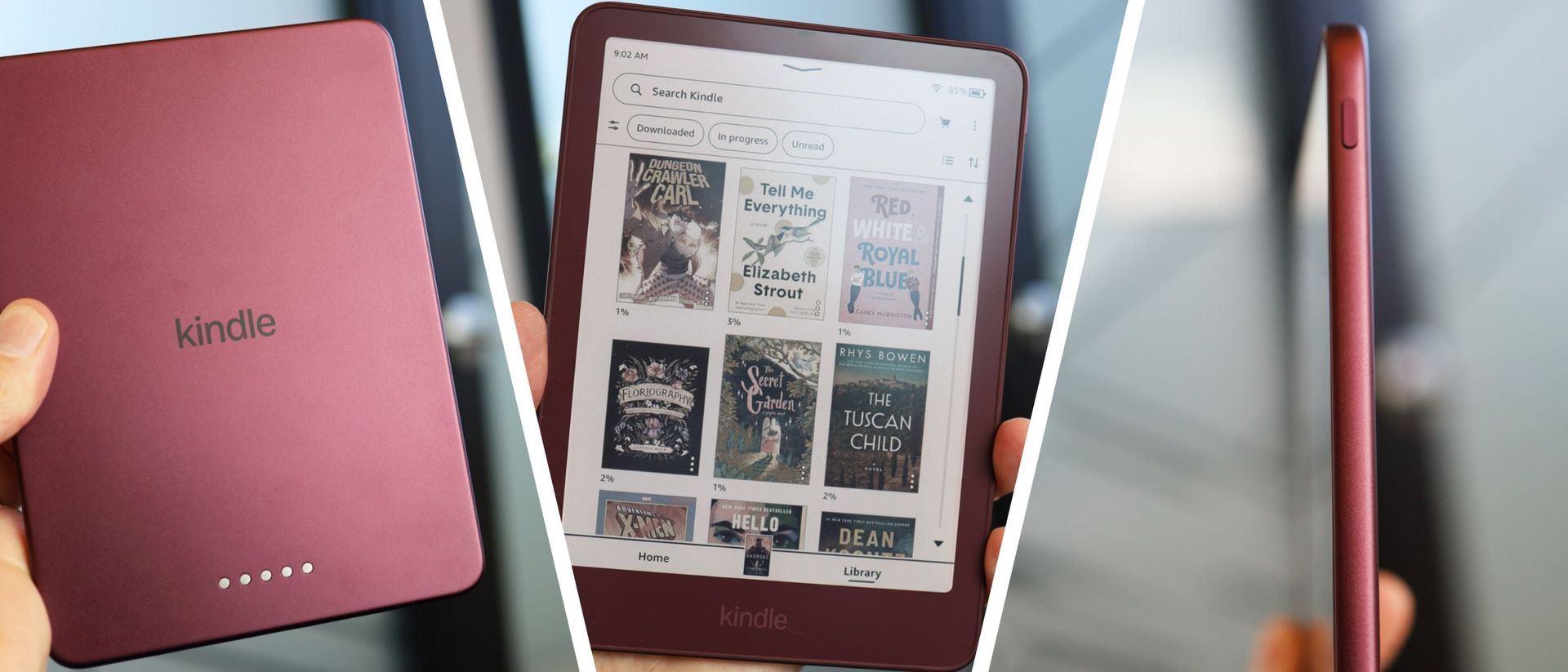
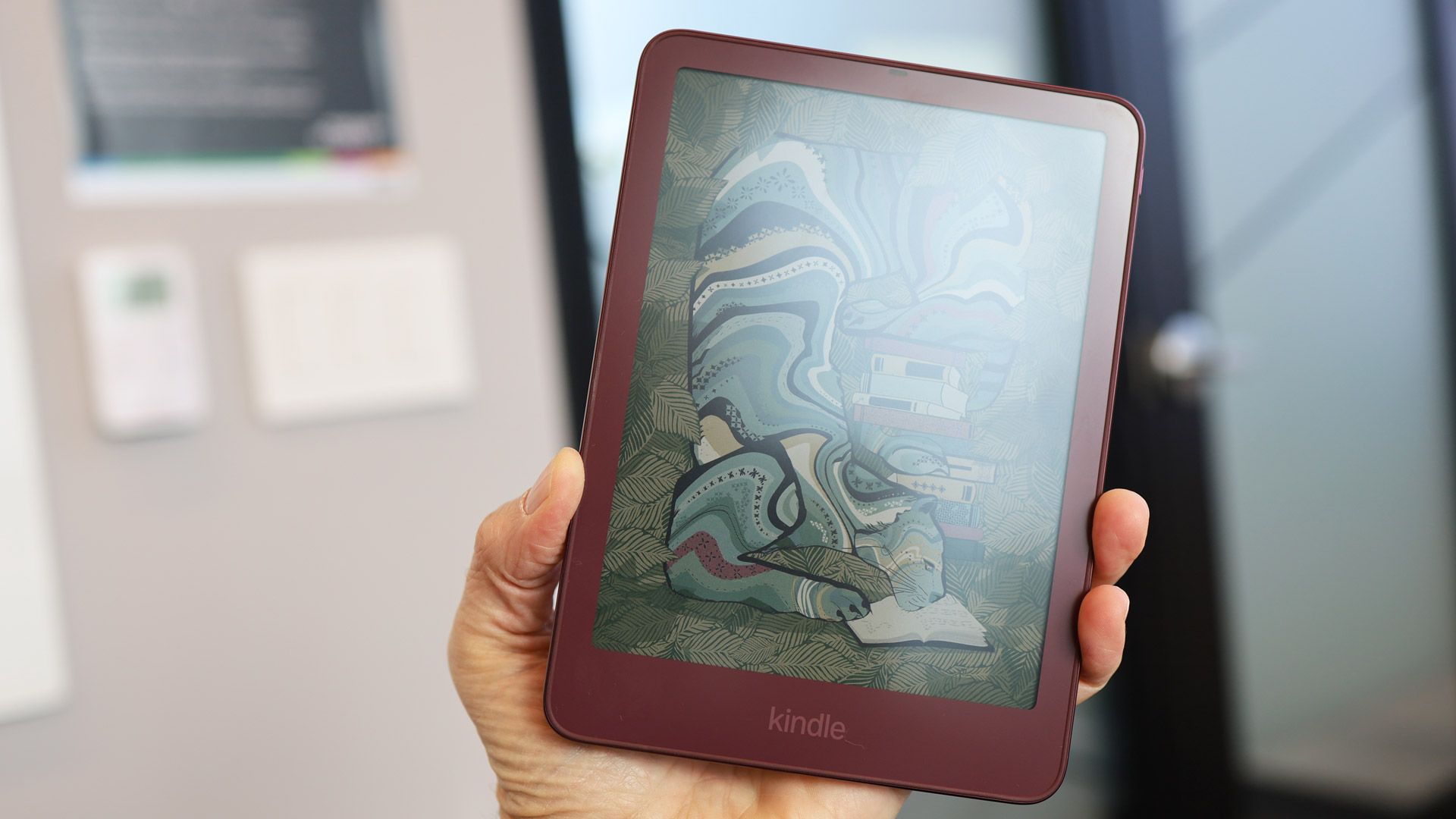
The Kindle Colorsoft is Amazon‘s cheapest color e-reader, and it just got a 2026 update. The new version is thinner and lighter than its predecessor, the Kindle Colorsoft (2024), and features an edge-to-edge 7-inch color display. It’s pricier than the black-and-white Kindle Paperwhite, and the color display shortens battery life, but these compromises are worth it for fans of graphic novels and manga.
If you’re wondering if a Kindle Colorsoft is the best e-reader for you, you’re in the right place. In this article, I’ll cover all the key info worth knowing, including what’s changed compared to the 2024 version, how the regular and Signature editions differ, and the key pros and cons of this specific e-reader. I’ve also rounded up all available versions and their current pricing, so you can easily browse your options. Let’s go…
Kindle Colorsoft — overview
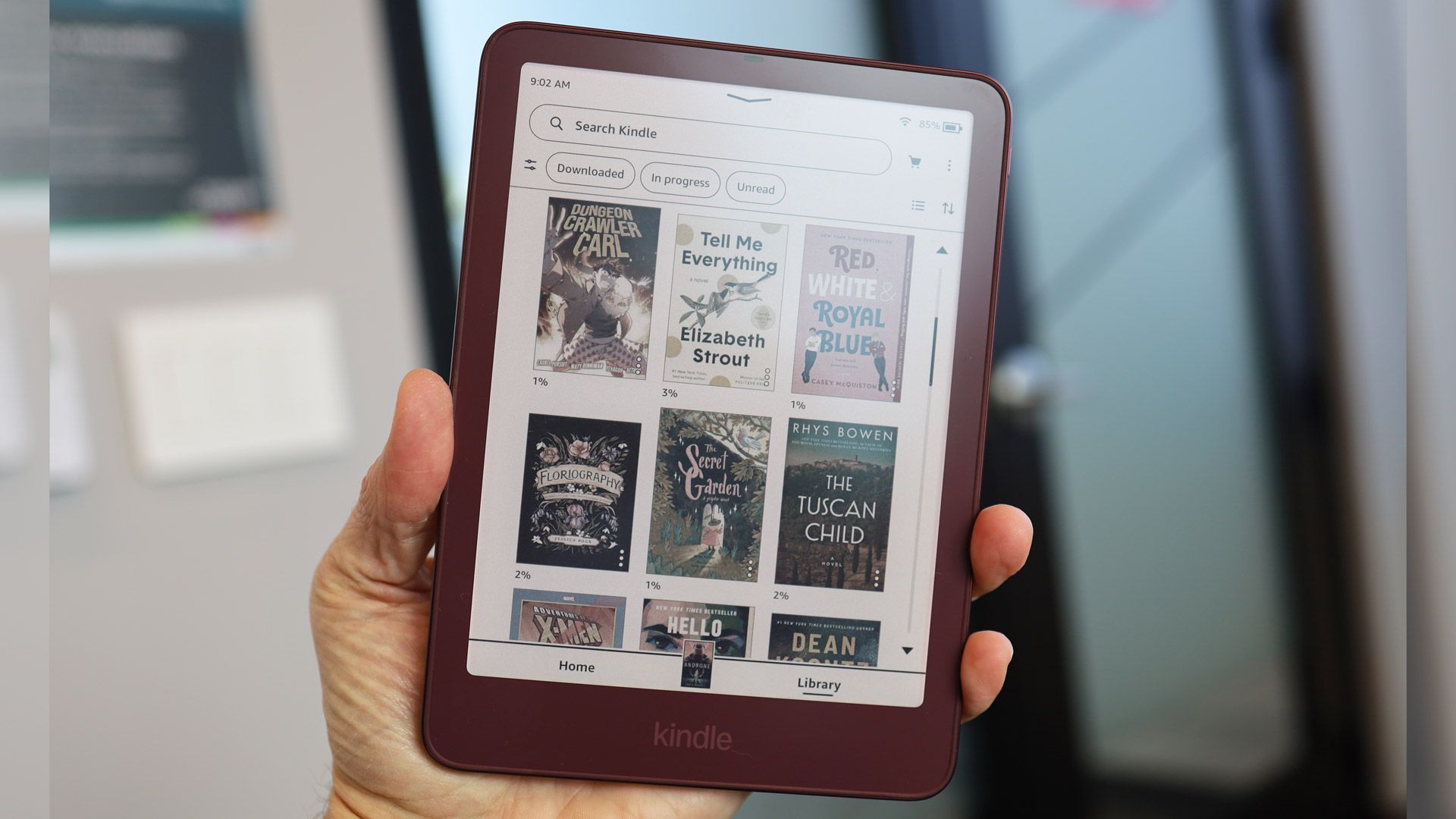
The Kindle Colorsoft is essentially the same as the Paperwhite, except it can also display color. The display is 300 ppi for black and white and 150 ppi for color, the same as basically every other e-reader. It comes with a 7-inch display, waterproofing to IPX8, and the option of cool- or warm-toned backlighting.
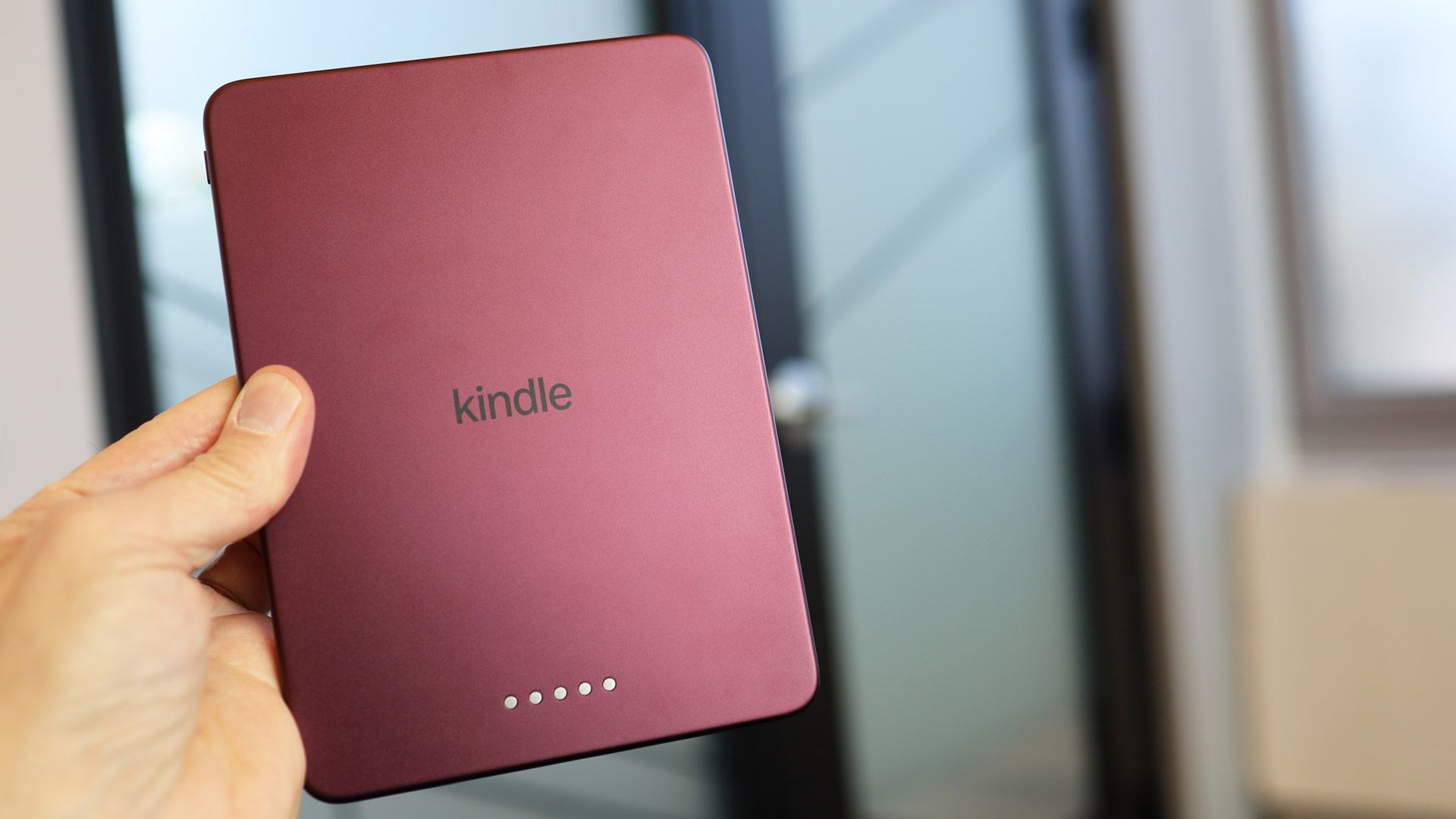
As with the Paperwhite, you can choose between a regular or Signature version. The latter has double the storage (32GB) — it’s worth prioritizing this if you want to read a lot of graphic novels, as the files will be significantly bigger than standard books. It also boasts a more premium aluminum back, automatic backlight adjustment and wireless charging. It is heavier than the regular version, though.
There’s also a Kidsversion. This one is hooked up to a Parent Dashboard, from which the parent can do things like view reading progress, adjust age filters, set a device bedtime, and add books from their own account. The price includes a 12-month subscription to Amazon Kids+, which provides unlimited access to a library of thousands of books for children aged 3-12.
2024 vs 2026 Kindle Colorsoft: what’s new?
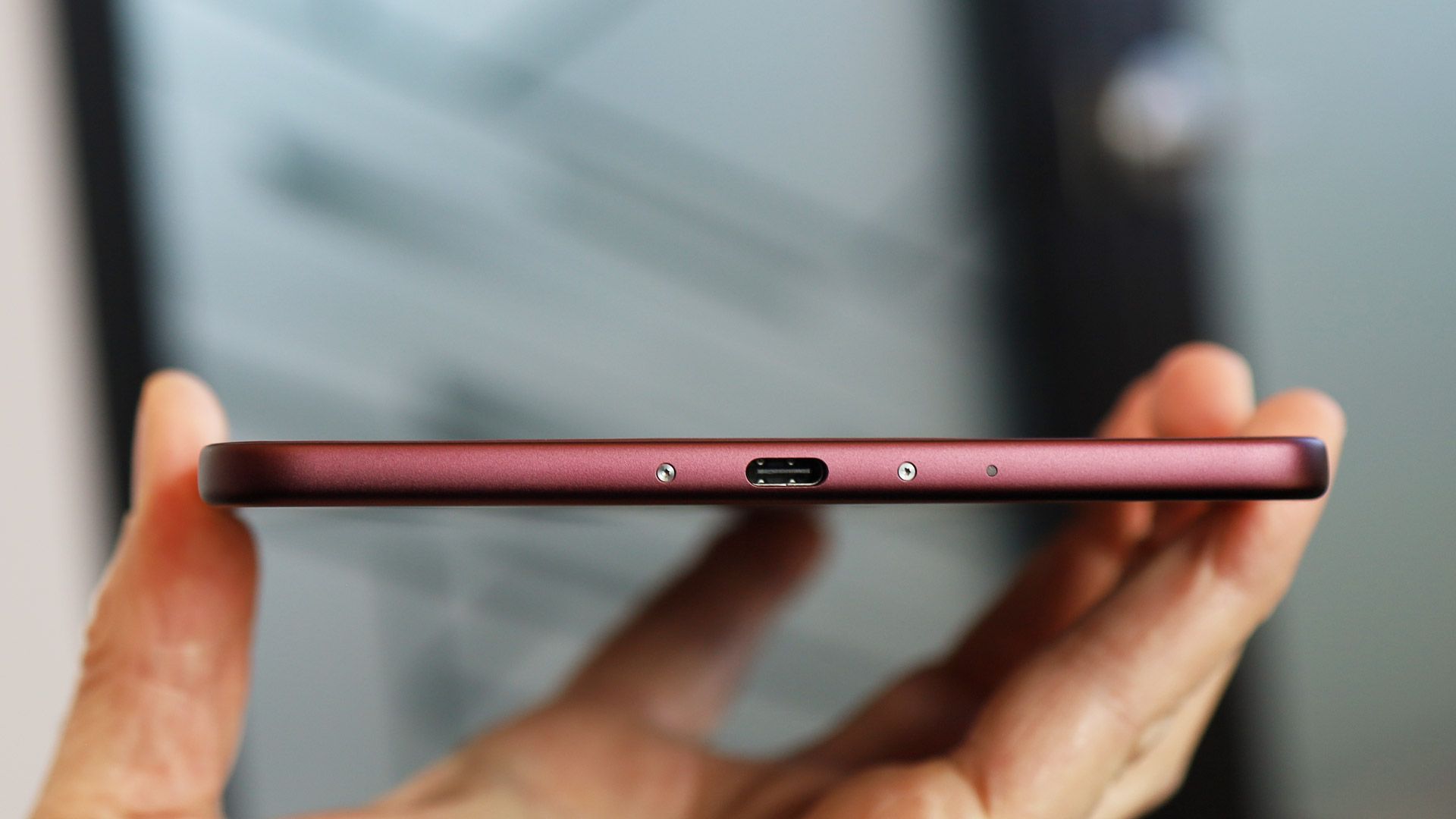
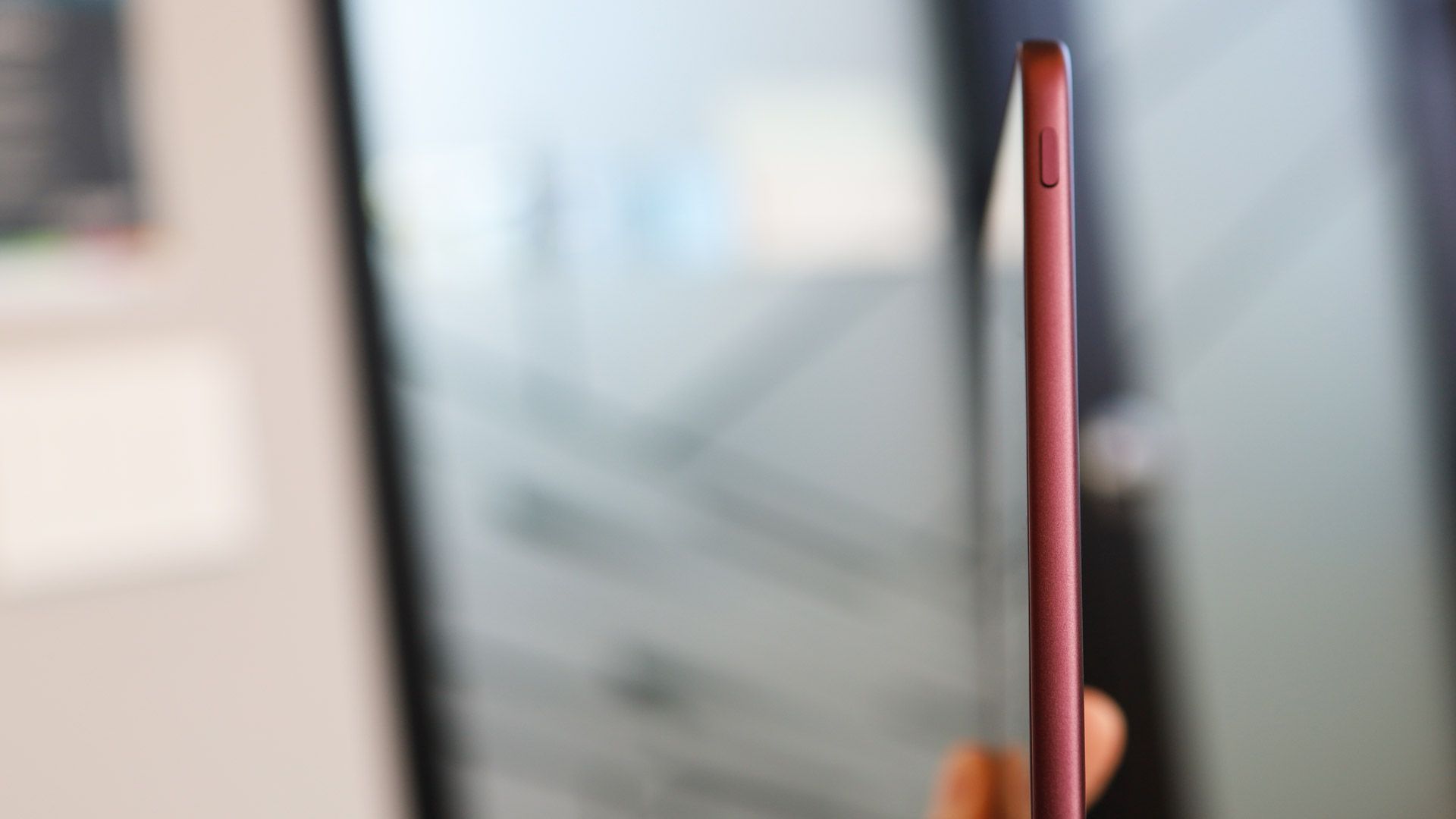
All the 2026 Colorsofts are thinner and lighter than their 2024 counterparts. The display has been tweaked to offer ‘edge-to-edge color,’ and the power button has been shifted to a more convenient spot on the upper right edge, where it’s much less likely to be accidentally triggered. The adult versions now come in a new ‘Fig’ colorway, and the Kids model has new cover options. Here’s how all the main specs compare.
|
7-inch glare-free w/ color display |
||||
|
300ppi (black and white) / 150ppi (color) |
||||
Most of the 2024 Kindle Colorsoft range is still available, but if you were thinking of picking up the older model to save a bit of cash, I have bad news.
Not only are the 2024 models no cheaper than their 2026 equivalents, but Amazon has actually bumped up the older models’ prices to match the new range’s higher list price. Right now, there’s no real reason to pick a 2024 model over a 2026 model.
US: Kindle Colorsoft range
2026 models
⬇️ Hop down to the UK Colorsoft options
Kindle
Colorsoft Signature 32GB (2026)
Kindle
Colorsoft Kids 16GB (2026)
Amazon
Colorsoft Kids 16GB (2026)
2024 models
Amazon
Colorsoft 16GB (2024, no ads)
Kindle
Colorsoft Signature 32GB (2024)
Kindle
Colorsoft Kids 16GB (2024)
Kidnle
Colorsoft Kids 16GB (2024)
UK: Kindle Colorsoft range
2026 models
⬆️ Hop back to the US Colorsoft options
Kindle
Colorsoft 16GB (2026) — Graphite
Kindle
Colorsoft Signature 32GB (2026) — Graphite
Kindle
Colorsoft Signature 32GB (2026)
2024 models
Kindle
Colorsoft 16GB (2024) — Black
Kindle
Colorsoft Signature 32GB (2024)
Who should buy a Kindle Colorsoft?
Buy a Kindle Colorsoft if…
✅ You read a lot of graphic novels:For graphic novels or books with lots of images, you really need a color screen. The standard version will hold about 30-50 graphic novels (depending on size), while the Signature version will store 60-100, so it’s probably worth stumping up for the latter.
✅ You want color highlights: You can color-code your highlighted text on Colorsoft Kindles, which is useful, for example, if you’re studying and want to be able to link themes in your reading material.
Don’t buy a Kindle Colorsoft if…
❌ You’re just reading text-based books:The Colorsoft is basically the color version of a Paperwhite — aside from the color capabilities and resulting shorter battery life, the design and specs are the same. If you’re just reading text-based books, you could save yourself a bit of cash and enjoy longer runtimes by opting for the black-and-white Paperwhite.
❌ You want to use your Kindle for note-taking:The Colorsoft doesn’t have stylus support. If you want to be able to scribble down notes on your e-reader, you’ll need to opt for one of the larger, pricier Scribe models. If you opt for the regular Kindle Scribe, you won’t have a color screen, and if you opt for a Kindle Scribe Colorsoft, note that you won’t be able to take notes on graphic novels.
Specs compared
Wondering how the Colorsoft compares to the wider Kindle range? Here are the key specs for the full lineup (newest models only)…
|
Kindle Scribe Colorsoft (2026) |
|||||||
|---|---|---|---|---|---|---|---|
|
11-inch glare-free with color display |
|||||||
|
12 weeks reading / 3 weeks writing |
8 weeks reading / 2 weeks writing |
||||||
