

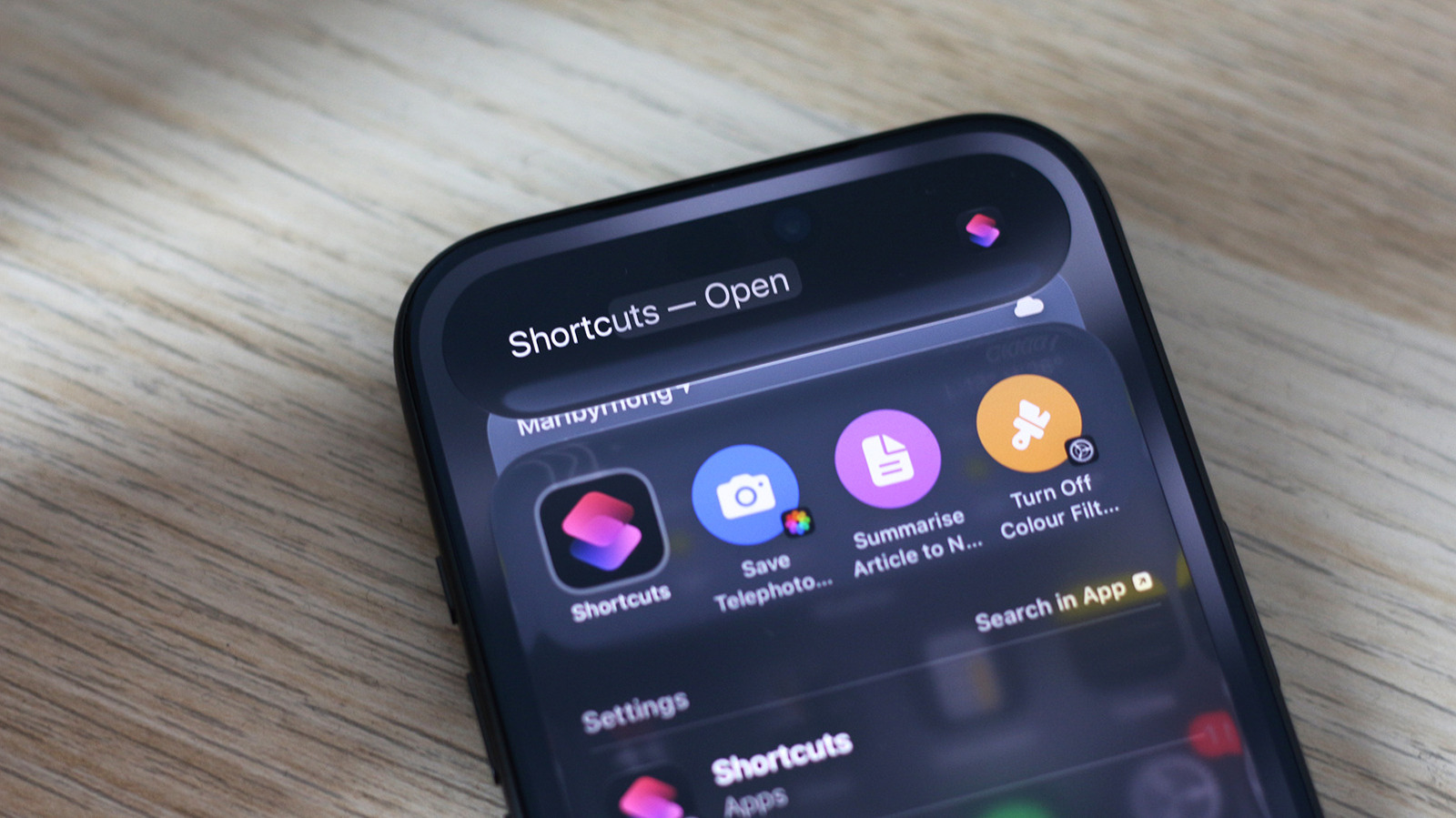
One of the few places where Apple Intelligence actually makes a difference.
Shortcuts has been around since 2018 but has only recently been supercharged with AI. I’m not the biggest fan of Apple Intelligence, but its functionality in the Shortcuts app is one of the few instances where I think AI actually makes a meaningful difference to the user experience. You can already load up custom shortcuts created by other users, but Apple Intelligence now lets you create your own through natural language prompts.
If you’re running iOS 27 and own an iPhone that supports Apple Intelligence, you can simply describe a shortcut and let AI do the heavy lifting for you. Launch the Shortcuts app on your iPhone. It should come preinstalled, but you can grab it from the App Store if you accidentally deleted it before. Tap on the big + icon at the bottom — this will bring up a text box where you can describe what you want the shortcut to do in plain English. Once your shortcut is assembled, tap on the play button to test it out.
How reliable is Apple Intelligence at creating shortcuts?
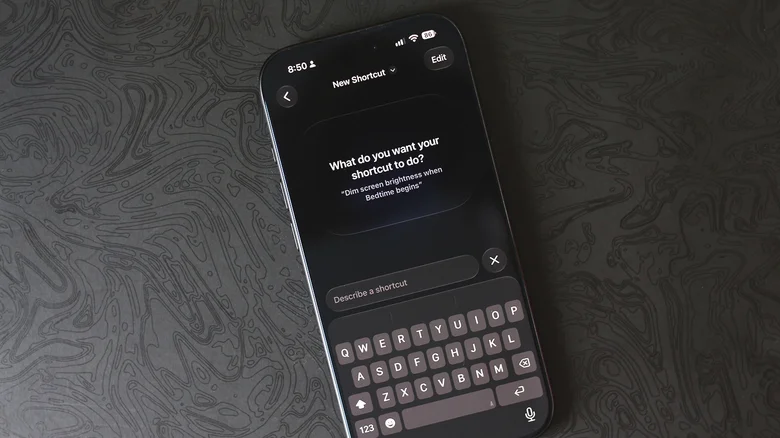
There is a lot you can do with the Shortcuts app on the iPhone. Theoretically, everything the app allows you to automate, Apple Intelligence should be able to help you build. In practice, however, this doesn’t always work and might require a bit of trial and error or manual adjustments to get the shortcut working exactly as intended. Fortunately, shortcuts created using Apple Intelligence can be edited as usual.
For instance, I described a shortcut that would switch my screen to grayscale whenever I launched Instagram and back to color when I quit the app. It did fine for the first half of the shortcut but failed to disable color filters when I exited Instagram. I went back and forth with Apple Intelligence but ended up creating two shortcuts instead.
I had fun testing the limits of the Shortcuts app and Apple Intelligence, and in my experience, the app rarely refuses to generate a shortcut altogether, even if this means putting together a solution that doesn’t actually do what I asked it to.
On some occasions when I fed it an impossible prompt, the Shortcuts app acknowledged that the requested task isn’t possible. Most of the time, though, it strings together actions that it thinks are good enough for the shortcut. For example, I prompted it to “turn my iPhone off when the battery goes below 20 percent,” and instead it simply locked the screen. Close, but not what I was looking for.
What else can Apple Intelligence do in Shortcuts?
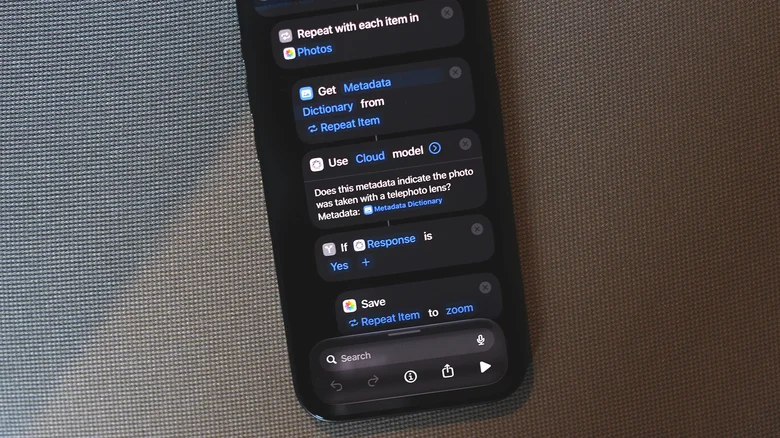
Being able to create shortcuts using natural language is helpful, but it isn’t the only improvement Apple has made to the Shortcuts app. You can also create a shortcut that leverages Apple Intelligence to generate text and make sense of data, for instance. When creating a shortcut manually, select Apple Intelligence to access the Use Model action that can send requests to an AI model, process them and generate a response. You can also use the generated response in subsequent actions within your shortcut.
You can pick between the Cloud, Cloud Pro and On-Device AI models to handle your requests. You can also choose ChatGPT to take advantage of OpenAI’s models. Apple Intelligence models seem to handle text generation quite well. I described a shortcut that would fetch an article from a URL, summarize it and save it to the Notes app. You can make it so the shortcut appears as an action when you tap the Share button anywhere. To do this, launch the Shortcuts app, select your shortcut, tap on the i button and turn the Show in Share Sheet toggle on.
Once again, results can be hit or miss and depend on how well Apple Intelligence is able to understand your request and put together the necessary actions to make it work. A simple yet effective shortcut I created saved photos I took using my iPhone’s telephoto camera into a separate album.
When it works, the Apple Intelligence integration within the Shortcuts app is a godsend. Just be sure to tap on Edit after generating a shortcut and double-check the actions it has put together before relying on it to do its job.
