

Because there’s still life in the ‘ole girl yet!
An old Android phone doesn’t have to become junk just because it’s not fast enough, supported enough or convenient enough to be your everyday phone anymore. Even an older device can still have a perfectly good camera, GPS receiver, display, speakers, sensors and Wi-Fi connection.
One way to repurpose your old phone is to give it a single specific job. It could become a kitchen display, hiking GPS, retro gaming handheld or one of several other useful devices around the house.
A factory reset is the way to go if you want it to be a true dedicated gadget. Back up your photos and other important data beforehand since a reset erases all data on the phone. Once that’s done, your device is one step closer to its second life.
Kitchen display
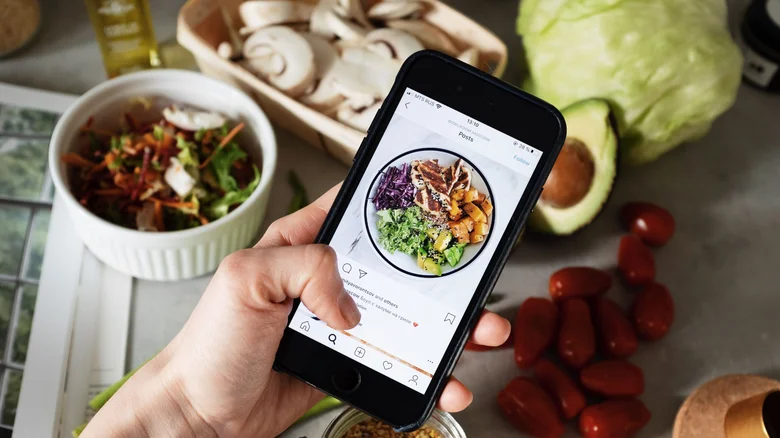
If your old Android phone still has a decent screen, turn it into a dedicated kitchen display. Mount it on a stand or wall and use it for recipes, cooking videos, grocery lists, unit conversions and timers, keeping your everyday phone away from flour, splashes and greasy fingers.
Put apps like Paprika, Google Keep and Google Home front and center, or use whichever apps you already rely on for recipes, shopping lists or music. For a more dedicated cooking setup, Paprika Recipe Manager can store recipes, create grocery lists, plan meals, scale ingredients and convert measurements. It also includes timers and an option to keep the screen on while you’re viewing, making it an essential kitchen gadget that’s worth your money.
You can also use the phone for music, podcasts or video while you cook. While internet access isn’t required for everyday use, you’ll still want to connect it occasionally for app and content updates.
Smart-home control panel
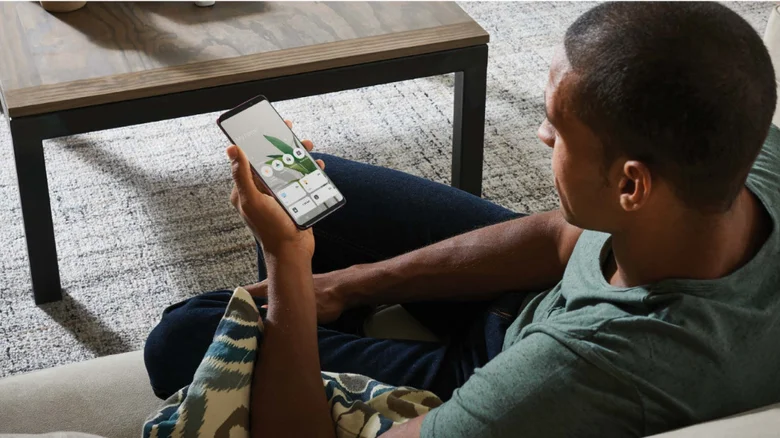
If you’ve accumulated enough smart-home devices to make controlling them from your phone feel like too much, an old Android can become a permanent control panel. Mount it somewhere convenient to control compatible lights, thermostats, cameras, plugs, TVs and other smart devices without reaching for your primary phone.
This works particularly well with a smart-home platform like Home Assistant, which can turn an Android phone into a dashboard for devices throughout your home. A wall-mounted phone running an app like Fully Kiosk Browser can show temperature, lights, cameras and other controls at a glance, while Google’s redesigned smart home controls offer another way to organize the devices you use most. You’re also able to keep some smart-home apps off your primary phone, reducing the number of apps competing for space and attention.
Offline GPS for hiking and the outdoors

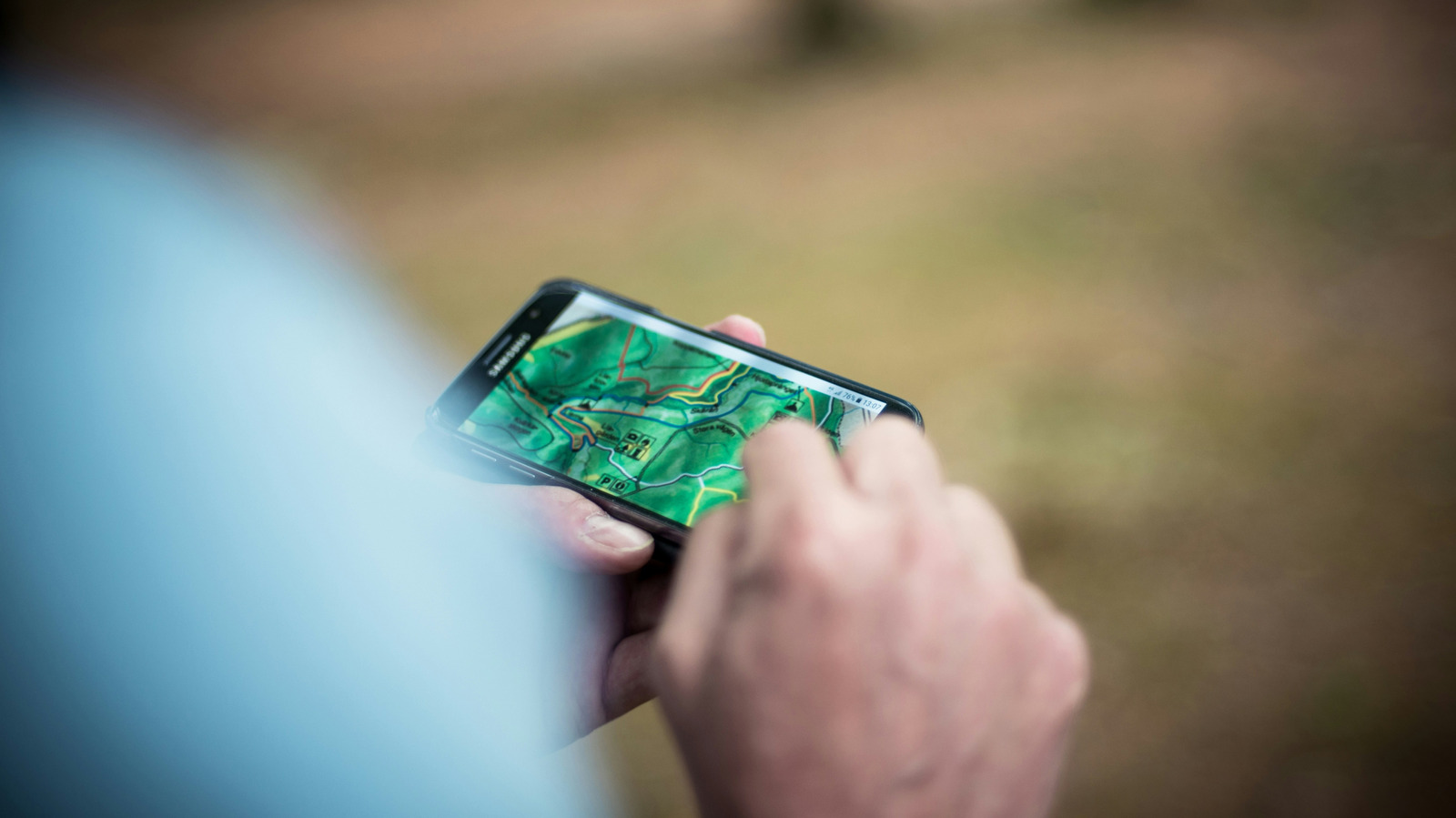
An old Android phone can become a capable hiking, camping, hunting or off-roading GPS. Download maps before heading somewhere without cell service, then use the phone’s GPS receiver to track your location without a data connection.
Apps like AllTrails and Gaia GPS support offline maps, so you can download the area you’ll be exploring before you leave home. Both require a paid plan for offline map downloads, though AllTrails says downloaded maps can use your phone’s built-in GPS even without a data signal. Google Maps also supports offline maps for national parks, which can be useful for exploring areas without reliable internet access.
Download the maps for the entire area you’ll need while you’re connected to Wi-Fi, then test them before heading somewhere remote. Using an old phone also lets you keep your primary device tucked safely away while conserving its battery. Consider bringing a power bank for longer outings.
Webcam, security or baby monitor
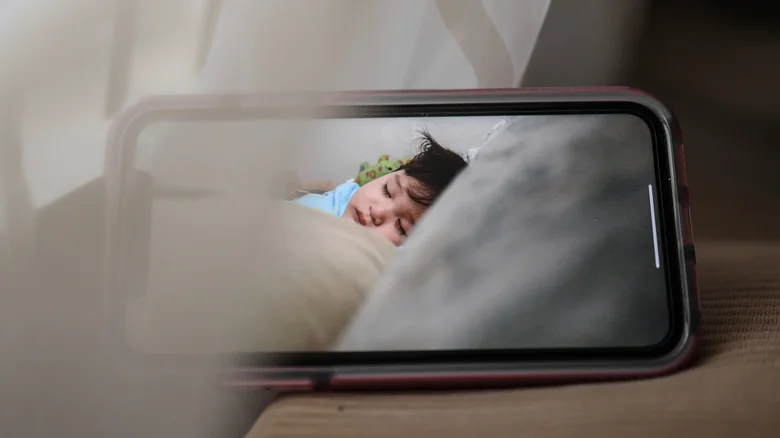
Your old Android’s camera can still be useful even if the phone itself has become too slow for everyday use. With the right app, you can turn it into a webcam, security camera or baby monitor.
One option is AlfredCamera, which pairs an old phone with another device so you can remotely view its camera feed and listen to what’s happening around it. It works across Android and iOS, letting you use the old Android as the camera while viewing the feed from your current phone, tablet or computer. You can position it near a crib, point it toward an entryway or garage, or use it to check on pets while you’re away.
You can also leave the phone plugged in as a dedicated monitor. With AlfredCamera, take advantage of features like video quality, night vision, audio and multi-camera support, and your repurposed Android can stand up to the best baby monitors for a home nursery. Because the phone can see and hear inside your home, use a strong, unique password and enable App Lock even with Alfred’s 256-bit AES encryption.
Retro gaming handheld
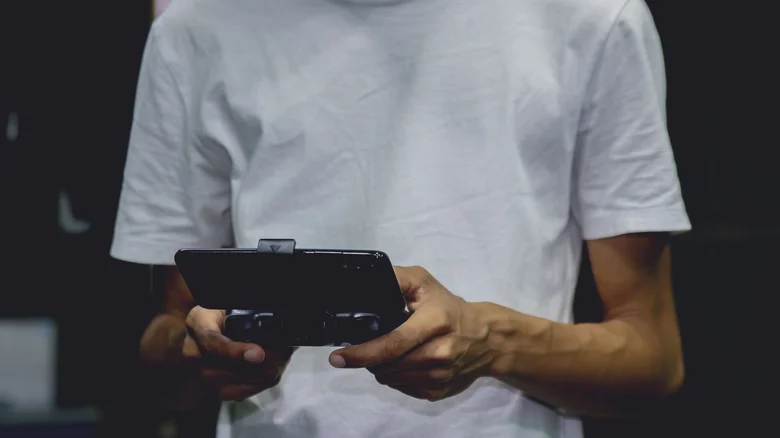
If your old Android has a decent screen, you already have most of what you need for a portable gaming system. Pair it with a Bluetooth controller, and you have a dedicated gaming device that doesn’t compete with your everyday phone for battery life or storage.
For a retro feel, something like the 8BitDo SN30 Pro for Android supports Android 9 and newer and comes with a mobile gaming clip for attaching the phone directly to the controller.You can use the setup for Android games that support controllers, cloud gaming or legally obtained retro games through compatible emulators. A phone that struggles with newer apps may still have more than enough power for older games.
The 8BitDo SN30 Pro isn’t your only option. Mobile gaming controller options range from traditional Bluetooth gamepads like the Pro 2 to controllers that attach directly to your phone.
Distraction-free reading and listening device
Apps like <a href="https://play.google.com/store/apps/details?id=com.amazon.kindle&hl=en_US” rel=”nofollow noopener” target=”_blank”>Kindle, Libby, Google Play Books and other ebook readers can turn an old Android into a pocket-sized library. Libby is particularly useful if you have a library card, letting you borrow ebooks and audiobooks from participating libraries and download them for offline use.
You can do the same with podcasts and music. Download a few favorites, pair the phone with headphones or a Bluetooth speaker and use it for bedtime reading, listening around the house or taking a walk without your everyday phone’s notifications competing for your attention.
Apps for ebooks and audiobooks can cover everything from reading and listening to library borrowing, with options for different ways to keep up with your books.
In the workshop or garage
Keep your old Android on a workbench for repair tutorials, product manuals, timers, music and other project-related tasks without tying up your everyday phone. Apps like iFixit offer step-by-step repair guides and troubleshooting help, so you can pull up instructions while you’re working. You can also store PDFs of manuals, wiring diagrams and project plans for easy access.
The phone’s built-in tools can be useful, too. A calculator can handle measurements, the flashlight can illuminate a dark corner, and a level app can help with quick checks. The camera can also serve as a reference by taking photos before disconnecting wires or disassembling something. You can even photograph labels, parts and measurements you don’t want to keep in your head.
A retired phone can also be a useful place for workshop-specific files and apps, keeping them separate from the apps and notifications on your everyday device. If you’re working with sawdust, grease or paint, it’s also a device you don’t have to worry about keeping too clean.
Time-lapse camera
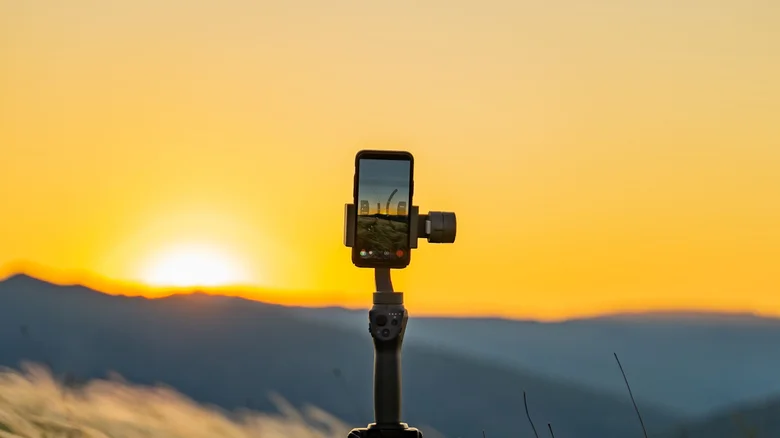
An old Android phone can be perfect for recording things that happen slowly. Set it up on a tripod or stable surface, start a time-lapse and let it record while you go about your day. Capture a garden growing, a room being renovated, a craft project taking shape or even clouds moving across the sky.
Many relatively recent Android phones, including Samsung Galaxy A and S series models and Google Pixel phones, have built-in time-lapse or Hyperlapse modes. If yours doesn’t, a third-party camera app can add the functionality. A tripod or stable mount is the more important part, since the phone needs to stay still throughout the recording.
Before starting a long recording, check how much storage the phone has available and make sure it has enough power to finish. Also be sure to frame the shot, since moving the phone once recording has started can ruin the sequence. Camera quality varies a lot between devices, and the smartphones with the best cameras can make a big difference when recording video.
Travel-only phone
Travel can give an old Android a useful second job. Load it with offline maps, translation apps and downloaded movies or shows, then take it to the beach, pool, campsite or anywhere you’d rather not expose your newest phone.
Offline maps are especially useful when traveling somewhere with unreliable cellular service or expensive data. Google Maps has offered offline search and navigation for years, so you can download what you need before leaving Wi-Fi and still use your phone for maps and directions when you’re offline.
Keep boarding passes, hotel information and reservation details on it, too. You can also use the phone as an entertainment device on a plane or during a long drive without draining the battery on your primary phone. A travel-only phone can hold trip-specific airline, hotel, transit and translation apps without adding them to your daily device. If something happens to your primary phone while you’re away, the old Android can serve as a backup. Compatible phones and carriers can support Wi-Fi calling, allowing you to make calls even without cellular service.
Household utility phone
Sometimes the most useful thing you can do with an old Android is turn it into a collection of small tools. A flashlight, a calculator, a magnifier and a level app are just a few of the everyday tools needed around the house that can all be kept on your device. According to AARP, you can also use the camera to scan QR codes and photograph measurements. Think of it as a digital version of the junk drawer.
The phone can also hold appliance manuals, home-maintenance notes, emergency information and other documents you may need within arm’s reach. Depending on the apps it supports, it can handle other specialized tasks without adding another device to the mix.
You can even keep photos of things you’ll need to reference later, like replacement filter labels, serial numbers or other household information. Keeping those details on the phone can be easier than tracking them down when you need to.
