Close Menu
MyAppsPlus

    Subscribe to Updates

    Get the latest creative news from FooBar about art, design and business.

    What's Hot

    NymVPN user? Update your app now ahead of a behind-the-scenes network overhaul

    September 28, 2026

    Save up to 37% on Greenworks chainsaws + pole saws, like the 24V 6-inch mini down at $100 (Reg. $147), more from $110

    September 28, 2026

    How to set up Amazon Alexa’s price drop alerts and auto-buy feature

    September 28, 2026
    Facebook X (Twitter) Instagram
    Facebook X (Twitter) Instagram
    MyAppsPlusMyAppsPlus
    Monday, September 28
    • Home
    • Breaking Tech
    • Apps & Software
    • AI & Automation
    • Android
    • iPhone & iOS
    • More
      • Reviews
      • How-To Guides
      • Deals & Discounts
      • Shop
    MyAppsPlus
    Home»Breaking Tech»How to set up Amazon Alexa’s price drop alerts and auto-buy feature
    Breaking Tech

    How to set up Amazon Alexa’s price drop alerts and auto-buy feature

    myappsplusBy myappsplusSeptember 28, 2026004 Mins Read
    Share Facebook Twitter Pinterest Copy Link LinkedIn Tumblr Email Telegram WhatsApp
    Follow Us
    Google News Flipboard
    How to set up Amazon Alexa’s price drop alerts and auto-buy feature
    Share
    Facebook Twitter LinkedIn Pinterest Email Copy Link

    Alexa for Shopping can monitor prices and make purchases so you don’t have to.

    We may receive a commission on purchases made from links.

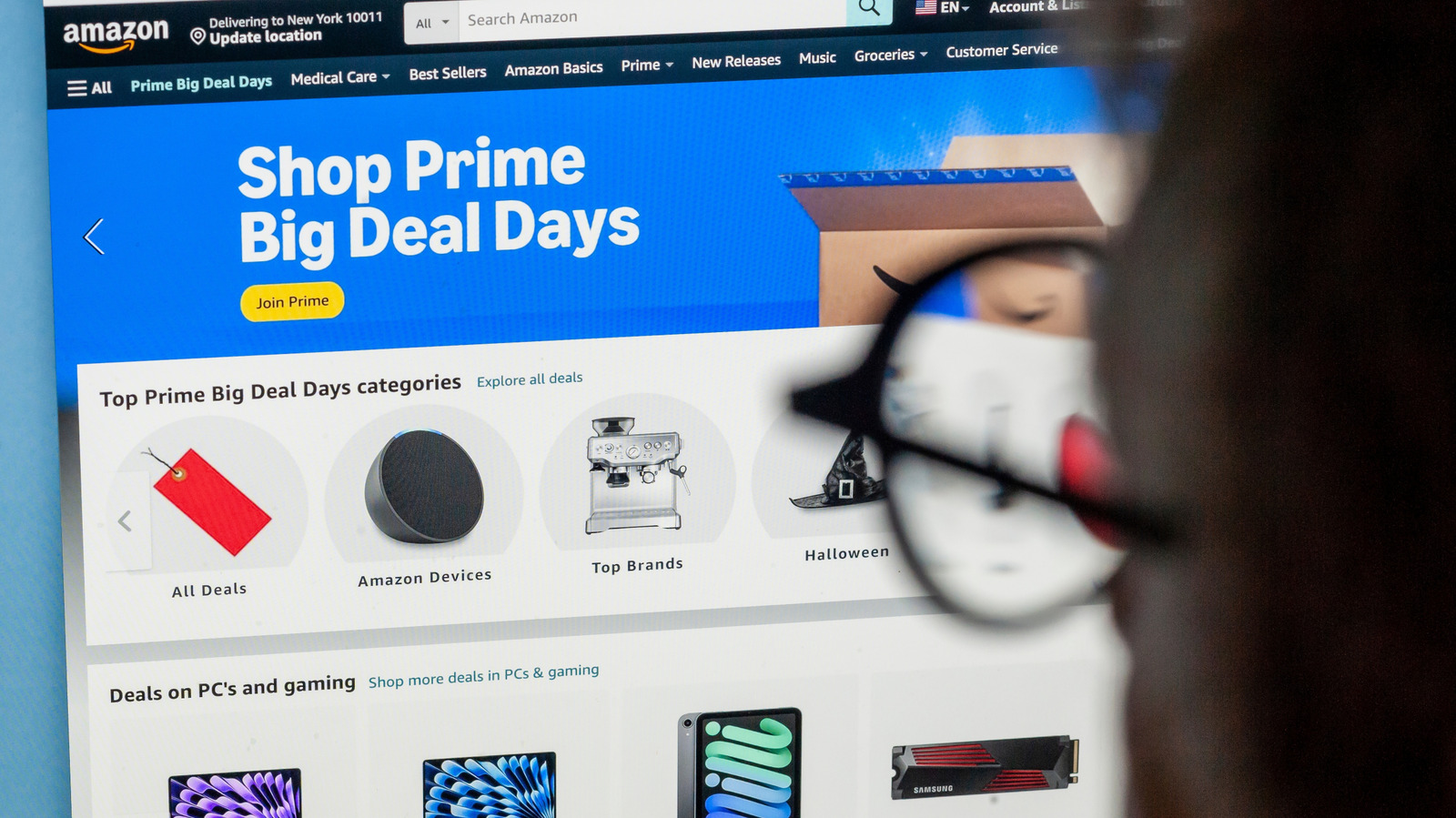
    In the age of AI, it should come as no surprise that Amazon’s shopping tools can notify you when an item’s price drops and, for eligible Prime members, automatically buy it when it reaches a pre-selected price. To kick off your automated shopping spree, start with Amazon’s built-in Price History feature, a small blue button next to the item’s price on a desktop. The button is also present in the app, but it appears either as a white button with a blue outline or a text link. This feature uses AI to show you how a particular product’s price has changed over the past 30, 90 or 365 days.

    Amazon’s AI shopping assistant, Alexa for Shopping (formerly known as Rufus), will also answer questions about the product and its price history if you prefer to chat. If Alexa for Shopping isn’t your cup of tea, you can use a few third-party apps, like CamelCamelCamel or Keepa, to track Amazon pricing history and set price watches. However, those services can’t place orders for you, only monitor and report.

    Use the info you gather to set realistic price targets. A good example would be an item that repeatedly drops to $75 but currently costs $100. Setting up a $75 alert makes more sense than setting a $40 alert, unless you prefer a very quiet alert history.

    Set a price alert or turn on Auto Buy

    If you have Echo devices in your home, you’re probably aware of the periodic price alerts Alexa announces. The announcements typically relate to items in your purchase history, but you can make things more specific. Open an Amazon listing and simply ask Alexa for Shopping to watch the item at a price you choose. Going forward, Amazon will regularly check the item and notify you when it reaches your price point. Simple as that.

    If you want Amazon to go a step further and order the item for you, make your request explicit: “Buy these headphones when they are $75 or less.” This auto-buy feature allows Amazon to make the purchase when the price reaches your target using your default payment method. Unfortunately, coupons and promotional discounts don’t work with the Auto Buy option, so you’ll have to keep an eye on that yourself. Also, make sure you account for things like sales tax and delivery charges, especially if you’re dead set on a specific price point.

    How can you be notified when Amazon prices drop?
    Phone screen displaying the Amazon logo with an open laptop displaying the same in the background.

    If your notifications are turned off, it won’t matter what you tell Alexa for Shopping to do. On an iPhone, open Settings > Apps > Amazon > Notifications > Allow Notifications. On most Android phones, open Settings > Apps > Amazon > Enable Notifications.

    Also, it’s okay to be a bit vague if you’re not sure about a product but want to monitor a specific category of products, like espresso machines or noise-canceling headphones. You don’t have to know a specific product to provide Alexa for Shopping with a list of constraints, like budget, color or specific features. You’re essentially creating an outline and allowing the service to do its thing while you do your thing. This style of category alert will generally drop daily updates whenever a matching offer pops up.

    Alexa for Shopping is available to US customers in the Amazon app and on Amazon.com or Echo devices. You don’t need a Prime membership to browse around the site or even set up price alerts, but that’s not the case for Auto Buy purchases.

    AI Alexas Amazon apps price
    Follow on Google News Follow on Flipboard
    Share. Facebook Twitter Pinterest LinkedIn Tumblr Email Copy Link
    myappsplus
    • Website

    Related Posts

    Anthropic, Gamma, and Clay talk AI at Disrupt 2026

    September 28, 2026

    Sony is skipping CES in 2027 as it focuses more on entertainment

    September 28, 2026

    FBI reportedly declares ‘cyber security incident’ after hackers steal agents’ personal data

    September 28, 2026
    Add A Comment
    Leave A Reply Cancel Reply

    Top Posts

    Can reviews settle disputes that marked first two seasons?

    September 21, 20267 Views

    Microsoft resolves issues after software updates

    September 22, 20263 Views

    Do Tech Industry CEOs Really Earn an Average of 10,000 Yuan Per Day? Calculating Daily Salaries of Top Elite Employees in the Tech Sector

    September 20, 20263 Views
    Latest Reviews

    How is Android Auto different from Android Automotive?

    myappsplusAugust 23, 2026

    China is shifting its new data centers to rural Eastern locations as it looks for extra AI power

    myappsplusAugust 23, 2026

    The Razer Soma Chroma has a silly name, silly price tag, and sillily requires you bring your own battery to light the thing up

    myappsplusAugust 23, 2026
    Stay In Touch
    • Facebook
    • YouTube
    • TikTok
    • WhatsApp
    • Twitter
    • Instagram

    Subscribe to Updates

    Get the latest tech news from FooBar about tech, design and biz.

    Most Popular

    China is shifting its new data centers to rural Eastern locations as it looks for extra AI power

    August 23, 20260 Views

    The Razer Soma Chroma has a silly name, silly price tag, and sillily requires you bring your own battery to light the thing up

    August 23, 20260 Views

    What is a VESA mount and how to know what type your TV has

    August 23, 20260 Views
    Our Picks

    NymVPN user? Update your app now ahead of a behind-the-scenes network overhaul

    September 28, 2026

    Save up to 37% on Greenworks chainsaws + pole saws, like the 24V 6-inch mini down at $100 (Reg. $147), more from $110

    September 28, 2026

    How to set up Amazon Alexa’s price drop alerts and auto-buy feature

    September 28, 2026

    Subscribe to Updates

    Subscribe to our newsletter and get the latest tech news, app updates, AI trends, smartphone reviews, and exclusive deals delivered straight to your inbox.

    Facebook X (Twitter) Instagram Pinterest
    • About Us
    • Get In Touch
    • Disclaimer
    • Privacy Policy
    • Terms & Conditions
    © 2026 MyAppsPlus. All Rights Reserved.

    Type above and press Enter to search. Press Esc to cancel.