

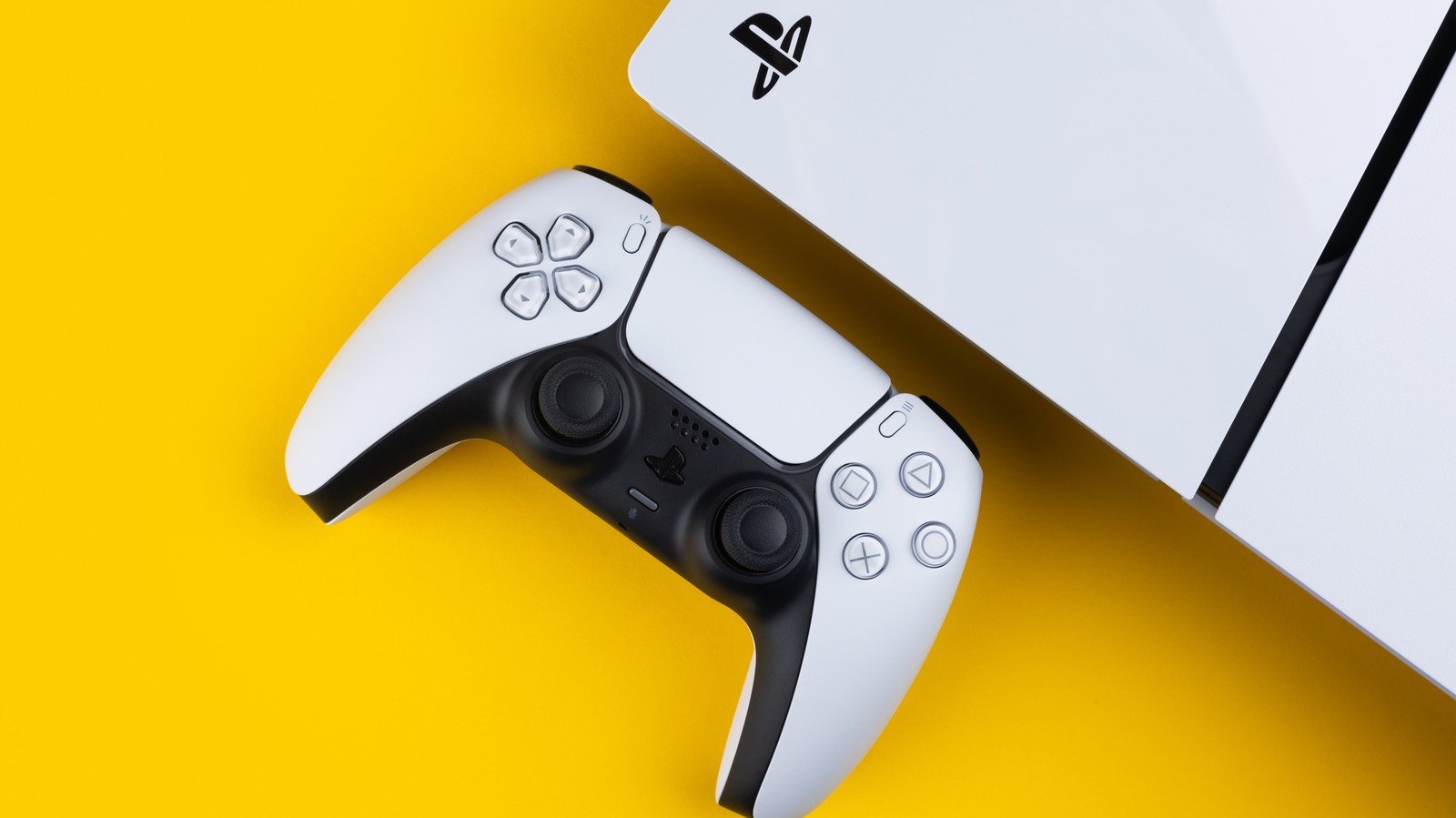
If you ever need to replace the cord, you can use (some) old PlayStation cables or get a certified replacement.
We may receive a commission on purchases made from links.
If you’ve ever unplugged your PS5 to move furniture around or properly clean your entertainment center, you might have examined the console’s power cord. After all, it’s good to check cables for signs of damage every so often. This might lead you to consider grabbing an extra cord as a backup, or maybe you want to plug your PS5 in by another TV without moving the existing cable around all the time.
As it turns out, not just any cable will do the trick when it’s time to plug your PS5 in. Understanding your PS5’s power cord isn’t just a matter of curiosity, as it impacts your console’s safety and performance. If you use the wrong one, you risk anything from your PS5 not turning on to a fire hazard.
The good news is that all PS5 models use a cable type found in millions of households already, which means replacements are easy to find. However, just because these cables are common doesn’t mean they’re safe to use without checking the specs first. Let’s break down exactly what cord your PS5 needs and how it stacks up against previous PlayStation models, as well as where to get a replacement if your pets chew on it.
What are the PS5’s power cord specifications?
The PS5 uses an IEC320 C7 power cord, also commonly called a figure-8 cable due to the connector’s resemblance to the number. The cord supports a voltage range of 100-240V at 50/60Hz, which makes it compatible with electrical standards across most countries, provided you pair it with the correct regional plug.
A detail worth noting about the PS5 cable is that the C7 connector is non-polarized. This means it has two identical round pins, so there’s no wrong way to insert it. By comparison, polarized plugs feature prongs of slightly different sizes, which only fit one way for a reason. These ensure that the hot and neutral wires in your wall properly connect to the device. If a polarized plug were theoretically connected backwards, metal parts could stay hot even when the device is off, and turning a wall switch off wouldn’t cut power to the device.
The cord should ideally be built with 18 AWG copper. The PS5 typically draws between 200-220 watts during peak load, which translates to a current draw of less than 2 amps at standard voltage. This means the cord doesn’t need extreme power specs, but it still needs to handle sustained gaming demands safely.
How does the PS5 cord compare to older PlayStation consoles?
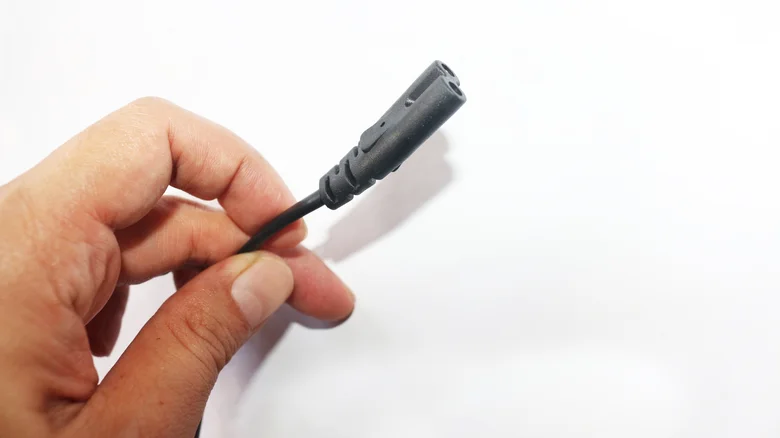
If you’ve been a PlayStation gamer for a while, you probably have some past PlayStation cords in your drawer of old cables. A nice touch is that you can actually reuse your old PS4 or PS3 Slim cables, as Sony used the exact same C7 figure-8 design for those models.
Sony’s reliance on the standard C7 cable is great because it’s the same cord used across many household devices, from TVs and printers to soundbars. Finding a replacement is easy, but its ubiquity comes with a catch: you still need to ensure any spare cable meets the PS5’s power demands. A lightweight C7 cable designed for a low-power device might use thinner gauge wire that isn’t ideal for the PS5.
Where can you find a PS5 replacement power cord?
If you’ve lost your PS5 power cable in a move or it’s become damaged, your safest bet is getting a replacement from an authorized retailer. Sony’s official AC power cord is specifically designed for the console and ships with the PS5, alongside all its official accessories like an HDMI 2.1 cable and the (sometimes short-lived) DualSense controller.
While there’s no official replacement to buy directly from Sony at the moment, reputable third-party manufacturers produce certified C7 cables designed for PS5 compatibility. When shopping, make sure to look for cables with recognized safety certifications like UL listing, CE approval or TUV certification. These aren’t just badges, but rather indicators that cables have undergone testing for electrical safety. On top of these certifications, look for the specifications discussed earlier: 18 AWG copper wire, a non-polarized connector and a rating of 100-240V with 10A current capacity.
This TPLTECH cord is a well-reviewed replacement, with many reviewers saying it works with their PS5. It’s also available in multiple lengths.
