

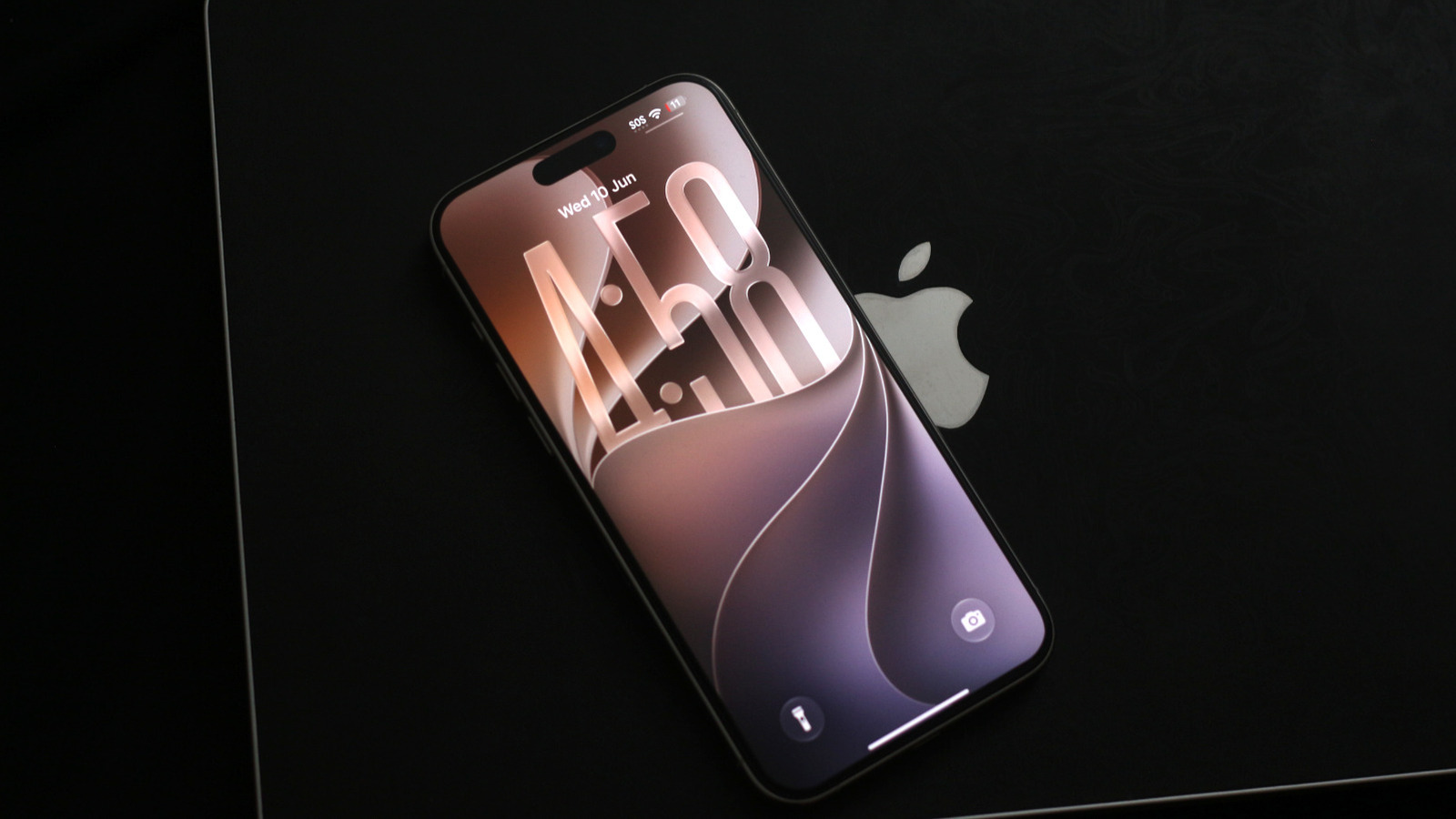
At WWDC 2026, Apple showcased the latest versions of its operating systems for the iPhone, iPad, Mac, and Apple Watch lineups. iOS 27 is the newest iteration of the iPhone’s software. After weeks of developer and public beta testing, it is now officially rolling out to compatible iPhones around the world. While some iPhone models won’t be getting iOS 27, support does go all the way back to the iPhone 11 — a smartphone that was released seven years ago.
Updating your iPhone is pretty simple — just navigate to Settings > General > Software Update. Next, tap Update Now, then tap Agree to accept the terms and conditions; after that, give it a while. Once the update has finished downloading, you will be prompted to restart your iPhone to finish installation. You’ll need to have at least 20% battery to install software updates, though it’s recommended you charge to a more comfortable level. It may take several minutes, but your iPhone should boot up with iOS 27 in all of its glory.
Visually, not much has changed. All of Apple’s operating systems went through a major redesign in 2025 with Liquid Glass, so iOS 27 is primarily focused on refining that experience. There are a few useful feature additions, like a system-wide Liquid Glass slider, a custom equalizer for supported AirPods models, and new privacy controls. It’s generally a good idea to keep your phone up to date, but there are two major reasons you definitely shouldn’t miss iOS 27 — performance improvements and Siri AI.
iOS 27 brings major performance improvements
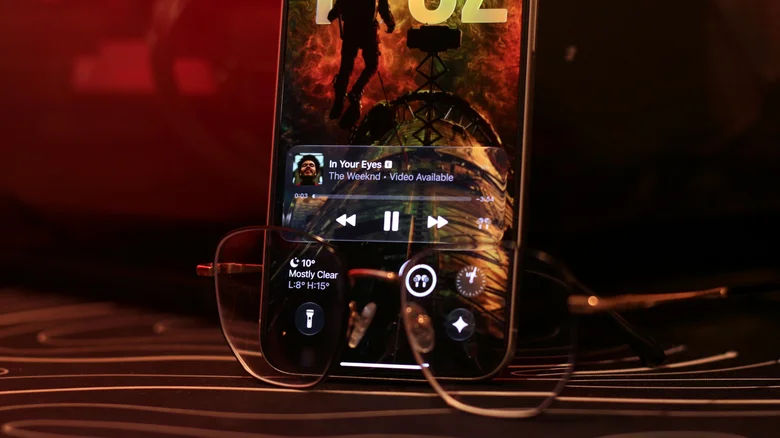
The iPhone has always enjoyed a better reputation than most Android phones when it comes to stability, but if you’ve used the last few iOS versions, you know that the experience hasn’t exactly lived up to that expectation. iOS 18 got its fair share of complaints from users, with many taking to the internet to call it the buggiest release in years. Ultimately, it took months for Apple to iron out major performance issues. A little while later, iOS 26 came around, and it somehow managed to worsen the experience. Liquid Glass’ real-time rendering clearly took a major toll on older models, and iOS 26 was slowing down iPhones.
Apple’s decision to treat iOS 27 as a stability update was therefore the right move. Major improvements have been made to the iOS experience. Even the first developer beta that we tried turned out to be smoother than the stable release of iOS 26. Apple claims that apps launch up to 30 percent faster on iOS 27 and that photos load up to 70 percent quicker. AirDrop transfers are also up to 80 percent faster now.
Simply surfing around the user interface feels considerably smoother on iOS 27. It’s far less buggy than the previous two releases, and with customizable transparency effects for Liquid Glass, users finally have the control they’ve been asking for over the past year. If the iOS 26 update put you on the fence about updating your iPhone again, we can confirm that iOS 27 is a much more stable upgrade.
Siri AI is finally here
Apple Intelligence was announced at Apple’s WWDC 2024 keynote, and apart from a few gimmicky GenAI features like Genmoji and Image Playground, it promised a supercharged Siri that would be deeply integrated into system apps. Although the Apple Intelligence suite saw a couple of new additions in iOS 18 and iOS 26, an updated Siri was nowhere to be found. Well, iOS 27 is rolling out Siri AI in beta, and to say it’s a massive upgrade over the assistant we’ve been using for years would be an understatement.
Apple is using Google’s Gemini models in addition to its own foundation models to give Siri the reasoning and conversational capabilities you’d expect out of an AI assistant in 2026. Not only are response times faster, but it can do a lot more now. When answering queries, Siri AI can look for information within your messages, emails, and photos for better context. It now has on-screen awareness, so you can ask it to summarize content that you’re currently scrolling through.
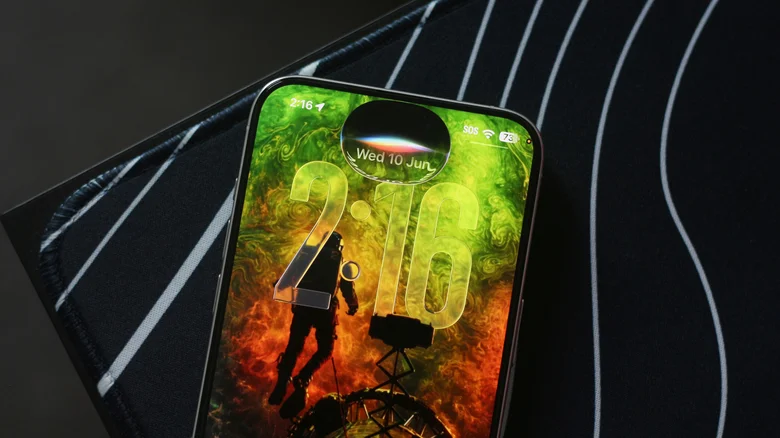
Gone is the colorful glow animation from iOS 18 — Siri now lives in the Dynamic Island and has a more subtle animation when you invoke the assistant. There’s a standalone Siri app that lets you browse through older conversations as well. You’ll need an iPhone 15 Pro or newer to join the Siri AI waitlist before you can use the standalone Siri app. It uses an even more powerful on-device AI model on the iPhone 17 Pro and newer devices.
