

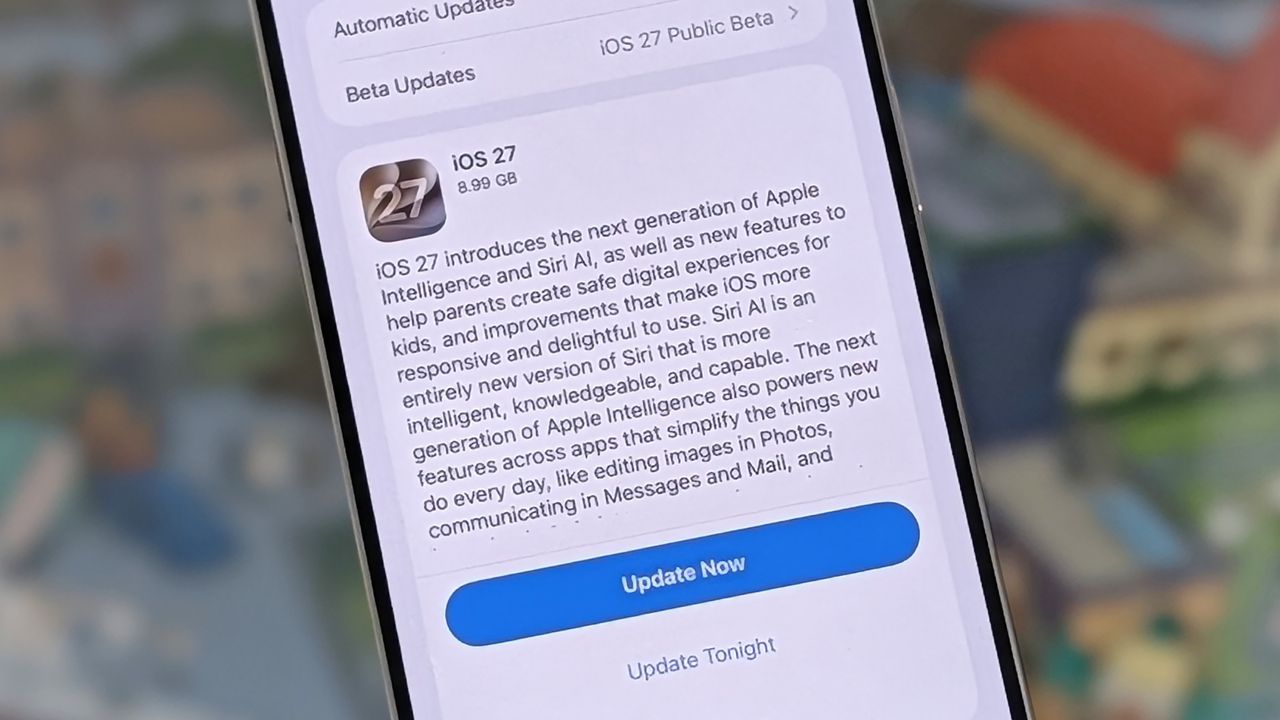
Today’s the day when Apple starts rolling out iOS 27 to millions of iPhones around the world — and as I’ve been using the developer version of the software since it was first pushed out in June, I can tell you about the best features coming your way.
The good news is that every iPhone that can run iOS 26 can also run iOS 27, though some of the more advanced Siri AI features (like the ability to change its pace and ‘expressivity’) are only available on the newer models with more powerful chipsets.
You’ll get a notification popping up on your phone when iOS 27 is ready for you, but if you’re not patient enough for that you can open up Settings on iOS and tap General > Software Update to see if there’s an update waiting.
1. Reframe your photos
iOS 27 arrives with some clever AI-powered photo editing tricks, including one called Reframe. It lets you slightly change the angle of a picture you’ve taken, with AI adjusting the background to match.
In Photos, tap on an image to open it, then tap the icon showing three sliders at the bottom. If you then tap Tools and Reframe, you can touch and drag on the screen to change the perspective (use two fingers to pan and zoom). Tap Reframe to confirm.
The other options on the Tools menu can be useful too: Extend will use AI to imagine a wider background canvas for you, while Clean Up lets you remove specific objects or people from your images.
2. Create Shortcuts with natural language
The Shortcuts app is one of the most powerful tools available in iOS, but as we’ve written about before, it’s not all that easy to use. With the new software update, building shortcuts becomes much easier: you can just describe the combinations you want using natural language, which significantly simplifies the process.
Shortcuts let you set up a myriad of automations and routines on your iPhone: turn text into audio, play a podcast after your morning alarm, tag notes in batches, let people know you’re running late, create GIFs from videos, and a whole lot more. Open the Gallery tab in the shortcuts app for some inspiration.
With iOS 27 installed, if you tap the + (plus) button on the main All Shortcuts screen, you can simply describe what you want your shortcut to do — whether it’s attaching screenshots to emails or summarizing your to do list for the day.
3. Choose a separate alarm volume
Not a feature that’s going to necessarily grab the headlines, but definitely one of the most useful ones that I’ve come across since I first installed iOS 27: you can now set alarm volumes separately from the main ringtone and system volumes.
Head into Sounds & Haptics from Settings on iOS, turn off the Match Ringtone Volume toggle switch under Alarms and Timers, and set your preferred alarm volume — a customization that’s been long overdue.
4. Adjust the Liquid Glass effect
The people asked, and Apple listened: you can now take the edge off the Liquid Glass effect if you find it a bit overwhelming in its default state. The available adjustments aren’t huge, but you can tone it down (or turn it up) a little.
From Settings in iOS, tap Appearance > Liquid Glass. You get a slider that lets you shift from quite a lot of transparency (on the left) to hardly any transparency (on the right), with the changes previewed for you on the image above.
Apple has also done some cleaning up of Liquid Glass in iOS 27, so you should notice a few refinements as you start using the new operating system: as per Apple, Liquid Glass now offers “more uniform refraction and improved contrast”, while individual app icons have been made “sharper and more detailed”.
5. Siri AI
The biggest new feature in iOS 27 is the comprehensive upgrade that Siri’s getting. It has a new name (the same as the old name, with “AI” on the end), plus vastly better underlying models (courtesy of Google) that mean it’s now on a par with the likes of ChatGPT when it comes to the quality and breadth of answers you get.
So what’s actually new? When it first lands, Siri AI will spend a while indexing everything on your phone, so it can give you more context about what’s in your texts, calendars, and emails (none of this data gets sent back to Apple) — and it can take more actions inside apps too, including creating notes, rotating photos, resuming podcasts, and much more.
You can now give commands like “show me photos from when I went to Spain” with this personal context, and ask questions like “why do stars twinkle in the sky?” without the assistant handing off to ChatGPT. There’s also a standalone Siri app for the first time, meaning you can save your chats and sync them across devices.
