

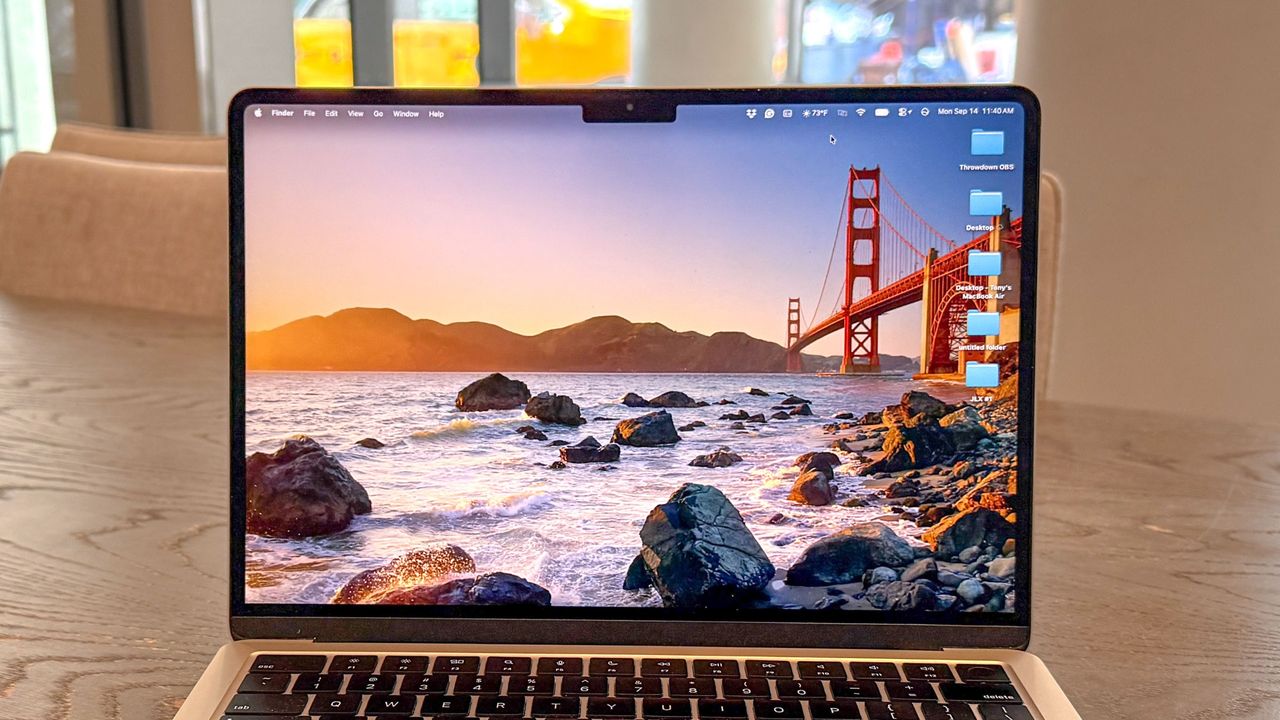
macOS Golden Gate is here! Though not a complete overhaul like macOS Sequoia, it brings a slew of new and enhanced AI features and smoother overall performance that make the best MacBooks feel more personal and streamlined.
I’ve been using the Golden Gate beta since it launched in June, and the latest build is what you’ll find in the final version of macOS Golden Gate. So far, I’ve found it a perfectly reasonable OS update that isn’t a radical departure from last year’s. That said, the new, smarter Siri AI can be handy, and Liquid Glass is less obtrusive now.
Here’s my full review of macOS Golden Gate.
macOS Golden Gate review: Supported devices
The Intel era is over, as macOS Golden Gate doesn’t run on those older machines. Here is a complete list of Macs that support Golden Gate.
- MacBook Neo (2026)
- MacBook Air with Apple silicon (2020 and later)
- MacBook Pro with Apple silicon (2020 and later)
- iMac with Apple silicon (2021 and later)
- Mac mini with Apple silicon (2020 and later)
- Mac Studio with Apple silicon (2022 and later)
- Mac Pro with Apple silicon (2023 and later)
macOS Golden Gate review: New features
Hey, Siri!
A dedicated Siri AI app for macOS Golden Gate now functions like chatbots such as ChatGPT and Google Gemini. This app is also available on iPadOS 27 and iOS 27, and is arguably the biggest new feature for the Apple devices that support it.
You can access the Siri AI app either by clicking it in the Dock or in the Menu bar. You can also open it from Spotlight. This opens a dedicated chat window where you can ask Siri AI questions or talk to it about whatever’s on your mind. Again, it works like the chatbots you’re already familiar with.
And since Siri AI is now baked into the operating system, it can do more than just chat. For example, if you’re looking at a schedule, you’ll see an “add to calendar” button appear. I’ve even had this happen when I suggest a date/time to meet with friends. When you right-click on folders, files, or apps, you’ll often see an “Ask Siri” option at the very top, where you can begin asking questions about whatever you’re highlighting.
You can even create Shortcuts by typing or speaking what you want instead of building complications manually. While I wouldn’t call this vibe coding, it can feel that way since you’re using natural language.
For those in the Apple ecosystem, Siri AI can be more useful than other chatbots because it’s integrated into the system. However, third-party integrations are still a work in progress, so Siri AI’s usability for you might be limited if you use Google apps like Gmail, since Siri AI doesn’t work with them (yet).
If you’re like me and generally don’t use AI, then the updated Siri won’t make a huge difference with your macOS experience. In fact, you might forget it’s even there! But if you use AI, you can certainly get more done with the new Siri.
Liquid Glass slider
If you’re not a fan of the Liquid Glass UI, you’ll be happy to know there’s now a slider to adjust its opacity. It lets you dial the effect up or down, and I’m surprised it took this long to implement it this way.
Beyond the slider, you’ll notice more complex background visuals appear more diffused, which improves text readability (a big issue for some). The edges of icons are also more pronounced, so they stand out more from the background. All app windows now have a uniform corner radius to help them pop out.
I’ve never had a problem with Liquid Glass because I think it’s an interesting visual effect. That said, I’m glad that folks can now fine-tune it to their liking. The slider is especially neat because it’s easy to use and clearly shows how much of a difference there is when you go from one extreme to the other.
Spatial Reframing
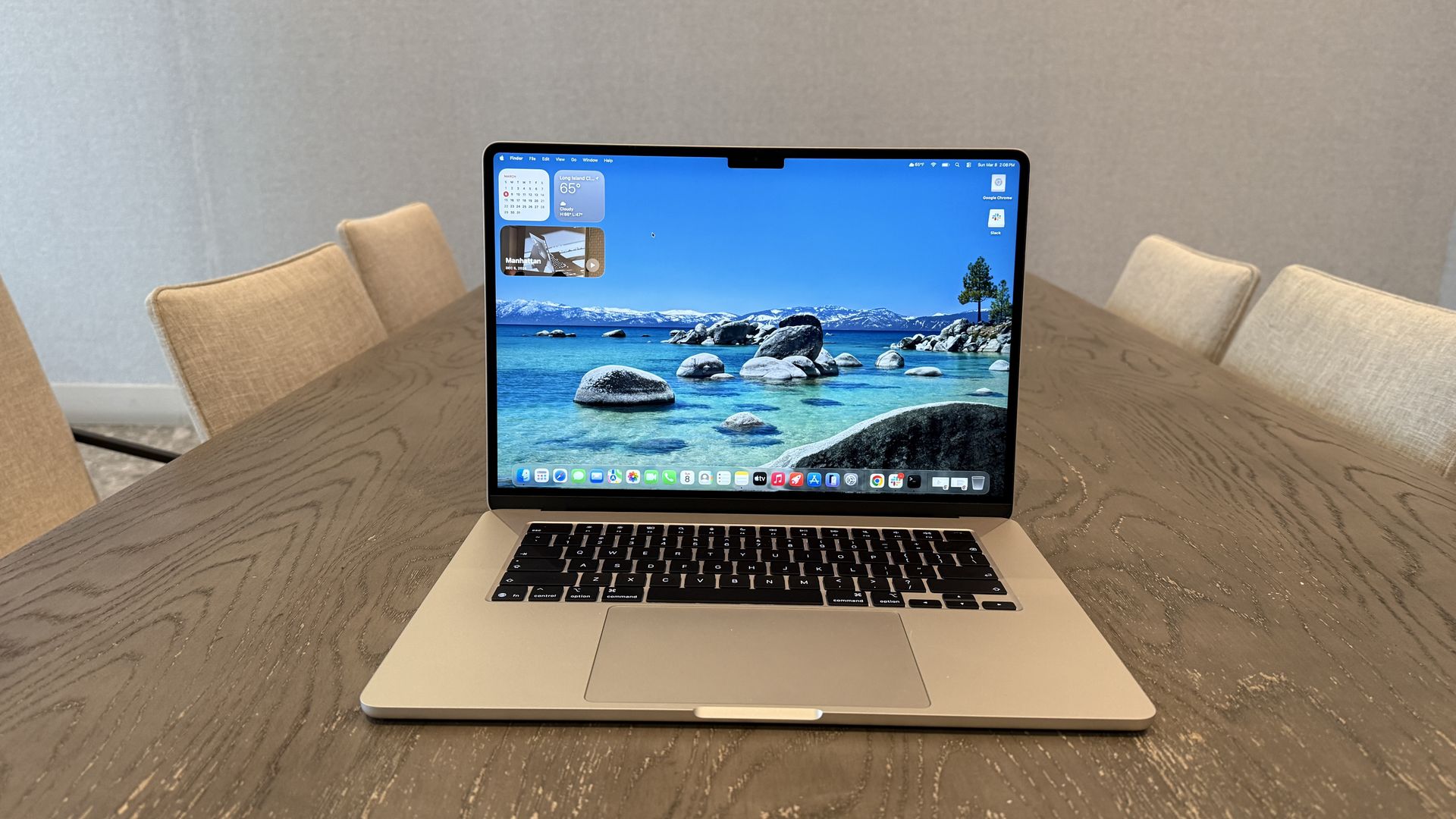
Spatial Reframing isn’t exclusive to macOS Golden Gate, but since the Reframe tool stole the show at WWDC, it’s a feature worth spotlighting if you take a lot of photos.
As its name suggests, Reframe lets you reframe existing photos and adjust the perspective as you like. This can be especially handy if you need to take photos in a hurry, since you can come back later to fix them.
After you select Reframe in the new Tools option in Photos’ editing mode, Apple Intelligence scans the photo you’ve selected. Then you can swipe your finger across the touchpad to change the perspective. Sliders on the side also give you more precise control over the angle, orientation, or size. When you’re done, the AI shifts things around to fill in any blanks.
This isn’t a feature I use often since I like photos in their original form, even if they’re not perfect. That said, I can’t knock the results, as Reframe does an excellent job of living up to its name. And to be fair, the changes made don’t radically alter the image — you just get a better version of what you’ve already snapped.
macOS 27 Golden Gate review: Verdict
Apple Intelligence wasn’t all it was hyped to be after it was first announced, but it’s now living up to its potential on Macs and the other Apple devices it can run on. If you’re a big AI user already, then macOS Golden Gate could be a huge game-changer for you. Other features such as the more customizable Liquid Glass UI and Spatial Reframing might not be monumental, but they’re nice additions regardless.
Even if macOS Golden Gate feels like a holding-pattern update for Macs, it’s still worthwhile and thankfully doesn’t ruin the great experience we had with Tahoe. If you own a Mac that supports the OS, you should update as soon as you can.
