Close Menu
MyAppsPlus

    Subscribe to Updates

    Get the latest creative news from FooBar about art, design and business.

    What's Hot

    The first images of Meta’s Project Phoenix mixed reality headset have leaked — and there’s a reason it’s so thin and light

    September 13, 2026

    warning over scam sites selling latest Apple mobiles

    September 13, 2026

    Sam Altman and Elon Musk back calls to ‘slow down’ AI development over safety concerns

    September 13, 2026
    Facebook X (Twitter) Instagram
    Facebook X (Twitter) Instagram
    MyAppsPlusMyAppsPlus
    Sunday, September 13
    • Home
    • Breaking Tech
    • Apps & Software
    • AI & Automation
    • Android
    • iPhone & iOS
    • More
      • Reviews
      • How-To Guides
      • Deals & Discounts
      • Shop
    MyAppsPlus
    Home»Breaking Tech»One problem with Android Auto can be fixed with a simple update
    Breaking Tech

    One problem with Android Auto can be fixed with a simple update

    myappsplusBy myappsplusSeptember 12, 2026003 Mins Read
    Share Facebook Twitter Pinterest Copy Link LinkedIn Tumblr Email Telegram WhatsApp
    Follow Us
    Google News Flipboard
    One problem with Android Auto can be fixed with a simple update
    Share
    Facebook Twitter LinkedIn Pinterest Email Copy Link

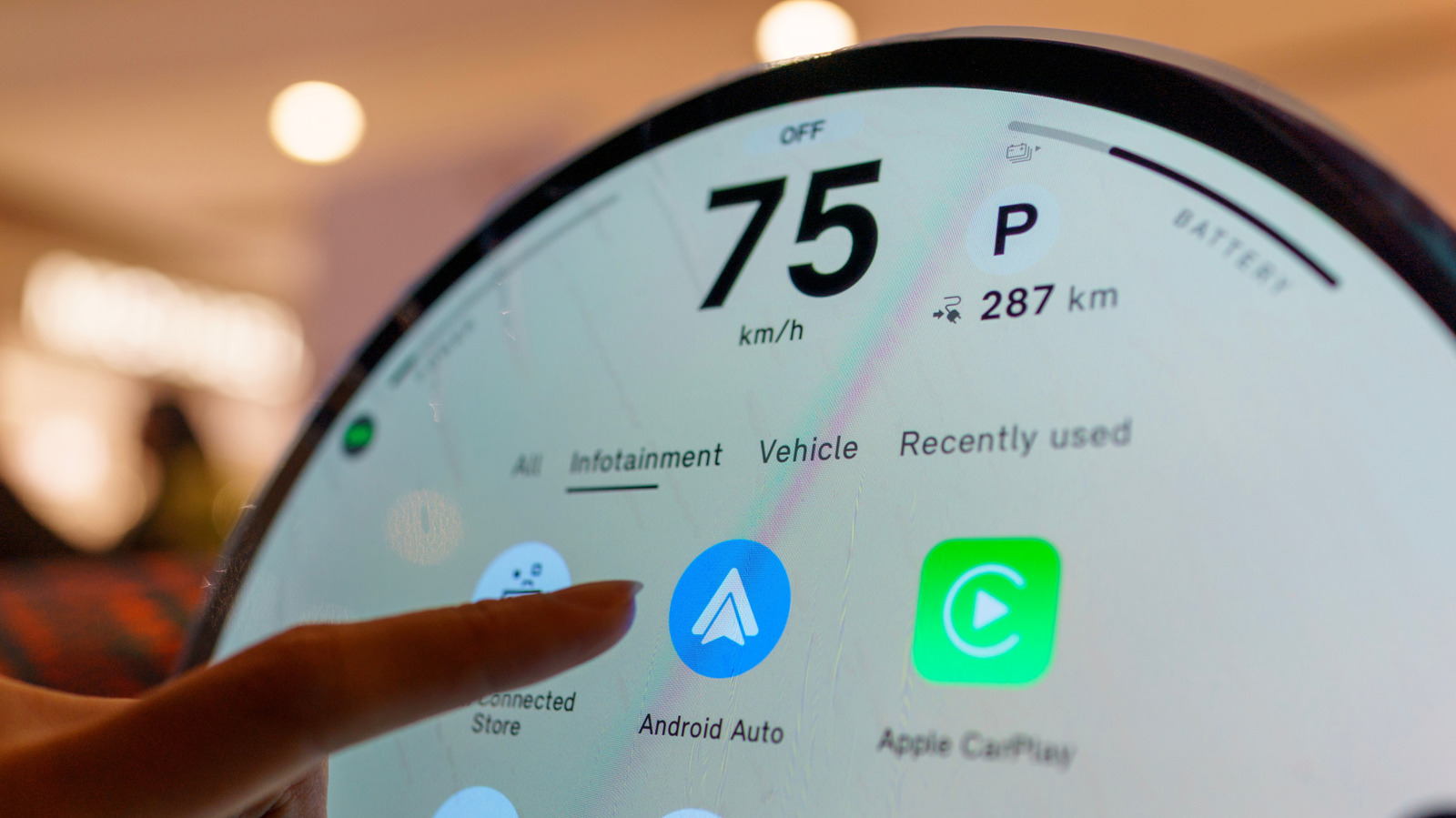
    Your phone isn’t the only device that may need an update when Android Auto starts acting up.

    There are many reasons why Android Auto may stop connecting, and the initial fixes typically focus on the phone and connection. You inspect the cable, restart the device, forget the car, reconnect it and make sure Android Auto is up to date. If all that fails, however, the software that requires attention might be in the dashboard.

    Your car’s infotainment system also has software, and if it’s out of date, it can cause Android Auto connection problems. Google advises users to restart the infotainment system and, if the receiver is an aftermarket Pioneer or Kenwood unit, to visit the manufacturer’s website and check for a firmware update. 

    Android Auto relies on the phone and car working correctly, and if you just focus on the phone, you may be missing half the equation. If none of the above has worked, including changing cables, reconnecting the phone or restarting the phone, then the car’s software is another area to consider.

    Your car might need an update as well
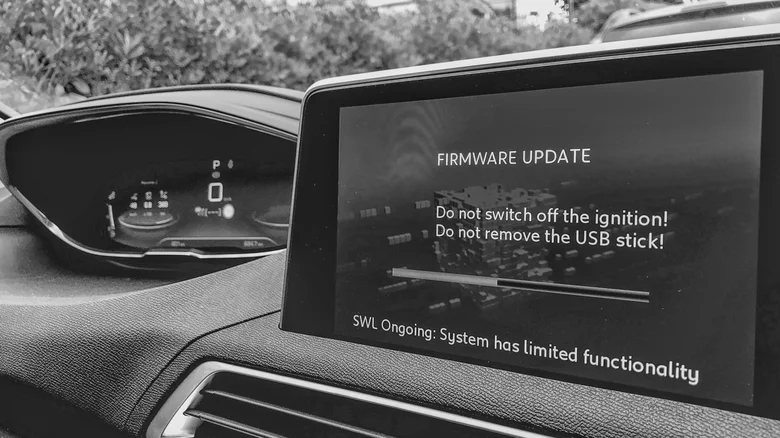
    Infotainment screen in a car showing an ongoing firmware update.

    Automakers have been sending out infotainment updates that can improve Android Auto, and Hyundai’s February 2026 infotainment update for ccNC-equipped cars in Europe included improved wireless Android Auto and Apple CarPlay connectivity, quicker reconnection if the phone goes unresponsive and automatic restoration after a restart. Chevrolet makes the point more directly: on applicable vehicles, it lists updating both the phone and vehicle software as the first troubleshooting step when Android Auto won’t connect.

    How you install an update depends on the car. Some systems can download softwareufacturers also offer dealer assistance. For example, Uconnect allows supported systems to be connected to Wi-Fi

    Therefore, there is no universal button for updating infotainment firmware. Start at your car manufacturer’s website and follow the directions for that infotainment system. If the site asks for your VIN or model details, provide them. If the process is not clear (or the manufacturer states that it must be installed by a dealer), a dealer is the safer route than getting an update file from elsewhere. 

    A firmware update won’t fix every Android Auto problem
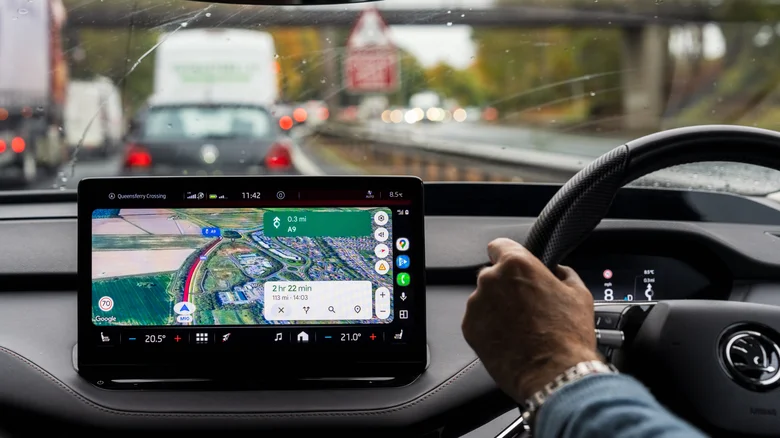
    A driver using Google Maps for navigation on Android Auto.

    If Android Auto stopped working right after a phone or Android Auto update, check Google’s Android Auto Known Issues page before changing the car’s software. Google recently addressed connection problems affecting Pixel 10 and Samsung S26 phones and was still investigating an S25 connection issue. That timing can help you decide which side of the connection deserves attention first.

    If Android Auto has stopped working right after a phone or Android Auto update, begin there before making any changes in the car. Google advises users to verify that the car is compatible, check that Android Auto is turned on in the infotainment system and test the USB connection. For wired Android Auto, its current guidance is to use a quality cable that is under 3 feet long.

    Updating the car is a troubleshooting measure and not a magic bullet. If Android Auto was working before, the standard phone-side troubleshooting has failed and newer infotainment software is available, an update is one more thing to check off before scheduling a service appointment.

    Firmware is not without its restrictions. It’s not always able to add Android Auto to hardware that didn’t support it to begin with. Uconnect says its systems can’t simply be upgraded to add Android Auto or CarPlay, while Uconnect 5 and select Uconnect 4 and 4C systems include both.

    Android Auto EVs and Transportation fixed problem
    Follow on Google News Follow on Flipboard
    Share. Facebook Twitter Pinterest LinkedIn Tumblr Email Copy Link
    myappsplus
    • Website

    Related Posts

    How to get started with Meta’s new AI agent, Muse

    September 13, 2026

    How to properly clean and sanitize your secondhand tech finds

    September 13, 2026

    Are you using the right Ethernet port on your router? Here’s how to know

    September 13, 2026
    Add A Comment
    Leave A Reply Cancel Reply

    Top Posts

    The 6 AI-free Linux distros I recommend most

    August 19, 20264 Views

    AI, automation, robot dogs ensure on-site nuclear safety

    September 7, 20262 Views

    This tiny AI box could save me from upgrading my perfectly good laptop

    September 6, 20262 Views
    Latest Reviews

    Why Fluper is the No.1 Mobile App Development Company in the UAE, Saudi Arabia, and the Middle East.

    myappsplusAugust 18, 2026

    How New Kuwait And Indonesia Tech Deals At Baker Hughes (BKR) Have Changed Its Investment Story

    myappsplusAugust 18, 2026

    Google is reportedly planning to move all Pixel production out of China

    myappsplusAugust 18, 2026
    Stay In Touch
    • Facebook
    • YouTube
    • TikTok
    • WhatsApp
    • Twitter
    • Instagram

    Subscribe to Updates

    Get the latest tech news from FooBar about tech, design and biz.

    Most Popular

    Why Fluper is the No.1 Mobile App Development Company in the UAE, Saudi Arabia, and the Middle East.

    August 18, 20260 Views

    How New Kuwait And Indonesia Tech Deals At Baker Hughes (BKR) Have Changed Its Investment Story

    August 18, 20260 Views

    Google is reportedly planning to move all Pixel production out of China

    August 18, 20260 Views
    Our Picks

    The first images of Meta’s Project Phoenix mixed reality headset have leaked — and there’s a reason it’s so thin and light

    September 13, 2026

    warning over scam sites selling latest Apple mobiles

    September 13, 2026

    Sam Altman and Elon Musk back calls to ‘slow down’ AI development over safety concerns

    September 13, 2026

    Subscribe to Updates

    Subscribe to our newsletter and get the latest tech news, app updates, AI trends, smartphone reviews, and exclusive deals delivered straight to your inbox.

    Facebook X (Twitter) Instagram Pinterest
    • About Us
    • Get In Touch
    • Disclaimer
    • Privacy Policy
    • Terms & Conditions
    © 2026 MyAppsPlus. All Rights Reserved.

    Type above and press Enter to search. Press Esc to cancel.