

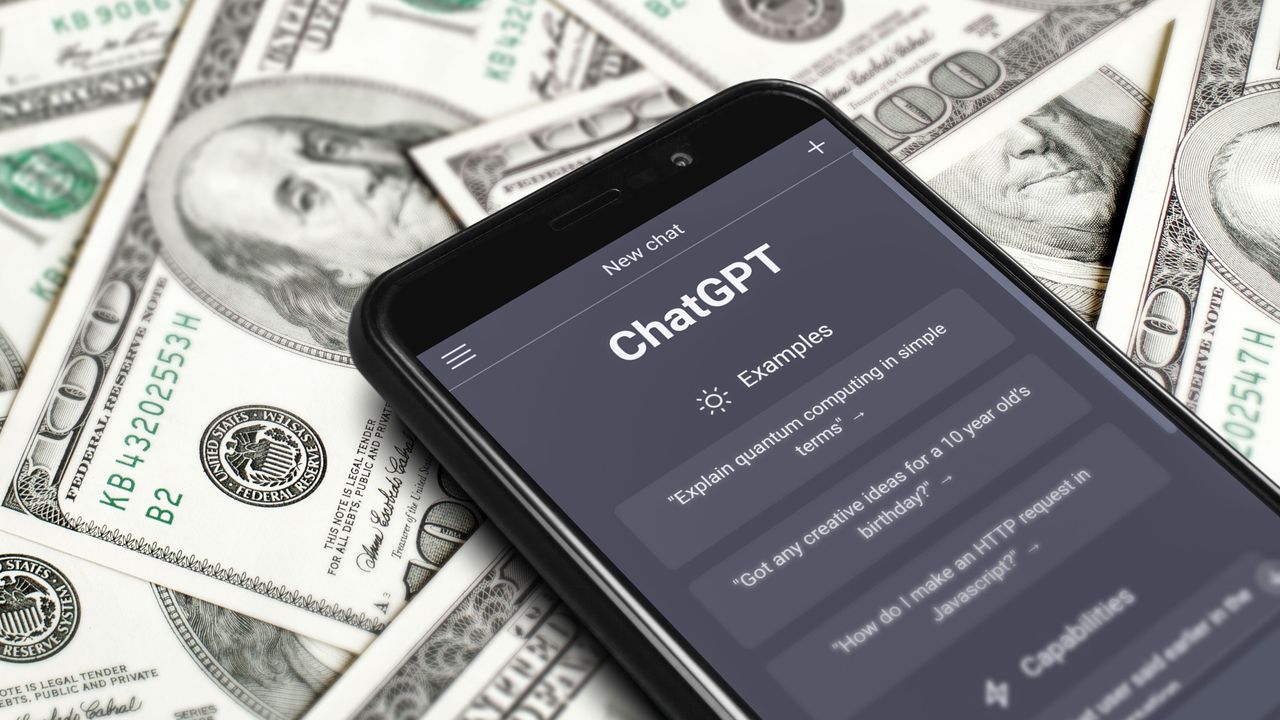
I make it a habit of examining every part of my debit and credit card expenses, which entails constantly being paranoid and opening my banking apps every hour.
Not only did I ask ChatGPT to drum up a list of inquiries I could present to it that could help me and anyone else save a few bucks, but I also used its combined feedback and my own research to make some beneficial financial decisions.
Here are the seven best prompts that turn ChatGPT into your expert spending detective. One of them certainly accomplished that on my end, as it inspired me to cut three of my monthly subscription costs.
Prompts meant to help you improve your spending habits
With different approaches to lessening the monthly hits to your bank account, these ChatGPT-generated prompts could help you achieve that goal:
- The Subscription Killer:Here is a list of everything I pay for each month: [paste subscriptions and recurring expenses]. Find anything I could cancel, downgrade, replace with a cheaper alternative, share, negotiate, or pay for less frequently. Estimate my monthly and annual savings for each recommendation. Prioritize changes that would have little or no impact on my quality of life.
- The Money Leak Finder:I want to save as much money as reasonably possible every month without making my life miserable. Here are my monthly expenses: [paste expenses]. Analyze them like a ruthless money-saving expert. Identify the 10 biggest opportunities to cut spending, rank them by how much I could realistically save, and separate easy wins from changes that would require more sacrifice. Don’t give me generic advice like ‘spend less.’ Give me specific actions I can take this month.
- The $500 Challenge:Help me find a realistic way to save an extra $500 this month. Analyze these expenses [paste expenses] and create a specific 30-day money-saving challenge. Break the $500 goal into individual actions, tell me exactly how much each action could save, and prioritize the easiest wins. I don’t want to earn extra money—I want to save money I would otherwise spend.
- The Grocery Bill Cutter:I want to reduce my grocery spending without eating worse. Here is what I typically buy and spend: [paste grocery list/budget]. Find the biggest sources of unnecessary spending and create a cheaper shopping strategy. Suggest specific substitutions, cheaper meal ideas, bulk-buy opportunities, and things I should stop buying. Give me an estimated monthly savings target.
- The Cheaper Alternative Finder:I’m going to paste a list of things I regularly spend money on. For each one, find a cheaper way to get essentially the same benefit. Consider free alternatives, cheaper brands, memberships I already have, library resources, used/refurbished options, DIY solutions, and services I may already have access to. Don’t recommend inferior alternatives just because they’re cheaper. Rank your recommendations by the combination of savings and convenience.
- The Spending Interrogator:Before I buy anything that isn’t essential, I want you to challenge the purchase. Whenever I give you an item and its price, ask me the questions that will determine whether I actually need it. Calculate the opportunity cost of buying it, suggest cheaper alternatives if appropriate, and tell me what I could save if I don’t buy it. Be honest and skeptical rather than encouraging me to make the purchase.
- The Monthly Savings Autopilot:I want to make saving money as automatic as possible. Based on my monthly income of [amount], fixed expenses of [amount], variable expenses of [amount], debts of [amount], and current savings of [amount], design a simple monthly system that maximizes how much I can save. Tell me what to automate, which expenses to put limits on, how much I should set aside each payday, and what spending categories I should monitor. Make the system realistic enough that I can actually stick with it.
Using one of those prompts to help me tackle my monthly subscriptions
I made great use of “The Subscription Killer” prompt to figure out what subscriptions of mine needed a lower, cheaper tier and which ones could be canceled completely. Here are the recurring expenses I told ChatGPT about:
- Patreon – $12
- HBO Max – $18.49
- Netflix – $21.76
- Hulu & Disney+ – $76
- Crunchyroll – $10.88
- Experian – $27.21
ChatGPT proceeded to lay out its recommendations for which streaming services I should consider downgrading or canceling altogether. The three that made me seriously consider taking either of those options were Netflix, Crunchyroll and Experian. The chatbot told me to contemplate turning my Standard Netflix subscription to the Standard one with ads, changing my monthly Crunchyroll subscription into the annual Fan version and switching to Experian’s free subscription model.
For Netflix, I did some research to see what the common consensus was about the rate of ads (and level of annoyance) that come with Netflix’s cheaper $8.99 (plus tax) plan. The Streamable noted that Netflix has the best ad experience of all the streaming services, plus What’s On Netflix highlighted all the content that’s unavailable on the ad-supported subscription tier. Since I had 0 interest in all of the films and shows from that aforementioned list and was willing to sit through a few commercials to enjoy Netflix’s other content offerings, I decided to adopt the streaming service’s Standard with ads plan to save me a few extra dollars every month.
As for Crunchyroll, I took it up on its offer of saving an extra 16% on its yearly Fan subscription and leaving its monthly version of that tier behind. And finally, I logged into my Experian account to change my Creditworks Premium subscription plan to the free option—since I have a Chase Bank account that gives me access to an additional free credit score report, I figured it’d make sense for me to have access to both Experian and Chase’s credit summary benefits without having to pay a single dime.
The takeaway
At the end of my money-saving session with ChatGPT, I knocked down my combined monthly expense for all three subscriptions from $59.85 to $18.12. Downgrading my Netflix tier from $19.99+ a month to $8.99+ a month, going from paying Crunchyroll $9.99+ every month to $8.33+ every month with a more comfortable annual fee and adopting Experian’s free subscription model ended up being the most cost-effective decisions I’ve made in a while.
- Forget Alexa — UGreen wants you to use its new local AI assistant to control your smart home
- I asked ChatGPT and Gemini to find the best free alternatives to things I pay for — these 7 recommendations worked the best
- Gemini just got a ‘floating bubble’ multitasking upgrade that’s a game changer on Android phones — here’s how to use it
